What Is Lunagraph?
Lunagraph is a code-native design canvas that unifies interface design and front-end development in a single workspace. Instead of static mockups, every frame, component, and interaction you create is backed by real HTML, CSS, and React code. The editor feels like a modern design tool but gives full control over layout, styling, responsiveness, and behavior through live code.
Teams can plug in their own components, design tokens, and React primitives, then refine visuals, motion, and interactions with visual controls. Because the output is production-ready from the start, designers, founders, and engineers can simply copy and integrate the code directly into their apps, dramatically reducing handoff overhead and shipping UI faster.
Quick Snapshot
Lunagraph merges interface design and front-end development into a single, code-native canvas so teams design once and ship production-ready React code. This eliminates handoff friction, reduces rework, and keeps design and code perfectly in sync.
- Works on
-
- Web
- API
- Chrome Extension
- Mac
- Pricing Model
- Cannot determine the price.
- Affiliate Program
- We could not identify an affiliate program.
- API Availability
- Lunagraph has an API available.
- Key Features
-
- Design once, ship production-ready React
- Unify design and frontend in one canvas
- Use real HTML, CSS, and design tokens
- Audience
-
- product designers
- frontend developers
- design engineers
- founders
- UX/UI teams
- startups
- design systems teams
Screenshot

Key Features of Lunagraph
Code-native canvas
Design on a canvas where every element is backed by real HTML, CSS, and React instead of static pixels or mockups.
React-first workflow
Use and refine React components and primitives directly in the editor, then copy production-ready code into your app.
Design token support
Incorporate your own design tokens to ensure consistent styling, spacing, and typography across your UI.
Visual layout controls
Adjust layout, styling, responsiveness, and behavior with a modern visual interface while preserving control through live code.
Shared team canvas
Let designers, developers, and founders work together on the same canvas, keeping design and code in sync for faster shipping.
Use Cases for Lunagraph
Production-ready UI design
Design interfaces visually while generating real HTML, CSS, and React, so what you see in the canvas is exactly what gets shipped to production.
Design–dev collaboration
Enable designers, founders, and engineers to work together on the same code-native canvas, reducing miscommunication and eliminating traditional design handoff.
Design systems in React
Use your own React components and design tokens to build consistent, reusable UI patterns that stay tightly aligned with your production design system.
Rapid product prototyping
Prototype product interfaces with real code from day one, allowing teams to move quickly from idea to implementation without rebuilding from mockups.
Responsive UI workflows
Control layout, styling, and responsive behavior directly in a visual editor while maintaining full fidelity with the underlying React codebase.
Frequently Asked Questions
What is Lunagraph and who is it for?
Lunagraph is a code-native design canvas where every element is real HTML, CSS, and React. It is built for product designers, frontend developers, design engineers, founders, and UX/UI teams who want design and implementation to live in the same environment.
How is Lunagraph different from traditional design tools?
Unlike traditional tools that create static mockups, Lunagraph generates real HTML, CSS, and React for every frame and component. This means the canvas always reflects production-ready code, greatly reducing the gap between design and development.
Can I use my own React components and design tokens in Lunagraph?
Yes. Lunagraph is designed to work with your own React primitives, components, and design tokens so you can build interfaces that align with your existing design system and codebase.
Does Lunagraph generate production-ready code?
Yes. Lunagraph is code-native, so the UI you design is already backed by real HTML, CSS, and React. When you are ready, you can copy and integrate that code directly into your application.
Is Lunagraph suitable for startups and small teams?
Yes. Lunagraph is well-suited for startups and small teams that need to move quickly, because it eliminates design handoff overhead and lets designers and developers collaborate within the same React-focused workspace.
Where can I find Lunagraph pricing details?
Pricing details were not available in the provided material. To get current information on plans and pricing, visit the Lunagraph website or contact their team directly.
Lunagraph · Our Verdict
Lunagraph stands out by making every design decision immediately reflect in real HTML, CSS, and React, which is rare among visual design tools. For teams already working in React, this drastically narrows the gap between design and implementation and can meaningfully cut handoff overhead. It is especially compelling for product teams that value design systems, shared primitives, and production-quality UI from day one.
Lunagraph ·
-
 Free Featured
 Redesign by Nodewave
Turn your codebase into on‑brand social posts
Social Media Content Creation - One-Time
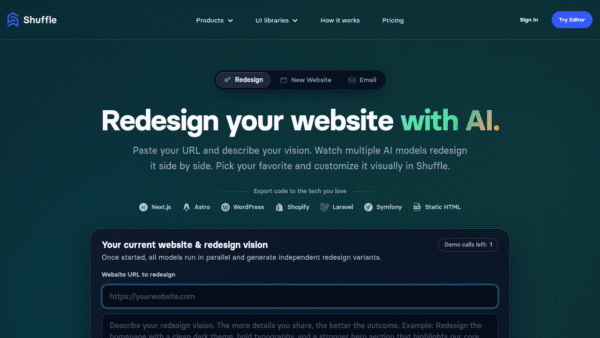
AI Website Redesign by Shuffle
Redesign your website in minutes with multi‑AI power.
UI/UX & Web Design Tools - Freemium
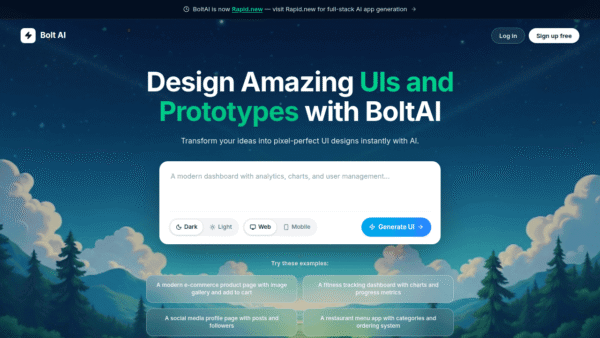
Bolt AI
Design complete UIs from simple prompts
UI/UX & Web Design Tools - Freemium
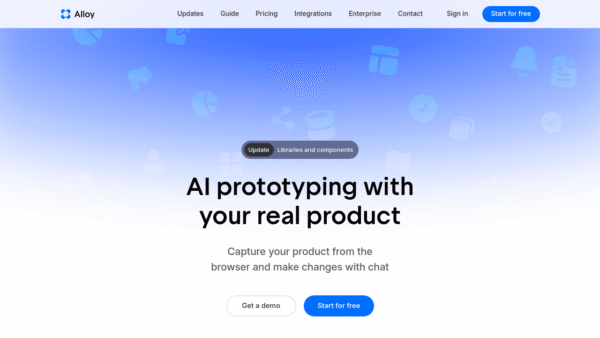
Alloy
AI prototyping with your real product, from the browser.
UI/UX & Web Design Tools -
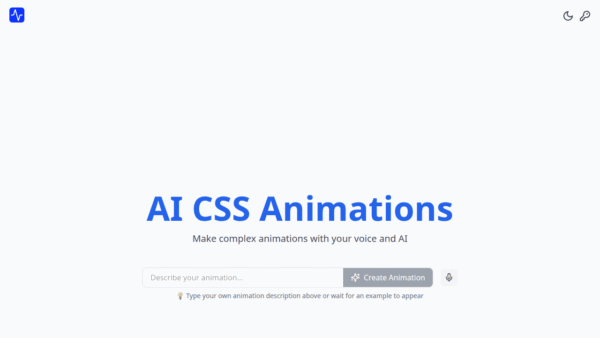
AI CSS Animations
Generate beautiful CSS animations in seconds with AI
UI/UX & Web Design Tools - Your Ad Here
- Freemium
Durable AI Website Builder
Launch a full business website in seconds
UI/UX & Web Design Tools - Free
ONEIMG
All-in-one free AI photo editor online
AI Photo Editors