
What Is ONEIMG?
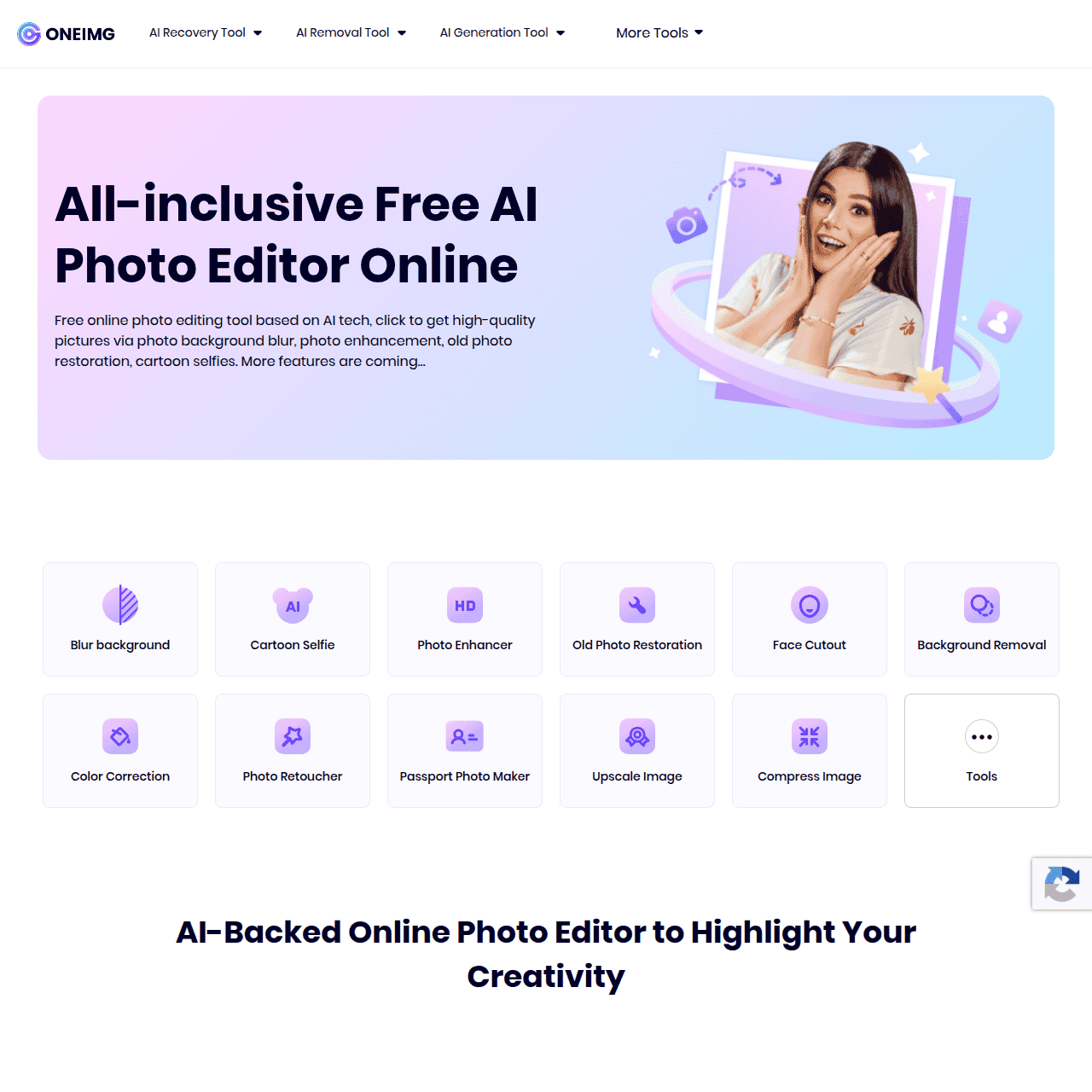
ONEIMG is an all-inclusive AI photo editor built for the browser, enabling users to upgrade images without complex software or editing skills. It offers a broad toolkit including background blur and removal, cartoon selfie, HD photo enhancement, old photo restoration, face cutout, color correction, photo retouching, passport photo creation, image upscaling, and image compression. The platform is entirely web-based, so it works across devices with no installation or registration required. ONEIMG supports a wide range of scenarios, from improving selfies and portraits to optimizing product shots for e‑commerce or bringing old family photos back to life. By automating advanced edits with AI, it helps both individuals and businesses achieve professional-looking results in just a few clicks.
Quick Snapshot
ONEIMG combines multiple AI photo tools into a single, browser-based editor so anyone can enhance, restore, and optimize images in minutes. No software, registration, or payment required.
- Works on
-
- Web
- Pricing Model
- Free — ONEIMG is described as an absolutely free online photo editing tool, with no visible information about paid plans or upgrades.
- Fits on
- Affiliate Program
- We could not identify an affiliate program.
- API Availability
- We could not identify whether an API is available.
- Key Features
-
- Instant AI-powered photo enhancement online
- One-click background removal and face cutout
- Restore and upscale old or blurry photos
- Audience
-
- content creators
- social media users
- ecommerce sellers
- marketers
- photography enthusiasts
- small businesses
- designers
- individual users
Screenshot

Key Features of ONEIMG
Background blur and removal
Automatically blur or remove image backgrounds to isolate subjects for cleaner portraits, social posts, and product shots.
HD photo enhancer
Improve clarity and detail in low-quality or soft images with AI-powered enhancement in a single click.
Old photo restoration
Repair and upgrade old or damaged photos, improving quality and restoring visual details for archival or personal use.
Face cutout
Extract faces from photos automatically, creating clean cutouts that can be reused in designs or other images.
Color correction
Adjust and balance colors automatically to make images look more natural and visually appealing.
Photo retoucher
Refine portraits and selfies with AI retouching tools to smooth imperfections while keeping a natural look.
Passport photo maker
Generate passport-style photos using AI adjustments and background tools, suitable for official-style ID images.
Image upscaling
Increase the resolution of images with AI upscaling to make them sharper and more suitable for larger displays.
Image compression
Reduce file size while maintaining visual quality, helping images load faster on websites and social platforms.
Cartoon selfie
Transform regular selfies into cartoon-style images for fun avatars, profile pictures, or creative content.
Use Cases for ONEIMG
Social media content
Quickly enhance selfies and lifestyle photos with background blur, retouching, and color correction to create more polished posts and profile images.
Ecommerce product images
Remove or blur backgrounds, upscale images, and correct colors to produce cleaner, more professional-looking product photos for online listings.
Old photo restoration
Restore and enhance old or low-quality family photos using AI-powered repair and HD enhancement to preserve memories in clearer detail.
Professional ID and passport photos
Use the passport photo maker and background tools to quickly prepare compliant ID-style images without visiting a photo studio.
Quick design prep
Generate cutout faces, transparent backgrounds, and compressed images ready for use in designs, presentations, and marketing materials.
Frequently Asked Questions
What is ONEIMG and how does it work?
ONEIMG is a free online AI photo editor that runs in your browser. You upload an image, select a tool like background removal, enhancement, or restoration, and the AI automatically processes your photo for you to download.
Is ONEIMG really free to use?
Based on the available information and screenshots, ONEIMG is presented as an absolutely free online photo editing tool, with no mention of paid plans or registration requirements.
Do I need to install any software to use ONEIMG?
No, ONEIMG is fully web-based. You can access all tools directly from your browser without installing any software or plugins.
Can ONEIMG restore old or low-quality photos?
Yes, ONEIMG includes old photo restoration and HD photo enhancement tools designed to repair, sharpen, and improve low-quality or aged images.
Who is ONEIMG best suited for?
ONEIMG is suitable for content creators, social media users, ecommerce sellers, marketers, photography enthusiasts, small businesses, designers, and individuals who want quick, AI-assisted image edits.
Does ONEIMG offer an API or developer integration?
No, there is currently no information indicating that ONEIMG provides an API or developer integration.
Can I create passport or ID photos with ONEIMG?
Yes, ONEIMG offers a passport photo maker and background tools that help you prepare passport-style or ID-style photos online.
ONEIMG · Our Verdict
ONEIMG stands out as a genuinely accessible AI photo editor by bundling many high-value tools—like background removal, restoration, and upscaling—into a free, web-based experience. For users who need quick, decent-quality edits without learning traditional software, it provides a practical, low-friction option across personal and business use cases.
ONEIMG ·
-
 Freemium
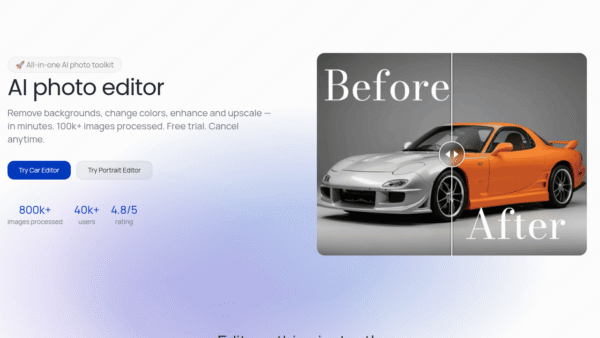
Photodot AI
AI photo editing for polished visuals at scale
AI Photo Editors - Credit-Based
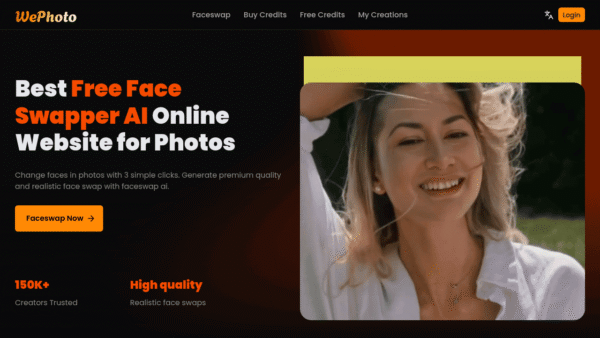
WePhoto FaceSwap AI
AI face swaps in your browser, instantly
AI Photo Editors - Freemium
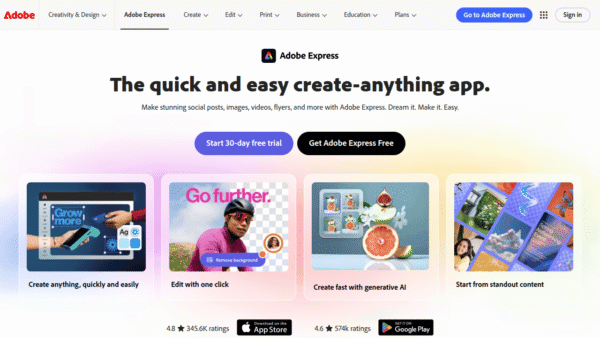
Adobe Express
Create standout content fast with AI
Image & Design AI - Credit-Based Premium
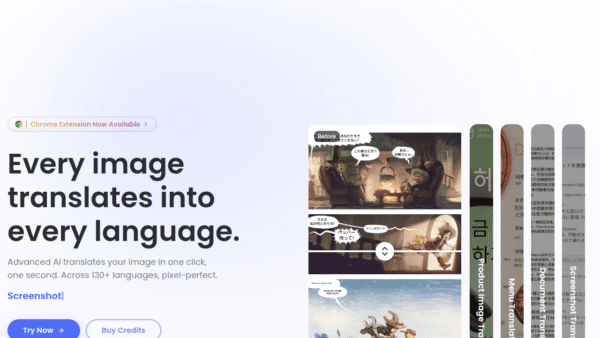
ImageTranslate.AI
Translate any image, keep the design intact
Image & Design AI -
AI Avatar
Turn one selfie into hundreds of avatars
AI Photo Editors - Your Ad Here
-
Perfectly Clear by EyeQ
AI photo correction built to scale for business
AI Photo Editors -
Gen.Gifts
AI-powered gift ideas tailored to every recipient
Product Recommendations