Image2Video AI
Turn any photo into cinematic AI video

What Is Image2Video AI?
Image2Video AI is an online photo-to-video generator that uses artificial intelligence to turn static images into dynamic, high-quality video clips. Users simply upload a photo, pick from various AI video effects and styles, customize options, and generate a share-ready video in a few clicks.
The tool focuses on fast processing, realistic motion, and watermark-free results, making it suitable for social media content, marketing assets, and personal projects. Creators can animate portraits, product shots, travel photos, and more, without learning complex editing software.
Example galleries and templates help users understand what’s possible and quickly find inspiration for their next video. Testimonials from creators and teams highlight the tool’s ability to speed up content production and boost viewer engagement.
Quick Snapshot
Image2Video AI lets you turn any static photo into an engaging, cinematic video in seconds, without editing skills. It saves time, removes complexity, and delivers realistic, watermark-free animations ready to share across campaigns and social platforms.
- Works on
-
- Web
- Pricing Model
- Freemium
Starting at $10 — Image2Video AI follows a freemium model with a free plan offering limited usage and paid plans starting from $10 for additional credits and features. Pricing scales with usage so individuals and teams can choose the level that fits their content needs. - Fits on
- Affiliate Program
- We could not identify an affiliate program.
- API Availability
- We could not identify whether an API is available.
- Key Features
-
- Transform photos into cinematic videos instantly
- Create realistic, watermark-free animations online
- Generate pro-quality videos with zero editing skills
- Audience
-
- content creators
- social media marketers
- influencers
- small businesses
- ecommerce brands
- video editors
- agencies
- creatives
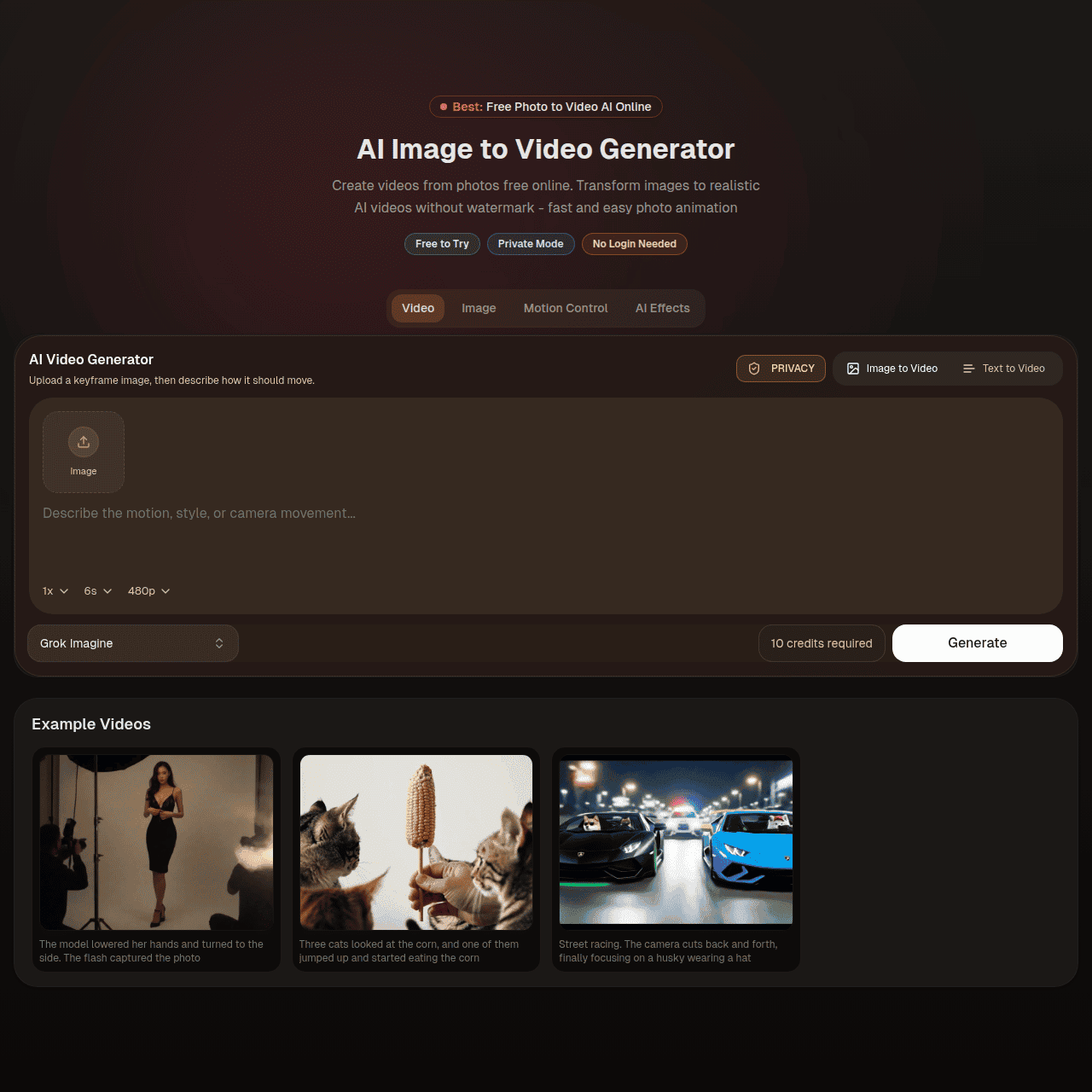
Screenshot

Key Features of Image2Video AI
AI image-to-video
Automatically converts single photos into animated video clips using artificial intelligence, removing the need for manual motion design.
Cinematic effects
Offers a range of AI-driven video effects and styles so users can match the mood and tone of their brand or project.
Simple three-step workflow
Upload an image, customize basic options, and generate a video in seconds, making it accessible to users with no editing experience.
Watermark-free output
Produces clean, watermark-free videos that are ready to publish across social media and marketing channels.
Web-based platform
Runs entirely in the browser, so there is no need for software installation and users can create videos from anywhere.
Inspiration galleries
Includes example galleries and templates that showcase what’s possible and help users get started quickly with proven looks.
Use Cases for Image2Video AI
Social media content
Quickly turn photos into scroll-stopping videos for platforms like Instagram, TikTok, and Facebook without manual editing, improving engagement and consistency.
Product marketing
Animate product photos into cinematic clips that showcase items more dynamically, helping ecommerce brands create ad-ready visuals in minutes.
Personal storytelling
Transform travel, event, or portrait photos into short cinematic videos that are easy to share with friends, family, or followers.
Agency content production
Speed up content production for client campaigns by turning existing image assets into high-impact, watermark-free video deliverables.
Creator portfolios
Enhance portfolios and reels by animating still images into professional-looking motion pieces without needing advanced video skills.
Frequently Asked Questions
What is Image2Video AI and how does it work?
Image2Video AI is a web-based tool that uses artificial intelligence to turn single photos into animated, cinematic videos. You upload an image, choose an effect or style, and the AI generates a ready-to-share video in seconds.
Do I need video editing experience to use Image2Video AI?
No, Image2Video AI is designed for non-editors. The interface is a simple three-step workflow—upload, customize, and generate—so anyone can create professional-looking videos without advanced skills.
Are the videos created by Image2Video AI watermark-free?
Yes, Image2Video AI emphasizes watermark-free outputs, allowing you to publish videos directly across social media and marketing channels without extra branding overlays.
What types of photos work best with Image2Video AI?
Image2Video AI works with a wide range of images, including portraits, product shots, travel photos, and lifestyle scenes. Clear, high-resolution photos generally produce the most realistic animations.
Is there a free version of Image2Video AI?
Yes, Image2Video AI offers a free plan with limited usage so you can test the image-to-video workflow before upgrading to a paid plan for more credits and features.
Does Image2Video AI offer an API?
No, Image2Video AI does not currently offer an API. It is available as a web-based platform for individuals and teams to use directly in the browser.
Image2Video AI · Our Verdict
Image2Video AI offers a streamlined way to turn single images into polished video clips without touching a traditional editor. Its focus on speed, realistic motion, and watermark-free output makes it especially practical for creators and marketers who need frequent, on-brand visuals with minimal effort.
Image2Video AI ·
-
 Subscription
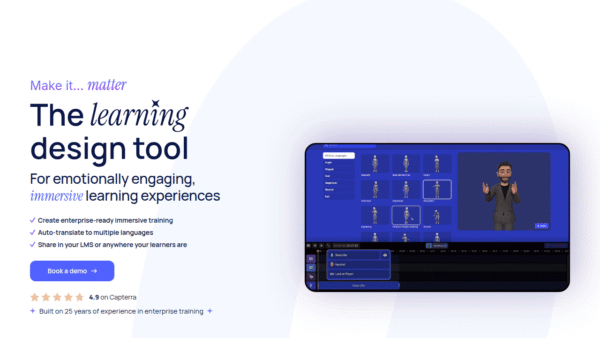
 We Are Learning
Create immersive 3D learning in minutes
AI Video Generation - Featured
FantasyGF
Create, chat, and connect with your perfect AI girlfriend
AI Assistants & Chatbots - Credit-Based
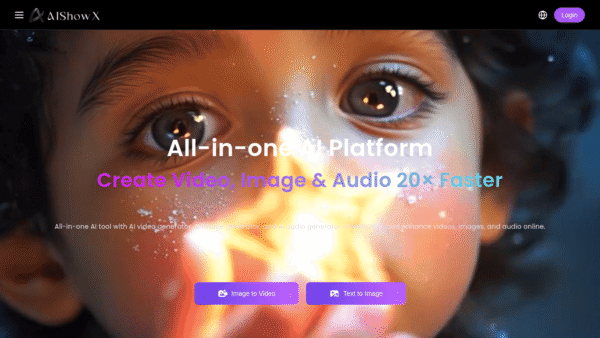
AIShowX
All-in-one AI studio for visual and audio content
Video & Animation AI - Subscription
Viddyoze
Create stunning business videos in minutes
AI Video Generation - Credit-Based
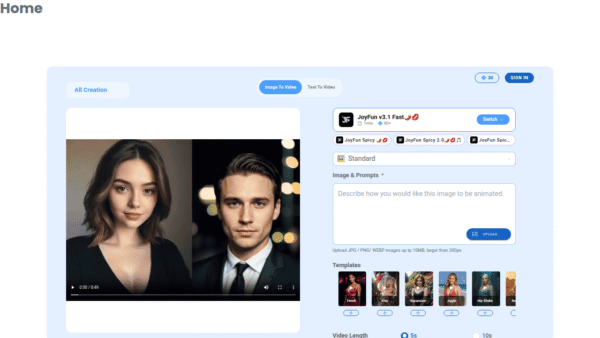
JoyFun AI
Instant AI video creation without subscriptions
AI Video Generation - Your Ad Here
-
VideoVerse
AI-powered video intelligence for sports and news
Video & Animation AI - Free
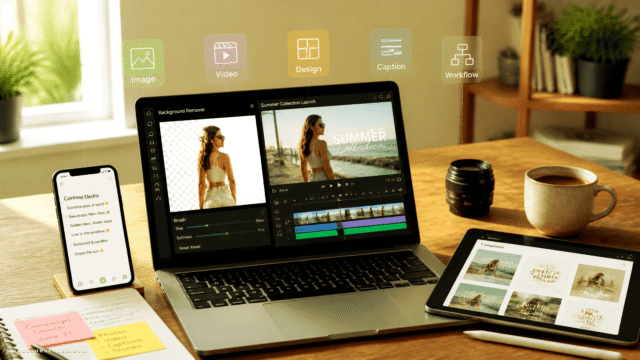
Redesign by Nodewave
Turn your codebase into on‑brand social posts
Social Media Content Creation