


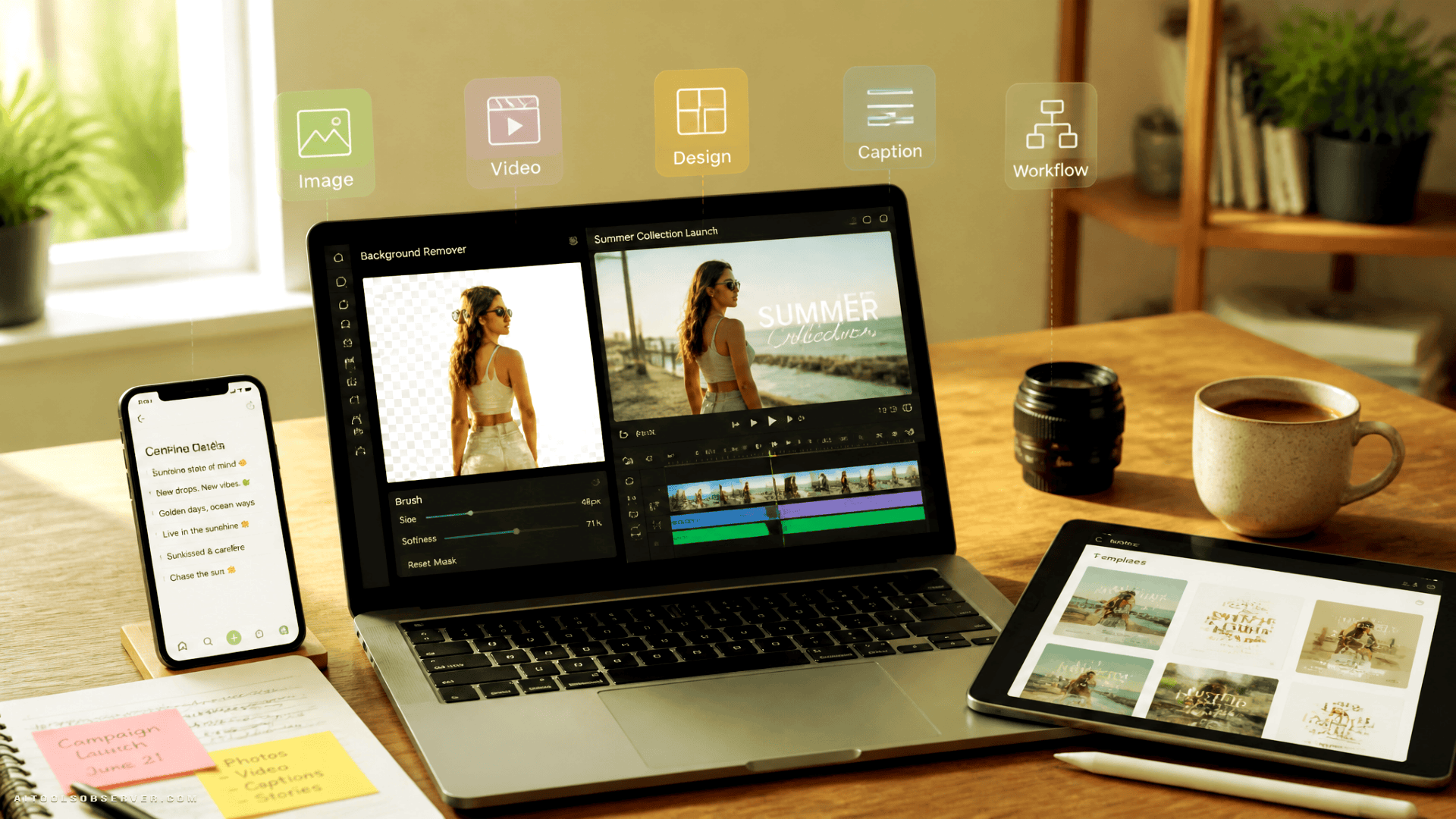
What “free” should mean in practice
A free online AI tool is only useful if it helps you finish real work, not just test a demo. For content creation, that usually means one of four things:
- it saves meaningful editing time
- it removes the need for specialist software
- it helps non-designers produce usable assets
- it speeds up repetitive publishing tasks
That is why the most practical categories are not abstract “AI creativity” tools. They are task-focused tools: image editors, video generators, design assistants, caption helpers, and automation layers that connect the workflow.
For most users, the goal is not to replace creative judgment. It is to get from rough idea to publishable draft faster.
AI image editing tools
This is often the easiest place to start because the value is immediate. A free AI image editor online can handle jobs that used to require patient manual work: background removal, lighting correction, object cleanup, portrait touch-ups, and quick resizing.
These tools are especially useful when you need speed over perfection. If you are preparing product photos, social posts, thumbnails, or lesson visuals, one-click improvement can be enough to move a project forward.
Typical use cases include:
- removing clutter from a product photo
- changing a plain background into something cleaner
- improving contrast and brightness for social platforms
- generating simple visual variations for testing
The tradeoff is control. AI can make an image look better quickly, but it may not always interpret your intent correctly. For brand-sensitive work, human review still matters.
For related tools, readers can also explore AI Image Generation.
AI video generation tools
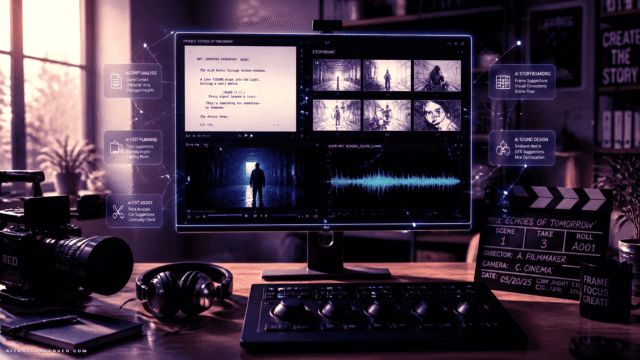
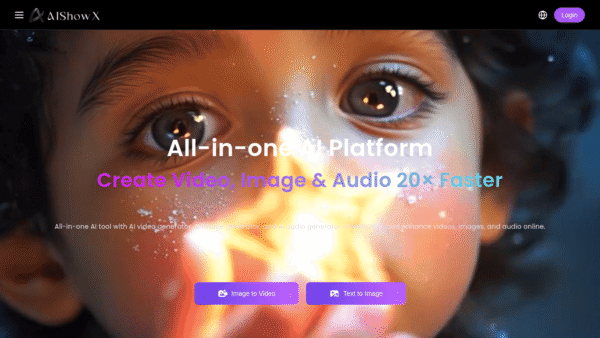
Video remains one of the most demanding formats, which is why online AI video generators get so much attention. Their practical strength is not that they replace full video production in every case. It is that they let one person produce explainers, short ads, social clips, and concept videos without learning a complex editing stack.
In a basic workflow, you provide a script, a prompt, or a rough structure. The tool helps assemble visuals, timing, captions, or scene suggestions. This can be enough for short-form content, internal communication, or educational drafts.
They are most useful when:
- you need many short videos, not one polished film
- speed matters more than cinematic precision
- the message is more important than production complexity
- you want to test concepts before investing further
For social content and promotional clips, this is often a very good trade.
AI design tools
Design tools sit between image editing and brand production. They help users turn raw content into finished layouts: social posts, posters, simple ads, presentation slides, infographics, and promotional visuals.
For small businesses and educators, this matters because the challenge is rarely “make art.” It is “make something clear, on-brand, and usable by this afternoon.”
AI design tools are well suited for:
- creating campaign graphics from a product photo
- turning a lesson topic into a simple visual handout
- adapting one design into multiple formats
- producing quick event or sale announcements
The strongest benefit here is consistency. Even free tools can help maintain a recognizable visual structure across channels, which is often more valuable than visual complexity.
AI writing and caption helpers
Content creation is rarely only visual. Every image, reel, ad, or lesson asset usually needs a caption, a title, a hook, or a short description.
This is where lightweight AI writing tools are useful. They help generate first drafts, alternate phrasing, hashtags, summaries, and platform-specific copy. For creators who lose time staring at an empty caption field, that matters more than advanced long-form writing.
The practical use is not to accept the first output blindly. It is to use AI as a drafting partner that gives you options quickly.
Workflow automation tools
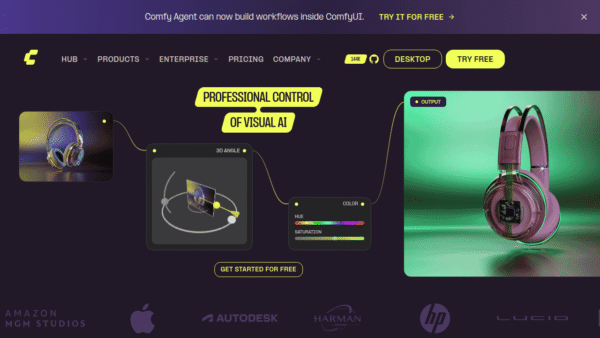
The least glamorous category is often the most valuable. Once you create content regularly, the real drag comes from repetition: resizing, renaming, exporting, scheduling, repurposing, and moving assets between steps.
AI-assisted workflow automation tools help reduce these handoffs. In a simple setup, one tool generates a draft image, another refines it, another creates a caption, and another adapts it for different channels. Even when each tool is free, the combined workflow can save hours over a week.
This matters because content production is usually not blocked by one big task. It is slowed by ten small ones.
Small businesses: credible marketing on a limited budget
Small business owners usually do not need advanced creative software. They need decent content that looks trustworthy and can be produced regularly.
A bakery, salon, local shop, or service provider can use free AI tools to improve everyday marketing assets. A product photo can be cleaned up. A promotional graphic can be generated from a simple template. A short sale video can be assembled from text and still images. A caption can be drafted in seconds.
This gives small businesses two clear advantages:
- they can publish more often without hiring outside help
- they can test multiple creative directions with low risk
That second point matters. If one ad style does not perform, the business can try another quickly. AI lowers the cost of experimentation.
Educators and course creators: faster visual explanation
Educational content often fails for a simple reason: too much explanation, too little visualization. Teachers and course creators know what they want to explain, but building clear visuals from scratch can take longer than writing the lesson itself.
AI tools help convert concepts into visual aids. A paragraph can become a diagram draft, a slide visual, a short explainer animation, or a captioned video segment. This is especially useful when the goal is clarity rather than artistic originality.
Additional gains come from accessibility. AI can help with captions, simplified summaries, and multilingual adaptation. For educators working alone, these features reduce production friction without requiring specialist design skills.
Where free AI tools save the most time
The biggest gains usually come from tasks that are repetitive, mechanical, or easy to standardize.
Consider these common comparisons:
- Background removal: manual masking versus one-click cleanup
- Product photo enhancement: careful manual retouching versus automatic adjustments
- Short video ads: traditional filming and editing versus prompt-based assembly
- Blog or lesson visuals: browsing stock libraries versus generating a draft visual directly
- Captions and hooks: blank-page writing versus rapid idea generation
In each case, the benefit is not just speed. It is reduced switching cost. You stay focused on the message instead of getting trapped in production details.
A practical workflow for using free AI tools well
Good results usually come from a simple process, not from one perfect tool.
1. Define the content goal first
Before opening any AI tool, clarify the task. Is this content supposed to sell, explain, entertain, or drive clicks? Is the audience a customer, a follower, or a student?
This prevents a common mistake: generating attractive assets that do not support the real objective.
2. Create base assets quickly
Use AI to generate or improve the first draft. That might mean editing a photo, creating a visual concept, drafting a caption, or assembling a short video.
At this stage, speed matters more than refinement. You are building options.
3. Refine manually where it counts
AI outputs are often usable, but not final. Check images for awkward details, review text for tone, and trim videos for pacing.
This is where your judgment matters most. Small corrections often separate “AI-made” content from content that feels intentional.
4. Adapt for each platform
Different channels need different formats. A visual designed for a blog header may not work as a vertical story. A long educational explanation may need to become a short post and a captioned clip.
Use AI to reformat and repurpose, but keep the core message stable.
5. Review performance and improve prompts
Over time, the workflow gets better when you observe what actually performs. Which visual style gets more clicks? Which captions lead to comments? Which video format holds attention?
The answer should shape your next prompts and templates. AI works better when your inputs improve.
What to watch out for
Free tools are useful, but they are not frictionless.
Quality varies
Some outputs look polished immediately. Others need cleanup. This is normal, especially with free tools where control may be limited.
Speed can create sameness
If everyone uses the same shortcuts, content starts to look interchangeable. The fix is simple: use AI for structure and production, but keep your point of view human.
Convenience can weaken brand consistency
Quick generation is helpful, but random outputs can pull your visuals in different directions. A basic style guide helps: colors, tone, image mood, and layout preferences.
Drafting is not the same as publishing
Captions, visuals, and videos should still be checked before they go live. AI reduces effort, but it does not remove responsibility for quality.
How to choose the right free AI tool for your use case
Do not start by asking which tool is “best.” Start by asking which bottleneck is costing you the most time.
If your problem is weak visuals, begin with image editing or design tools. If your problem is short-form promotion, start with video generation. If your problem is repetition, look at workflow automation. If your problem is posting consistency, caption and repurposing tools may give the fastest return.
A simple selection test works well:
- Does it solve one real task I do every week?
- Can I get a usable result without a long learning curve?
- Does it save time after the novelty wears off?
- Can I fit it into my current workflow?
If the answer is yes to those questions, the tool is probably worth keeping.
Who benefits most in 2026
The strongest beneficiaries are not necessarily large media teams. They are people with clear ideas and limited production capacity.
That includes:
- solo creators trying to publish consistently
- small businesses producing their own marketing
- educators building visual learning material
- founders testing messages before scaling campaigns
- lean teams that need more output without more software complexity
For these users, free online AI tools are less about experimentation and more about practical leverage.
The useful takeaway
The best free online AI tools for content creation in 2026 are the ones that remove bottlenecks you face every week: editing friction, video complexity, design delays, and repetitive production work.
Start small. Pick one task that wastes your time, replace that step with a free AI tool, and measure whether the workflow improves. If it does, expand from there. That is usually how smarter content systems are built: one solved bottleneck at a time.














Social media creators: volume without burnout
Social platforms reward consistency, but consistency creates pressure. A solo creator may need photos, short videos, captions, and visual variations several times a week. That is hard to sustain if every post starts from scratch.
Free AI tools help by compressing production time. A creator can take a simple room photo, clean it up, swap the background, generate caption ideas, and turn the post into a short clip with minimal manual work.
A realistic workflow might look like this:
The result is not just faster editing. It is more publishing capacity with less fatigue.