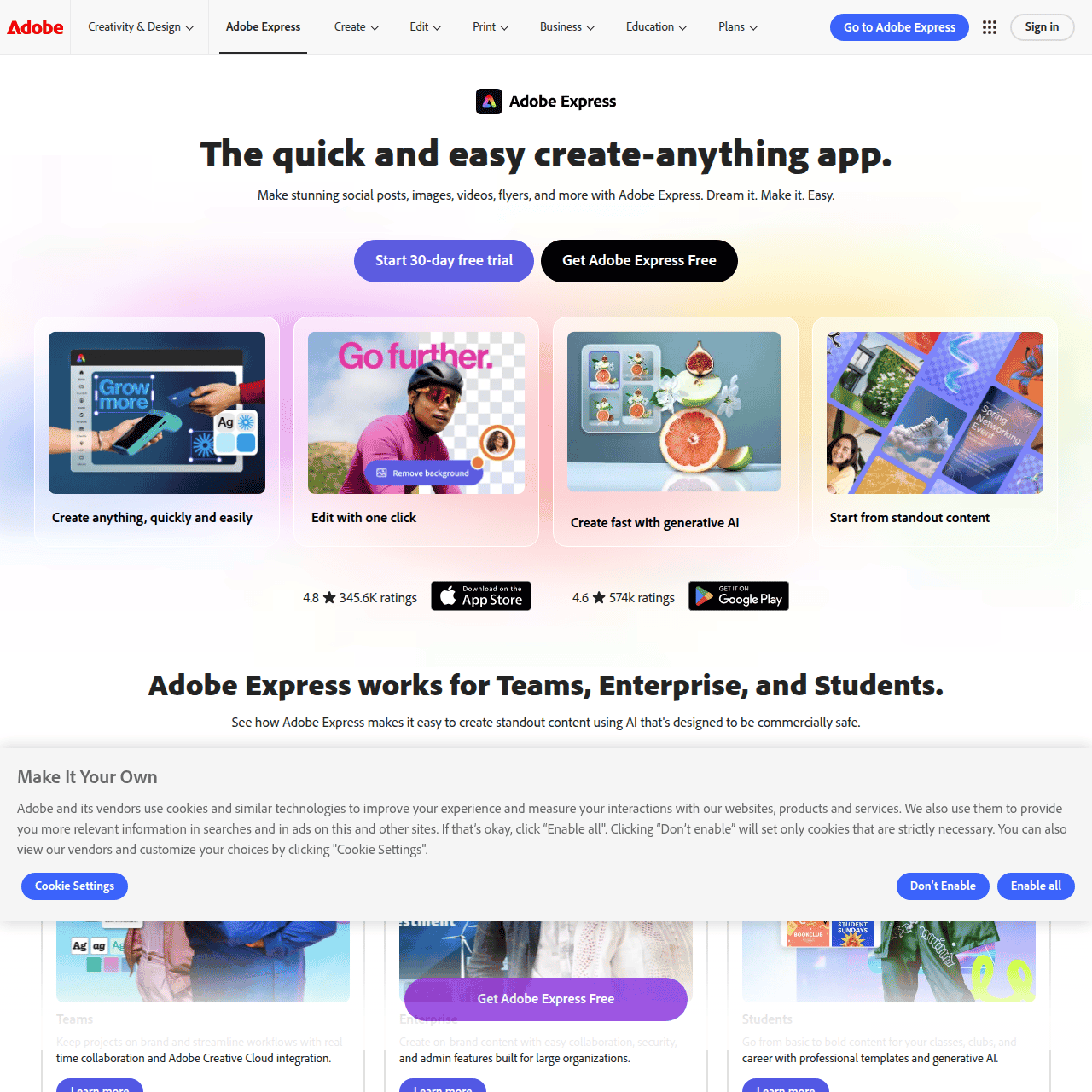

What Is Adobe Express?
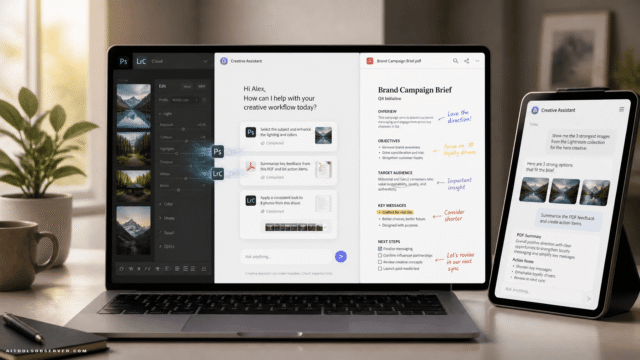
Adobe Express is an all‑in‑one content creation app that helps you quickly design social media posts, flyers, videos, logos, thumbnails, and other visual assets without needing advanced design skills. It combines drag‑and‑drop editing with features like background removal, quick photo and video edits, and AI‑powered content generation.
Users can start from professionally designed templates, customize them with their own branding, and repurpose content across channels to stay consistent. Adobe Express integrates with other Adobe apps such as Photoshop and Firefly so you can sync and reuse creative assets in one workflow.
Built for individuals, teams, businesses, and students, it supports everything from daily social content to branded campaigns at scale. With a freemium model and paid plans that unlock more assets, AI credits, and advanced tools, it can grow with your creative needs.
Quick Snapshot
Adobe Express lets you design professional social posts, videos, flyers, and more in minutes using intuitive tools, templates, and generative AI. It removes design complexity so individuals and teams can produce consistent, on-brand visuals at speed.
- Works on
-
- Web
- Mac
- iOS
- Android
- Pricing Model
- Freemium
Starting at 142,50 SEK/month — Adobe Express offers a free plan with basic tools and limited generative AI credits. Paid plans like Adobe Express Premium and Adobe Firefly Pro start from 142,50 SEK/month and add millions of assets, more AI capabilities, and access to advanced apps such as Photoshop on web and mobile. - Fits on
- Affiliate Program
- We could not identify an affiliate program.
- API Availability
- We could not identify whether an API is available.
- Key Features
-
- Design social and marketing content in minutes
- Leverage templates and generative AI for visuals
- Keep branding consistent across teams and channels
- Audience
-
- marketers
- content creators
- small businesses
- social media managers
- students
- teachers
- enterprises
- design‑light teams
Screenshot

Key Features of Adobe Express
Template-based design
Start from thousands of professionally designed templates for social posts, flyers, logos, thumbnails, and more to speed up content creation.
Generative AI tools
Use AI-powered content generation, powered in part by Adobe Firefly, to create and refine visuals and text-based elements inside your designs.
Drag-and-drop editor
Customize layouts with an intuitive drag-and-drop interface, making it easy for non-designers to arrange text, images, and video elements.
Quick photo and video edits
Apply one-click adjustments, background removal, and simple editing tools to polish photos and video clips without leaving the app.
Adobe ecosystem integration
Integrate with Photoshop, Firefly, and other Adobe apps to sync, reuse, and refine assets across your broader creative workflow.
Brand consistency tools
Maintain consistent branding across teams and projects by reusing assets, colors, and layouts within shared templates and projects.
Use Cases for Adobe Express
Social media content
Quickly design scroll-stopping posts, stories, and thumbnails using ready-made templates and generative AI, so social media managers can keep feeds active without a full design team.
Marketing campaigns
Produce flyers, ads, banners, and email visuals in a consistent style, helping marketers ship multi-channel campaigns faster while staying on brand.
Brand kits for teams
Centralize logos, colors, and fonts so teams and businesses can reuse branded templates and maintain visual consistency across all content.
Education and classrooms
Enable students and teachers to create presentations, posters, and class materials quickly with simple tools, encouraging visual storytelling without a steep learning curve.
Video snippets and promos
Turn raw clips and images into short promo videos using drag-and-drop editing and one-click enhancements, ideal for social, product teasers, and announcements.
Frequently Asked Questions
What is Adobe Express used for?
Adobe Express is used to quickly create social media posts, images, videos, flyers, logos, thumbnails, and other visual content using templates, intuitive editing tools, and generative AI.
Do I need design experience to use Adobe Express?
No, Adobe Express is built for non-designers as well as professionals. Its drag-and-drop editor, templates, and guided tools make it easy to create polished content without advanced design skills.
Is there a free version of Adobe Express?
Yes, Adobe Express offers a free plan that includes basic content creation tools and a limited amount of generative AI credits, suitable for light or occasional use.
How much does Adobe Express Premium cost?
Paid plans such as Adobe Express Premium and Adobe Firefly Pro start from 142,50 SEK per month and include more assets, expanded AI capabilities, and access to advanced Adobe apps like Photoshop on web and mobile.
Does Adobe Express integrate with other Adobe apps?
Yes, Adobe Express integrates with other Adobe tools including Photoshop and Adobe Firefly, allowing you to sync, reuse, and enhance assets within a unified creative workflow.
Who is Adobe Express best suited for?
Adobe Express is ideal for marketers, content creators, small businesses, social media managers, students, teachers, enterprises, and design-light teams that need to produce high-quality visuals quickly.
Adobe Express · Our Verdict
Adobe Express stands out as a practical bridge between non-designers and professional-looking content. By pairing rich templates with AI-powered tools and tight integration into the Adobe ecosystem, it meaningfully reduces the time and friction involved in producing on-brand visuals across channels.
Adobe Express ·
-
 Free
Free Redesign by Nodewave
Turn your codebase into on‑brand social posts
Social Media Content Creation - Freemium
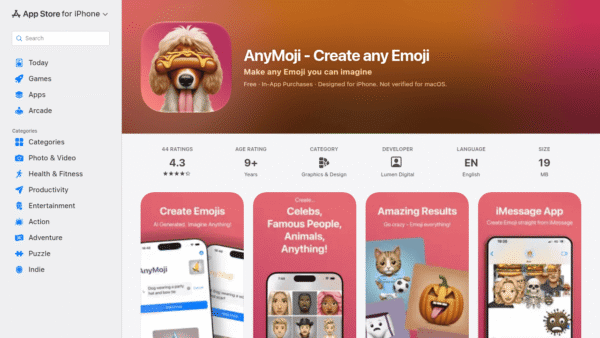
AnyMoji – Create any Emoji
Create any emoji you can imagine with AI
AI Image Generation - Credit-Based
Lami AI Music Generator
Create royalty-free AI music and sound in minutes
AI Music Composition Tools - Credit-Based Premium
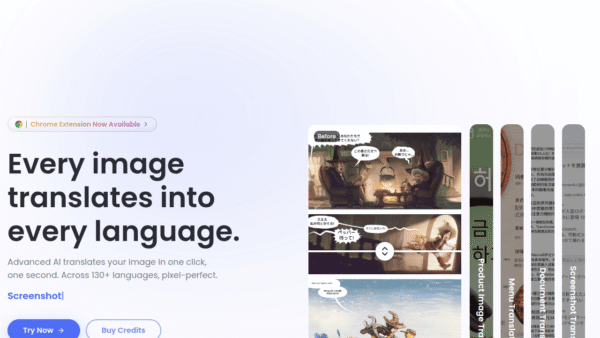
ImageTranslate.AI
Translate any image, keep the design intact
Image & Design AI - One-Time
AI Website Redesign by Shuffle
Redesign your website in minutes with multi‑AI power.
UI/UX & Web Design Tools - Your Ad Here
-
AI Avatar
Turn one selfie into hundreds of avatars
AI Photo Editors -
Keevo
Stop losing traffic to stale content with AI
SEO Writing & Optimization