

What Is DeepTab?
DeepTab is an all-in-one AI productivity extension that turns your Chrome new tab into a focused workspace with GPT-powered chat, instant search shortcuts, dynamic wallpapers, and a curated AI resources directory. It integrates GPT‑3.5 and optional GPT‑4 assistance directly into both the new tab page and a browser sidebar, so you can get real-time help while reading, researching, or writing anywhere on the web.
With one-click access to engines like Perplexity, Bing, and You, DeepTab streamlines search and research workflows without leaving your current context. The dedicated AI navigation hub highlights useful AI-related sites, helping users quickly explore tools and services relevant to their work or studies.
DeepTab is designed for students, professionals, and creators who want to centralize AI assistance in the browser they already use every day. With a freemium model that scales up to unlimited GPT‑3.5 and higher GPT‑4 limits, it supports both casual browsing and power users who rely heavily on AI for daily tasks.
Quick Snapshot
DeepTab embeds GPT-3.5 and GPT-4 directly into your Chrome new tab and sidebar so you can research, write, and navigate without breaking your browsing flow. It centralizes AI chat, search shortcuts, and AI resources into one streamlined workspace to save time and reduce context switching.
- Works on
-
- Chrome Extension
- Web
- Pricing Model
-
Freemium
Starting at $6.9/month — DeepTab offers a free plan with 30 daily credits, Chrome extension access, and community support. Paid plans start at $6.9/month for unlimited GPT‑3.5 credits and 100 GPT‑4 credits, with a Pro plan at $12.9/month including 300 GPT‑4 credits and 1v1 customer service. - Fits on
- Affiliate Program
- We could not identify an affiliate program.
- API Availability
- We could not identify whether an API is available.
- Key Features
-
- Turn every Chrome tab into an AI workspace
- Access GPT-3.5 and GPT-4 directly in your browser
- Speed up research with one-click AI search shortcuts
- Audience
-
- knowledge workers
- students
- researchers
- content creators
- developers
- productivity enthusiasts
- remote professionals
Screenshot

Key Features of DeepTab
AI-powered new tab
Replaces the default Chrome new tab with a GPT-enhanced workspace featuring chat, search shortcuts, and dynamic wallpapers.
GPT-3.5 and GPT-4 chat
Provides integrated AI chat using GPT‑3.5 for everyday queries and optional GPT‑4 for more advanced assistance, accessible from both tab and sidebar.
Chrome sidebar assistant
Keeps interactive AI chat available in a sidebar on any webpage, so you can ask questions or get help without changing tabs.
Multi-engine search shortcuts
Offers one-click access to search engines like Perplexity, Bing, and You to speed up research and information gathering.
AI resources directory
Includes a curated navigation hub of AI-related sites and tools to help users quickly discover relevant AI resources.
Freemium pricing plans
Starts with a free plan offering daily credits and scales to paid plans with unlimited GPT‑3.5 usage, higher GPT‑4 limits, and priority support.
Use Cases for DeepTab
Research & browsing
Use GPT chat and one-click access to Perplexity, Bing, and You to summarize pages, clarify concepts, and compare sources without leaving your current tab.
Writing & editing
Draft emails, documents, and content directly from your new tab or sidebar with GPT-3.5 and GPT-4, then refine wording and structure in real time.
Learning & studying
Turn every new tab into a study companion by asking GPT to explain topics, generate examples, and point you to curated AI and learning resources.
Developer assistance
Get quick code snippets, explanations, and debugging help from the sidebar while you browse documentation or work in web-based IDEs.
AI tool discovery
Explore a curated directory of AI-related sites and tools from the navigation hub, making it easier to find new services relevant to your workflow.
Frequently Asked Questions
What is DeepTab and how does it work?
DeepTab is a Chrome extension that replaces your default new tab with an AI-powered workspace and adds a sidebar assistant. It integrates GPT‑3.5 and GPT‑4 chat, multi-engine search shortcuts, and an AI resources hub directly into your browser to streamline research, writing, and browsing.
Is DeepTab free to use?
Yes, DeepTab offers a free plan that includes the Chrome extension, community support, and 30 GPT credits per day, making it accessible for light and casual use.
What do I get with DeepTab’s paid plans?
Paid plans start at $6.9/month and provide unlimited GPT‑3.5 credits and 100 GPT‑4 credits per month, while the Pro plan at $12.9/month increases GPT‑4 credits to 300 and adds 1v1 customer service and extension support.
Does DeepTab support GPT-4?
Yes, DeepTab supports GPT‑4 with monthly credit limits that vary by paid plan, allowing you to use the more advanced model for complex tasks when needed.
Which browsers and platforms does DeepTab support?
DeepTab is built as a Chrome extension, so it runs on desktop platforms that support the Chrome browser or compatible Chromium-based browsers.
Can I use DeepTab’s AI assistant on any webpage?
Yes, in addition to the new tab page, DeepTab provides a sidebar assistant that you can open on any site to chat with GPT and get contextual help while you browse.
DeepTab · Our Verdict
DeepTab takes a practical approach to AI productivity by placing GPT assistance exactly where users already spend their time: the Chrome new tab and sidebar. Its mix of GPT chat, multi-engine search shortcuts, and AI resource navigation makes it especially useful for research-heavy and writing-focused workflows without adding extra apps to manage.
DeepTab ·
-
 Subscription
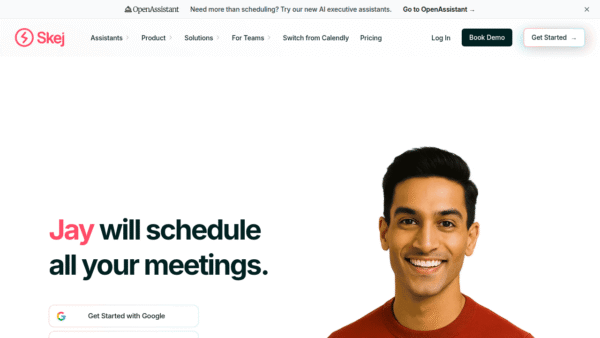
Skej
AI scheduling assistants for every busy team
Scheduling & Task Bots -
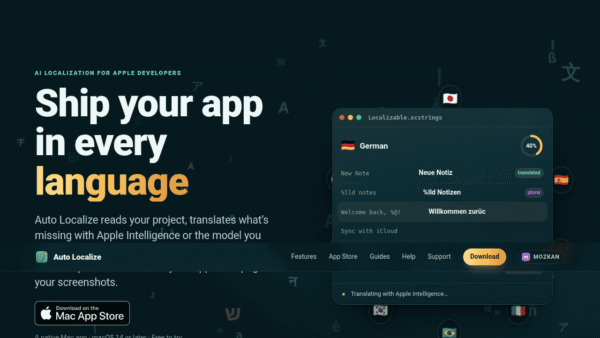
AutoLocalize
Ship your app worldwide with effortless localization
AI Developer Tools -
Subscription
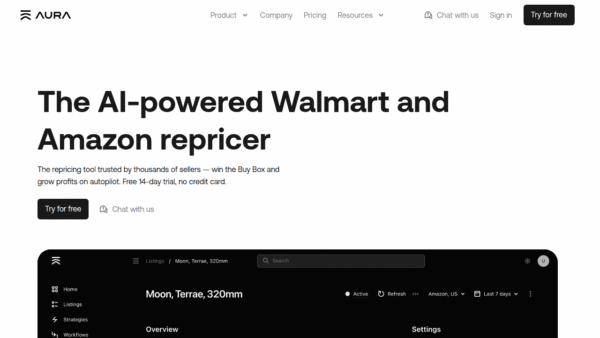
Aura
AI-powered repricing to win the Buy Box faster
Dynamic Pricing Optimization -
ParrotPrep
Your whole job search in one workspace
Personal Productivity Assistants -
Subscription
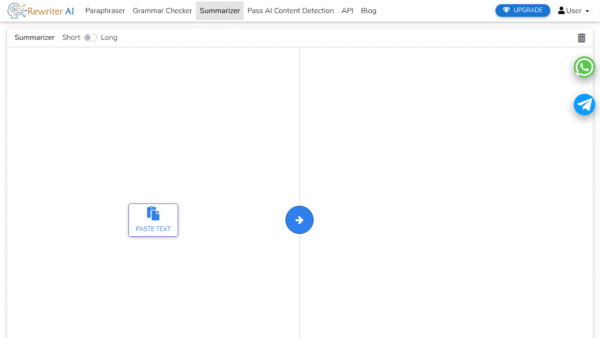
Rewriter AI
AI-powered rewriting, grammar, and summaries in one
Document Drafting & Editing - Your Ad Here
-
TenderCrunch
AI bid intelligence for winning tenders faster
Marketing & Sales AI -
Subscription
Sadako
AI assistant for content, chatbots, and growth
AI Assistants & Chatbots