


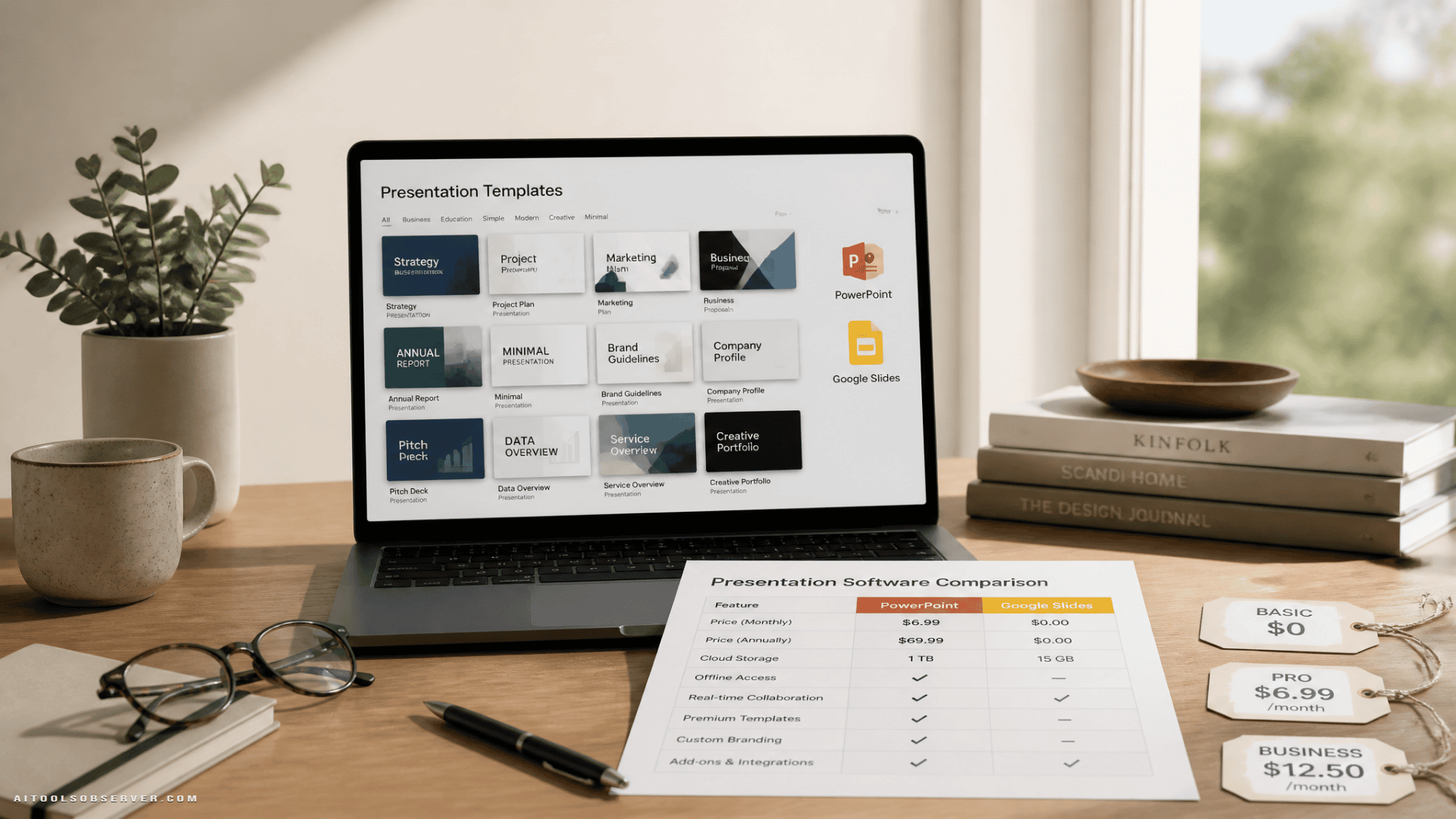
Best AI Presentation Makers Compared
| Tool | Best For | Works in PowerPoint/Slides? | Free Plan | Paid From |
|---|---|---|---|---|
| Gamma | Fast decks from a prompt | No (standalone) | 400 credits | ~€8/mo billed yearly |
| Plus AI | Editing real PPT/Slides files | Yes, both | 7-day trial | $10/user/mo billed yearly |
| Copilot (Microsoft) | Existing Microsoft 365 users | Yes, built-in | No (bundled) | $99.99/yr (M365 Personal) |
| Gemini (Google) | Existing Google users | Yes, built-in | No (bundled) | $19.99/mo (Google AI Pro) |
| Beautiful.ai | Polished, on-brand design | Imports/exports PPT | 14-day trial | $14.50/mo billed yearly |
| Canva | Design flexibility | No (standalone) | Yes | $119.99/yr (up to 5 people) |
| Pitch | Team collaboration | No (standalone) | Yes (100 AI credits) | €10/mo billed yearly |
| Presentations.ai | Lots of AI credits | No (standalone) | 200 credits | $20/mo billed yearly |
| Visme | Interactive, data-heavy decks | No (standalone) | 10 credits | $12.25/mo billed yearly |
| Napkin AI | Diagrams and visuals | No (standalone) | 500 credits | $9/mo billed yearly |
Prices from official pages checked November 6, 2026. Euro prices as listed by each company.
How We Picked These Tools
Three questions drove the selection:
- Can you export an editable PowerPoint file? Several tools skip this or lock it behind a paid plan.
- How much AI do you get before paying? Free credits vary wildly, and some don’t renew.
- What does a full year actually cost? Monthly billing can cost two to three times the annual rate for the same plan.
We studied user experiences, published reviews, and side-by-side comparisons, then verified each tool’s current pricing directly. Where prices came from a third party or conflicted, it’s flagged below.
1. Gamma — Best Overall for Fast Decks
Price: Free (400 one-time credits); Plus ~€8/mo billed yearly; Pro ~€18/mo
Free plan includes: Up to 10 cards per generation, PowerPoint and PDF export, “Made with Gamma” badge
Best for: Anyone who needs a good-looking deck in minutes
Gamma is the fastest route from a rough idea to a finished-looking presentation. Type a prompt or paste notes, and it builds slides—Gamma calls them “cards”—with layouts, images, and editable text. The result feels designed rather than templated, and you can share it as a web page without exporting anything.
What makes the free plan genuinely useful is that PowerPoint and PDF export are included. Several rivals lock that behind payment. The catch: 400 credits don’t renew, generation is capped at 10 cards, and the Gamma badge stays until you upgrade.
Exported PowerPoint files can need cleanup, so if your company lives in Office, leave time for that.
Pros
- Polished first drafts from a single prompt
- Free plan exports PowerPoint and PDF
- Shareable as a web page without exporting
Cons
- Exported PowerPoint files may need tidying
- Free credits are one-time, not monthly
- Paid prices shown in local currency, which varies by region
2. Plus AI — Best for Staying Inside PowerPoint or Google Slides
Price: Basic $10/user/mo billed yearly (1,500 credits); Pro $20 (3,000 credits); Team $30; Max $200 (unlimited)
Trial: 7 days, 1,000 credits, card required
Best for: Office workers whose decks must stay in PowerPoint or Google Slides
Plus AI runs as an extension inside both PowerPoint and Google Slides. You generate a deck, rewrite a slide, or reformat an existing presentation without ever leaving the file your team is already using. For anyone working inside company templates or under IT restrictions, that’s a meaningful advantage.
Pro adds document uploads and longer prompts, so you can turn a report into slides directly. Pricing is clearly laid out, which is rarer than it should be in this category.
The downside: the trial requires a card, and there’s no free tier once it ends.
Pros
- Works natively inside both PowerPoint and Google Slides
- Keeps company templates and file formats intact
- Clear, transparent pricing
Cons
- Trial requires a credit card
- No free plan after the trial ends
- Document uploads are a Pro-only feature
3. Copilot in PowerPoint — Best If You Already Pay for Microsoft 365
Price: Included with Microsoft 365 Personal ($99.99/yr) and Family ($129.99/yr)
Best for: Households and freelancers already using Office
If you pay for Microsoft 365, try Copilot before buying anything else. Since early 2025, Microsoft has bundled Copilot into its consumer plans. In PowerPoint, you can draft a presentation from a prompt or a Word document, add slides, or get a summary of an existing deck.
Personal plans come with a monthly AI credit allowance—reported at around 60 credits a month—so heavy users can run out. The design output is more basic than Gamma’s or Beautiful.ai’s. But since it works on real PowerPoint files and costs nothing extra on top of a plan many people already have, it’s the obvious first stop for Office users.
Pros
- Included with Microsoft 365 Personal and Family
- Works directly on real PowerPoint files
- Can draft a deck from a Word document
Cons
- Monthly AI credit limit applies
- Design quality is more basic than dedicated tools
- Requires an active Microsoft 365 subscription
4. Gemini in Google Slides — Best for Google Users
Price: Requires an eligible Google AI plan (Google AI Pro $19.99/mo) or a Workspace plan with Gemini
Best for: Students, teams, and families already on Google
If your files already live in Google Drive, Gemini in Slides is the natural fit. According to Google’s help documentation, you can generate new slides from a prompt and reference Drive files directly using the @ symbol. Google has also added a separate guide for generating full presentations, suggesting the feature has matured.
It’s strongest for adding or reworking slides inside an existing deck rather than building a showpiece from scratch. Worth noting: Google AI Pro also includes 5TB of storage, so the $19.99/mo covers more than just slides.
Pros
- Built directly into Google Slides
- Pulls in Drive files with the @ symbol
- Google AI Pro includes 5TB storage
Cons
- Requires an eligible Google AI or Workspace plan
- Better suited to editing slides than building full decks from scratch
- Feature availability can vary by plan and region
5. Beautiful.ai — Best for Polished, On-Brand Design
Price: Pro $14.50/mo billed yearly ($174/yr) or $45/mo; Team $40/user/mo billed yearly
Trial: 14 days, card required
Best for: Founders, consultants, and sales teams who present regularly
Beautiful.ai’s “smart slides” automatically adjust spacing and layout as you add content. It’s genuinely hard to make an ugly slide. Pro includes PowerPoint import and export plus unlimited AI content generation, and Team adds live co-editing and a shared slide library.
Pay close attention to billing. The Pro plan costs $174 a year billed annually. Paying monthly at $45 adds up to $540—more than three times as much for the same plan. That gap is worth knowing before you click “start trial.”
Pros
- Smart slides keep layouts consistent automatically
- PowerPoint import and export on Pro
- Unlimited AI content generation on Pro
Cons
- Monthly billing ($45/mo) costs $540/yr vs $174/yr annually
- Trial requires a credit card
- No free plan
6. Canva — Best for Design Flexibility
Price: Free plan available; Canva Pro $119.99/yr or $12.99/mo for up to 5 people
Best for: Creators, teachers, and small teams who want full creative control
Canva’s AI can draft a deck, but the real draw is the template and media library, plus tools that resize a design for social media, print, or video without starting over. At $119.99 a year for up to five people, it’s one of the better values in the category if a small team shares the plan.
The tradeoff: Canva decks lean toward visual flair, which isn’t always what a finance meeting calls for. It also doesn’t work inside PowerPoint or Google Slides, and AI features vary depending on which plan you’re on.
Pros
- Huge template and media library
- Pro covers up to 5 people for $119.99/yr
- Resizes designs across formats easily
Cons
- Decks can look too design-forward for formal business contexts
- AI features vary by plan
- No native PowerPoint or Slides integration
7. Pitch — Best for Team Collaboration
Price: Free (100 one-time AI credits, unlimited presentations, branded PDF export); Plus €10/mo billed yearly (500 AI credits/mo); Team €15; Business €20
Best for: Startups and teams that build decks together
Pitch is built around collaboration. Comments, shared templates, and live co-editing are available even on the free plan. Paid plans add presentation analytics, which is useful if you want to know whether anyone actually opened the deck you sent.
One limit worth flagging: the free plan exports branded PDFs, not editable PowerPoint files. If your workflow ends in a .pptx file, you’ll need a paid plan or a different tool.
Pros
- Strong collaboration features on the free plan
- Presentation analytics on paid plans
- Unlimited presentations on free
Cons
- Free plan doesn’t export editable PowerPoint files
- Free AI credits are one-time, not monthly
- Priced in euros, which varies for non-EU users
8. Presentations.ai — Best for High AI Credit Volume
Price: Free (200 credits); paid from $20/mo billed yearly
Best for: Users who generate a lot of decks and need credits to match
Presentations.ai is positioned as a standalone deck builder with a focus on giving users more AI generation capacity. The free plan includes 200 credits to start, and paid plans are designed for users who need to produce decks at volume.
It’s a reasonable option if you’re generating presentations regularly and find other tools’ credit limits frustrating. As a standalone tool, it doesn’t integrate with PowerPoint or Google Slides natively.
Pros
- Generous credit allowance relative to price
- Simple, focused on deck generation
Cons
- No native PowerPoint or Slides integration
- Less established than Gamma or Canva
- Fewer design customization options
9. Visme — Best for Interactive and Data-Heavy Decks
Price: Free (10 one-time credits); paid from $12.25/mo billed yearly
Best for: Teams presenting data, reports, or interactive content
Visme goes beyond slides into infographics, reports, and interactive content. If your presentation includes charts, data visualizations, or embedded media, it has more native tools for that than most competitors.
The free plan is limited to 10 credits, which is minimal for serious use. And like Pitch, Visme’s free plan doesn’t export editable PowerPoint files—a limit that’s easy to miss until you need it.
Pros
- Strong data visualization and interactive content tools
- Covers more than just presentations
- Reasonable annual pricing
Cons
- Free plan doesn’t export editable PowerPoint files
- Only 10 free credits to start
- Overkill if you just need simple slides
10. Napkin AI — Best for Diagrams and Visual Explanations
Price: Free (500 credits); paid from $9/mo billed yearly
Best for: Anyone who needs to turn text into clear diagrams or visuals
Napkin AI occupies a specific niche: it turns text into diagrams, flowcharts, and visual explanations. It’s not a full presentation builder, but it fills a gap that most slide tools handle poorly. If you regularly explain processes, systems, or structures in presentations, Napkin generates visuals you can drop into any deck.
At $9/mo billed yearly, it’s also the most affordable paid option on this list. Think of it as a complement to your main presentation tool rather than a replacement.
Pros
- Excellent for diagrams and process visuals
- 500 free credits to start
- Very affordable paid plan
Cons
- Not a full presentation builder
- No native PowerPoint or Slides integration
- Best used alongside another tool, not instead of one
Which Tools Export Editable PowerPoint Files?
This is the question most comparison articles bury or skip. Here’s the short version:
- Gamma — Yes, on the free plan
- Plus AI — Yes, it works inside PowerPoint natively
- Copilot — Yes, it works inside PowerPoint natively
- Gemini — Yes, it works inside Google Slides natively
- Beautiful.ai — Yes, on Pro and above
- Canva — Yes, on free and paid plans
- Pitch — No on free; check paid plan details
- Presentations.ai — Check current plan details
- Visme — No on free; check paid plan details
- Napkin AI — Exports visuals, not full presentations
If your workflow ends in a .pptx file, confirm export options before committing to a free plan.
What a Year Actually Costs
Monthly billing adds up faster than most pricing pages make obvious.
| Tool | Annual Plan | Monthly Billing (annualized) |
|---|---|---|
| Gamma Plus | ~€96/yr | Higher (varies) |
| Plus AI Basic | $120/yr | $180/yr |
| Beautiful.ai Pro | $174/yr | $540/yr |
| Canva Pro | $119.99/yr | ~$155/yr |
| Pitch Plus | ~€120/yr | Higher (varies) |
| Napkin AI | $108/yr | Higher (varies) |
Beautiful.ai’s gap between annual and monthly is the most dramatic: $174 versus $540 for the same Pro plan. Always check both numbers before you start a trial.
How to Get a Better Deck From Any AI Tool
The tool matters less than the prompt. A few things that consistently improve output:
- Give it structure, not just a topic. “A 10-slide pitch deck for a B2B SaaS product targeting HR teams, starting with the problem” beats “make me a pitch deck.”
- Specify the audience. A deck for a board meeting and a deck for a sales call need different tones.
- Edit the outline before the design. Most tools let you review the structure before generating slides. Use that step.
- Export early. If you need a PowerPoint file, export a draft early to check formatting before you’ve spent an hour refining the AI version.
Our Verdict
Gamma is the strongest starting point for most people. The free plan is genuinely useful, PowerPoint export is included, and the output looks designed rather than assembled. It’s the right first test.
Plus AI is the better choice if your work lives inside PowerPoint or Google Slides and you need to stay there. The $10/mo annual plan is reasonable for what it does.
Copilot and Gemini are worth trying first if you already pay for Microsoft 365 or Google AI Pro. There’s no reason to add a subscription before testing what you already have.
Beautiful.ai earns its place for teams that present often and want consistent, polished design without manual layout work—just pay annually.
Canva makes sense if you need design flexibility across more than just presentations, especially for small teams sharing one Pro plan.
The others serve specific needs: Pitch for collaboration-first teams, Visme for data-heavy content, Napkin AI for diagrams, and Presentations.ai for high-volume generation.
No single tool wins every scenario. The right question isn’t “which is best” but “which fits how I actually work.”
FAQs
Which AI presentation maker is best for beginners?
Gamma. The free plan is accessible, the output looks good without much effort, and PowerPoint export is included from the start.
Can I use AI to make a PowerPoint presentation for free?
Yes. Gamma’s free plan exports PowerPoint files. Copilot is included with Microsoft 365 Personal and Family. Google’s free tier doesn’t include Gemini in Slides, but eligible Workspace plans do.
Do any free plans export editable PowerPoint files?
Gamma and Canva both export PowerPoint on their free plans. Pitch and Visme do not on their free tiers.
Is Beautiful.ai worth it?
For teams that present regularly and want consistent design, yes—on the annual plan. At $45/mo, the math gets uncomfortable fast.
What’s the cheapest AI presentation tool?
Napkin AI at $9/mo billed yearly is the lowest paid entry point, though it’s a visual tool rather than a full presentation builder. For full decks, Gamma’s free plan or Plus AI at $10/mo are the most accessible options.








Comments (0) No comments yet
Want to join this discussion? Login or Register.
No comments yet. Be the first to share your thoughts!