Photo to Video AI – AI Genie
Transform photos into stunning AI videos in seconds
What Is Photo to Video AI – AI Genie?
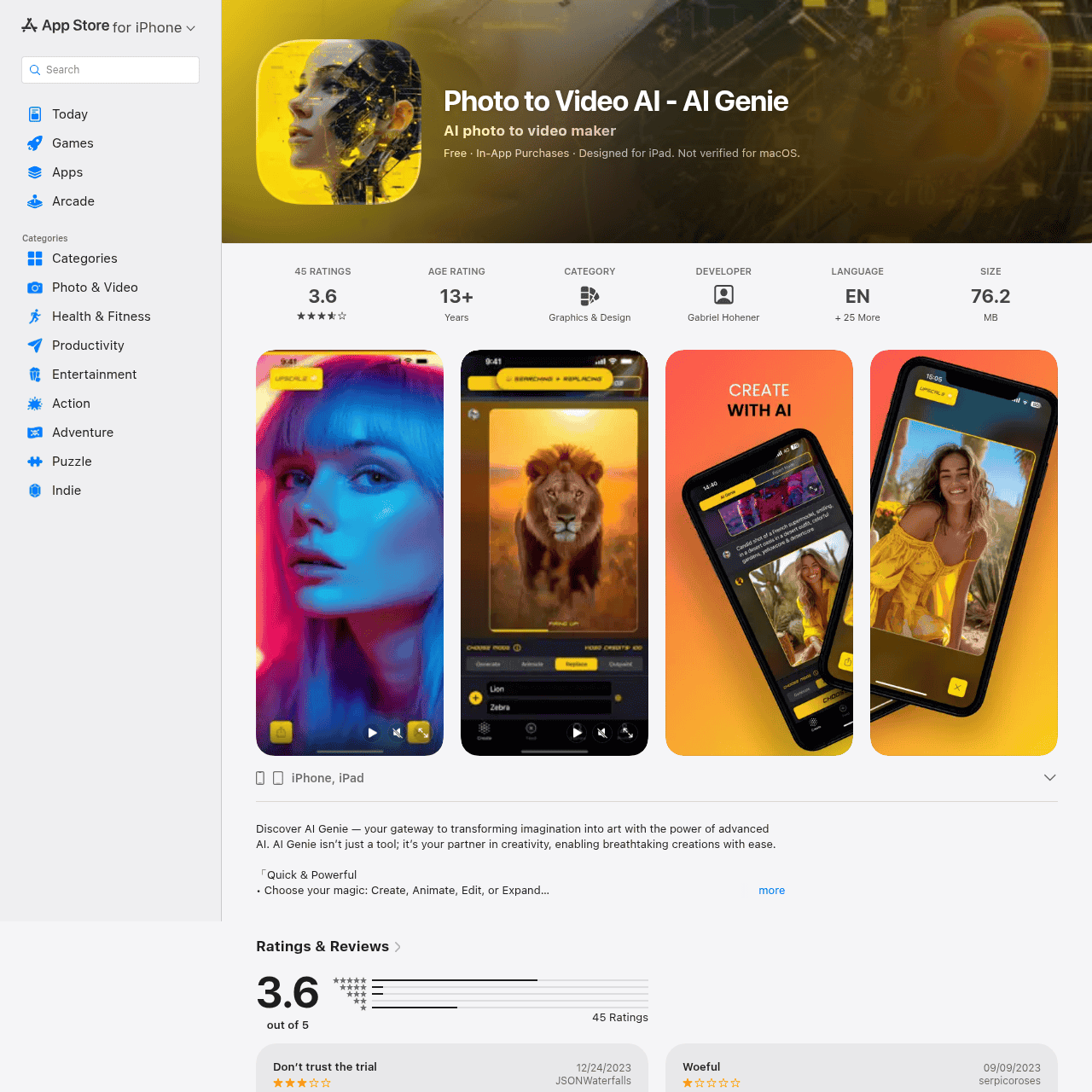
Photo to Video AI – AI Genie is a mobile creative studio for iPhone and iPad that turns your photos and ideas into dynamic, AI-generated videos and visuals. The app lets you apply AI effects, animate still images, and craft unique visual stories from an intuitive interface.
You can choose from different creative modes to create, animate, edit, or expand your images without needing advanced design skills. Built for fast results, AI Genie helps casual users, creators, and artists quickly produce eye-catching content.
It aims to act as a creative partner, empowering you to experiment with generative visuals and share breathtaking creations with ease.
Quick Snapshot
AI Genie makes it easy to turn static photos into dynamic, AI-generated videos and artworks in just a few taps. It removes the complexity of advanced visual effects so you can focus on storytelling and sharing standout content.
- Works on
-
- iOS
- Pricing Model
- Freemium — The app is free to download on iOS with in-app purchases and optional subscriptions managed via the App Store. Exact pricing and available plans may vary by region and over time.
- Fits on
- Affiliate Program
- We could not identify an affiliate program.
- API Availability
- We could not identify whether an API is available.
- Key Features
-
- Turn static photos into animated AI videos
- Create, edit, and expand images with AI
- Mobile-friendly studio for fast visual content
- Audience
-
- content creators
- social media users
- influencers
- design enthusiasts
- video makers
- artists
- marketers
Screenshot

Key Features of Photo to Video AI – AI Genie
Photo to video conversion
Transform static photos into AI-powered videos, adding motion and effects with just a few taps.
Image animation modes
Animate still images using AI-driven effects to create dynamic visual stories suitable for social media and sharing.
Create, edit, expand
Use different creative modes to generate new images, refine existing ones, or expand beyond the original frame with generative AI.
Mobile-first interface
Enjoy an intuitive interface optimized for iPhone and iPad, making advanced visual editing more accessible on the go.
Fast AI rendering
Get quick AI-generated results so you can iterate rapidly and share content without long processing times.
Use Cases for Photo to Video AI – AI Genie
Social media videos
Quickly turn everyday photos into dynamic AI-generated videos that stand out in feeds on platforms like Instagram, TikTok, and Facebook.
Creator portfolios
Enhance creative portfolios with animated visuals and AI-stylized imagery produced directly from a mobile device.
Marketing visuals
Produce eye-catching, AI-enhanced visuals and short clips for campaigns without needing a dedicated design or motion team.
Artistic experimentation
Explore generative art styles by animating, editing, and expanding still images to discover new creative directions.
Frequently Asked Questions
What is Photo to Video AI – AI Genie used for?
Photo to Video AI – AI Genie is used to transform photos into AI-generated videos and creative artworks on iPhone and iPad, allowing users to create, animate, edit, and expand images with generative AI.
Is AI Genie available on Android?
Based on the available information, AI Genie is designed for iOS devices such as iPhone and iPad and is distributed via the Apple App Store.
Do I need design skills to use AI Genie?
No, AI Genie is built for users without advanced design skills, offering simple creative modes and an intuitive interface to produce polished visuals quickly.
Is Photo to Video AI – AI Genie free to use?
The app is free to download on iOS and offers in-app purchases or subscriptions for additional features or content, with pricing managed through the App Store.
Does AI Genie offer an API or integrations?
AI Genie does not provide an API, and its functionality is currently focused on the mobile app experience.
Photo to Video AI – AI Genie · Our Verdict
AI Genie stands out as a lightweight, mobile-first way to experiment with generative visuals without needing design expertise. Its focus on simple creative modes—create, animate, edit, and expand—makes it approachable for casual users while still serving social media creators who want fast, eye-catching content. For anyone building visually rich posts directly from their phone, it offers a practical blend of accessibility and creative control.
Photo to Video AI – AI Genie ·
-
 Subscription
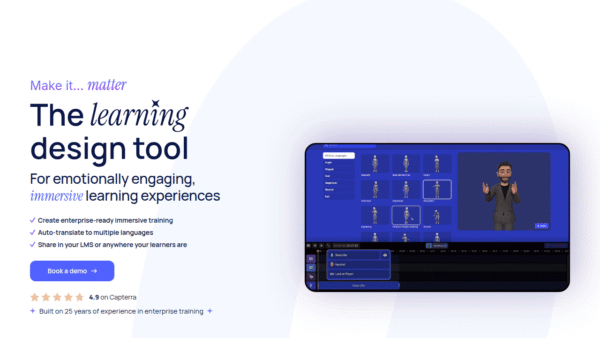
 We Are Learning
Create immersive 3D learning in minutes
AI Video Generation - Featured
FantasyGF
Create, chat, and connect with your perfect AI girlfriend
AI Assistants & Chatbots - Credit-Based
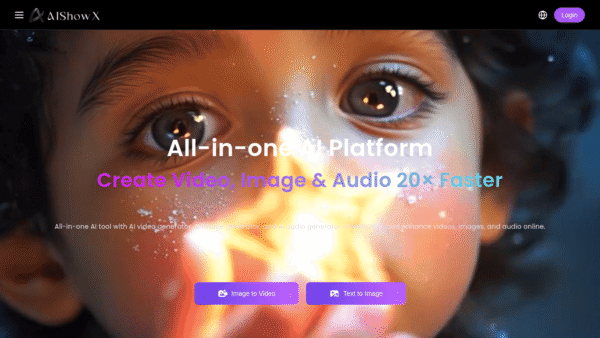
AIShowX
All-in-one AI studio for visual and audio content
Video & Animation AI - Subscription
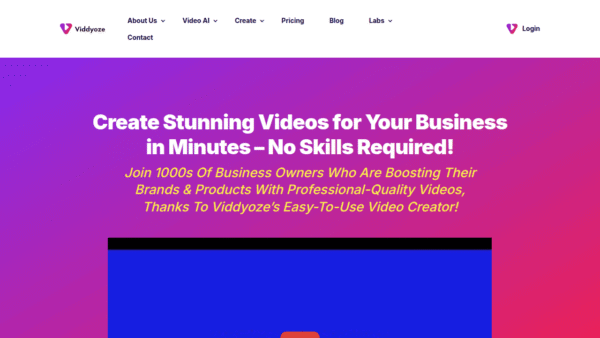
Viddyoze
Create stunning business videos in minutes
AI Video Generation - Credit-Based
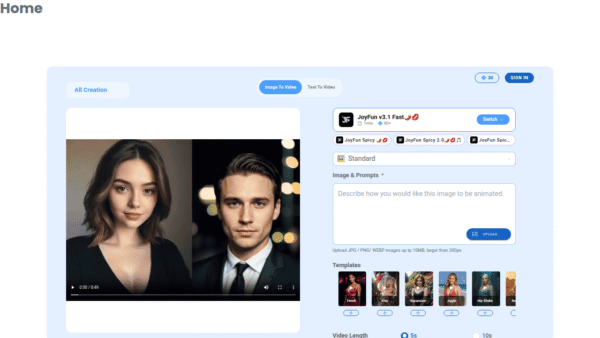
JoyFun AI
Instant AI video creation without subscriptions
AI Video Generation - Your Ad Here
-
VideoVerse
AI-powered video intelligence for sports and news
Video & Animation AI - Free
Redesign by Nodewave
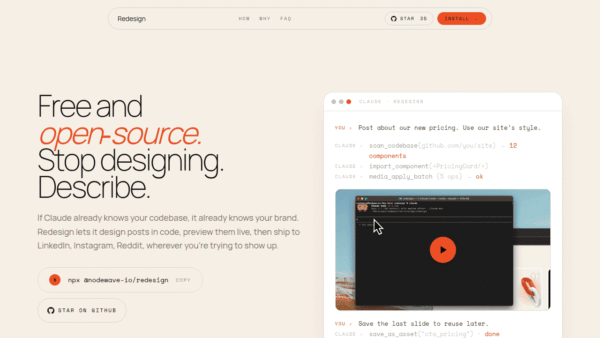
Turn your codebase into on‑brand social posts
Social Media Content Creation