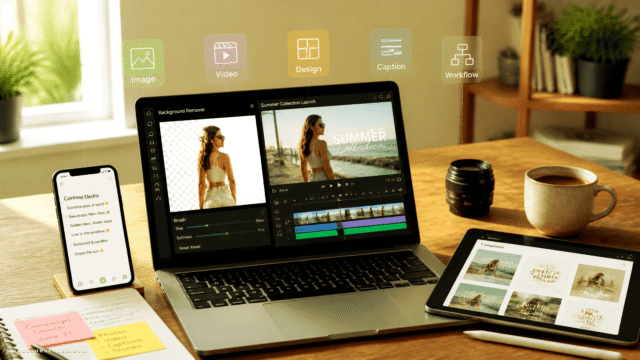
What Is Photodot AI?
Photodot AI is an online AI-powered photo editor built to handle complex edits like background removal, color changes, retouching, and image upscaling in just a few clicks. It offers specialized editors for car photos, portrait retouching, and design assets, helping users produce consistent, branded visuals without manual masking or pro-level software.
Creators, marketers, car dealers, and e‑commerce sellers can quickly prepare marketing-ready images, from product listings to social media campaigns. The tool also supports reference-guided variations to keep brand visuals aligned across different assets. With a free tier and scalable, credit-based paid plans, Photodot AI is suitable for both casual use and professional, high-volume editing workflows.
Quick Snapshot
Photodot AI streamlines advanced edits like background removal, color changes, and retouching so non-designers can ship polished visuals in minutes. Its specialized AI for cars, portraits, and branding enables consistent, studio-quality results across high‑volume workflows.
- Works on
-
- Web
- Pricing Model
- Freemium
Starting at $8.33/month — Photodot AI uses a freemium, credit-based pricing model, starting with a Free plan that includes 1 trial credit and core editing features. Paid plans begin at $8.33/month for 100 monthly credits, with higher tiers like the Pro plan at $33.33/month for 500 credits and optional $100 one‑time booster packs. - Fits on
- Affiliate Program
- We could not identify an affiliate program.
- API Availability
- We could not identify whether an API is available.
- Key Features
-
- Automate background removal and complex edits
- Specialized AI for cars and portraits
- Scale branded visuals with credit-based plans
- Audience
-
- photographers
- marketers
- ecommerce sellers
- car dealers
- content creators
- designers
- agencies
- startups
Screenshot

Key Features of Photodot AI
AI background removal
Automatically remove and replace image backgrounds in seconds, avoiding manual masking while keeping subjects clean and sharp.
Car photo editor
Optimize car photos with AI tuned for vehicles, enabling consistent, high-quality imagery for dealerships, marketplaces, and automotive marketing.
Portrait retouching
Retouch portraits with AI to clean up details and refine appearance, producing professional-grade profile and marketing images without expert skills.
Image upscaling
Upscale images to higher resolution using AI so they remain sharp and ready for print, ads, or large-format digital use.
Color and style editing
Adjust colors and visual style to maintain brand consistency across multiple images and campaigns with minimal manual effort.
Reference-guided variations
Create visual variations guided by reference images so new assets stay aligned with existing brand look and feel.
Browser-based workflow
Access all editing tools directly from the browser, eliminating installation and enabling fast, guided workflows from any device.
Credit-based pricing
Scale usage with a flexible, credit-based model that supports both occasional edits and high-volume professional workloads.
Use Cases for Photodot AI
Ecommerce product photos
Quickly remove backgrounds, enhance lighting, and upscale images so product listings look clean, consistent, and professional across your storefront.
Car listings and ads
Use the specialized car photo editor to create studio-style vehicle shots with clean backgrounds and consistent branding for marketplaces and ad campaigns.
Portrait and profile photos
Retouch portraits, refine backgrounds, and adjust colors in seconds to produce polished profile images for websites, social media, or marketing materials.
Branding and marketing visuals
Generate consistent, on-brand visuals by editing colors, backgrounds, and reference-guided variations for campaigns, social posts, and ad creatives.
Agency production workflows
Scale high-volume editing tasks for multiple clients with fast, AI-driven background removal and upscaling, reducing reliance on manual Photoshop work.
Frequently Asked Questions
What is Photodot AI and who is it for?
Photodot AI is a browser-based AI photo editor for background removal, retouching, color editing, and upscaling. It is designed for photographers, marketers, ecommerce sellers, car dealers, creators, and agencies that need fast, polished visuals.
How does Photodot AI handle car and portrait photos?
Photodot AI includes specialized editors for car photos and portraits, allowing it to intelligently detect subjects, clean backgrounds, and enhance details for automotive imagery and human faces with minimal manual work.
Is there a free version of Photodot AI?
Yes, Photodot AI offers a Free plan that includes 1 trial credit, access to core editing features, and community support so you can test the platform before upgrading.
How much does Photodot AI cost?
Paid plans start at $8.33/month for 100 monthly credits, with a Pro plan at $33.33/month for 500 credits and optional $100 one‑time credit booster packs for higher-volume use.
Do I need design experience to use Photodot AI?
No, Photodot AI is built for non-designers and uses guided, AI-powered tools to handle complex tasks like background removal and retouching, so you can produce studio-quality results with simple controls.
Does Photodot AI offer an API or integrations?
Photodot AI does not currently offer an API, and available integrations are not specified; usage is primarily through its browser-based interface.
Can Photodot AI be used for branding and marketing assets?
Yes, Photodot AI helps teams create consistent branded visuals by editing colors, backgrounds, and reference-guided variations, making it suitable for ads, social content, and campaign assets.
Photodot AI · Our Verdict
Photodot AI stands out by combining several niche editors—cars, portraits, and upscaling—into a single, browser-based workflow that is approachable for non-designers. Its credit-based model and fast, guided interface make it a pragmatic fit for teams that need consistent, on-brand images without investing in complex desktop software or manual retouching skills.
Photodot AI ·
-
 Credit-Based
 WePhoto FaceSwap AI
AI face swaps in your browser, instantly
AI Photo Editors - Freemium
Adobe Express
Create standout content fast with AI
Image & Design AI - Credit-Based Premium
ImageTranslate.AI
Translate any image, keep the design intact
Image & Design AI -
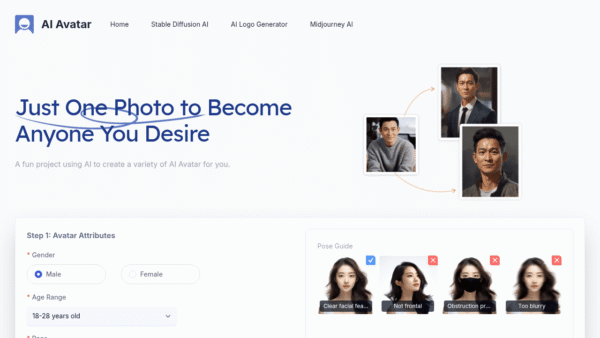
AI Avatar
Turn one selfie into hundreds of avatars
AI Photo Editors -
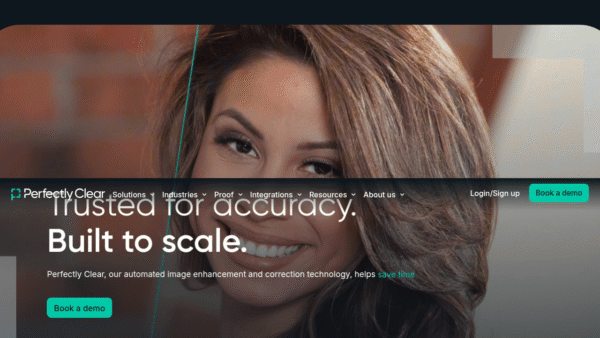
Perfectly Clear by EyeQ
AI photo correction built to scale for business
AI Photo Editors - Your Ad Here
- Credit-Based
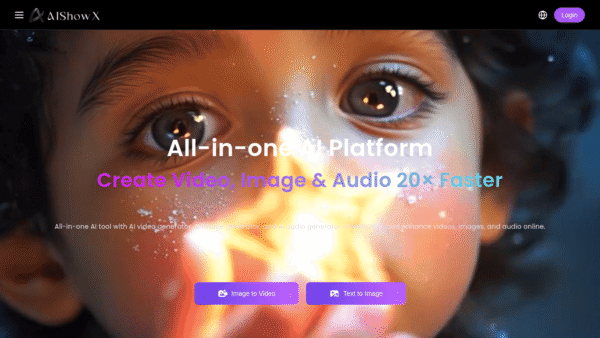
AIShowX
All-in-one AI studio for visual and audio content
Video & Animation AI - Freemium
Colorings
Create artistic AI coloring pages in seconds.
AI Art Generators