
What Is Ray 3.2 AI Video Generator?
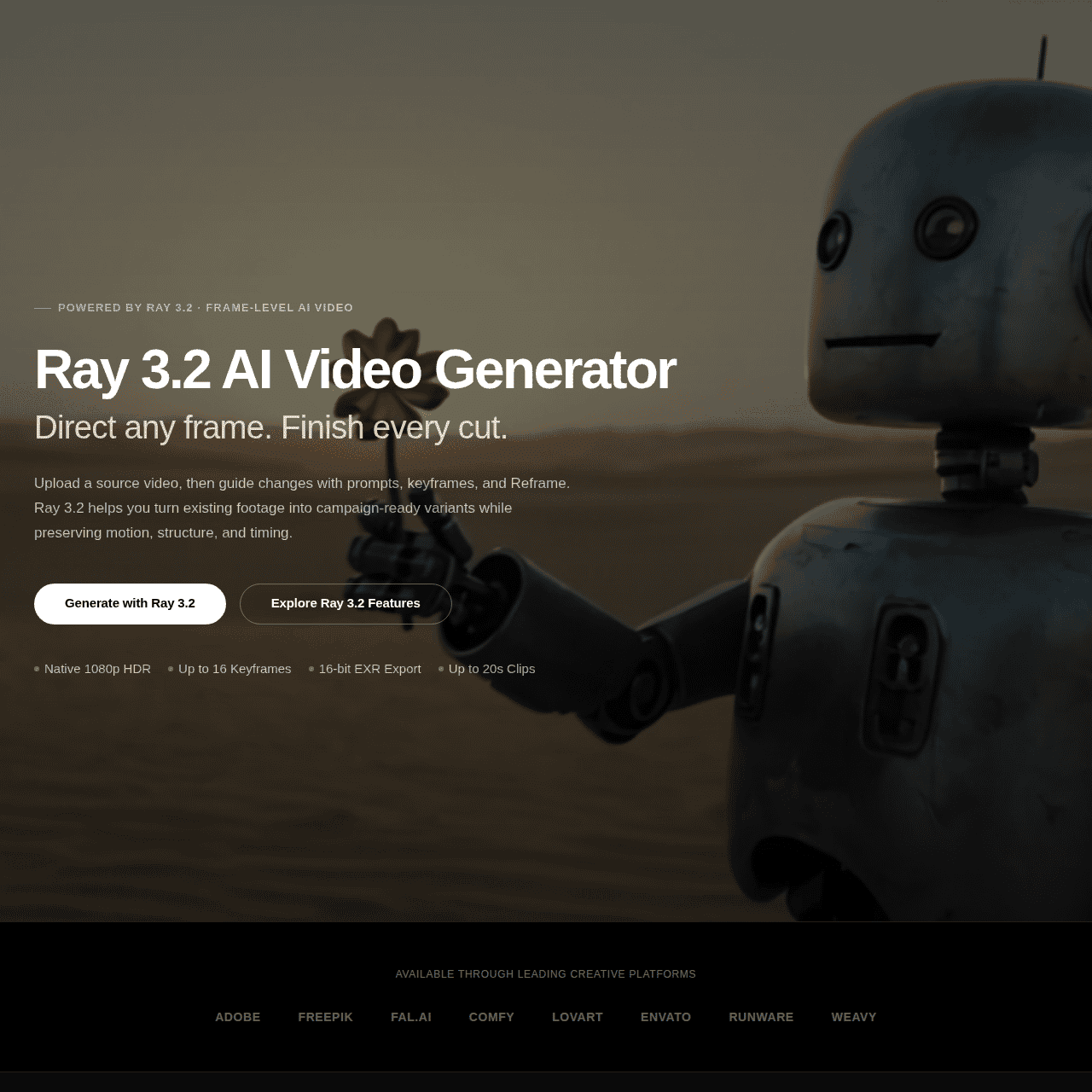
Ray 3.2 AI Video Generator (Ray32.net) is an independent web-based tool built around Luma AI’s Ray 3.2 production-grade video generation model. It supports Text-to-Video, Image-to-Video, Video Edit, and Video Reframing workflows, giving creators fine-grained, keyframe-level control over AI-generated clips.
The platform allows up to 16 keyframes per clip, 1080p HDR output, and 16-bit EXR export for professional color grading and VFX pipelines. Everything runs directly in your browser with no installation or dedicated GPU required, making it accessible on most modern machines.
Credit packs are one-time purchases, never expire, and are only charged on successful outputs, with commercial usage rights included. This structure makes Ray32.net a practical choice for both independent creators and professional studios that need flexible, production-ready AI video generation.
Quick Snapshot
Ray 3.2 AI Video Generator gives you keyframe-level control over AI video creation directly in your browser, powered by Luma AI’s Ray 3.2 model. Non-expiring credits and commercial usage rights make it suitable for both experimentation and production work.
- Works on
-
- Web
- Pricing Model
- Credit-Based
Starting at $9.9 one-time — Ray32.net uses one-time credit packs starting at $9.9 for 160 credits. Credits never expire, include commercial usage rights, and are only deducted on successful renders, with higher-tier packs offering more credits and lower per-credit costs. - Fits on
- Affiliate Program
- We could not identify an affiliate program.
- API Availability
- We could not identify whether an API is available.
- Key Features
-
- Direct Ray 3.2 video from your browser
- Keyframe control for cinematic AI shots
- 1080p HDR and EXR for pro workflows
- Audience
-
- video creators
- filmmakers
- VFX artists
- marketers
- content creators
- creative agencies
- indie game developers
Screenshot

Key Features of Ray 3.2 AI Video Generator
Text-to-Video generation
Create AI-powered cinematic clips directly from text prompts using the Luma AI Ray 3.2 model, all in your browser without local GPU requirements.
Image-to-Video motion
Animate static images into moving shots, preserving core composition while adding camera motion and scene dynamics controlled via keyframes.
Video Edit mode
Transform and stylize existing footage with AI, using your source video as a guide while directing how the model interprets and evolves the scene.
Video Reframing
Reframe clips for different formats and aspect ratios, adjusting composition with keyframes to keep important subjects and actions in frame.
Keyframe-based control
Use up to 16 keyframes per clip to define camera moves, composition changes, and style evolution across the duration of the shot.
1080p HDR output
Export AI-generated videos at 1080p resolution with HDR, suitable for higher-end displays and professional delivery standards.
16-bit EXR export
Download frames as 16-bit EXR files for advanced color grading and VFX workflows in tools like DaVinci Resolve, Nuke, or After Effects.
Browser-based workflow
Run the entire process in your browser with no installation or dedicated GPU, making advanced AI video generation accessible on most modern devices.
Non-expiring credit packs
Purchase one-time credit packs that never expire and are only deducted on successful outputs, including commercial usage rights.
Use Cases for Ray 3.2 AI Video Generator
Cinematic content creation
Generate cinematic AI-driven shots from text or images, with keyframe control to match storyboards, mood boards, or concept art for trailers, ads, and social content.
VFX and post-production
Use Ray 3.2 outputs and 16-bit EXR exports as elements or backgrounds in compositing, enabling rapid ideation and integration into existing VFX and color grading pipelines.
Marketing and ad campaigns
Produce eye-catching product and brand visuals directly in the browser, iterating quickly with non-expiring credits to refine messaging and style before final delivery.
Indie game visuals
Create stylized shots, cutscenes, and teaser clips using AI-generated video, helping indie teams prototype visual directions without investing in heavy 3D production pipelines.
Social media content
Turn prompts and reference images into short, cinematic clips that stand out in feeds, while reframing existing videos for different aspect ratios and platforms.
Frequently Asked Questions
What is Ray 3.2 AI Video Generator?
Ray 3.2 AI Video Generator is a browser-based tool built on Luma AI’s Ray 3.2 model that lets you create, edit, and reframe cinematic AI videos with keyframe-level control.
Do I need a GPU or special hardware to use Ray32.net?
No. Ray32.net runs entirely in your browser, so you do not need a local GPU or special hardware beyond a modern device and stable internet connection.
Which workflows does Ray 3.2 AI Video Generator support?
The tool supports Text-to-Video, Image-to-Video, Video Edit, and Video Reframing, covering both generation from scratch and transformation of existing media.
What output quality does Ray32.net provide?
Ray32.net offers up to 1080p HDR video output and 16-bit EXR exports, making it suitable for professional color grading, compositing, and post-production workflows.
How does the pricing for Ray 3.2 AI Video Generator work?
Ray32.net uses one-time credit packs starting at $9.9 for 160 credits. Credits never expire, include commercial usage rights, and are only deducted when a render successfully completes.
Can I use Ray32.net for commercial projects?
Yes. All paid credit packs include commercial usage rights, so you can use generated videos in professional and client-facing projects.
Does Ray 3.2 AI Video Generator offer an API?
No. Ray32.net does not currently offer an API; it is accessed through its web interface only.
Is there a free version of Ray32.net?
No. Ray32.net does not offer a free version; access is based on paid, non-expiring credit packs.
Ray 3.2 AI Video Generator · Our Verdict
Ray 3.2 AI Video Generator stands out by wrapping Luma AI’s Ray 3.2 model in a browser-based interface that focuses on control rather than one-click clips. The keyframe system, 1080p HDR output, and 16-bit EXR export make it notably better aligned with professional post-production and VFX workflows than many consumer AI video tools.
The non-expiring, credit-based model is also friendly to teams that work in bursts instead of continuous subscription usage, which fits real-world production cycles where projects come in waves rather than every month.
Reviews
-
 AlexTheObserver 3 months ago
I wanted to test Ray 3.2, but unfortunately, I couldn’t create a single video. The image upload didn’t work, so I wasn’t able to properly test the tool’s core functionality. Despite this, my free credits were still consumed without producing any usable result.
The product looks promising, but credits shouldn’t be deducted when an upload or generation fails. For now, I can only give it 2 stars.

Ray 3.2 AI Video Generator ·
- Subscription
We Are Learning
Create immersive 3D learning in minutes
AI Video Generation - Featured
FantasyGF
Create, chat, and connect with your perfect AI girlfriend
AI Assistants & Chatbots - Credit-Based
AIShowX
All-in-one AI studio for visual and audio content
Video & Animation AI - Subscription
Viddyoze
Create stunning business videos in minutes
AI Video Generation - Credit-Based
JoyFun AI
Instant AI video creation without subscriptions
AI Video Generation - Your Ad Here
-
VideoVerse
AI-powered video intelligence for sports and news
Video & Animation AI - Free
Redesign by Nodewave
Turn your codebase into on‑brand social posts
Social Media Content Creation