What Is Workbench?
Workbench by Astropad is a remote desktop solution purpose-built for the AI era and modern Mac workflows. It provides low-latency, full‑resolution access to your Mac’s screen, files, and terminal, even when your machine is running headless in a server room or data center.
You can securely connect from Mac, iPad, or iPhone to monitor and control AI agents, background jobs, and other workloads in real time. Optimized for Apple hardware, Workbench supports keyboard, trackpad, mouse, touch, and Apple Pencil input so remote sessions feel close to on‑device use.
Backed by enterprise‑grade encryption and a global relay network, it balances speed and security for both individual power users and teams, making it a strong fit for AI engineers, developers, and creative professionals running remote Mac setups.
Quick Snapshot
Workbench lets you run powerful headless Mac and AI agent setups while still enjoying responsive, secure remote access from any Apple device. It replaces clunky IT tools with a streamlined experience tailored to engineers, creatives, and AI practitioners.
- Works on
-
- Mac
- iOS
- Pricing Model
- Subscription
Starting at $8/month — Workbench offers a free plan and paid plans starting at $8 per month for unlimited sessions and advanced features, with a 14‑day free trial of the paid plan. - Fits on
- Affiliate Program
- 10% per referral
- API Availability
- We could not identify whether an API is available.
- Key Features
-
- Low-latency remote access to headless Macs
- Mac, iPad, and iPhone control for AI setups
- Secure, high-fidelity streaming for AI workflows
- Audience
-
- AI engineers
- machine learning practitioners
- Mac power users
- developers
- IT teams
- remote workers
- creative professionals
- startups
Screenshot

Key Features of Workbench
Mac-first remote desktop
Purpose-built for Apple devices, giving you remote access to Mac setups optimized for AI and modern workflows.
Low-latency streaming
Delivers fast, high-fidelity screen streaming so remote sessions feel close to using the Mac locally.
Headless Mac support
Provides full-resolution access to Macs running headless in racks, closets, or data centers.
Multi-device access
Connect from Mac, iPad, or iPhone, allowing you to manage AI workloads and desktops from any Apple device.
Rich input support
Supports keyboard, trackpad, mouse, touch, and Apple Pencil input for flexible control of remote sessions.
Secure connectivity
Uses enterprise-grade encryption and a global relay network to keep remote access both secure and responsive.
Use Cases for Workbench
Headless Mac management
Remotely manage headless Mac minis in a server room or data center with full-resolution, low-latency access from any Apple device.
AI agent monitoring
Monitor and control AI agents and long-running background jobs in real time via secure remote access to your Mac’s terminal and desktop.
Remote development
Use a powerful remote Mac as your main dev machine while accessing it from a MacBook, iPad, or iPhone with responsive input and streaming.
Creative workflows
Run demanding creative workloads on a remote Mac and interact using keyboard, mouse, trackpad, touch, or Apple Pencil from your iPad or Mac.
Team IT access
Enable IT teams and startups to securely access shared Mac infrastructure without relying on clunky, generic remote desktop tools.
Frequently Asked Questions
What is Workbench by Astropad?
Workbench is a Mac-focused remote desktop app designed for AI agents and headless Mac mini setups, providing low-latency, secure access from Mac, iPad, and iPhone.
How does Workbench help with headless Mac minis?
Workbench lets you access and control headless Mac minis in server rooms or data centers with full-resolution streaming and responsive input, as if you were physically at the machine.
Can I use Workbench to manage AI agents and background jobs?
Yes, Workbench is built for AI-era workflows, allowing you to remotely monitor, manage, and interact with AI agents and long-running background jobs on your Mac.
Which devices can I use to connect with Workbench?
You can connect to your remote Mac from Mac, iPad, and iPhone, with support for keyboard, mouse, trackpad, touch, and Apple Pencil input.
Is Workbench secure for remote access?
Workbench uses enterprise-grade encryption and a global relay network to keep your remote sessions secure while maintaining fast connections.
Does Workbench offer a free plan or trial?
Workbench offers a free plan and paid plans starting at $8 per month, plus a 14‑day free trial of the paid plan.
Workbench · Our Verdict
Workbench focuses squarely on Apple-first, AI-era remote access instead of generic IT remote tools. Its emphasis on low-latency, full-resolution streaming and broad input support makes it especially compelling for AI engineers and creatives managing headless Mac setups.
The security posture and global relay network round out a well-targeted solution for serious Mac power users who need responsive, reliable control over remote AI workloads.
Workbench ·
-
 Subscription
 Hermit
Turn your ChatGPT history into portable AI memory.
Knowledge Management -
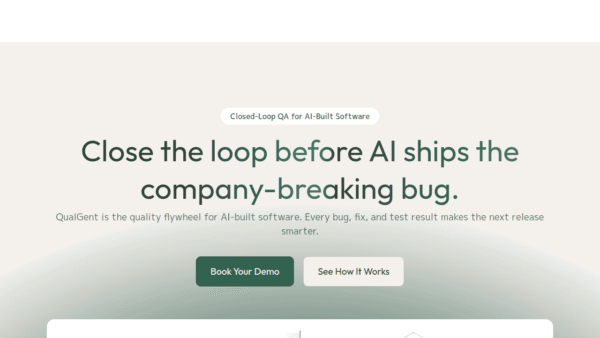
QualGent
The closed-loop AI QA agent for mobile.
AI Developer Tools - Subscription
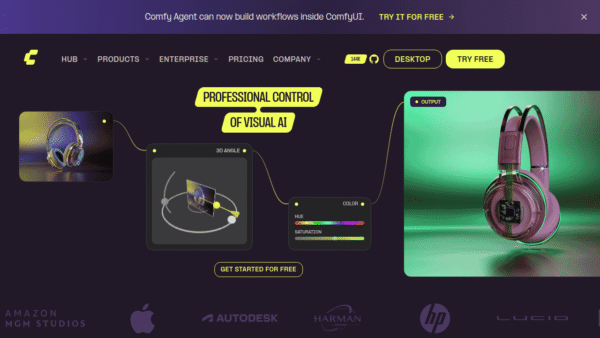
Comfy
The open standard for production-grade visual AI
AI Workflow Builders - Custom
Polymath Robotics
Modular autonomy for real-world off-highway robots
Productivity & Automation AI - Freemium
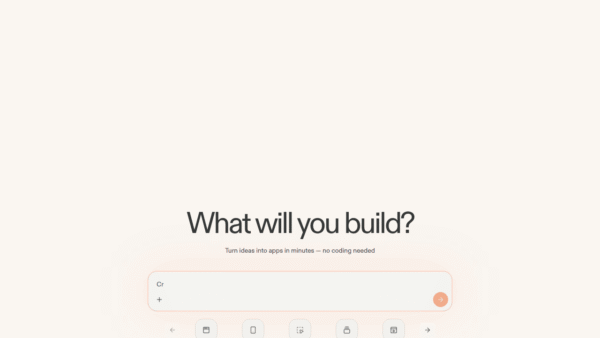
Replit
AI platform to build, launch, and scale apps fast
No-Code AI App Builders - Your Ad Here
- Free Featured
Redesign by Nodewave
Turn your codebase into on‑brand social posts
Social Media Content Creation - Free
ONEIMG
All-in-one free AI photo editor online
AI Photo Editors