


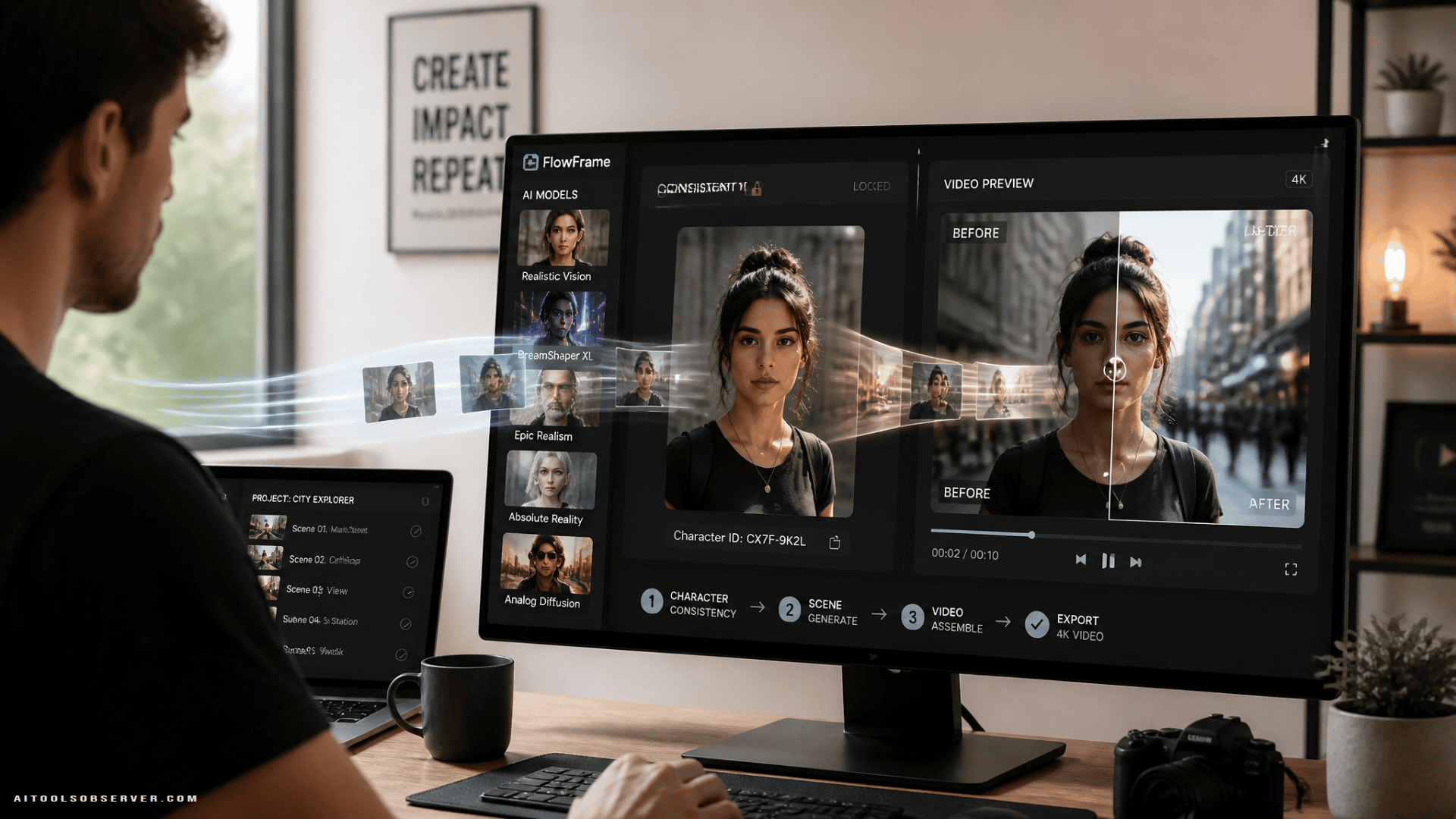
The Real Problem With Most AI Creative Workflows
The issue isn’t capability. Most AI tools can produce something impressive in isolation. The problem is that “impressive in isolation” doesn’t translate to a finished asset.
A soft 1024px image needs upscaling. An upscaled image needs the right aspect ratio. A character generated in one session looks slightly different in the next. And by the time you’ve exported, re-imported, and patched everything together, you’ve spent more time managing tools than creating content.
What separates a useful AI stack from a frustrating one in 2026 comes down to three things: multi-model access in one workspace, character consistency across outputs, and resolution that’s platform-ready without extra steps.
Multi-Model Access in One Place
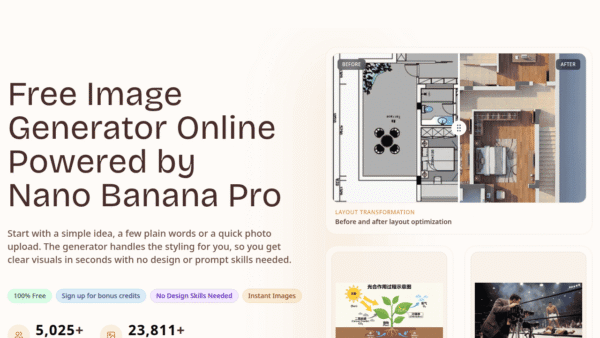
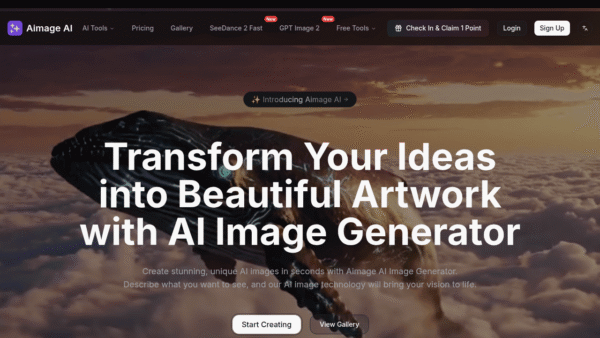
No single AI image model wins at everything. Some handle photorealism better. Others are stronger on stylized art, text rendering, or specific aspect ratios. The practical advantage of a platform that runs multiple models side by side—something like Nano Banana Pro, GPT Image, Seedream, FLUX, and others under one account—is that you can compare outputs without juggling five separate subscriptions.
For creators making gaming thumbnails, cosplay concept art, fan edits, or social graphics, that comparison matters. The first generation isn’t always the best one, and switching models shouldn’t mean switching platforms.
Native Resolution and Text Rendering
A lot of AI generators produce a soft image and leave the resolution problem for you to solve. Native 2K output with intelligent 4K refinement applied at generation time is meaningfully different from stretching a low-res image up in post—the result is sharper without the smeared, over-processed look that comes from aggressive upscaling after the fact.
Text rendering is the other weak point worth calling out. Garbled letters and warped logos have been a persistent problem across AI image tools. For anything with a title card, a sign, or branding baked into the image, clean text output isn’t optional—it’s the difference between a usable asset and one that needs manual correction.
Character Consistency Across a Series
This is the feature that matters most for fan-content creators, original character projects, and anyone building a recurring visual series.
The classic AI image problem is drift: generate the same character ten times and you get ten slightly different versions of that character. Face shape shifts. Outfit details change. Proportions vary. For a single standalone image, that’s manageable. For a cosplay portfolio, a gaming channel with recurring characters, or a fan-fiction series with a consistent cast, it breaks the whole project.
A feature like Soul ID—which locks a character’s identity, face, and proportions across separate generations—solves that directly. It’s not a workaround. It’s the thing that makes an AI image library actually usable as a library rather than a pile of near-misses.
Editing Without Starting Over
Inpainting—a brush tool that lets you swap objects, fix backgrounds, change colors, or rewrite text directly on an existing image—is worth having in the same platform as generation. The alternative is regenerating the whole image and hoping the new version matches the original closely enough to use. It usually doesn’t.
Super-Resolution vs. Just Exporting Bigger
This distinction matters and it’s worth being direct about it: exporting a video at a higher resolution without an AI upscaler just stretches existing pixels. You get a bigger file, not a sharper one.
AI super-resolution reconstructs detail that wasn’t visible in the original footage. That’s why upscaled footage looks noticeably cleaner rather than just larger. For old gameplay recordings, VHS-era home video, or AI-generated clips that came out slightly soft, that reconstruction is the entire point.
The Full Toolkit for Restoration
A capable AI video upscaler handles more than resolution. The features that matter for real-world creator use cases include:
- Denoising — strips grain and low-light artifacts from older camcorder footage or clips shot in bad conditions
- Stabilization — removes shake without needing separate software
- Frame interpolation — pushes footage to 60 or 120 fps, useful for smoothing gameplay recordings or creating slow-motion from standard clips
- Deinterlacing — converts tape-era interlaced footage into clean progressive frames
- Color restoration and colorization — brings faded colors back or adds color to black-and-white footage
- Compression artifact removal — cleans up the blocky, muddy look from heavily compressed or repeatedly re-uploaded video
- Face enhancement — sharpens and restores facial detail specifically
- Batch processing — handles multiple files at once, which matters for anyone digitizing an archive
For creators with a backlog of old footage—convention clips, early gaming recordings, archived projects—batch processing and browser-based rendering without a software download are practical requirements, not nice-to-haves.
The Combined Workflow: From Concept Image to Polished 4K Video
The reason pairing image generation and video upscaling in one platform matters is what happens between the two steps.
A practical workflow looks like this:
- Generate a character or scene image with Soul ID locking in the character’s appearance across the session
- Animate it into a short video using an image-to-video pipeline (Sora 2, Kling, Seedance, or WAN, depending on the style and output needed)
- Apply camera movement and optical physics through a cinematic tool that supports multi-axis camera control, so the result doesn’t look like a static image with pan-and-zoom applied
- Run the final export through the video upscaler to clean it up to native 4K or 8K before publishing, especially for platforms that compress video hard on upload
Doing all of that inside one platform means no re-uploading files between tools, no quality loss from repeated exports, and no managing accounts across five different services to finish one piece of content.
Which Platform Covers Both Sides of This Stack?
Higgsfield appears to be one of the few platforms currently offering both a multi-model AI image generator and a dedicated 4K/8K AI video upscaler under one account. Based on the available context, it supports image generation through Nano Banana Pro, GPT Image, Seedream, FLUX, Kling 01, and its own Soul model, and image-to-video through Sora 2, Kling, Seedance, and WAN.
That combination is worth noting directly because most competitors specialize in one side or the other. An image tool that can’t touch video, or a video upscaler with no generation capability, forces the multi-tool workflow that creates the problem in the first place.
The model partnerships are also a practical cost argument. Access to multiple generation engines through one interface rather than five separate subscriptions reduces both the monthly bill and the account management overhead.
Both tools are described as starting on a free plan with daily credits, which means testing the workflow doesn’t require a subscription upfront. That’s a reasonable way to evaluate whether the stack fits before committing.
How to Choose the Right Stack for Your Workflow
If you’re building a cosplay portfolio or original character series, character consistency is the non-negotiable feature. Look for Soul ID or equivalent functionality before anything else.
If you’re running a gaming channel, thumbnail generation with multi-model comparison and native 4K output will save the most time. Pair that with video upscaling if you have older recordings you want to bring up to current platform standards.
If you’re digitizing old footage or archiving convention clips, the video upscaler’s denoising, stabilization, deinterlacing, and batch processing capabilities matter more than generation features.
If you’re producing short-form content for Reels, Shorts, or TikTok, aspect ratio flexibility (1:1, 9:16, 16:9, 3:4, 4:3) and fast turnaround without downloads or plugins are the practical requirements.
Frequently Asked Questions
Is there a free AI video upscaler worth using?
Higgsfield’s AI video upscaler is described as offering a free plan with daily credits, so you can test 4K upscaling without paying upfront. Higher resolution output and unlimited processing are part of the paid tiers.
Can AI upscalers actually fix old gameplay recordings?
Yes. Super-resolution, denoising, and frame interpolation are specifically useful for low-res or compressed gameplay footage. The key is that super-resolution reconstructs detail rather than just stretching pixels, which is why the result looks sharper rather than just bigger.
What’s the difference between AI upscaling and exporting at a higher resolution?
Exporting at higher resolution without an upscaler produces a larger file with no additional clarity. AI super-resolution reconstructs detail that wasn’t in the original, which is why the output looks noticeably cleaner.
Can I keep a character consistent across multiple AI-generated images?
Yes, using a feature like Soul ID, which locks a character’s identity, face, and proportions across separate generations. Without something like this, character appearance drifts between outputs, which makes building a consistent visual series impractical.
The Practical Takeaway
The best AI tool stack for content creators in 2026 isn’t the one with the most features—it’s the one that removes the most friction between a concept and a finished, platform-ready asset.
For most creators, that means prioritizing multi-model image generation with native high resolution, character consistency that holds across a full project, and video upscaling that handles restoration and enhancement without requiring a separate tool. If you can get all of that under one account, you’ve cut the workflow down to something that actually scales.
Start with a free plan, run your actual use case through it, and evaluate based on output quality and time saved—not feature lists.






Comments (0) No comments yet
Want to join this discussion? Login or Register.
No comments yet. Be the first to share your thoughts!