


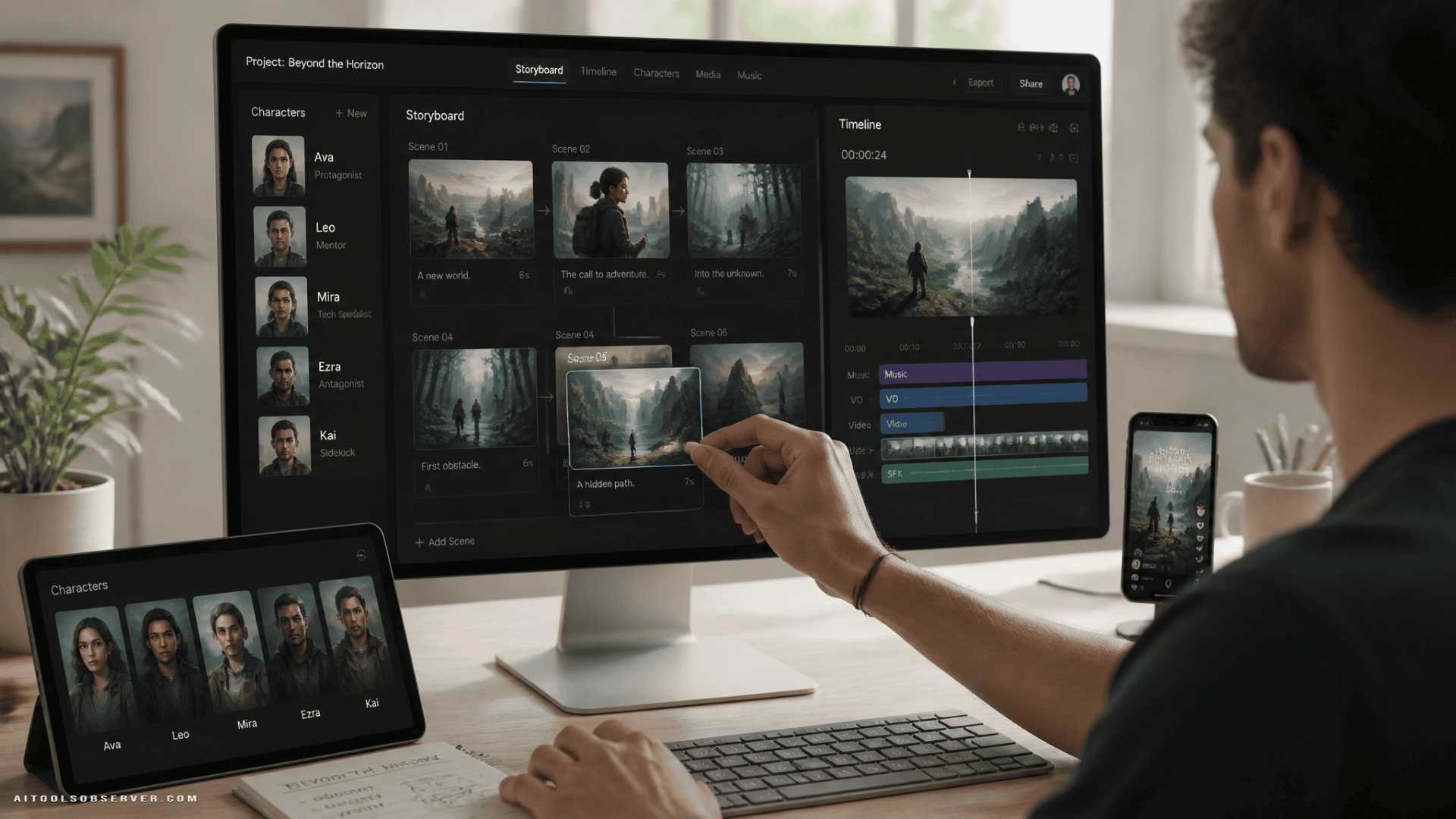
The Core Problem: Fragmented Workflows Break Creative Momentum
When the tools don’t connect, the creative process pays the price. A character designed in one application looks slightly different when regenerated in another. A scene that worked in the script loses coherence when the visual style shifts between platforms. Creators end up spending more effort on consistency management than on the actual story.
This is not a minor inconvenience. For short-form content creators working on TikTok, Instagram Reels, or YouTube Shorts, speed and visual cohesion are directly tied to output quality. A workflow that introduces friction at every step limits how much you can experiment and iterate.
What AI Story Studio Actually Does
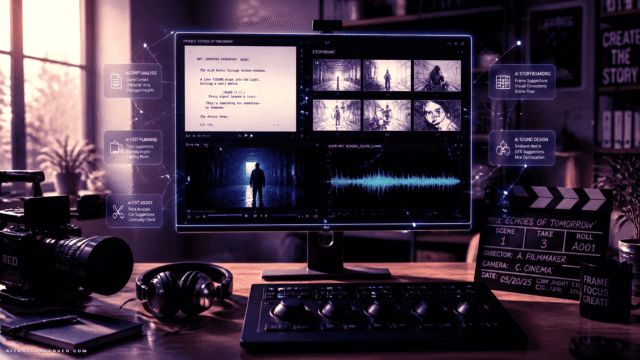
Rather than functioning as a standalone text-to-video generator, AI Story Studio guides creators through a structured, connected sequence. The platform generates a complete story framework—title, theme, background, plot, and character setup—from an initial idea or a selected style template.
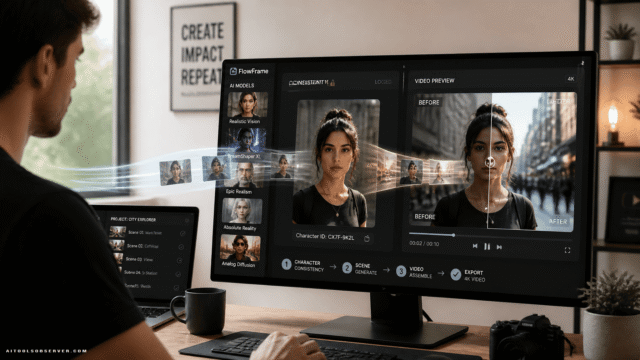
Because each stage feeds into the next within the same environment, the characters you define in step two carry through to the storyboard in step three and into the final video in step four. That continuity is the practical advantage of an integrated approach.
Who This Workflow Suits Best
The tool appears designed for a specific range of users rather than a universal audience:
- First-time AI creators who want to produce a complete video without learning professional editing software or writing complex generation prompts.
- Short-form content creators who need to move quickly, respond to trends, and maintain visual consistency across scenes.
- Writers and storytellers who have a script or concept and want to translate it into a visual narrative without building animations manually.
- Educators and brand teams looking to produce story-driven explanatory content for social media or internal use.
Experienced video editors with established multi-tool pipelines may find less immediate value here. The platform’s strength is reducing setup complexity, not replacing advanced post-production control.
Step 1: Choose a Story Style
Open AI Story Studio and browse the available creative styles. If you are producing content for a trending format, selecting a template as a starting point is faster than building a story structure from scratch. Templates provide a framework; they do not lock you into a fixed outcome.
Step 2: Review and Refine the AI-Generated Story
The platform automatically generates a story title, theme, background, and plot based on your selected style or input. Review the draft carefully. This is the stage where your creative direction matters most—adjusting the plot, tone, or character setup here shapes everything that follows.
Step 3: Customize Characters and Storyboard
AI Story Studio creates a cast and generates visual scenes based on the story structure. You can modify individual characters, regenerate specific scenes, or adjust the storyboard sequence to improve pacing. Maintaining visual consistency is easier at this stage because all elements are generated within the same system.
Step 4: Generate and Export the Final Video
Once the storyboard reflects your intent, generate the final video. The platform combines story, characters, and scenes into a finished output ready for download and distribution. No additional editing software is required to reach a shareable result, though creators who want further refinement can export and continue in a dedicated editor.
Where Integration Delivers Real Value
The efficiency argument for an all-in-one platform is straightforward: fewer tools mean fewer points of failure. But the more significant benefit is consistency. When character design, scene generation, and video production share the same underlying system, the visual language of a story holds together across scenes without manual correction.
For creators producing multiple videos per week, that reduction in rework compounds quickly. Less time spent fixing inconsistencies means more time available for developing new ideas or testing different story directions.
Practical Considerations Before You Start
A few things worth keeping in mind:
- Creative control has a ceiling. An integrated platform optimizes for accessibility and speed. If your project requires highly specific character designs or precise scene compositions, you may encounter limitations compared to using specialized tools individually.
- Templates are a starting point, not a constraint. The built-in story styles are designed to accelerate setup, not define your output. Treat them as scaffolding.
- Iteration is part of the process. The storyboard review stage is where most of the meaningful creative decisions happen. Spending time there before generating the final video produces better results than rushing to the output step.
The Practical Takeaway
If your current AI video workflow involves four or more separate tools and you spend more time managing files than developing stories, an integrated platform like Wondershare Media.io’s AI Story Studio is worth evaluating seriously. It trades some ceiling on individual tool performance for a meaningful reduction in workflow complexity—a tradeoff that makes clear sense for short-form content creators, educators, and anyone building a consistent output cadence without a dedicated production team.
The question is not whether integrated tools are better in absolute terms. It is whether the friction in your current workflow is costing you more than the flexibility you gain from using specialized tools separately.








Comments (0) No comments yet
Want to join this discussion? Login or Register.
No comments yet. Be the first to share your thoughts!