


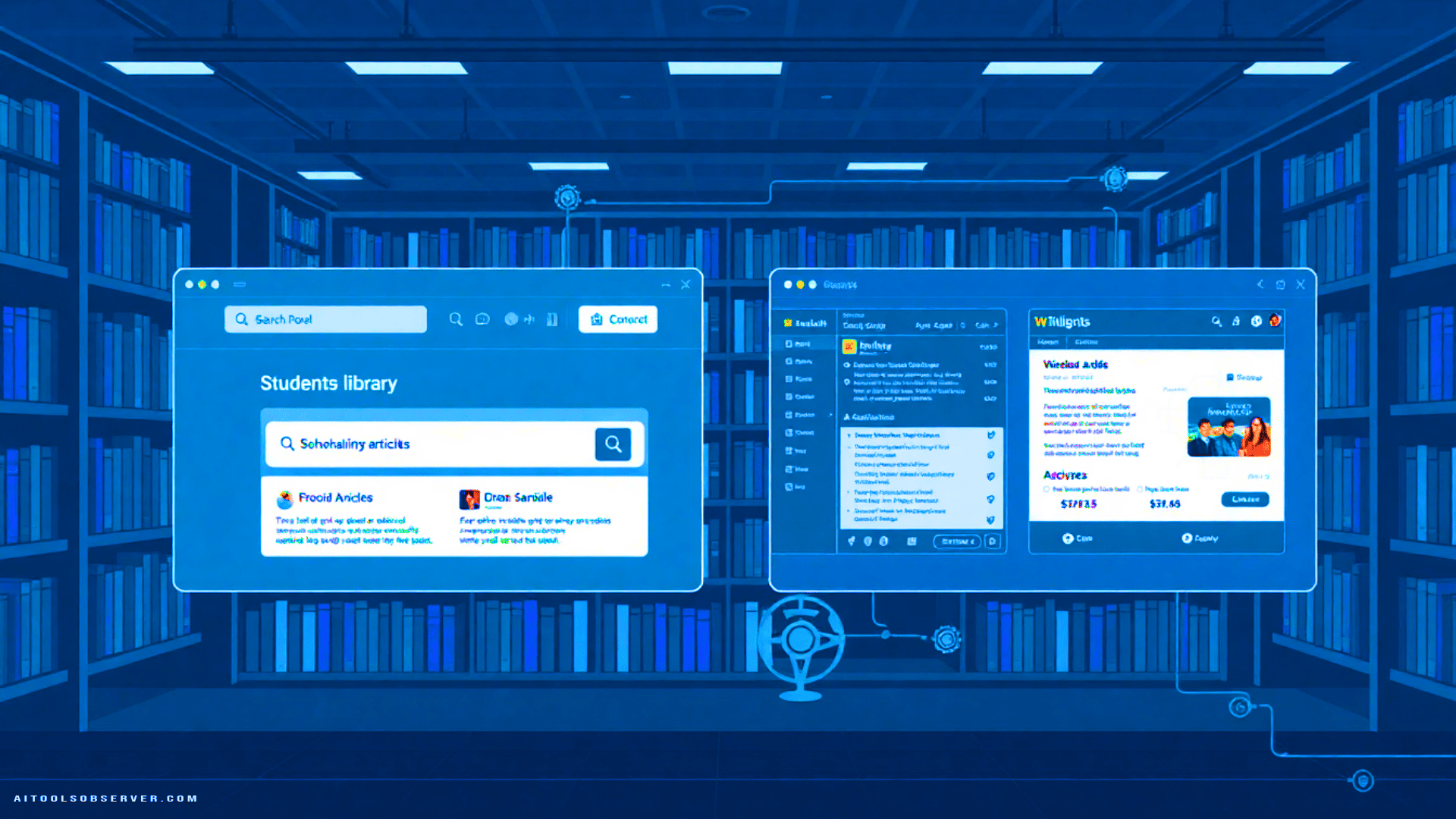
The Landscape: Four Tools, One Goal
The tools in question — JSTOR Research Assistant, ProQuest Research Assistant, EBSCOhost Natural Language Search & AI Insights, and OneSearch Research Assistant — share a common purpose: reducing the friction between a student’s research question and a credible academic source.
Each tool approaches that goal differently. Understanding those differences is essential for librarians, faculty, and students choosing where to begin their research workflow.
Access Requirements
Access friction is the first filter. Two tools require no account whatsoever:
- ProQuest Research Assistant activates automatically upon database entry.
- EBSCOhost Natural Language Search & AI Insights similarly requires no login.
The other two introduce a barrier:
- JSTOR Research Assistant requires a free JSTOR account before AI features become available.
- OneSearch Research Assistant requires a MyPortal institutional login, tying access directly to student enrollment credentials.
For libraries prioritizing zero-barrier entry — particularly in equity-focused contexts — ProQuest and EBSCOhost hold a structural advantage. JSTOR’s account requirement adds a minor but real step. OneSearch’s MyPortal dependency is the most restrictive, though it also ensures the tool operates within a verified institutional context.
Core Functionality

Each tool’s AI capability is distinct, not merely cosmetic.
JSTOR Research Assistant focuses on text-intensive academic material. Its strength lies in iterative search refinement and source summaries, making it well-suited for humanities and social science research where close reading of dense scholarly texts is central. The account requirement suggests a more curated, personalized experience over time.
ProQuest Research Assistant distinguishes itself through data visualization alongside source summaries. Its interface is notably more visual, which may benefit students who process information graphically or are working with quantitative research. The automatic activation removes any onboarding friction entirely.
EBSCOhost Natural Language Search & AI Insights takes the most accessible linguistic approach. Students type plain-language questions — the kind they might ask a professor — and the system converts those into structured keyword searches. It then generates broad bullet-point summaries of relevant sources. This design directly addresses the documented difficulty students face in translating research intent into database-compatible query syntax.
OneSearch Research Assistant operates at the opposite end of the precision spectrum. It requires specific terminology input to function effectively, rewarding students who already possess some subject vocabulary. In return, it delivers targeted academic results with higher specificity. It functions less as an entry point and more as a precision instrument.
A Critical Limitation: Content Licensing Restrictions

No comparison of these tools is complete without addressing a significant structural constraint.
Both JSTOR and ProQuest operate under publisher-controlled content licensing for AI features. Certain materials are excluded from AI processing — and those exclusions are not publicly listed. Students only discover a restriction when the AI tool marks a specific source as unavailable.
This creates an invisible boundary in the research process. A student may not know whether a gap in results reflects the absence of relevant scholarship or the presence of a licensing wall. For information literacy instruction, this is a meaningful concern: the tool’s apparent completeness may be misleading.
EBSCOhost and OneSearch do not appear to carry the same publicly noted restriction, though library professionals should verify vendor terms independently as licensing landscapes evolve.
Early-Stage Exploratory Research
EBSCOhost’s natural language interface is the strongest entry point for students who are new to academic databases or unfamiliar with subject-specific terminology. The plain-language input model meets students where they are linguistically.
Humanities and Text-Heavy Disciplines
JSTOR’s depth in journal archives and its text-focused AI summarization make it the natural choice for literature, history, philosophy, and related fields — provided the account setup step is completed in advance.
Quantitative and Interdisciplinary Research
ProQuest’s data visualization capability adds a dimension that purely text-based tools lack. For research involving statistics, trends, or cross-disciplinary synthesis, the visual interface offers genuine analytical value.
Advanced or Discipline-Specific Queries
OneSearch rewards students who already know their subject vocabulary. For upper-division coursework or graduate-level research where precision matters more than accessibility, its targeted output justifies the specificity requirement.
Integration, Pedagogy, and Information Literacy

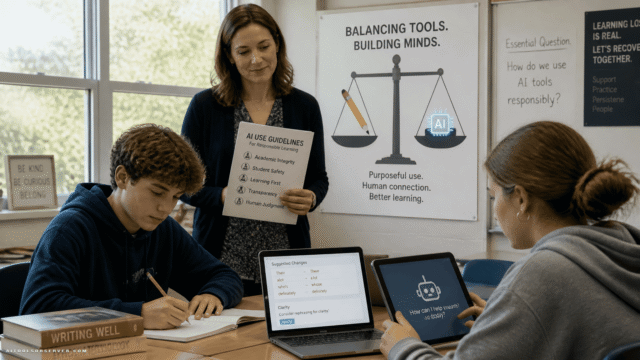
The introduction of these tools at De Anza reflects a broader institutional question that extends well beyond any single college: how should AI be integrated into research instruction without displacing the critical thinking it is meant to support?
Academic Senate acting president Shagun Kaur noted that the tools’ necessity varies by discipline, instructor pedagogy, and course learning outcomes. That variability is not a weakness — it is an accurate description of how research actually works across a curriculum.
The library’s response has been structural and educational simultaneously. The database page was reorganized around De Anza’s Guided Pathways Villages, aligning research resources with students’ academic trajectories. AI literacy content is now available on request — in person, via Zoom, or through recorded presentations — ensuring that tool access is accompanied by interpretive guidance.
This matters because AI-generated summaries and visualizations can create an illusion of comprehension. Students who receive a bullet-point overview of five sources have not yet evaluated those sources. The tools accelerate discovery; they do not replace judgment.
JSTOR Research Assistant
Strengths: Deep text-focused search, strong humanities coverage, iterative refinement.
Weaknesses: Account required, publisher licensing restrictions limit AI access to some content.
ProQuest Research Assistant
Strengths: No account needed, data visualization, automatic activation.
Weaknesses: Publisher licensing restrictions apply, visual interface may not suit all research styles.
EBSCOhost Natural Language Search & AI Insights
Strengths: Lowest barrier to entry, plain-language input, broad accessibility.
Weaknesses: Bullet-point summaries are broad rather than deep, may encourage surface-level engagement.
OneSearch Research Assistant
Strengths: High precision output, institutional integration via MyPortal.
Weaknesses: Requires specific terminology, less accessible for novice researchers.
Closing Reflection
These four tools do not compete with each other in the traditional product sense — they coexist within the same library infrastructure, each serving a different point in the research journey. The real comparison is not which tool wins, but which tool fits which student, at which stage, in which discipline.
What the De Anza implementation demonstrates is that vendor-supplied AI tools can be deployed responsibly when accompanied by structural clarity and information literacy guidance. The tools arrived automatically. The pedagogical framework around them did not — that required deliberate institutional effort.
For academic libraries evaluating similar integrations, the lesson is precise: AI tools lower the entry barrier to research. Whether students cross that threshold with genuine critical engagement depends on the instruction that surrounds the technology, not the technology itself.







Comments (0) No comments yet
Want to join this discussion? Login or Register.
No comments yet. Be the first to share your thoughts!