



The login problem finally gets a practical fix
Shared classroom displays are a headache. Every teacher who walks into a room faces a different setup, different apps, different files. Samsung’s new Account Management Solution (AMS) tackles this with a QR code or NFC-enabled ID card. Tap or scan, and the display pulls up your personalized environment—apps, settings, lesson materials—on any compatible screen across campus.
That’s not just a convenience. It means a teacher can move between rooms without losing their flow. It also opens the door for substitute teachers to walk in and immediately access the right resources. Jelena Zivko, a senior instructional technology specialist with Volusia County School District, pointed out that this kind of seamless login also supports multilingual instruction and extends learning beyond the classroom through summaries and transcripts.
The underlying idea: stop treating classroom displays like anonymous public terminals and start treating them like personal workspaces that follow the teacher.
AI that assists, not intrudes
Samsung AI Assistant is the other half of the story. It’s a set of tools baked into the display: Circle to Search, Live Transcript, AI Summary, and AI Quiz. Circle to Search lets a teacher highlight anything on screen and instantly pull up credible instructional resources without breaking the lesson’s rhythm. Tambra Clark, a technology integration facilitator and Samsung Solve for Tomorrow winner, called it a significant time saver.
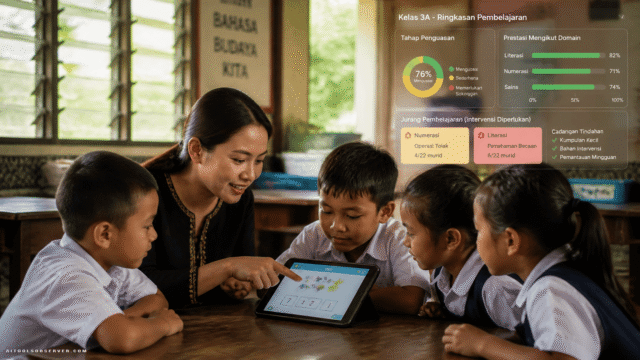
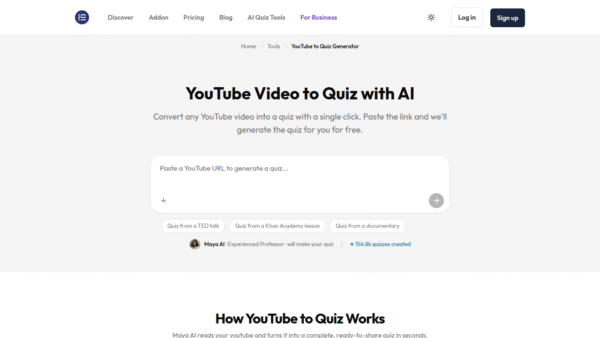
The transcription feature might be the most quietly powerful piece. It listens to the lesson, creates a summary, and generates a quiz from what was taught. Clark described it as “the secret sauce”—a reflective tool that helps teachers see where students might need extra support. It’s formative assessment without the extra paperwork.
Live Transcript also supports multilingual learners, making lessons more accessible. The AI doesn’t decide what to teach; it captures and organizes what the teacher already delivered. That distinction matters. Educators at ISTE expressed strong interest in tools that enhance teaching, not replace it, and Samsung’s approach appears to align with that sentiment.
A portal for the people who manage the chaos
Behind the scenes, IT teams get Samsung Education Portal. It centralizes user management, device oversight, and emergency alerts. Instead of configuring each display individually, admins can push settings across a fleet. That’s the kind of unglamorous infrastructure that keeps a school’s tech from becoming a support nightmare.
The portal also ties into the AMS login system, so the personalized experience for teachers is backed by centralized control. It’s a balance: individual flexibility on the front end, manageable administration on the back end.
Hardware that grows into larger spaces
Samsung’s Interactive Display lineup is expanding, too. The upcoming WAF-S, WAFX-PS, and WAHX-M models introduce Android 16 and broader AI capabilities. For the first time, a 98-inch display joins the family, aimed at lecture halls and large collaborative spaces. That size signals an intent to move beyond the standard classroom into higher education and professional learning environments.
The WAFX-P model earned three Tech & Learning Best of Show Awards at ISTELive 2026, across primary, secondary, and higher education categories. The recognition highlights the display’s ability to support collaboration and accessibility through AI-powered tools and seamless connectivity.
The Logitech connection and the ecosystem play
Samsung’s joint session with Logitech underscored a broader shift. Madeleine Mortimore, Logitech’s global education innovation lead, noted that it’s no longer enough to have a device with an app. The right combination of hardware and software lets students “hear and be heard, see and be seen, and interact effectively.” That’s a push toward integrated classroom ecosystems where cameras, audio, displays, and software work together.
Jonathan del Rosario, Samsung’s head of product for display solutions, framed it plainly: “The educator remains the driving force in the classroom.” The AI tools are there to reduce friction, not to take the wheel.
What this means for schools evaluating AI tools
Samsung’s announcements at ISTELive 2026 aren’t about flashy, standalone AI gimmicks. They’re about weaving practical AI into the daily workflow of teaching. The AMS login system solves a real, persistent problem. The AI Assistant tools automate the kind of post-lesson work that eats into planning time. The portal gives IT a fighting chance at managing it all.
For schools and districts, the question isn’t whether to adopt AI—it’s which AI actually reduces teacher workload without adding complexity. Samsung’s approach suggests that the most useful AI in education might be the kind you don’t have to think about. It just works when you tap your ID card.
The takeaway: look for classroom AI that handles the invisible tasks—login, transcription, resource discovery—so teachers can stay focused on the visible ones.








Comments (0) No comments yet
Want to join this discussion? Login or Register.
No comments yet. Be the first to share your thoughts!