


What Is Vmake?
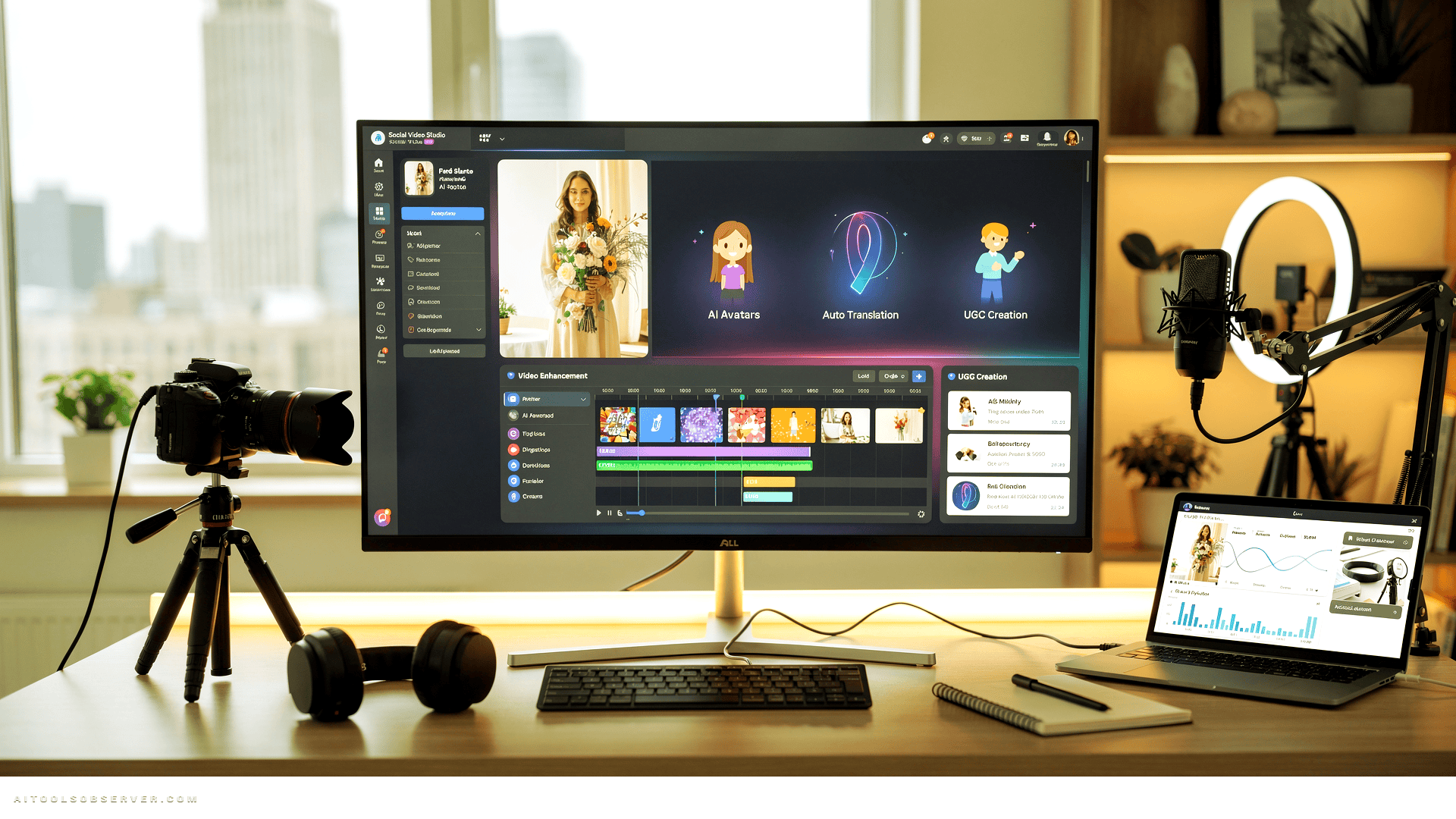
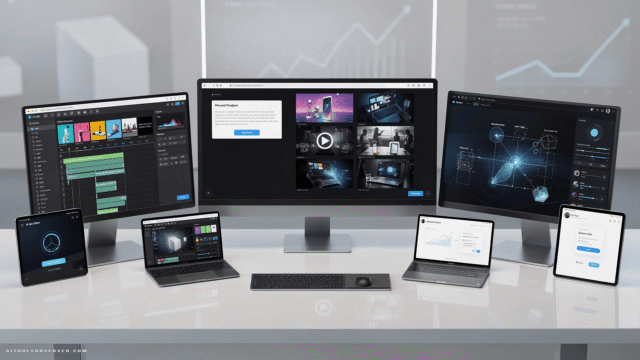
Vmake is an AI-powered social video studio — a single platform where you can enhance, create, clean up, translate, and repurpose video content without bouncing between five different subscriptions.
The pitch is simple: everything you need to go from raw footage (or nothing at all) to polished, platform-ready content, in one place. For solo creators and lean marketing teams, that consolidation alone is worth paying attention to.
Video Enhancer

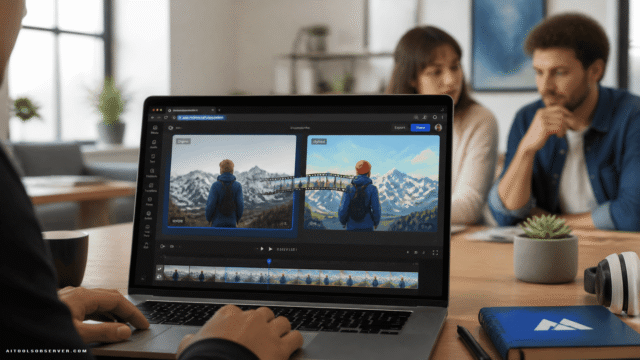
This is the anchor feature, and it earns its spot. Drop in raw footage and Vmake handles the polish — upscaling to 4K, reducing noise, fixing blur, correcting lighting, and stabilizing shaky clips. All in a single click.
It’s the kind of tool that makes older footage usable again and makes budget shoots look like they had a bigger budget.
Watermark Remover
Here’s a quietly useful one. When you need to repurpose old clips from your own social profiles, platform watermarks and burned-in captions get in the way. Vmake strips those out and hands you a clean file to work with.
It’s a small feature with a surprisingly large practical impact for anyone recycling their own archive.
Background Removal & Video Recreation

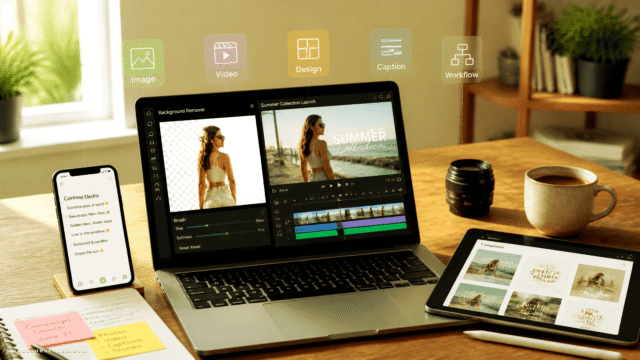
Need to drop your subject onto a new background? Done. Want to feed Vmake an existing video and have it generate a recreation — as a concept, a shoot reference, or a stylistic edit? That’s in here too.
The recreation feature in particular opens up some interesting creative shortcuts for brands that want to test visual concepts before committing to a full shoot.
AI Avatars & UGC Creation
This is where Vmake leans into the UGC trend hard. You can generate clips from product images, existing footage, AI objects, or fully synthetic avatars — bridging gaps in your content calendar without booking talent or renting a studio.
Vmake claims production costs can drop to as low as $10 per video. For brands testing new creative angles or scaling content across multiple markets, that math gets interesting fast.
Video Translator
Localization without a localization team. The video translator lets you adapt content for different language markets, which is increasingly non-negotiable for brands with any kind of global ambition.
It fits naturally into the broader workflow — enhance, create, translate, publish.
Pricing: Refreshingly Honest
Vmake’s free tier lets you try the tools before committing, which is the right call for a platform asking you to trust it with your content workflow.
Paid plans start under $6/month (billed annually), which is genuinely low for what’s on offer.
Plan Highlights
Plus — Best value for most users. Up to 1,000 credits/month, core tools (video enhancer, watermark remover, thumbnail generator) up to 10 times per day, access to top-tier generation models including Google’s Veo 3.1 and Seedance 2.0, and 1080p export.
Pro — Steps up to 4K output, 4,500 credits/month, and 5x the daily usage limits. Built for teams or creators with higher volume needs.
For most solo creators and small marketing teams, Plus is the sweet spot. Pro makes sense once you’re running a content operation at real scale.
Who Is Vmake Actually For?
Creators who shoot a lot but spend too much time in post. The enhancer and watermark remover alone can save hours per week.
E-commerce brands that need product showcase videos without a full production pipeline. The AI UGC tools are built with exactly this use case in mind.
Marketers repurposing content across platforms and regions. The translator and recreation tools make that workflow significantly less painful.
Lean teams tired of managing multiple tool subscriptions. One platform, one bill, most of what you need.
What Works, What to Watch
Works well: The all-in-one consolidation is real, not just marketing copy. The video enhancer is genuinely capable. Pricing is accessible enough that the barrier to trying it is low.
Worth watching: AI-generated avatars and UGC content are only as good as the prompts and models behind them — results will vary depending on your use case and how much you’re willing to iterate. And as with any credit-based system, heavy users will want to map their workflow against the credit limits before committing to a plan.
The Verdict
Vmake doesn’t try to be a Hollywood editing suite. It tries to be the fastest, most complete path from raw content to something worth posting — and for that specific job, it’s well-equipped.
The combination of enhancement, creation, translation, and cleanup in a single affordable platform is genuinely useful. If you’re spending too much time stitching together tools or too much money on production for content that lives for 48 hours on a feed, Vmake is worth a serious look.
Sometimes the smartest production decision is the one that costs $6 a month.










Comments (0) No comments yet
Want to join this discussion? Login or Register.
No comments yet. Be the first to share your thoughts!