


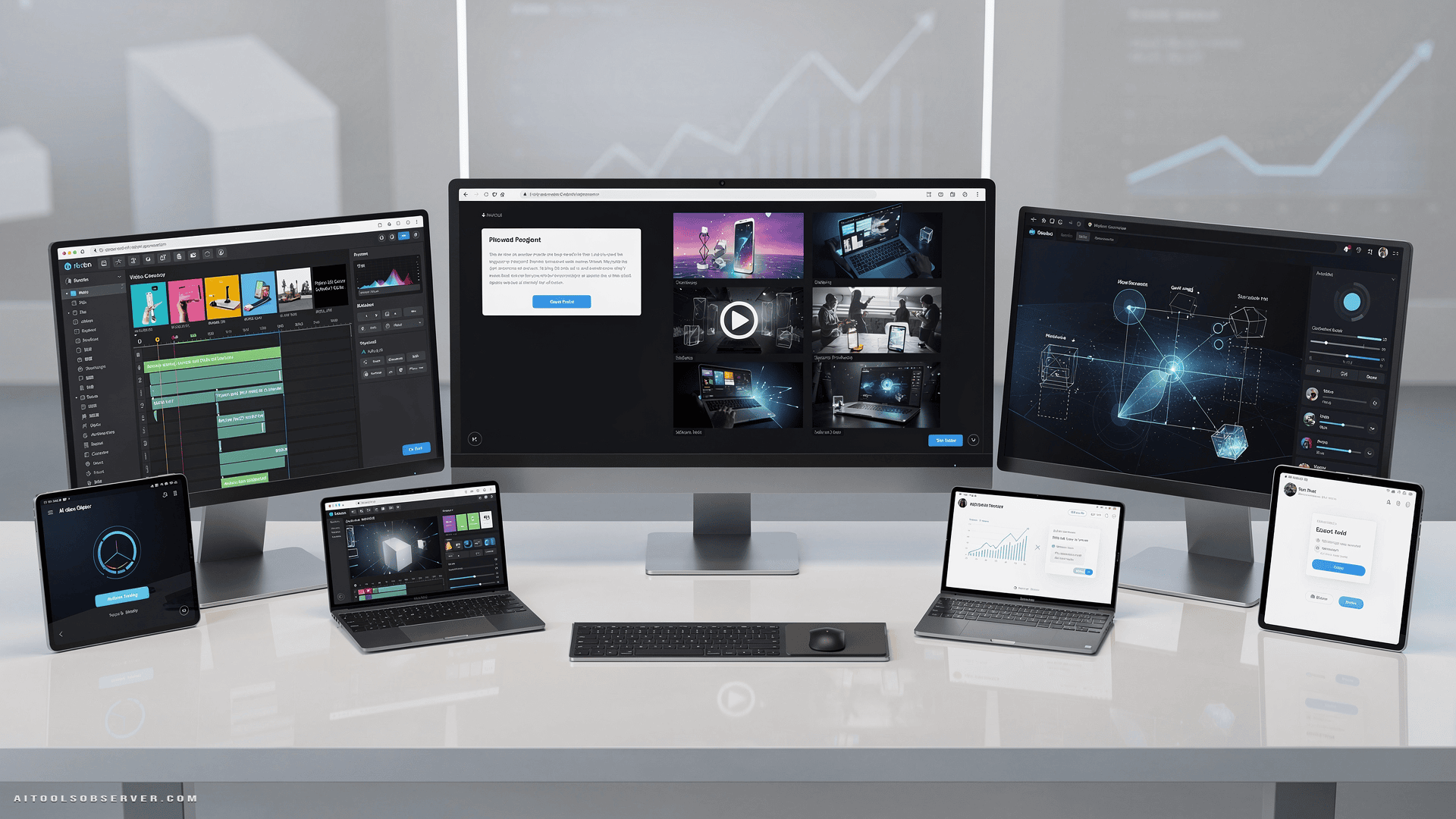
What to Look for in an AI Video Generator
Before diving into the tools, get clear on your priorities. The best AI video generator for a solo content creator on TikTok is not the same one a film director needs for pre-visualization.
Ask yourself: Do you need photorealism or stylized animation? Short-form clips or extended sequences? Avatar-based talking heads or cinematic world-building? Pricing matters too, but it should be the last filter, not the first.
With that framing in place, here’s how these five platforms stack up.
Pollo AI — Best All-in-One Hub for Marketers and Creators

If you want one platform that does everything, Pollo AI is the closest thing to it in 2026.
It operates as a multi-model aggregator, giving you access to its own proprietary engines—Pollo 2.5 and Seedance 2.0—alongside third-party powerhouses like Veo 3, Sora 2, Kling AI, and Runway. You’re not locked into a single model’s strengths or limitations. You pick the engine that fits the job.
What Makes Pollo AI Stand Out
The platform ships with over 100 specialized video apps covering nearly every content format imaginable. Marketing teams get dedicated tools for Clone Video Ads, UGC Video Ads, Product Videos, and Facebook Ad formats. Filmmakers get optimized modes for Movie Trailers, B-Roll, and Teaser Videos.
The Reference to Video engine is a standout feature. It solves one of the most persistent problems in AI video—character and object consistency across frames. If you’ve ever watched an AI-generated clip where a face morphs between shots, you understand why this matters.
Beyond video, Pollo AI integrates image generation powered by GPT Image 2, Nano Banana 2, and Flux Kontext. You can build an entire content pipeline—images, animations, edited clips—without leaving the platform. There’s also a native iOS app for mobile production, which is a genuine advantage for social media managers working on the go.
Who Should Use Pollo AI
Marketing agencies, social media managers, and independent creators who need volume and variety. If your workflow demands diverse commercial content across multiple formats and you want the flexibility to switch models without switching platforms, Pollo AI is your hub.
Pricing: Free tier available; Premium plans from $10–$60+/month
One caveat: Routing through third-party models means rendering queues can vary depending on server demand for that specific engine. Plan accordingly during high-traffic windows.
HeyGen — Best for Corporate Video and Localized Marketing

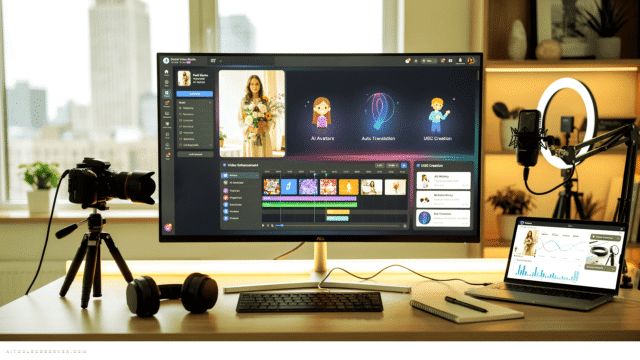
HeyGen plays a completely different game. It’s not trying to generate cinematic worlds or abstract animations. It’s laser-focused on one thing: making hyper-realistic talking-head videos at scale.
Upload a script, select or create an avatar, and HeyGen produces footage of a digital spokesperson delivering your message with accurate lip-sync. The voice cloning feature supports dozens of languages while preserving the original speaker’s vocal tone and emotional delivery. For global brands, that’s a significant operational advantage.
What Makes HeyGen Stand Out
The efficiency gains are real. No studio. No camera crew. No scheduling actors. HR departments can build entire training libraries. Customer success teams can personalize onboarding videos. Digital marketers can localize campaigns across ten markets without re-recording a single line.
The avatar library is extensive, with diverse options and customizable outfits and backdrops suited for professional corporate aesthetics. The face-swapping and personalized avatar tools let brands build consistent digital ambassadors for ongoing video series—a major win for brand continuity.
Who Should Use HeyGen
Corporate teams, HR departments, and digital marketers who need to scale talking-head content without expanding production overhead. If your primary output is presentation-style or spokesperson-driven video, HeyGen is purpose-built for you.
Pricing: Free trial available; Paid tiers from $24–$72+/month
One caveat: HeyGen is optimized for stationary talking-head formats. Don’t bring it to a project that requires cinematic action sequences or complex environmental interactions—it’s not designed for that.
Runway Gen-3 Alpha — Best for Professional Filmmaking and Commercial VFX
Runway Gen-3 Alpha is where AI video generation meets professional production standards. This is the tool that film directors, VFX studios, and high-end advertising teams reach for when quality cannot be compromised.
The model is trained on massive high-fidelity multimodal datasets, which gives it a deep understanding of cinematography language. You can specify lens focal lengths, lighting setups like chiaroscuro, camera movements like dolly zooms or crane shots, and historical artistic styles—and the output reflects those inputs with structural coherence.
What Makes Runway Gen-3 Alpha Stand Out
The Advanced Motion Brush is the feature that separates Runway from the competition at the professional level. It provides precise masking capabilities, letting you animate isolated elements within a reference image while keeping the rest of the frame completely static. That level of control is essential for pre-visualization and commercial production where every frame is deliberate.
Runway also minimizes artifact warping on complex prompts—a persistent weakness in many competing models. When you’re working on broadcast-quality content, that reliability matters more than any single feature.
Who Should Use Runway Gen-3 Alpha
Film directors, VFX professionals, and corporate advertising teams who need meticulous control over cinematic output. If your work lives in professional pre-visualization, high-end commercials, or narrative filmmaking, Runway is the benchmark.
Pricing: $12–$76+/month
One caveat: To unlock Runway’s full potential, you need to use precise industry terminology in your prompts—lens focal lengths, specific lighting setups, camera movement names. Vague prompts produce mediocre results. The tool rewards technical knowledge.
Kling AI — Best for Long-Form Narrative and Physics-Heavy Sequences
Kling AI has built its reputation on two things: extended clip generation and realistic physical simulation. Both are genuinely difficult problems in AI video, and Kling handles them better than most.
Built on a large-scale diffusion transformer architecture, the platform accurately models the kinetic behavior of solid objects, fluid dynamics, and fabric materials. Characters interacting with machinery, vehicles navigating rough terrain, liquids moving naturally—these scenarios hold up across extended sequences without the spatial distortion that plagues shorter-context models.
What Makes Kling AI Stand Out
The ability to generate long continuous video segments natively is a significant workflow advantage. Most AI video tools produce short clips that require external stitching and editing to build longer sequences. Kling reduces that overhead substantially.
For documentary pre-visualization, training simulations, and narrative filmmaking, that continuity is invaluable. When your story depends on sustained visual logic—a character consistently interacting with the same environment across multiple shots—Kling’s physical modeling keeps the output believable.
Who Should Use Kling AI
Documentary filmmakers, narrative content creators, and training simulation producers who need long-duration shots with consistent physical realism. If your project involves complex object interactions or extended sequences, Kling is the most capable tool for that specific demand.
Pricing: $10–$90/month
One caveat: High-physics extended clips are computationally intensive. Expect longer rendering queues during peak hours. Factor that into your production timeline.
How to Choose the Right Tool for Your Workflow
The honest answer is that no single tool wins across every use case. Each of these platforms was built with a specific creator in mind.
Choose Pollo AI if you need maximum flexibility and want to run multiple model types from one dashboard. It’s the best choice for agencies and creators managing diverse content formats at scale.
Choose HeyGen if your primary output is spokesperson or training video content and you need to localize it across languages without re-recording.
Choose Pika AI if short-form social content is your focus and you want stylized, high-engagement visuals with fast iteration cycles.
Choose Runway Gen-3 Alpha if you’re working at a professional production level and need cinematic precision, not just passable output.
Choose Kling AI if your projects require extended sequences with convincing physical realism and you can’t afford continuity breaks.
The Bottom Line
AI video generation in 2026 is no longer a novelty—it’s a production tool. The question isn’t whether to use it. The question is which platform fits your specific workflow, budget, and quality standard.
Match the tool to the job. Don’t pay for cinematic-grade rendering if you’re making Instagram Reels. Don’t use a social media tool to pre-visualize a film sequence. The right fit makes the difference between a tool that accelerates your work and one that just adds friction with extra steps.
Pick your use case first. Then pick your platform.







Comments (0) No comments yet
Want to join this discussion? Login or Register.
No comments yet. Be the first to share your thoughts!