

What Is Clean Inbox for Gmail?
Clean Inbox for Gmail is a privacy-first Gmail add-on designed to declutter your inbox by intelligently separating marketing, promotional, and other unwanted messages from the emails that matter most. Powered by GPT (OpenAI’s ChatGPT), it can label whole categories of incoming emails with a single click and lets you create custom filter categories tailored to the way you work.
You can manage both unwanted and allowed senders, giving you fine-grained control over what reaches your primary inbox. The tool does not read the full contents of your emails, and filtered emails are never deleted—only labeled—making it a safer alternative to traditional inbox cleaners. This results in a cleaner, more focused Gmail experience with far less manual filtering and unsubscribing.
Quick Snapshot
Clean Inbox for Gmail automatically detects and labels marketing and spam emails so your inbox stays focused on what matters. It saves hours of manual unsubscribing while keeping your email contents private and untouched.
- Works on
-
- Web
- Chrome Extension
- Browser Extension
- Pricing Model
- Cannot determine the price.
- Fits on
- Affiliate Program
- We could not identify an affiliate program.
- API Availability
- We could not identify whether an API is available.
- Key Features
-
- Automate Gmail clutter removal with GPT filters
- Keep important emails visible and prioritized
- Enjoy privacy-first, non-destructive inbox cleaning
- Audience
-
- knowledge workers
- busy professionals
- founders
- startups
- remote teams
- students
- freelancers
Screenshot

Key Features of Clean Inbox for Gmail
GPT-powered email filters
Uses GPT (OpenAI’s ChatGPT) to automatically identify and label marketing, promotional, and unwanted messages in Gmail.
One-click category labeling
Label entire categories of incoming emails with a single click to quickly organize your inbox by type.
Custom filter categories
Create custom filter categories tailored to your workflow so different types of emails are routed and labeled the way you prefer.
Allowed and unwanted senders
Manage lists of allowed and unwanted senders to control exactly which emails reach your primary inbox.
Privacy-first design
Does not read the full contents of your emails, and filtered messages are never deleted—only labeled—offering a safer alternative to aggressive inbox cleaners.
Non-destructive filtering
Keeps all emails accessible while using labels and categories to organize them, reducing risk of losing important messages.
Use Cases for Clean Inbox for Gmail
Inbox decluttering
Automatically label and separate marketing and spam emails so your main Gmail inbox stays focused on high-priority conversations.
Focus for busy professionals
Reduce notification noise and manual triage, allowing busy professionals to concentrate on client, team, and project emails first.
Startup and founder workflows
Keep investor, partner, and customer communication visible while GPT filters quietly route promo and newsletter clutter into labeled folders.
Student email management
Help students automatically separate course and admin emails from promotional content, making it easier to stay on top of deadlines.
Freelancer communication control
Ensure client and contract-related emails are not buried under marketing blasts by using custom GPT-powered filter categories.
Frequently Asked Questions
What is Clean Inbox for Gmail?
Clean Inbox for Gmail is a Gmail add-on that uses GPT-powered filters to automatically detect, label, and separate marketing, promotional, and spam emails from important messages while keeping your data private.
How does Clean Inbox for Gmail use GPT?
Clean Inbox for Gmail uses GPT (OpenAI’s ChatGPT) to intelligently analyze and categorize incoming emails, labeling marketing and other unwanted messages so they do not clutter your primary inbox.
Does Clean Inbox for Gmail delete my emails?
No. Clean Inbox for Gmail never deletes emails; it only labels and organizes them into categories so you can maintain a clean inbox without losing access to any messages.
Is Clean Inbox for Gmail safe and privacy-focused?
Yes. The tool is designed to be privacy-first and does not read the full contents of your emails. It focuses on labeling and categorization rather than deep content inspection or deletion.
Can I customize email filter categories in Clean Inbox for Gmail?
Yes. You can create custom filter categories and manage allowed and unwanted senders, giving you granular control over how different types of emails are labeled and where they appear.
Who should use Clean Inbox for Gmail?
Clean Inbox for Gmail is ideal for knowledge workers, busy professionals, founders, startups, remote teams, students, and freelancers who want a focused Gmail inbox without manual filtering.
How is Clean Inbox for Gmail different from other inbox cleaners?
Unlike many inbox cleaners that aggressively unsubscribe or delete messages, Clean Inbox for Gmail uses GPT to label and separate emails without deleting them, offering more control and lower risk of losing important messages.
What does Clean Inbox for Gmail cost?
Current pricing for Clean Inbox for Gmail is not specified in the provided information. Visit the official website or its Google Workspace Marketplace listing to see up-to-date pricing details.
Clean Inbox for Gmail · Our Verdict
Clean Inbox for Gmail takes a pragmatic, privacy-conscious approach to inbox automation by labeling rather than deleting messages. Its GPT-powered categorization and custom filters make it especially useful for professionals drowning in marketing and promo emails who still want granular control over what reaches their main inbox.
Clean Inbox for Gmail ·
-
 Subscription
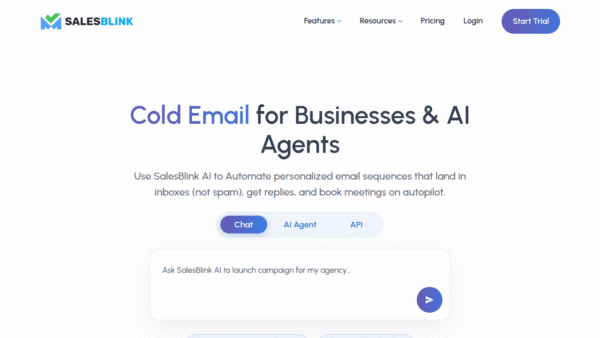
 SalesBlink
AI-powered cold email that gets you booked
Marketing & Sales AI - Freemium
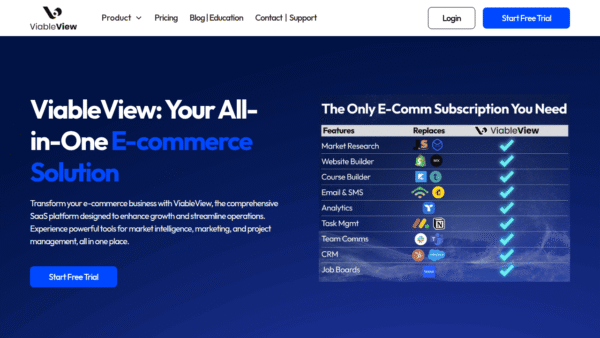
ViableView
All-in-one e‑commerce platform for data-driven growth
E-commerce & Retail AI - Subscription
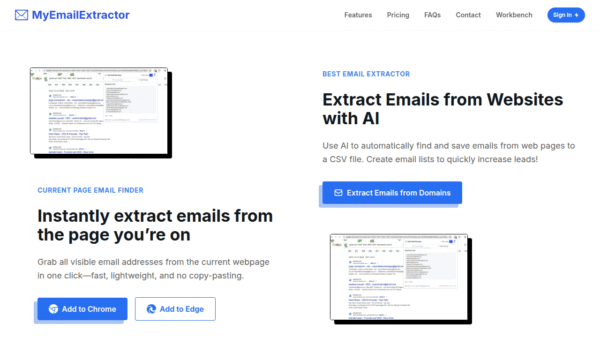
MyEmailExtractor
AI email extractor for fast, compliant leads
Lead Scoring & Prospecting -
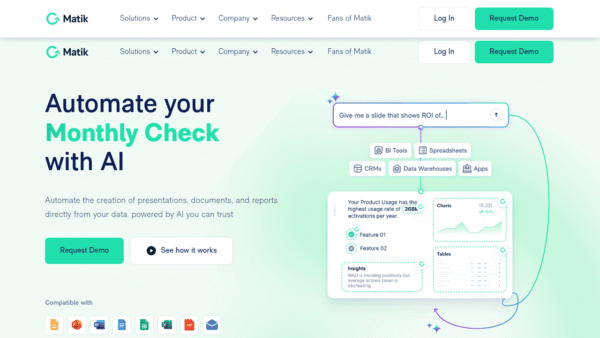
Matik
Automate personalized data-driven content at scale
Productivity & Automation AI - Freemium Featured
Zoom Workplace
One platform for AI-powered collaboration everywhere
Productivity & Automation AI - Your Ad Here
-
iWishAI
AI-powered roleplay, dialing, and emails for SDRs
Marketing & Sales AI - Custom
mia
Turn every market signal into revenue decisions
Business & Finance AI