

What Is Content Assistant?
Content Assistant is an AI writing co-pilot built to handle the everyday edits you actually need—without any prompt engineering. Instead of a blank chatbox, it offers simple one-click options like improve, summarize, shorten, simplify, change tone, or draft a reply. You paste in any email, paragraph, thread, or messy note, choose the action, and the tool does the rest while preserving your core message. It works in thirteen languages, is free to try, and does not require creating an account. This makes it especially useful for busy professionals and students who need clean, clear text fast, whether for emails, updates, support replies, or polished documents.
Quick Snapshot
Content Assistant turns everyday writing tasks into one-click actions, so you can improve, summarize, shorten, or re-tone any text without crafting prompts. It helps you get clear, on-brand writing in seconds while keeping your original meaning intact.
- Works on
-
- Web
- Browser Extension
- Chrome Extension
- Pricing Model
- Cannot determine the price.
- Fits on
- Affiliate Program
- We could not identify an affiliate program.
- API Availability
- We could not identify whether an API is available.
- Key Features
-
- Turn common edits into one-click actions
- Instantly improve, summarize, or shorten any text
- Multilingual AI writing help with no signup
- Audience
-
- knowledge workers
- professionals
- marketers
- founders
- students
- customer support teams
- writers
Screenshot

Key Features of Content Assistant
One-click improvements
Instantly enhance grammar, clarity, and flow of any text you paste with a single click, without writing prompts.
Summarize content
Create short, clear summaries of long emails, threads, or documents to speed up reading and sharing.
Shorten and simplify
Compress long or complex passages into more concise and easier-to-understand versions while keeping key points.
Tone adjustment
Change the tone of your writing—such as more formal or more casual—while maintaining your original message.
Reply drafting
Generate draft replies for emails or messages based on the text you provide, giving you a fast starting point.
Multilingual support
Works in thirteen languages, enabling users to refine and transform text across different locales.
No sign-up required
Use the tool instantly in the browser without creating an account, removing friction from getting started.
Use Cases for Content Assistant
Polishing professional emails
Quickly improve clarity, tone, and structure of business emails so they sound professional and confident before you hit send.
Summarizing long text
Turn long updates, documents, or threads into concise summaries that are easier to read and share with teammates or clients.
Shortening and simplifying content
Condense and simplify complex paragraphs or notes into clear, readable text suitable for broad audiences or busy stakeholders.
Drafting replies
Generate thoughtful draft replies to emails or messages based on the original text, saving time while staying on point.
Adjusting writing tone
Re-tone messages to be more formal, casual, or friendly while preserving the original meaning and intent.
Frequently Asked Questions
What is Content Assistant and how does it work?
Content Assistant is an AI writing co-pilot that refines any text you paste by improving, summarizing, shortening, simplifying, changing tone, or drafting replies. You choose a one-click action, and it generates an optimized version while keeping your meaning intact.
Is Content Assistant free to use?
Content Assistant is free to try and can be used without creating an account or signing up. No additional pricing details or paid plans are specified.
Do I need an account to use Content Assistant?
No, you can use Content Assistant directly in your browser with no sign-up or account required.
Which languages does Content Assistant support?
Content Assistant works in thirteen languages, allowing you to improve and transform text across multiple locales. Specific language names are not listed in the provided information.
Can Content Assistant help with email replies?
Yes, Content Assistant can draft replies based on the text you paste, making it easier to respond quickly to emails and messages while staying on tone.
Who is Content Assistant best suited for?
Content Assistant is designed for knowledge workers, professionals, marketers, founders, students, customer support teams, and writers who need fast, reliable help with everyday writing tasks.
Content Assistant · Our Verdict
Content Assistant focuses on the writing actions people actually use daily instead of overwhelming them with open-ended prompts. Its no-signup, one-click workflow and multilingual support make it a practical helper for quick, reliable text refinement across emails, notes, and professional communication.
Content Assistant ·
-
 Subscription
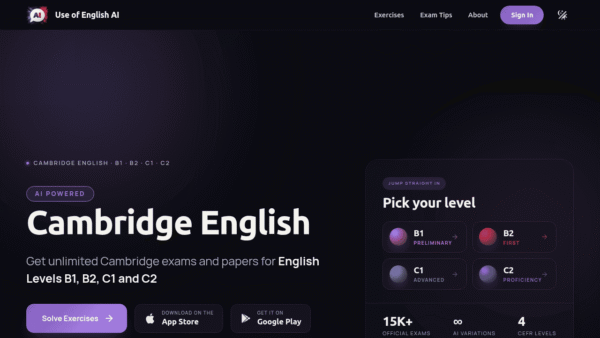
 Use of English AI
AI-powered Cambridge English exam practice
Exam Prep & Study Guides - One-Time
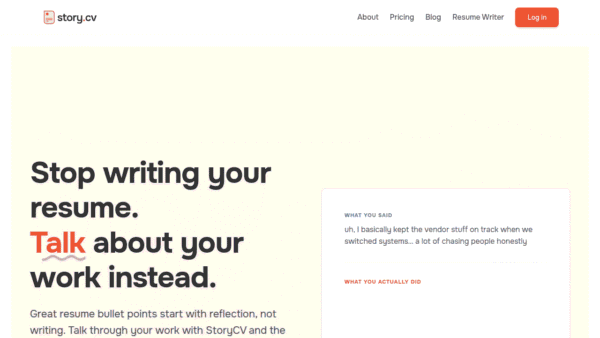
StoryCV
The only resume writer that truly tells your story.
Resume & Career Writing -
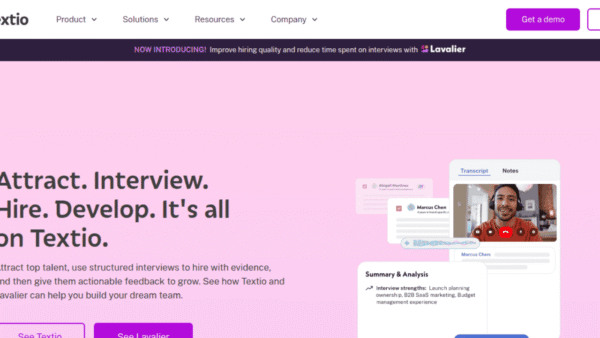
Textio
AI-powered language guidance for hiring and feedback
Productivity & Automation AI - Premium
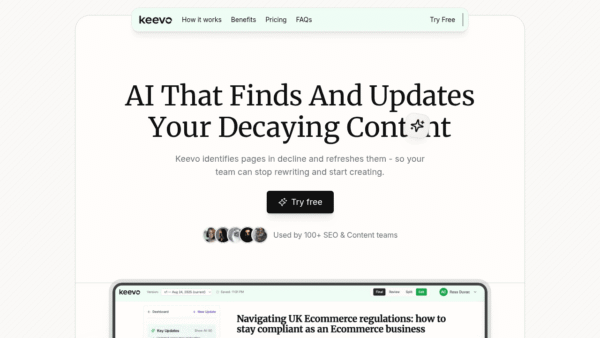
Keevo
Stop losing traffic to stale content with AI
SEO Writing & Optimization -
Acti
Turn every keystroke into instant action
Productivity & Automation AI - Your Ad Here
- Subscription
Outcast
Record once and repurpose content everywhere.
Podcast Editing Assistants - Subscription
TextToSpeech.im
Convert text into realistic speech in seconds
AI Voice Generators (Text-to-Speech)