PDF GPT
Read, search, and summarize any PDF with AI


What Is PDF GPT?
PDF GPT is an AI-powered assistant built specifically for working with PDF documents. You can upload one or multiple PDFs and ask natural-language questions to get instant answers, concise summaries, and page-level citations that show exactly where information comes from. The tool supports over 90 languages, making it suitable for international research and study.
Beyond summarization, PDF GPT helps you search across multiple PDFs, organize documents with tags, and generate outputs like study guides and presentations. It is designed for students, researchers, academics, and professionals who need to quickly understand and organize large, complex PDFs. By turning static documents into conversational resources, PDF GPT reduces hours of manual reading to just a few minutes.
Quick Snapshot
PDF GPT transforms long, complex PDFs into clear, interactive answers in seconds. It lets you summarize, search, and extract cited insights across documents in over 90 languages.
- Works on
-
- Web
- Pricing Model
- Cannot determine the price.
- Fits on
- Affiliate Program
- We could not identify an affiliate program.
- API Availability
- We could not identify whether an API is available.
- Key Features
-
- Instantly summarize long, complex PDFs
- Ask questions and search across multiple PDFs
- Get page-level citations in 90+ languages
- Audience
-
- students
- researchers
- academics
- knowledge workers
- lawyers and legal professionals
- consultants
- business professionals
Screenshot

Key Features of PDF GPT
AI PDF Q&A
Ask natural-language questions about one or multiple PDFs and get instant, context-aware answers drawn directly from the documents.
PDF summarization
Generate concise summaries of long or complex PDFs to quickly understand main ideas, arguments, and findings.
Multi-document search
Search across multiple PDFs at once to find specific topics, terms, or sections without manually scanning each file.
Page-level citations
See exactly where answers come from with page-level citations that link back to the original PDF content.
Multi-language support
Work with PDFs in over 90 languages, enabling international research, study, and reference across diverse sources.
Document organization
Tag and organize your PDF library to keep research materials, study documents, and professional files structured and easy to retrieve.
Content generation
Turn PDF insights into structured outputs such as study guides and presentations, based on the content of your documents.
Use Cases for PDF GPT
Academic research
Quickly summarize long academic papers, search across multiple articles, and get page-level citations to support literature reviews and references.
Student study support
Turn dense textbooks and lecture PDFs into concise study guides and Q&A sessions, helping students understand complex topics faster.
Legal document review
Search and summarize lengthy contracts or case files, extracting key clauses and arguments with citations to the original pages.
Business report analysis
Digest long reports, whitepapers, and internal documents into clear summaries and action points for faster decision-making.
Multi-language research
Work with PDFs in over 90 languages, using translation and search to access and compare information across international documents.
Frequently Asked Questions
What is PDF GPT and how does it work?
PDF GPT is an AI assistant for PDF documents that lets you upload one or more PDFs, then ask questions, generate summaries, and search content in natural language. It analyzes the text and returns answers with page-level citations so you can verify the source.
Can PDF GPT handle multiple PDFs at the same time?
Yes, PDF GPT allows you to upload and search across multiple PDFs, enabling you to ask questions and retrieve information from an entire collection of documents at once.
Does PDF GPT support multiple languages?
Yes, PDF GPT supports over 90 languages, allowing you to read, summarize, search, and translate information from PDFs in many different languages.
Does PDF GPT provide citations for its answers?
PDF GPT provides page-level citations that show exactly where in the PDF an answer or summary is derived from, helping you verify and reference the original source.
Who is PDF GPT best suited for?
PDF GPT is designed for students, researchers, academics, knowledge workers, lawyers, consultants, and business professionals who need to quickly understand and organize long, complex PDF documents.
Is PDF GPT free to use?
The tool displays a “Try for Free” option, but detailed pricing and plan information are not specified in the provided materials.
PDF GPT · Our Verdict
PDF GPT stands out as a focused solution for working with dense PDF documents, offering natural-language search, summarization, and page-level citations in one interface. Its support for over 90 languages and ability to handle multiple PDFs make it particularly useful for serious research, academic work, and professional document review. For users overwhelmed by long reports or papers, it provides a pragmatic way to turn static files into actionable, cited insights.
PDF GPT ·
-
 One-Time
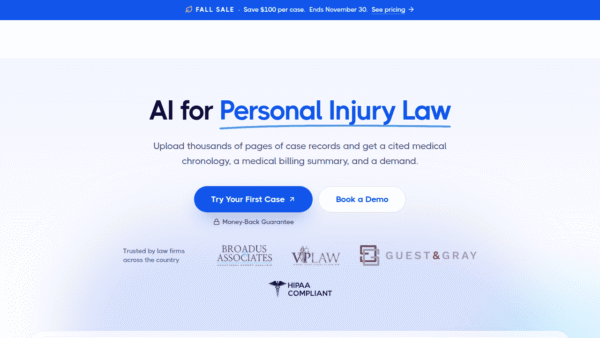
 Legal yze.ai
Find what matters in medical records with AI
Legal & Compliance AI - Credit-Based Premium
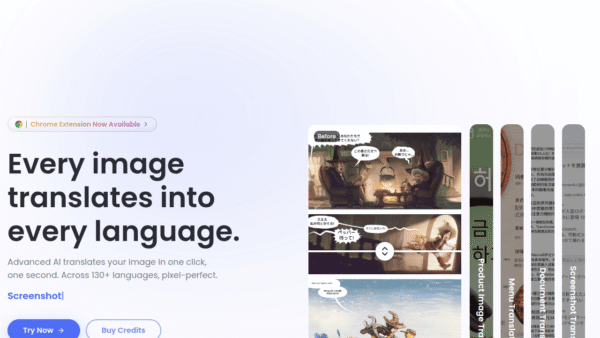
ImageTranslate.AI
Translate any image, keep the design intact
Image & Design AI - Freemium Premium
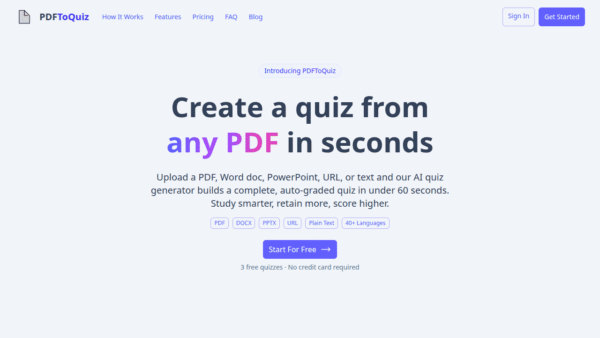
PDFtoQuiz
Turn any PDF into an AI-powered quiz
Exam Prep & Study Guides - Freemium
Carepatron
Beautiful, AI-powered practice management for clinicians
Healthcare AI -
TranslateAir
Instant AI translation and OCR on your Mac
Translation & Localization - Your Ad Here
- Subscription
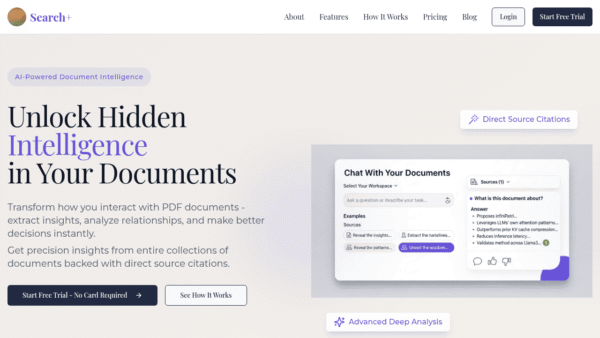
SearchPlus
Unlock hidden intelligence in your documents
Knowledge Management -
OnRanko
AI-powered agents for SEO, marketing, and data
Marketing & Sales AI