

What Is Picture to Drawing?
Picture to Drawing is a browser-based AI converter that transforms ordinary photos into professional-looking drawings and artworks in just a few clicks. It supports a wide range of styles, including pencil sketch, line art, cartoon, anime, watercolor, and painting effects, making it easy to create hand-drawn style visuals without any artistic experience.
The platform showcases a gallery of styles, before-and-after previews, and AI vs. traditional filters so you can choose the exact look you want. Typical use cases include custom portraits, pet art, social media content, digital gifts, storyboards, and creative marketing visuals.
Fast generation, HD downloads, and commercial use rights on paid plans make it suitable for both casual creators and creative professionals. With a credit-based pricing model and a free version, users can try the tool before upgrading for more credits, watermark-free outputs, and priority support.
Quick Snapshot
Picture to Drawing lets you instantly transform any photo into a high-quality drawing or artwork across multiple styles, without needing design skills. It saves time and cost versus manual illustration while delivering consistent, high-resolution, commercial-ready results.
- Works on
-
- Web
- Pricing Model
- Credit-Based
Starting at $8.99/month — Picture to Drawing uses a credit-based pricing model, with paid plans starting at $8.99/month (billed annually). Upgraded plans include more image credits, HD downloads, no watermark, fast generation, commercial use rights, and priority support on higher tiers. - Affiliate Program
- We could not identify an affiliate program.
- API Availability
- We could not identify whether an API is available.
- Key Features
-
- Turn photos into art in seconds
- Choose from multiple AI drawing styles
- Download HD, commercial-ready images
- Audience
-
- content creators
- social media marketers
- designers
- photographers
- artists
- ecommerce sellers
- individual users
- small businesses
Screenshot

Key Features of Picture to Drawing
Multiple art styles
Convert photos into pencil sketches, line drawings, cartoons, anime, watercolor, and painting effects using AI.
Instant web-based conversion
Process images directly in the browser with no software installation, generating drawing results in seconds.
Style gallery previews
Browse a gallery of styles with before-and-after examples and AI vs. traditional filter comparisons to choose the right effect.
HD downloads
Export high-resolution drawing outputs suitable for printing, social media, and professional use on supported plans.
Commercial use rights
Use generated images for commercial projects and client work on paid plans that include commercial usage permissions.
Credit-based plans
Manage costs with a flexible credit-based pricing model that scales with how many images you need to generate.
Use Cases for Picture to Drawing
Custom portraits
Turn personal or client photos into unique pencil sketches, line drawings, or paintings that can be printed, framed, or used as digital gifts.
Social media visuals
Create eye-catching cartoon, anime, or watercolor versions of photos to stand out in feeds and stories without hiring a designer.
Marketing and branding
Generate consistent, on-brand illustration-style images for campaigns, ads, and landing pages using fast AI-driven conversions.
Pet and family art
Convert pet and family photos into artistic drawings suitable for prints, merchandise, or heartfelt presents.
Storyboards and concepts
Quickly transform reference photos into sketch-style frames to support storyboards, mood boards, and concept development.
Frequently Asked Questions
What is Picture to Drawing and how does it work?
Picture to Drawing is an AI-powered web tool that converts your photos into drawings and artworks. You upload an image, choose a style like pencil sketch or cartoon, and the AI generates a new drawing that you can preview and download.
Which drawing styles does Picture to Drawing support?
Picture to Drawing supports multiple styles, including pencil sketches, line drawings, paintings, cartoons, anime, watercolor, and other artistic effects, so you can match different creative needs.
Is there a free version of Picture to Drawing?
Yes, Picture to Drawing offers a free version so you can try the AI conversions before upgrading. Paid plans add more credits, HD downloads, removal of watermarks, and commercial use rights.
Can I use the generated drawings for commercial projects?
According to the tool description, commercial use rights are included on paid plans. This makes Picture to Drawing suitable for client work, marketing assets, and other professional projects.
Do I need design skills to use Picture to Drawing?
No design or illustration skills are required. The AI handles the conversion automatically—just upload a photo, pick a style, and download the finished artwork.
Does Picture to Drawing provide high-resolution outputs?
Yes, the service offers HD downloads on paid plans, making the generated drawings suitable for printing and high-quality digital use.
Does Picture to Drawing offer an API or affiliate program?
Based on the available information, Picture to Drawing does not offer an API or an affiliate program at this time.
Picture to Drawing · Our Verdict
Picture to Drawing offers a focused, easy-to-use workflow for turning any photo into multiple drawing styles, from clean line art to painterly looks. The combination of HD exports, a style gallery, and commercial rights on paid plans makes it a practical option for both hobbyists and professionals who need fast, consistent visual assets.
Picture to Drawing ·
-
 Credit-Based
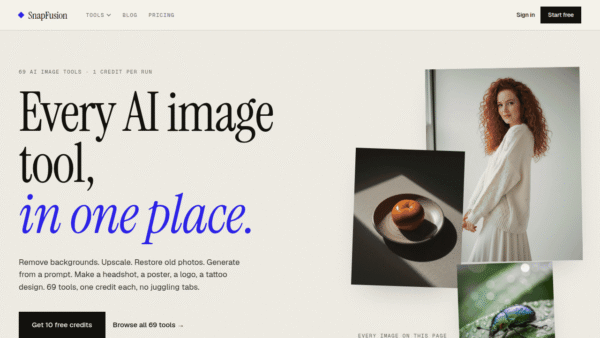
 SnapFusion
Every AI image tool, in one place.
Image & Design AI -
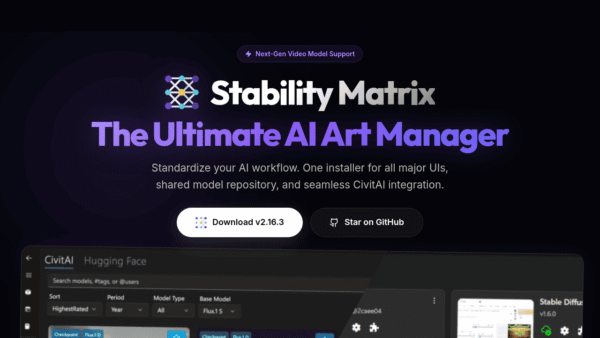
Stability Matrix
The open-source control center for AI art
Local Model Deployment - Free
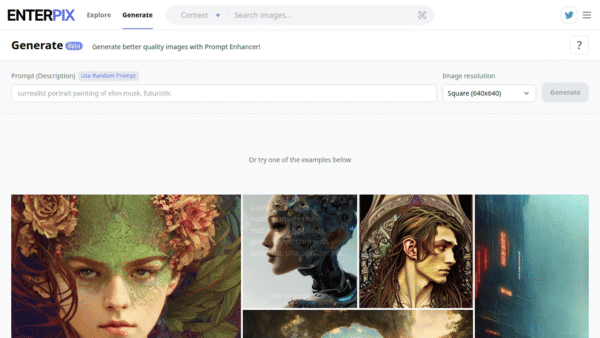
Enterpix
Generate and explore stunning AI art instantly
AI Art Generators -
Image Variations: AI Generator
Generate endless image variations from one picture
AI Image Generation - Subscription
Higgsfield AI
AI-native creative studio for cinematic content
Video & Animation AI - Your Ad Here
- Credit-Based
Nano Banana Pro
Fast, watermark-free AI image generation for creators
AI Image Generation - Freemium
SendStock AI
AI metadata and upload workflow for stock pros
AI Image Search & Tagging