


What the Pattern Tells You
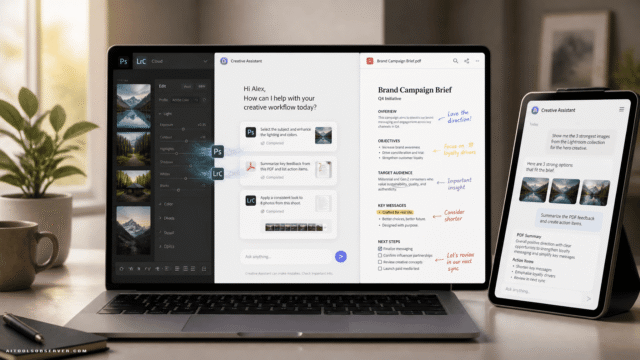
A thread runs through all 10 projects: collapsing multi-step technical processes into something closer to direct manipulation. Drag instead of type. Paint instead of adjust. Talk instead of prompt.
That’s a meaningful design direction, not just a feature list. Adobe is betting that the next competitive edge in creative software isn’t raw capability — it’s reducing the distance between what you intend and what you can actually do.
There’s a real tension here worth naming. Features that compress hours of retouching, compositing, or sound design into a gesture are genuinely useful for solo creators and small teams. They’re also the kind of capabilities that quietly erode the billable value of specialized skills at agencies and studios. Adobe benefits either way — more accessible tools mean more potential subscribers.
What to Actually Watch
Not all 10 will ship. Some may merge into existing tools, others may quietly disappear. Based on the pattern from previous Sneaks sessions, the projects most likely to surface in Creative Cloud or Firefly are the ones solving concrete, repetitive pain points: Rinse Repeat, Scene Sweep, and Sound Bender all fit that description.
Project Screen Test is the wildcard — ambitious enough to be genuinely novel, complex enough that shipping it cleanly will take time.
Keep an eye on the Firefly platform specifically. With generative AI now central to Adobe’s growth story, experimental tools that work across media types tend to land there first before migrating into individual apps.
The Sneaks session isn’t a roadmap. But it’s the clearest signal Adobe gives about where creative workflows are heading — and this year’s slate suggests the direction is less about generating content from scratch and more about giving experienced creators faster, more tactile control over what already exists.










Comments (0) No comments yet
Want to join this discussion? Login or Register.
No comments yet. Be the first to share your thoughts!