

What Is Slides to Video AI?
Slides to Video AI is an AI-powered video studio built specifically for Google Slides users. After connecting your Google account, it converts your slide decks into engaging, multi-scene videos using AI-generated visuals, transitions, and narrations.
You can storyboard directly in Google Slides, choose from multiple AI voices, and export in different aspect ratios for TikTok, Instagram Reels, YouTube, and other channels. The tool also offers themed video packs such as crime, cinematic, concert, and dreams to match your content style.
It is designed for marketers, educators, creators, and businesses that need professional-looking videos quickly without traditional editing tools or production teams.
Quick Snapshot
Slides to Video AI lets you turn existing Google Slides into polished, multi-scene videos with AI visuals and voiceovers, drastically cutting production time and cost. It centralizes storyboarding, generation, and narration so anyone can publish platform-ready videos without editing software or a production team.
- Works on
-
- Web
- Pricing Model
- Subscription
Starting at $7.50/month (billed yearly) — Slides to Video AI offers a Launch - Year plan at $7.50 per month billed yearly ($90/year), allowing users to create up to 20 videos per month with all video ratios and AI video clips. Monthly pricing and additional tiers are referenced but specific details are not disclosed. - Fits on
- Affiliate Program
- We could not identify an affiliate program.
- API Availability
- We could not identify whether an API is available.
- Key Features
-
- Turn Google Slides into multi-scene videos
- Add AI voiceovers without recording audio
- Export platform-ready videos in any ratio
- Audience
-
- marketers
- content creators
- YouTubers
- educators
- teachers
- event planners
- fundraising campaign managers
- podcasters
Screenshot

Key Features of Slides to Video AI
Google Slides integration
Connects directly to your Google account so you can use existing Google Slides decks as storyboards for your videos.
Multi-scene video creation
Automatically converts slides into multi-scene videos with AI-generated visuals and transitions, reducing manual editing work.
AI voiceovers
Offers multiple AI voice options to narrate your videos, eliminating the need to record your own audio.
Multiple aspect ratios
Generates videos in different aspect ratios tailored for platforms like TikTok, Instagram Reels, YouTube, and more.
Themed video packs
Provides themed styles such as crime, cinematic, concert, and dreams so you can match visuals to your content type.
Web-based studio
Runs in a streamlined web app, enabling professional-looking video production without traditional editing software or a production team.
Use Cases for Slides to Video AI
Social media content
Transform marketing or educational slide decks into short, vertical videos optimized for TikTok, Instagram Reels, and YouTube Shorts without manual editing.
YouTube presentations
Convert long-form Google Slides presentations into narrated, multi-scene videos suitable for YouTube channels, webinars, or online courses.
Course and lesson videos
Help educators and teachers quickly turn lecture slides into voiceover videos that students can watch on demand, reducing prep and production time.
Event and fundraising promos
Use existing event or fundraising campaign slide decks to generate polished promo videos with themed visuals and narration for campaigns and announcements.
Podcast and storytelling clips
Storyboard podcast segments or narratives in Google Slides and convert them into stylized video clips using thematic packs like crime or cinematic.
Frequently Asked Questions
What is Slides to Video AI?
Slides to Video AI is a web-based tool that converts your Google Slides presentations into multi-scene AI-generated videos with visuals, transitions, and voiceovers.
How does Slides to Video AI work with Google Slides?
After you connect your Google account, Slides to Video AI imports your selected Google Slides deck and uses it as a storyboard to generate a multi-scene video.
Can I add AI voiceovers to my videos?
Yes, Slides to Video AI lets you choose from multiple AI voices to automatically narrate your slide-based videos.
Which platforms are supported for video formats?
The tool can output videos in different aspect ratios suitable for platforms like TikTok, Instagram Reels, YouTube, and other social channels.
Does Slides to Video AI have a free version?
No, according to the available information Slides to Video AI does not offer a free version and is available via subscription.
How much does Slides to Video AI cost?
The Launch - Year plan starts at $7.50 per month billed yearly ($90/year) and allows you to create up to 20 videos per month with access to all video ratios and AI video clips.
Is there an API for Slides to Video AI?
No, Slides to Video AI does not currently offer an API based on the provided information.
Who is Slides to Video AI best suited for?
Slides to Video AI is ideal for marketers, content creators, YouTubers, educators, teachers, event planners, fundraising campaign managers, and podcasters who already use Google Slides.
Slides to Video AI · Our Verdict
Slides to Video AI focuses on a clear, narrow workflow: turning Google Slides into multi-scene videos with minimal friction. That specialization makes it particularly useful for teams already planning content in Slides who want to repurpose decks across TikTok, Reels, and YouTube without learning complex editors.
The inclusion of AI voices, aspect ratio options, and themed video packs gives it practical value for marketers, educators, and creators looking to speed up production.
Slides to Video AI ·
-
 Subscription
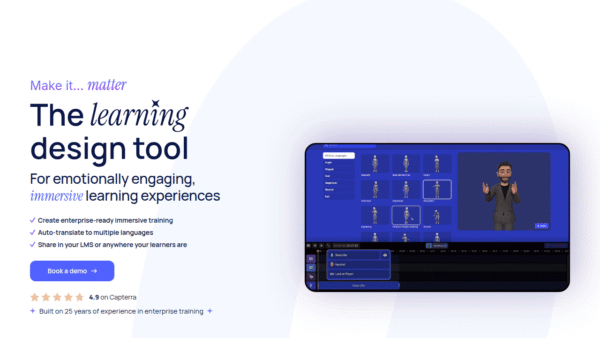
 We Are Learning
Create immersive 3D learning in minutes
AI Video Generation - Featured
FantasyGF
Create, chat, and connect with your perfect AI girlfriend
AI Assistants & Chatbots - Credit-Based
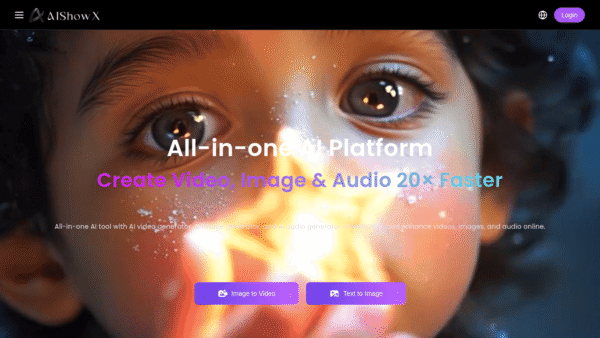
AIShowX
All-in-one AI studio for visual and audio content
Video & Animation AI - Subscription
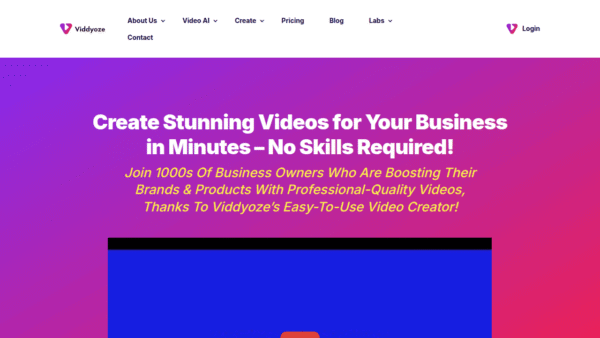
Viddyoze
Create stunning business videos in minutes
AI Video Generation - Credit-Based
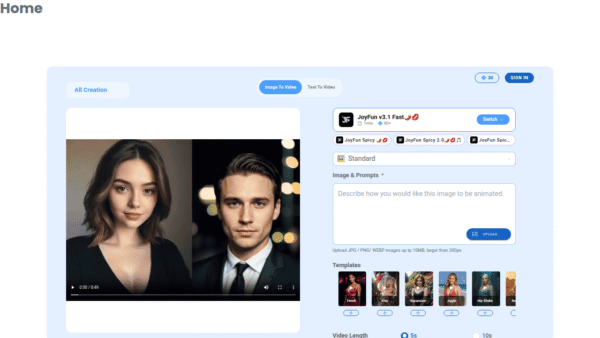
JoyFun AI
Instant AI video creation without subscriptions
AI Video Generation - Your Ad Here
-
VideoVerse
AI-powered video intelligence for sports and news
Video & Animation AI - Free
Redesign by Nodewave
Turn your codebase into on‑brand social posts
Social Media Content Creation