

What Is Snippai?
Snippai is an AI-driven snipping application that turns any selected region of your screen into usable digital content. After you capture an area, it can recognize plain text, mathematical formulas, tables, images, code, and colors, then output them as LaTeX, editable text, or Markdown tables. The tool can also help solve problems embedded in images and explain code snippets shown on your screen. It runs on Windows, macOS, and Linux, with installers distributed through GitHub releases. Typical use cases include:
- Digitizing textbook equations and formulas into LaTeX.
- Extracting text from UI or documentation screenshots.
- Converting table images into clean Markdown tables.
- Translating or interpreting foreign-language interface text directly from the screen.
Quick Snapshot
Snippai lets you capture any part of your screen and instantly convert it into structured, editable text formats like LaTeX and Markdown. This removes the need for manual retyping and speeds up working with formulas, tables, code, and interface text.
- Works on
-
- Mac
- Linux
- Pricing Model
- Cannot determine the price.
- Fits on
- Affiliate Program
- We could not identify an affiliate program.
- API Availability
- We could not identify whether an API is available.
- Key Features
-
- Turn screenshots into structured, editable text
- Convert formulas and tables to LaTeX and Markdown
- Explain code and solve problems from images
- Audience
-
- students
- researchers
- developers
- data analysts
- knowledge workers
- technical writers
- educators
Screenshot

Key Features of Snippai
AI-powered snipping
Capture any screen region and let AI interpret the content, including text, formulas, tables, images, and code.
LaTeX conversion
Convert mathematical formulas and equations from screenshots directly into LaTeX for use in academic documents and reports.
Markdown table output
Transform table images into Markdown tables, ready for use in documentation, wikis, and note-taking tools.
Text and code understanding
Extract plain text from screenshots and generate explanations for code snippets to support learning and documentation.
Cross-platform support
Available for Windows, macOS, and Linux, with installers distributed via GitHub releases.
Problem-solving from images
Use AI to help solve problems contained in image-based content, such as captured exercises or technical questions.
Use Cases for Snippai
Digitize formulas
Capture equations from textbooks or PDFs and instantly convert them into clean LaTeX, removing the need to manually rewrite complex mathematical notation.
Screenshot to Markdown tables
Turn table screenshots into structured Markdown tables that you can paste directly into documentation, wikis, or notes.
Extract UI text
Grab text from interfaces, dialog boxes, and screenshots so you can translate, reuse, or document it without retyping.
Code and snippet explanation
Snip code blocks from your screen and let the AI explain what the code does, helping with learning, documentation, and reviews.
Research and study notes
Convert captured content from papers, slides, or diagrams into editable text and structured formats to speed up note-taking and knowledge organization.
Frequently Asked Questions
What is Snippai and what does it do?
Snippai is an AI-powered snipping tool that converts selected screen regions into structured outputs like LaTeX, Markdown tables, and editable text, recognizing text, formulas, tables, code, images, and colors.
Which platforms does Snippai support?
Snippai is available for Windows, macOS, and Linux, with downloads provided through GitHub releases.
Can Snippai convert formulas to LaTeX?
Yes, Snippai can recognize mathematical formulas from your screenshots and convert them into LaTeX for easy use in documents and academic work.
Does Snippai extract tables from screenshots?
Yes, Snippai can detect tables in captured regions and convert them into structured formats such as Markdown tables.
Can Snippai explain code snippets from my screen?
Snippai can analyze code shown in your screenshots and generate explanations, helping you understand or document the code more easily.
Is Snippai free or paid?
Pricing information is not clearly documented. Snippai is downloadable from GitHub, but no specific plans or costs are provided on visible pages.
Snippai · Our Verdict
Snippai stands out by combining familiar screen snipping with AI models that understand formulas, tables, and code, not just plain text. Its focus on structured outputs like LaTeX and Markdown makes it particularly useful for technical and academic workflows where manual retyping is both slow and error-prone.
Snippai ·
-
 Free Premium
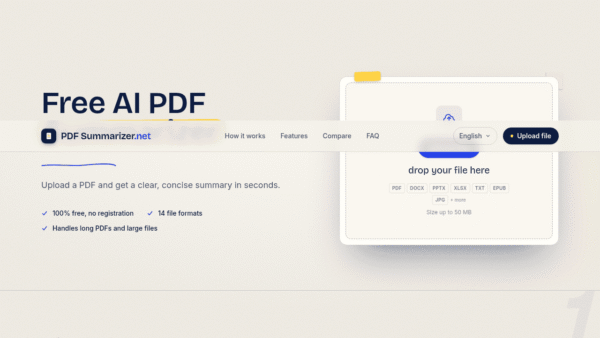
 PDF Summarizer
Free AI PDF summaries in seconds, no signup
Summarization & Paraphrasing - Freemium
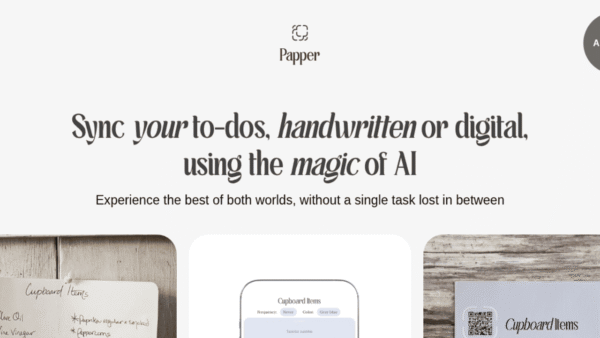
Papper
Sync handwritten and digital to-dos with AI
Task & Project Management -
MODV – My Own Document Vault
Secure, AI-powered document vault with intelligent search
Privacy & Data Protection -
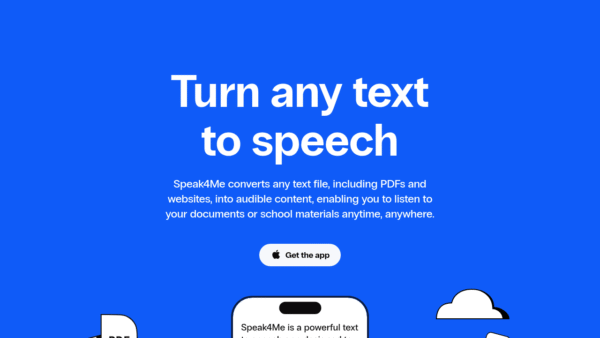
Speak4Me
Turn any text into natural speech you can hear
AI Voice Generators (Text-to-Speech) - Subscription
ContraVault AI
Win more tenders with AI-driven bid decisions
Contract Drafting & Review - Your Ad Here
- Subscription
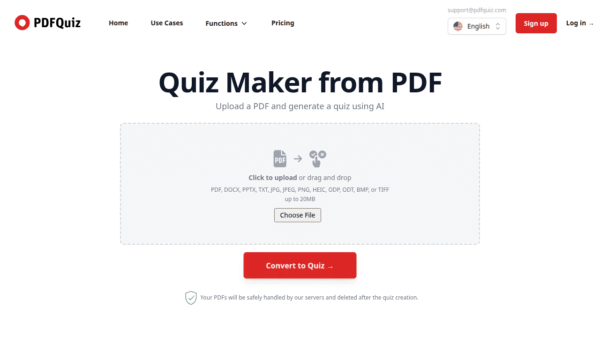
PDFQuiz
Turn any PDF into an AI quiz
Teacher Productivity Tools - Custom
mia
Turn every market signal into revenue decisions
Business & Finance AI