
Tracejourney
Turn Midjourney images into vectors in seconds


What Is Tracejourney?
Tracejourney is an AI-powered image processing bot built for creatives who generate artwork with Midjourney and collaborate on Discord. The bot automatically replies to each Midjourney upscale with an options menu, offering workflows like vectorization, background removal, and intelligent upscaling without leaving Discord.
Users can send images via direct messages, choose vector output formats such as EPS, PDF, or SVG, and apply quick adjustments including brightness, contrast, color, and sharpness. Powered by modern AI models and optimized GPU infrastructure, Tracejourney delivers clean vectors, sharper details, and scalable graphics ready for print, web, and branding.
With support for batch processing of up to 10 images and credit-based subscription plans, it helps creative teams move from experimental prompts to production-ready assets in seconds.
Quick Snapshot
Tracejourney streamlines the jump from Midjourney renders to production-ready vectors and high-res assets directly inside Discord. It automates vectorization, background removal, and upscaling so creative teams can focus on design instead of tedious file prep.
- Works on
-
- Web
- API
- Other
- Pricing Model
- Subscription
Starting at $10/month — Tracejourney uses a credit-based subscription model, starting at $10/month for 500 credits with up to 4x upscaling. Higher tiers at $30/month and $60/month unlock more credits, up to 8x upscaling, and batch processing support. - Fits on
- Affiliate Program
- We could not identify an affiliate program.
- API Availability
- We could not identify whether an API is available.
- Key Features
-
- Convert Midjourney renders to clean vectors
- Automate background removal inside Discord
- Batch upscale and process creative assets
- Audience
-
- graphic designers
- digital artists
- brand designers
- content creators
- creative agencies
- Midjourney users
- Discord communities
Screenshot

Key Features of Tracejourney
Discord-native workflow
Operates entirely within Discord, automatically replying to Midjourney upscales with image processing options so you never leave your chat environment.
AI vectorization
Converts raster Midjourney images into clean vector files, preserving gradients and details for scalable use in branding and print.
Background removal
Automatically removes image backgrounds to produce transparent, ready-to-use assets for compositing and design layouts.
Intelligent upscaling
Upscales images with sharper details, supporting up to 4x or 8x magnification depending on the chosen plan.
Multiple vector formats
Exports vector outputs in popular formats including EPS, PDF, and SVG to fit standard design workflows.
Image adjustments
Offers quick tuning of brightness, contrast, color, and sharpness to refine outputs without switching tools.
Batch processing
Processes up to 10 images at once on supported plans, saving time on repetitive production tasks.
Credit-based pricing
Uses a subscription with credits so teams can match usage to their volume of Midjourney image processing.
Use Cases for Tracejourney
Logo and branding prep
Convert Midjourney concepts into clean vector logos and brand marks that scale for print, packaging, and digital use without losing sharpness.
Social media graphics
Quickly remove backgrounds and upscale Midjourney images for polished social posts, thumbnails, and campaign visuals directly from Discord.
Print-ready artwork
Transform AI-generated artwork into high-resolution, vector-based files suitable for posters, merchandise, and large-format prints.
Batch asset production
Process up to 10 images at once to produce consistent, background-free, or vectorized assets for campaigns and client deliverables.
Concept art refinement
Enhance Midjourney concept art with sharper details, better contrast, and color adjustments to move faster from ideation to presentation.
Frequently Asked Questions
What is Tracejourney and how does it work with Midjourney?
Tracejourney is a Discord-based AI bot that automatically replies to Midjourney upscales with options to vectorize, remove backgrounds, upscale, and adjust images. You trigger it directly from within Discord whenever you generate or upscale images with Midjourney.
Can Tracejourney convert Midjourney images to vector formats like SVG?
Yes, Tracejourney converts Midjourney images into vector files and supports formats such as EPS, PDF, and SVG so you can use them in professional design tools and print workflows.
Does Tracejourney support background removal?
Yes, background removal is one of Tracejourney’s core workflows, allowing you to create clean, background-free assets suitable for compositing, social media, or branding applications.
Can I process multiple images at once with Tracejourney?
Tracejourney supports batch processing of up to 10 images at a time on eligible plans, helping you handle larger sets of assets more efficiently.
How is Tracejourney priced?
Tracejourney uses a subscription model with credit-based usage. Plans start at $10/month for 500 credits with up to 4x upscaling, with higher tiers at $30/month and $60/month offering more credits, higher upscaling, and batch processing.
Do I need to leave Discord to use Tracejourney?
No, all key actions happen inside Discord. The bot replies to Midjourney upscales with an options menu, and you select the desired processing directly from the conversation.
Is there a free version of Tracejourney?
Tracejourney does not offer a free version. Access is provided through paid subscription plans based on credits.
Tracejourney · Our Verdict
Tracejourney fits naturally into existing Midjourney and Discord workflows by acting directly on every upscale, which reduces friction for busy creative teams. Its focus on vector output, background removal, and batch processing makes it particularly useful for designers who need production-ready assets rather than just eye-catching renders.
Tracejourney ·
-
 Subscription
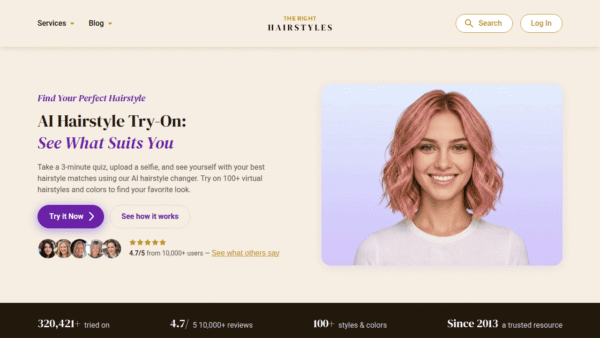
The Right Hairstyles – AI Hairstyle Try-On
AI-powered virtual hairstyles for your best look
AI Photo Editors - Freemium
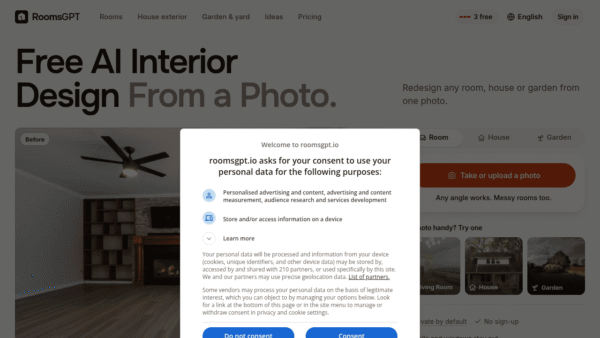
RoomsGPT
Redesign any room from a single photo.
Image & Design AI - Freemium
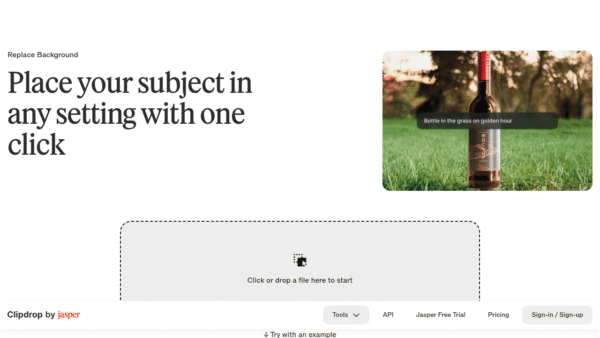
Clipdrop Replace Background
Teleport your subject into any scene with AI
Background Removal & Replacement - Freemium
Fotify
Turn every event into a shared experience
Productivity & Automation AI - Credit-Based
Soro2 AI
Create cinematic AI videos, images, and audio instantly
Video & Animation AI - Your Ad Here
- Subscription
Sadako
AI assistant for content, chatbots, and growth
AI Assistants & Chatbots - Freemium
Floqer
AI agents that enrich every CRM account
CRM Automation & Enhancement