
What Is AI Outpainting Image?
AI Outpainting Image is a web-based AI photo extender that lets you expand photos, wallpapers, and artwork beyond their original frame. By analyzing the context, colors, and composition of your uploaded image, it generates realistic extensions up, down, left, and right while preserving the original visual style.
The tool can also increase the pixel dimensions of images, effectively boosting resolution and overall quality for print, web, or social media. Users can process multiple images in one session, making it useful for both one-off edits and batch creative work.
With free starter credits and on-demand paid credit packs, it offers a flexible, subscription-free way to create larger, high-quality visuals directly in the browser.
Quick Snapshot
AI Outpainting Image automatically expands images in any direction while preserving style and quality, removing the need for complex manual editing. Its browser-based workflow and free starter credits make professional-looking outpainting fast and accessible for any skill level.
- Works on
-
- Web
- Pricing Model
- Credit-Based
Starting at $4.9 / 60 credits — AI Outpainting Image offers a free plan with 5 credits for new logged-in users, plus paid credit packs starting at $4.9 for 60 credits. Credits are one-time purchases with lifetime validity and no subscription fees. - Affiliate Program
- We could not identify an affiliate program.
- API Availability
- We could not identify whether an API is available.
- Key Features
-
- Extend images in any direction instantly
- Preserve visual style and composition automatically
- Boost resolution with browser-based AI editing
- Audience
-
- designers
- photographers
- digital marketers
- social media managers
- ecommerce sellers
- content creators
- bloggers
- creative agencies
Screenshot

Key Features of AI Outpainting Image
AI image outpainting
Automatically extends images in four directions—up, down, left, and right—while maintaining style, lighting, and composition for realistic results.
Context-aware generation
Analyzes colors, objects, and layout in the original image to generate extensions that visually blend with the existing content.
Resolution enhancement
Increases pixel dimensions alongside outpainting, helping boost overall image resolution and quality for print and digital use.
Browser-based editor
Runs entirely in the browser with no software installation required, making it accessible on most modern devices.
Batch-friendly workflow
Supports expanding multiple images in a session, enabling efficient handling of creative or professional batches.
Credit-based pricing
Uses free starter credits and optional on-demand credit packs with lifetime validity, avoiding recurring subscriptions.
Use Cases for AI Outpainting Image
Social media visuals
Quickly extend images to fit different social platform aspect ratios while preserving style and composition, avoiding awkward cropping or blank borders.
Ecommerce product photos
Expand product photos to create consistent backgrounds and larger canvases for text overlays, without needing manual retouching in complex editors.
Wallpaper and poster design
Turn smaller artworks or photos into full-size wallpapers or posters by outpainting the edges with realistic, context-aware details.
Creative art extension
Extend illustrations or digital art beyond the original frame to explore new compositions or formats while keeping the original artistic style.
Marketing and ad creatives
Resize and extend campaign images for different ad placements, maintaining visual consistency across banners, hero images, and landing pages.
Frequently Asked Questions
What is AI Outpainting Image and how does it work?
AI Outpainting Image is an online AI tool that extends images beyond their original borders. It analyzes your image’s context, colors, and composition and generates realistic extensions in the directions you choose.
Do I need design skills to use AI Outpainting Image?
No, you don’t need design experience. You simply upload an image, select the desired outpainting directions, and the AI automatically creates the extended areas for you.
Can AI Outpainting Image increase image resolution?
Yes. The tool can increase the pixel dimensions of your image as it outpaints, effectively boosting resolution and overall visual quality.
Is AI Outpainting Image free to use?
New logged-in users receive 5 free credits to try the service. After that, you can purchase additional credit packs starting from $4.9 for 60 credits.
Do credits for AI Outpainting Image expire?
According to the tool’s pricing description, purchased credits have lifetime validity and are not tied to a subscription.
Does AI Outpainting Image offer an API or affiliate program?
AI Outpainting Image currently does not offer an API, and there is no affiliate program listed, so commission details are unknown.
AI Outpainting Image · Our Verdict
AI Outpainting Image focuses on doing one job extremely well: extending images in a style-consistent, realistic way. Its browser-based workflow, context-aware generation, and credit-based pricing make it a practical option for creatives who need quick, high-quality outpainting without learning complex editing software.
AI Outpainting Image ·
-
 Freemium
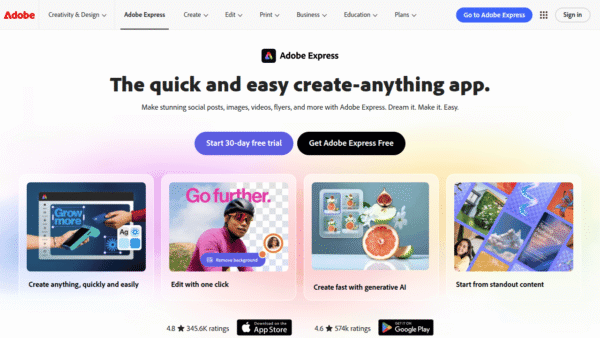
 Adobe Express
Create standout content fast with AI
Image & Design AI - Credit-Based Premium
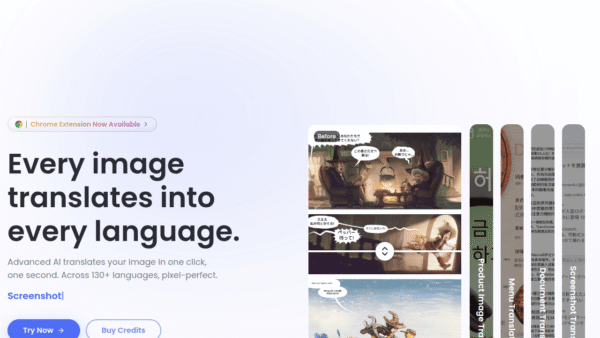
ImageTranslate.AI
Translate any image, keep the design intact
Image & Design AI -
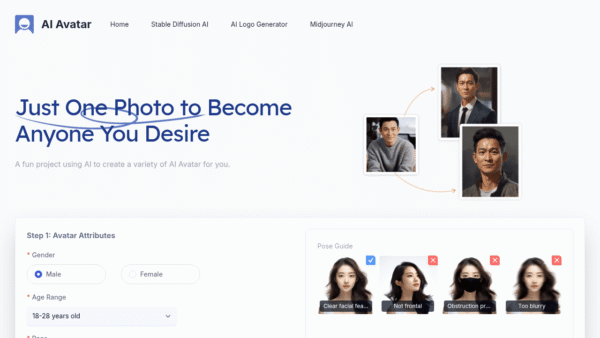
AI Avatar
Turn one selfie into hundreds of avatars
AI Photo Editors -
Perfectly Clear by EyeQ
AI photo correction built to scale for business
AI Photo Editors - Credit-Based
AIShowX
All-in-one AI studio for visual and audio content
Video & Animation AI - Your Ad Here
- Credit-Based
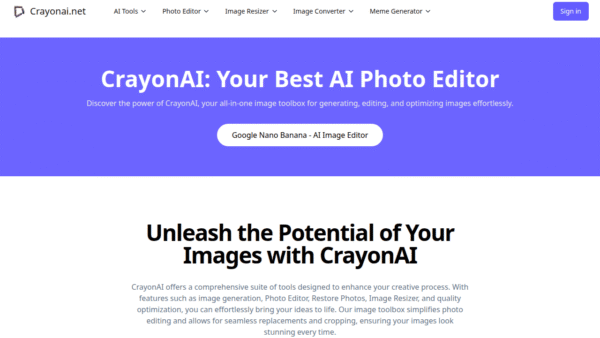
CrayonAI
All‑in‑one AI photo editor and generator
Image & Design AI - Free
Redesign by Nodewave
Turn your codebase into on‑brand social posts
Social Media Content Creation