BooBar
Your daily tools, one native Dynamic Island surface.

What Is BooBar?
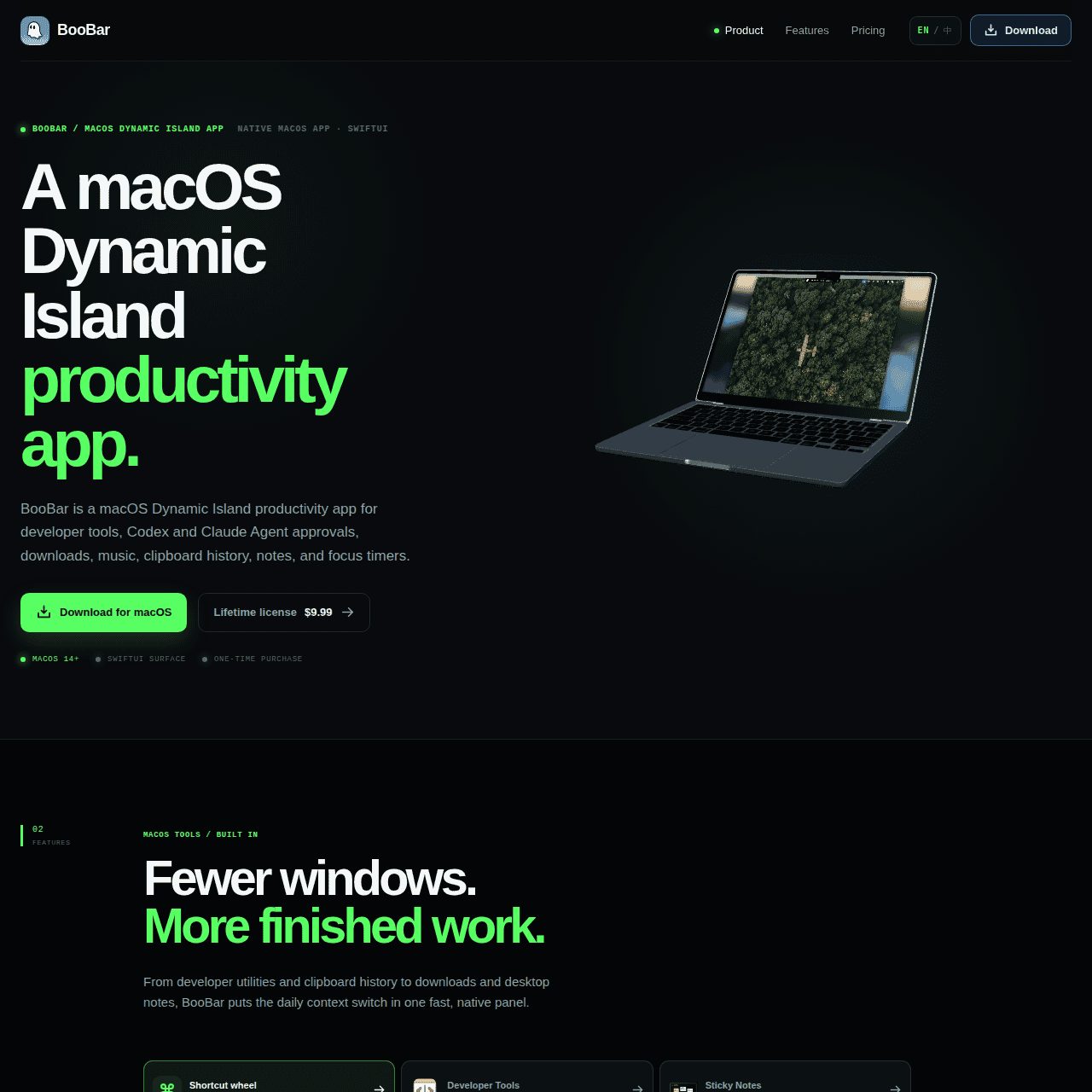
BooBar is a native macOS Dynamic Island-style productivity hub that turns the top of your screen into a central place for everyday tools.
It brings together developer utilities, clipboard history, downloads, sticky notes, music controls, and focus or rest timers in one fast panel. The app can surface helpful context like GitHub profiles and AI Agent tasks (such as Codex and Claude), so you can keep key information visible without constantly juggling tabs or windows.
A shortcut wheel and keyboard-driven navigation make it quick to summon frequently used tools from the Mac menu bar. Designed for developers and macOS power users, BooBar is sold as a one-time lifetime license, making it a lightweight yet powerful upgrade to your daily workflow.
Quick Snapshot
BooBar consolidates your everyday developer tools and context into a single Dynamic Island-style surface so you spend less time switching windows and more time in flow. It’s built for macOS power users who live between GitHub, AI agents, notes, downloads, and focus timers all day.
- Works on
-
- Mac
- Web
- Browser Extension
- Pricing Model
- One-Time
Starting at $9.99 lifetime — BooBar is offered as a one-time lifetime license for macOS, starting at $9.99. There are no recurring subscriptions mentioned. - Fits on
- Affiliate Program
- We could not identify an affiliate program.
- API Availability
- We could not identify whether an API is available.
- Key Features
-
- Centralize daily tools in one macOS hub
- Reduce window switching with context panels
- Lifetime license for power users on Mac
- Audience
-
- developers
- devops engineers
- GitHub users
- AI agent users
- macOS power users
- productivity enthusiasts
- remote workers
- tech startups
Screenshot

Key Features of BooBar
Dynamic Island interface
Turns the top of your macOS screen into a Dynamic Island-style surface that centralizes key productivity tools and context panels.
Developer utilities hub
Brings together developer-focused utilities and context like GitHub profiles and AI agent tasks in one place to support coding workflows.
Clipboard and downloads
Keeps clipboard history and recent downloads easily accessible from the menu bar so you can paste, reference, or open items quickly.
Notes and sticky panels
Provides sticky notes and context panels so you can keep lightweight documentation, reminders, and references visible without extra windows.
Music and media controls
Offers quick access to music controls within the same surface, helping you manage playback without leaving your current task.
Focus and rest timers
Includes timers that support focus and rest cycles, enabling structured work sessions directly from your menu bar.
Shortcut wheel
Features a shortcut wheel that lets you quickly summon your most-used tools and panels when you need them.
Keyboard navigation
Supports keyboard-driven navigation so power users can move between tools and panels quickly without relying on the mouse.
One-time lifetime license
Available as a one-time purchase for macOS, avoiding recurring subscription costs.
Use Cases for BooBar
Developer workflow hub
Keep GitHub profiles, AI agent tasks, clipboard history, and downloads in a single surface so you can code without constantly switching windows and apps.
Focus and rest management
Use integrated focus and rest timers to structure deep work sessions while keeping key context visible at the top of your screen.
Contextual GitHub reviews
Surface GitHub profiles and approvals in BooBar’s Dynamic Island-style panel to streamline code review and collaboration without excessive tab hopping.
AI agents task tracking
Monitor tasks from AI agents like Codex and Claude in one menu bar hub so you can quickly reference their outputs alongside your active work.
Menu bar productivity hub
Centralize notes, clipboard history, downloads, and music controls in the menu bar to reduce desktop clutter and simplify multitasking.
Frequently Asked Questions
What is BooBar and how does it work on macOS?
BooBar is a native macOS Dynamic Island productivity app that lives in your menu bar. It centralizes developer tools, context panels, clipboard history, downloads, notes, music controls, and timers into a single surface to reduce window switching.
Who is BooBar designed for?
BooBar is built primarily for developers, DevOps engineers, GitHub users, AI agent users, macOS power users, productivity enthusiasts, remote workers, and tech startups that want a streamlined desktop workflow.
Does BooBar support GitHub and AI agents?
Yes, BooBar can surface context like GitHub profiles and AI Agent tasks, including tools such as Codex and Claude, so you can keep relevant information visible while you work.
What tools can I access through BooBar?
You can access developer utilities, approvals, downloads, clipboard history, sticky notes, music controls, and focus or rest timers from a single Dynamic Island-style panel in your Mac menu bar.
Is BooBar a subscription or one-time purchase?
BooBar is sold as a one-time lifetime license for macOS, advertised at $9.99, with no recurring subscription mentioned.
Does BooBar offer an API or affiliate program?
BooBar does not list an API and does not currently advertise an affiliate program, so integration and commission details are not available.
Can I control BooBar with the keyboard?
Yes, BooBar includes a shortcut wheel and keyboard-driven navigation so you can quickly summon and switch between tools without leaving the keyboard.
BooBar · Our Verdict
BooBar takes a pragmatic approach to macOS productivity by consolidating multiple small but frequently used tools into a single Dynamic Island-style surface. For developers and power users who constantly bounce between GitHub, AI agents, notes, and downloads, this kind of contextual hub can noticeably reduce friction and cognitive load. The one-time lifetime pricing also makes it easy to justify as a long-term utility rather than yet another subscription.
BooBar ·
-

Codiga
Customizable static code analysis that follows you everywhere.
AI Developer Tools - Subscription
Outcast
Record once and repurpose content everywhere.
Podcast Editing Assistants - Freemium
Jinna.ai
AI assistant for proposals, invoices and follow-ups
Contract & Invoice Processing -
Travelities
Plan smarter trips with your AI travel assistant
Industry-Specific Advisors - Subscription
Let Me Know When
AI-powered website monitoring that tells you when it matters.
Productivity & Automation AI - Your Ad Here
-
QUOTID
AI-powered daily German vocabulary that sticks
Language Learning Tools - Subscription
Papers
Discover, organize, and cite in one place
Academic & Research Writing