


What Is Clockk?
Clockk is an AI-powered time tracking solution designed for professionals who juggle multiple clients and projects, such as agencies, freelancers, consultants, and creatives. Instead of manual start/stop timers, it automatically tracks work done across apps, calls, emails, and calendars in the background.
Its visual Activity View and daily email timesheet summaries show exactly how your day was spent, helping you uncover billable hours you might otherwise miss. Clockk supports project-based and client-based billing, with tags, project assignments, budgets, and team timesheet reporting.
By integrating with the tools you already use, it removes guesswork from time tracking so you can bill fairly and gain confident, data-backed insights into your productivity.
Quick Snapshot
Clockk automatically tracks your work across tools and organizes it by client and project, so you capture more billable hours with less effort. It replaces manual timers with AI-driven insights that make invoicing and business decisions clearer and more accurate.
- Works on
-
- Web
- Mac
- Pricing Model
- Subscription
Starting at $8/user/month — Clockk offers subscription plans including Insight at $8/user/month, Studio at $15/user/month, and Agency at $20/user/month, with monthly or annual billing. All paid plans start with a free trial, and a complimentary Express plan is available if you don’t upgrade. - Fits on
- Affiliate Program
- We could not identify an affiliate program.
- API Availability
- Clockk has an API available.
- Key Features
-
- Capture every billable minute automatically
- Visualize your day across apps and projects
- Invoice clients with clear, accurate time data
- Audience
-
- accountants
- agencies
- bookkeepers
- consultants
- freelancers
- graphic designers
- copywriters
- lawyers
- SEO experts
- social media managers
- software developers
- UX designers
- virtual assistants
- web designers
- digital marketers
- ADHD professionals
Screenshot

Key Features of Clockk
Automatic time tracking
Runs in the background to automatically track work across apps, calls, emails, and calendars, eliminating the need for manual start/stop timers.
Activity View timeline
Shows a visual timeline of your day so you can quickly see what you worked on and assign time to the right projects and clients.
Project and client billing
Supports organizing time entries by project and client, enabling accurate project-based and client-based billing workflows.
Tags and budgets
Lets you add tags and set budgets to categorize work, track scope, and monitor how time aligns with planned effort.
Team timesheet reporting
Provides team-level timesheet reporting so agencies and studios can understand how staff time is distributed across clients and projects.
Daily email summaries
Sends daily email timesheet summaries, helping you review and confirm your tracked time without digging through multiple tools.
Integrations with tools
Connects with the apps and workflows you already use, allowing Clockk to capture activity data without changing your existing processes.
API access
Offers an API so teams can integrate Clockk’s time data into their own reporting, billing, or internal systems.
Use Cases for Clockk
Freelancer billing
Automatically capture time spent across apps and projects so freelancers can invoice clients accurately without relying on memory or manual timers.
Agency time reporting
Give agencies a clear, project-based view of how team time is spent, improving utilization tracking, client reporting, and billable hour recovery.
Consulting engagements
Track calls, emails, documents, and meeting prep automatically so consultants can justify hours and align invoices with actual effort.
Creative project tracking
Help designers, writers, and creatives see exactly how much time goes into each deliverable, supporting better estimates and pricing decisions.
Productivity insights
Provide a visual timeline of daily activity so professionals can identify distractions, understand work patterns, and make data-backed productivity improvements.
Frequently Asked Questions
What is Clockk and who is it for?
Clockk is an AI-powered automatic time tracking app designed for professionals who juggle multiple projects and clients, including agencies, freelancers, consultants, and creative teams.
How does Clockk track my time automatically?
Clockk runs in the background, capturing your activity across apps, calls, emails, and calendars, then organizes it into a visual timeline so you can assign work to the right projects and clients.
Can Clockk help me track billable hours more accurately?
Yes, Clockk is built to uncover billable hours you might otherwise miss by logging work across tools automatically, making it easier to invoice accurately and bill fairly.
Does Clockk work for teams and agencies?
Clockk supports teams with project-based billing, tagging, budgets, and team timesheet reporting, making it well-suited for agencies and multi-person studios.
What platforms does Clockk support?
Clockk is available on the web and as a Mac app, integrating with the tools you already use for your daily work.
How much does Clockk cost?
Clockk offers paid plans starting at $8/user/month, with Studio and Agency tiers at higher price points, plus a free trial for all paid plans and a complimentary Express plan if you don’t upgrade.
Does Clockk offer a free version?
Yes, Clockk provides a complimentary Express plan if you do not upgrade after the trial, giving you a free option to continue using the tool with limited features.
Does Clockk have an affiliate program?
Clockk does not list an affiliate program, and affiliate commission details are currently unknown.
Clockk · Our Verdict
Clockk stands out for replacing disruptive manual timers with AI that quietly tracks work across tools, which is a strong fit for multitaskers and context-switchers. Its visual activity timeline and project-based billing features make it particularly useful for agencies and freelancers who need to justify time and invoice with confidence.
Clockk ·
-
 Freemium
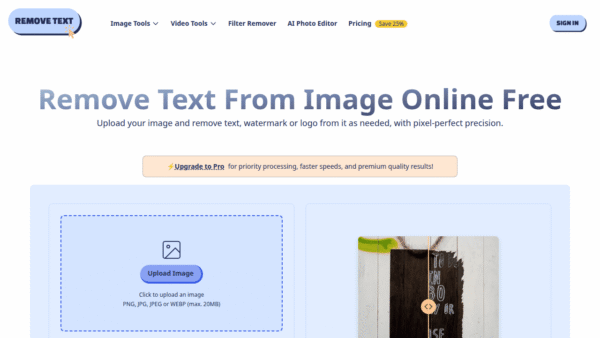
RemoveText
AI-powered text remover for flawless, clean images
AI Photo Editors -
Fourier Robotics
Embodied AI robots for real-world collaboration
Productivity & Automation AI -
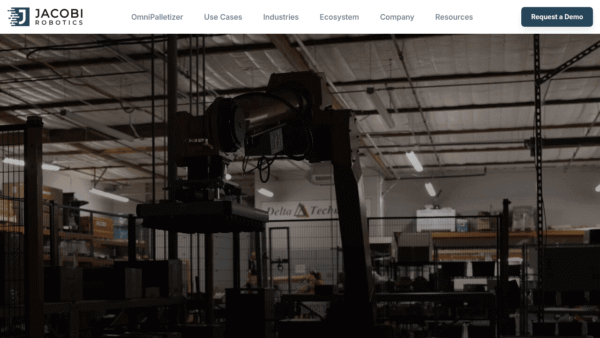
Jacobi Robotics
AI-powered palletizing for real warehouse chaos
Productivity & Automation AI - Freemium
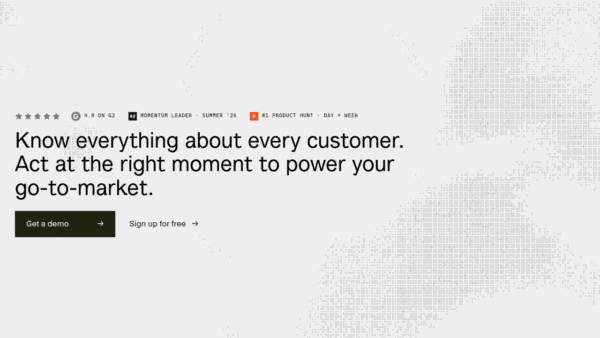
Floqer
AI agents that enrich every CRM account
CRM Automation & Enhancement - Freemium Premium
EtsyGenerator
AI superpower for Etsy listings that sell
Product Description Generation - Your Ad Here
- Subscription
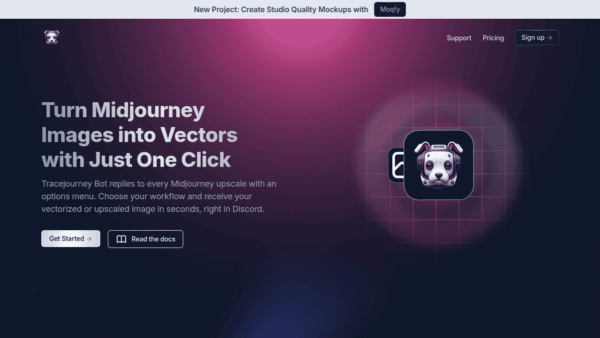
Tracejourney
Turn Midjourney images into vectors in seconds
Image & Design AI -
AIDEN by IQGPT
The AI agent for real-time crypto intelligence
Research & Data AI