


What Is RemoveText?
RemoveText is an online AI text remover built to clean unwanted overlays from photos quickly and accurately. Users can upload JPG, PNG, or WebP files and automatically erase text, watermarks, captions, and logos while the AI reconstructs the background for natural-looking results. The tool focuses on pixel-perfect removal so edited images remain sharp and professional without visible artifacts.
Beyond text removal, RemoveText connects users to a broader suite of image and video cleanup tools, including background removal, watermark removal, and AI photo restoration. It is suitable for content creators, marketers, ecommerce sellers, designers, photographers, students, and small businesses who need clean, editable visuals without complex software. With a freemium model and browser-based workflow, RemoveText replaces time-consuming manual retouching with fast, accessible AI editing.
Quick Snapshot
RemoveText lets anyone erase text, watermarks, captions, and logos from images in seconds using AI, without needing Photoshop or advanced skills. It delivers natural, professional-looking results that preserve background quality while saving hours of manual editing.
- Works on
-
- Web
- Pricing Model
- Freemium
Starting at $29.99/month — RemoveText offers a free plan with 10 credits per month and access to core cleanup tools. Pro plans start at $29.99/month or $22.50/month billed yearly, unlocking higher credit limits, all features and models, and priority processing. - Fits on
- Affiliate Program
- We could not identify an affiliate program.
- API Availability
- We could not identify whether an API is available.
- Key Features
-
- Erase text, watermarks, and logos in seconds
- AI-powered background reconstruction for natural results
- Browser-based editing with simple, one-click cleanup
- Audience
-
- content creators
- marketers
- ecommerce sellers
- designers
- social media managers
- photographers
- students
- small businesses
Screenshot

Key Features of RemoveText
AI text removal
Automatically detects and removes text overlays from images while preserving the underlying background for natural results.
Watermark and logo eraser
Erases watermarks, logos, and captions from photos so you can create clean, distraction-free visuals.
Pixel-perfect reconstruction
Uses advanced AI erase models to rebuild removed areas seamlessly, keeping edits high-quality and professional-looking.
Web-based workflow
Runs entirely in the browser, allowing you to upload and clean images online without installing desktop software.
Image format support
Supports popular image formats including JPG, PNG, and WebP for flexible import and editing.
Access to cleanup suite
Connects to a broader set of AI tools for background removal, watermark removal, and photo restoration to further refine your visuals.
Freemium access
Includes a free plan with monthly credits so new users can try AI-powered cleanup before upgrading for higher volume needs.
Use Cases for RemoveText
Social media visuals
Quickly clean text and watermarks from images before reposting or repurposing them across social channels, keeping your visuals polished and on-brand.
Ecommerce product photos
Remove logos, captions, or unwanted text from product images so listings look clean, consistent, and ready for marketplaces or storefronts.
Marketing and ad creatives
Erase old campaign text from existing assets to reuse backgrounds and imagery in new ads without starting from scratch.
Design and mockups
Strip watermarks and placeholder copy from reference images or mockups to create cleaner presentations and concept designs.
Educational and student projects
Clean diagrams, slides, or reference images by removing distracting text and labels, making materials easier to adapt for assignments or presentations.
Frequently Asked Questions
What is RemoveText and how does it work?
RemoveText is a web-based AI tool that removes text, watermarks, captions, and logos from images. You upload a photo, and its AI models erase the overlays while reconstructing the background to keep the image looking natural.
Which image formats does RemoveText support?
RemoveText supports common image formats including JPG, PNG, and WebP, allowing you to upload and clean most standard photos used in web and marketing workflows.
Do I need design or Photoshop skills to use RemoveText?
No, RemoveText is designed for non-technical users. You simply upload an image and let the AI handle the text and watermark removal in one click, without any advanced photo editing knowledge.
Is there a free version of RemoveText?
Yes, RemoveText offers a free plan that includes 10 credits per month and access to core cleanup tools so you can test AI-powered removal before upgrading.
What do I get with the RemoveText Pro plan?
The Pro subscription starts at $29.99/month or $22.50/month billed yearly and unlocks higher credit limits, access to all features and models, and priority processing for faster results.
Can RemoveText handle more than just text removal?
Yes, in addition to removing text, watermarks, and logos, RemoveText connects you to related tools such as background removal, watermark removal, and AI photo restoration for more complete image cleanup.
RemoveText · Our Verdict
RemoveText stands out as a focused, task-specific AI tool that solves a common problem—removing text and watermarks—without the overhead of full-scale design software. Its browser-based, one-click workflow and pixel-aware AI models make it especially practical for non-designers who still need professional-looking images for content, marketing, and ecommerce.
RemoveText ·
-
 Subscription
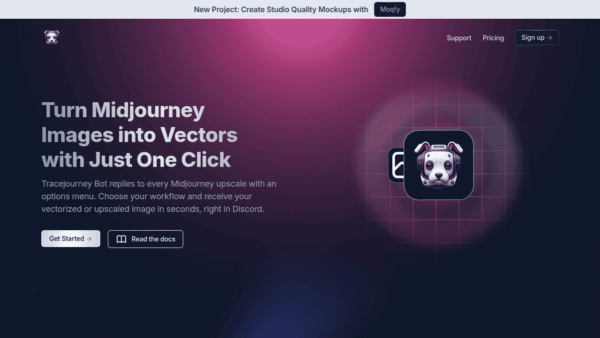
Tracejourney
Turn Midjourney images into vectors in seconds
Image & Design AI - Subscription
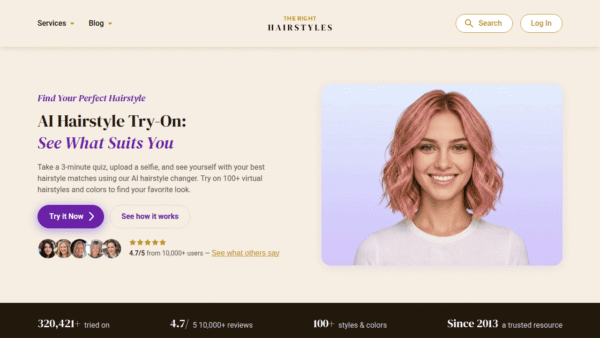
The Right Hairstyles – AI Hairstyle Try-On
AI-powered virtual hairstyles for your best look
AI Photo Editors - Freemium
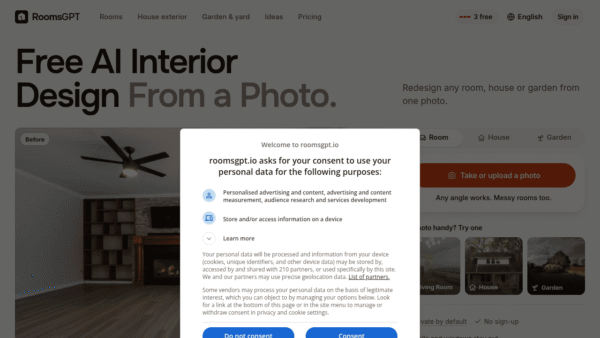
RoomsGPT
Redesign any room from a single photo.
Image & Design AI - Freemium
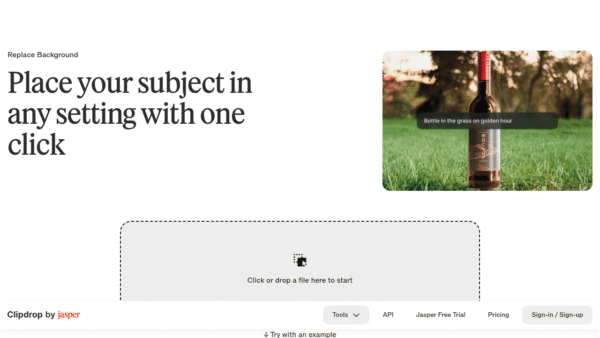
Clipdrop Replace Background
Teleport your subject into any scene with AI
Background Removal & Replacement - Subscription
PhotoRestore AI
Bring your old photos back to life
AI Photo Editors - Your Ad Here
- Free Featured
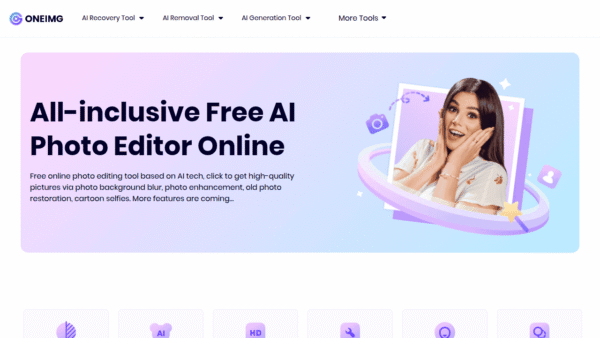
ONEIMG
All-in-one free AI photo editor online
AI Photo Editors - Subscription
Clockk
AI-powered automatic time tracking for pros
Productivity & Automation AI