Document Extract
Extract structured JSON from any document in seconds


What Is Document Extract?
Document Extract is a specialized document data extraction platform that transforms scanned documents, PDFs, and images into structured JSON using advanced OCR and AI. It is built for teams that need to automatically capture text, form fields, signatures, and tables from a wide range of document types. Developers can access its capabilities through a straightforward API and SDK, making integration into existing workflows and applications simple. The service uses a pay-as-you-go, credit-based pricing model starting at $0.20 per basic document, with no monthly fees or long-term commitments. A free trial with $5 in credits lets you test document processing before scaling. By automating data capture, Document Extract helps reduce manual data entry, improve accuracy, and accelerate document-heavy operations.
Quick Snapshot
Document Extract turns unstructured PDFs, scans, and images into accurate JSON in seconds, eliminating manual data entry and reducing errors. Its pay-as-you-go API and SDK make it easy to integrate scalable document processing into existing systems without upfront commitments.
- Works on
-
- Web
- API
- Pricing Model
- Credit-Based
Starting at $0.20/document — Document Extract uses a credit-based, pay-as-you-go pricing model starting at $0.20 per basic document, with extra per-document fees for forms, signatures, and tables. A free trial with $5 in credits (about 25 basic requests) is available and there are no monthly fees or long-term commitments. - Fits on
- Affiliate Program
- We could not identify an affiliate program.
- API Availability
- Document Extract has an API available.
- Key Features
-
- Turn any document into clean JSON
- Automate forms, tables, and signature extraction
- Integrate via simple, scalable pay-as-you-go API
- Audience
-
- developers
- startups
- enterprises
- financial services teams
- legal operations teams
- back-office automation teams
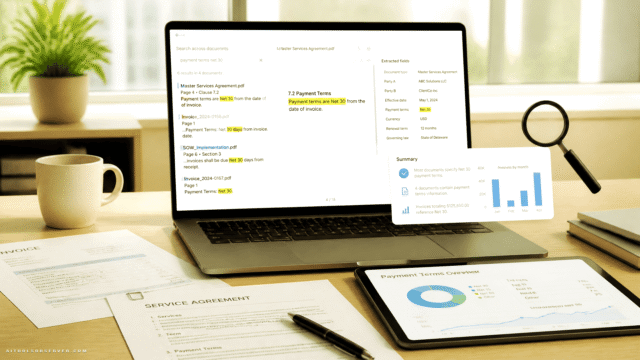
Screenshot

Key Features of Document Extract
AI-powered OCR
Uses advanced OCR and AI to convert scanned documents, PDFs, and images into machine-readable text and structured data.
Structured JSON output
Transforms extracted content into clean, structured JSON, ready for use in applications, workflows, and analytics pipelines.
Forms and fields extraction
Identifies and captures structured form fields from documents, enabling automated processing of applications and standardized forms.
Table recognition
Detects and extracts tables from documents so rows and columns are preserved in the resulting JSON for downstream analysis.
Signature detection
Supports detection of signatures within documents, helping track approvals and signed sections in contracts and forms.
API and SDK access
Provides an easy-to-use API and SDK, allowing developers to integrate document extraction capabilities into existing systems with minimal friction.
Pay-as-you-go pricing
Offers a credit-based pricing model where you pay per document processed, with no monthly fees or long-term commitments.
Use Cases for Document Extract
Automated data entry
Replace manual keying of information from PDFs and scans with automated JSON extraction, reducing errors and processing time for document-heavy workflows.
Form processing
Extract structured form fields from applications, onboarding forms, and compliance documents to feed CRMs, internal systems, or custom apps.
Financial document capture
Convert bank statements, invoices, and financial reports into structured JSON for reconciliation, analytics, and reporting pipelines.
Legal document workflows
Digitize contracts, agreements, and legal forms by capturing text, signatures, and key fields, enabling searchable records and faster review processes.
Back-office automation
Streamline back-office operations by integrating OCR-to-JSON extraction into ticketing, ERP, and RPA systems, cutting manual workload and turnaround times.
Frequently Asked Questions
What is Document Extract used for?
Document Extract is used to convert documents, PDFs, and images into structured JSON using AI and OCR, enabling automated data capture for forms, tables, signatures, and text-heavy documents.
How does Document Extract pricing work?
Document Extract uses a credit-based, pay-as-you-go model starting at $0.20 per basic document, with additional per-document charges for forms, signatures, and tables, and no monthly fees.
Does Document Extract offer a free trial?
Yes, Document Extract provides a free trial with $5.00 in credits, which covers roughly 25 basic document requests, so you can test the service before paying.
Can developers integrate Document Extract via API?
Yes, developers can integrate Document Extract through an easy-to-use API and SDK, embedding document-to-JSON extraction directly into their applications and workflows.
What types of content can Document Extract capture?
Document Extract can capture detailed text, structured form fields, signatures, and tables from scanned documents, PDFs, and images, and return the results as structured JSON.
Is there a monthly subscription for Document Extract?
No, Document Extract does not require a monthly subscription; you only pay per document processed under its pay-as-you-go pricing model.
Document Extract · Our Verdict
Document Extract offers a focused, developer-friendly approach to turning unstructured documents into structured JSON through AI and OCR. The granular support for text, forms, tables, and signatures combined with pay-as-you-go pricing makes it attractive for teams that want scalable document automation without platform lock-in. Its clear, API-centric design should appeal to startups and enterprises looking to embed document intelligence directly into their workflows.
Document Extract ·
-
 Free Premium
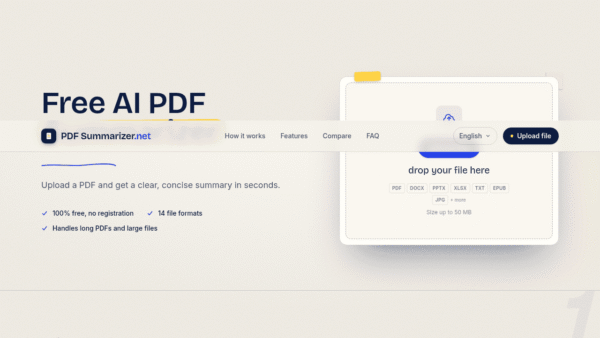
 PDF Summarizer
Free AI PDF summaries in seconds, no signup
Summarization & Paraphrasing - Freemium
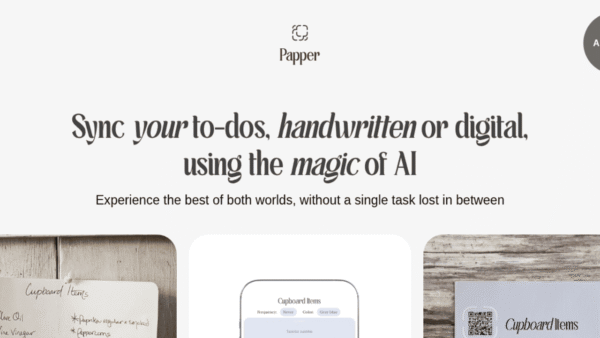
Papper
Sync handwritten and digital to-dos with AI
Task & Project Management -
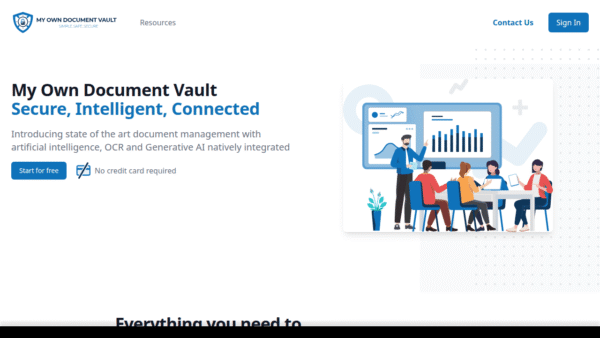
MODV – My Own Document Vault
Secure, AI-powered document vault with intelligent search
Privacy & Data Protection -
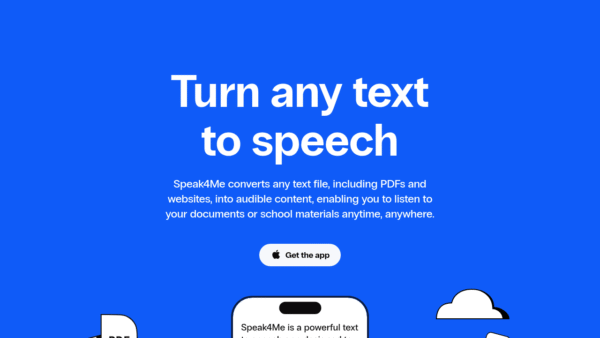
Speak4Me
Turn any text into natural speech you can hear
AI Voice Generators (Text-to-Speech) - Subscription
ContraVault AI
Win more tenders with AI-driven bid decisions
Contract Drafting & Review - Your Ad Here
- Subscription
PDFQuiz
Turn any PDF into an AI quiz
Teacher Productivity Tools - Freemium
Kurby
AI-powered neighborhood intelligence for real estate
Market Research & Analysis