FlashFlashCards
Turn any screenshot into Anki flashcards


What Is FlashFlashCards?
FlashFlashCards is a desktop tool for Mac and Windows that turns screenshots from websites or PDFs, as well as pasted text, into question–answer style flashcards for Anki. Using large language models, including GPT-4-Vision, it automatically extracts key concepts and structures them as study-ready cards.
The app integrates with Anki through the Anki-Connect add-on, so you can push generated flashcards straight into your existing decks. This workflow significantly reduces the manual effort of creating cards, especially for dense reading, lecture slides, or research PDFs. FlashFlashCards is currently in beta and offered on a pay-what-you-want basis for users who have access to OpenAI’s GPT-4-Vision model.
Quick Snapshot
FlashFlashCards automates Anki card creation from screenshots and text using powerful LLMs, dramatically reducing the time spent on formatting and manual input. Students and self-learners can focus on understanding material instead of building flashcards from scratch.
- Works on
-
- Mac
- Pricing Model
- Freemium — FlashFlashCards is currently in beta and available as a pay-what-you-want download for Mac and Windows. No fixed pricing tiers or minimum payment amounts are specified.
- Fits on
- Affiliate Program
- We could not identify an affiliate program.
- API Availability
- We could not identify whether an API is available.
- Key Features
-
- Auto-generate Anki cards from screenshots
- LLM-powered extraction of key concepts
- Direct Anki integration via Anki-Connect
- Audience
-
- students
- medical students
- language learners
- self-learners
- knowledge workers
- researchers
- test prep candidates
Screenshot

Key Features of FlashFlashCards
Screenshot to flashcards
Converts screenshots from websites, PDFs, and other on-screen content into structured, question–answer flashcards.
Text-to-card generation
Allows users to paste text directly into the app and automatically generates relevant flashcards from the content.
LLM-powered extraction
Uses large language models, including GPT-4-Vision, to identify key information and format it into high-quality Anki cards.
Anki integration
Connects to Anki through the Anki-Connect add-on so generated flashcards are pushed directly into user-selected decks.
Cross-platform desktop app
Available for both Mac and Windows, providing a native desktop workflow for heavy Anki users.
Pay-what-you-want beta
Offered in beta on a pay-what-you-want basis, making it accessible for students and self-learners to try.
Use Cases for FlashFlashCards
Exam prep notes
Convert lecture slides, textbook pages, and online articles into Anki flashcards from simple screenshots, helping exam candidates build large, structured decks faster.
Medical study decks
Turn complex medical diagrams and dense PDF sections into Q&A cards, so medical students can focus on understanding content instead of manually entering every fact.
Language learning
Capture vocabulary lists or example sentences from websites and PDFs and instantly transform them into spaced-repetition flashcards in Anki.
Research and knowledge work
Extract key points from research papers or technical documentation into flashcards, making it easier for knowledge workers and researchers to retain essential information.
Self-paced learning
Support online course or MOOC learning by turning on-screen content and readings into flashcards with minimal friction in the study workflow.
Frequently Asked Questions
What is FlashFlashCards and how does it work?
FlashFlashCards is a Mac and Windows desktop app that turns screenshots and pasted text into Anki flashcards. It uses large language models to extract key information and then sends the generated question–answer cards to your Anki decks via Anki-Connect.
Do I need Anki to use FlashFlashCards?
FlashFlashCards is designed specifically to generate flashcards for Anki. You will get the most value if you have Anki installed and the Anki-Connect add-on configured so the tool can push cards directly into your decks.
Which AI models does FlashFlashCards use?
FlashFlashCards leverages large language models, including OpenAI’s GPT-4-Vision, to analyze screenshots and text and generate structured flashcards from the content.
What platforms does FlashFlashCards support?
FlashFlashCards is available as a desktop application for both Mac and Windows. It connects to Anki installed on the same system via the Anki-Connect add-on.
How much does FlashFlashCards cost?
FlashFlashCards is currently in beta and offered as a pay-what-you-want download. The creator has not specified fixed pricing tiers or a minimum payment.
Can FlashFlashCards generate flashcards from PDFs?
Yes, you can take screenshots of PDF pages or content and use FlashFlashCards to convert those screenshots into Anki-ready flashcards. You can also paste text copied from PDFs into the app.
Does FlashFlashCards have an API or web version?
No, FlashFlashCards does not currently offer an API or web-based version. It is available as a desktop application that works alongside Anki on your computer.
FlashFlashCards · Our Verdict
FlashFlashCards targets a real pain point in the Anki ecosystem: the time-consuming task of manually crafting cards from source material. Its ability to turn screenshots and text into structured Q&A flashcards, then send them directly to Anki, makes it particularly appealing for heavy Anki users in intensive study fields. The reliance on GPT-4-Vision and Anki-Connect means setup requires a bit of technical comfort, but the time savings for serious learners can be substantial.
FlashFlashCards ·
-
 Freemium
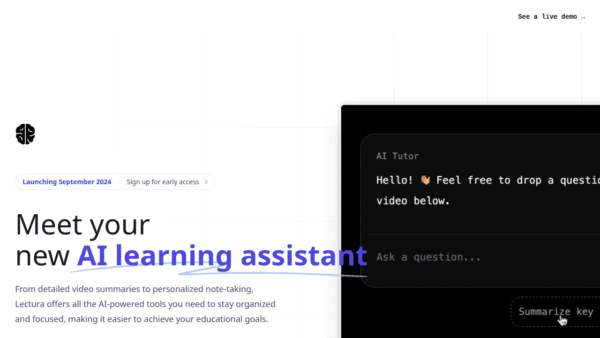
 Lectura
AI learning assistant for smarter video study
AI Tutors & Learning Assistants - Subscription
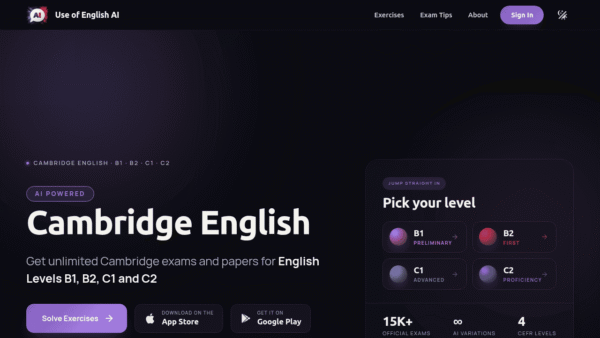
Use of English AI
AI-powered Cambridge English exam practice
Exam Prep & Study Guides - Subscription
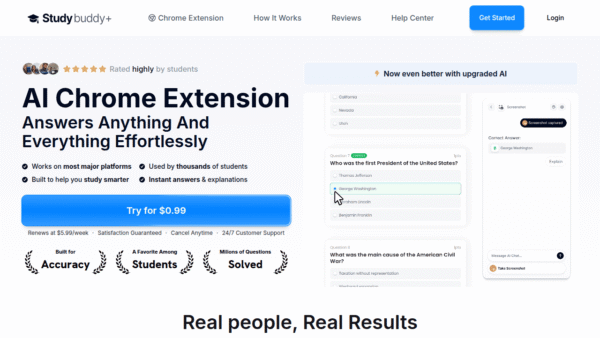
StudyBuddy
AI Chrome study companion that explains your work
AI Tutors & Learning Assistants - Freemium Premium
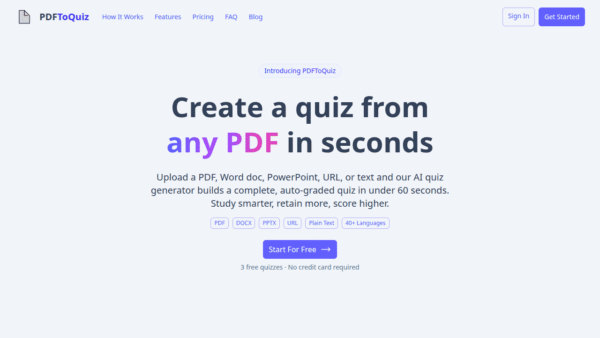
PDFtoQuiz
Turn any PDF into an AI-powered quiz
Exam Prep & Study Guides - One-Time
InterviewPal
AI-powered interview toolkit to get hired faster
Exam Prep & Study Guides - Your Ad Here
- Subscription
Podwise
Turn every podcast into lasting, searchable knowledge
Knowledge Management -
ASH – AI Pocket Field Guide
A real-life AI Pokédex for young explorers
Interactive Learning Simulations