Emeka_Oko79
 Free Image Optimizer by Complete SEO
Compress and optimize images entirely in-browser.


What Is Free Image Optimizer by Complete SEO?
Free Image Optimizer by Complete SEO is a fully browser-based image optimization tool that never uploads your files to a server, ensuring privacy and security. It compresses JPEG, PNG, and WebP images with adjustable quality to reduce file size while maintaining visual fidelity.
You can resize images by setting maximum width or height, convert between JPEG, PNG, and WebP, and automatically rename files with keyword-rich filenames for better SEO. The tool also strips EXIF, GPS, IPTC, and XMP metadata to prevent accidental location data leaks and further reduce file weight.
Batch processing via folders or ZIP files makes it easy to optimize large image libraries for websites, blogs, and ecommerce stores. There are no accounts, payments, watermarks, or limits on how many images you can process.
Quick Snapshot
Free Image Optimizer by Complete SEO lets you compress, resize, convert, and rename images for SEO directly in your browser with no uploads or accounts. It’s fast, private, and ideal for optimizing large batches of images for quicker, more search-friendly websites.
- Works on
-
- Web
- Pricing Model
- Free
Starting at N/A — The tool is completely free to use with no accounts, payments, watermarks, or limits on how many images you can process. - Affiliate Program
- We could not identify an affiliate program.
- API Availability
- We could not identify whether an API is available.
- Key Features
-
- Optimize images privately in your browser
- Batch compress, resize, and convert formats
- Strip metadata and rename files for SEO
- Audience
-
- website owners
- SEOs
- digital marketers
- content creators
- bloggers
- ecommerce businesses
- web designers
- developers
Screenshot

Key Features of Free Image Optimizer by Complete SEO
In-browser processing
Optimizes images entirely in your browser using local JavaScript and the Canvas API, so files are never uploaded or stored on a server.
Image compression
Adjust image quality to significantly reduce file sizes while maintaining acceptable visual fidelity for web use.
Resize images
Set maximum width or height to quickly resize images to fit your layout or performance targets.
Format conversion
Convert between JPEG, PNG, and WebP formats to balance compatibility and file size for different browsers and use cases.
Metadata removal
Strips EXIF, GPS, IPTC, and XMP metadata to prevent accidental location leaks and further reduce file weight.
Batch processing
Process multiple images at once by uploading folders or ZIP files, ideal for large libraries and ecommerce catalogs.
SEO file renaming
Automatically rename images with keyword-rich filenames to make them more SEO-friendly and easier to manage.
Completely free
Use all features without accounts, payments, watermarks, or limits on how many images you can optimize.
Use Cases for Free Image Optimizer by Complete SEO
Website Performance
Compress and resize large images to reduce page weight and improve load times, helping enhance user experience and Core Web Vitals scores.
SEO Image Optimization
Rename images with keyword-rich filenames and strip unnecessary metadata to make image assets more search-friendly and lightweight.
Ecommerce Product Photos
Batch optimize product images from folders or ZIP files so product pages load faster without sacrificing visual quality.
Privacy-Safe Sharing
Remove EXIF, GPS, IPTC, and XMP metadata before publishing or sharing images to avoid leaking location or device details.
Content Publishing
Quickly prepare blog and social images by converting formats, resizing to max dimensions, and compressing for web-friendly delivery.
Frequently Asked Questions
Do my images get uploaded to a server when using Free Image Optimizer?
No. All processing happens locally in your browser using JavaScript and the Canvas API, so your images are never uploaded or stored on a server.
Which image formats does Free Image Optimizer support?
Free Image Optimizer supports JPEG, PNG, and WebP formats and allows you to convert images between these formats.
Is Free Image Optimizer really free to use?
Yes. The tool is completely free with no accounts, subscriptions, watermarks, or limits on how many images you can optimize.
Can I optimize multiple images at once?
Yes. The tool supports batch processing via folders or ZIP files, making it easy to optimize large sets of images in one go.
Does Free Image Optimizer remove image metadata?
Yes. It strips EXIF, GPS, IPTC, and XMP metadata to reduce file size and prevent accidental leaks of sensitive location or device information.
Can I use this tool to improve my website's SEO?
Yes. By compressing, resizing, converting, and renaming images with keyword-rich filenames, the tool helps make your image assets more SEO-friendly and faster to load.
Free Image Optimizer by Complete SEO · Our Verdict
This tool stands out for delivering serious image optimization capabilities entirely in the browser, which is ideal for privacy-conscious SEOs and site owners. Batch processing, metadata stripping, and SEO-friendly renaming make it highly practical for real-world web workflows, especially given that it’s completely free with no usage limits.
Free Image Optimizer by Complete SEO ·
-
 Free
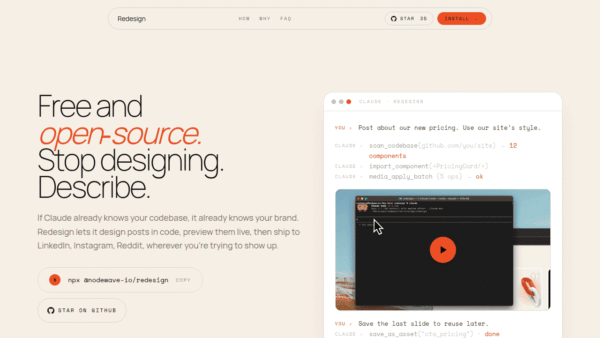
Free Redesign by Nodewave
Turn your codebase into on‑brand social posts
Social Media Content Creation - Freemium
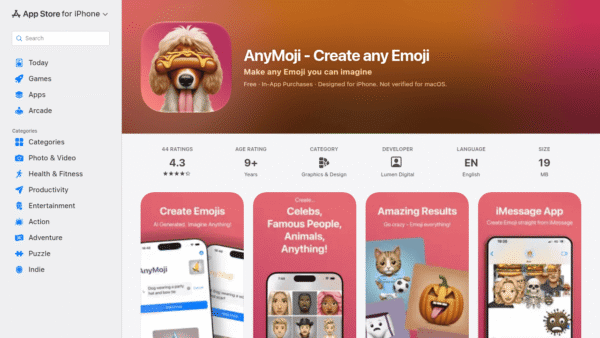
AnyMoji – Create any Emoji
Create any emoji you can imagine with AI
AI Image Generation - Credit-Based
Lami AI Music Generator
Create royalty-free AI music and sound in minutes
AI Music Composition Tools - Freemium
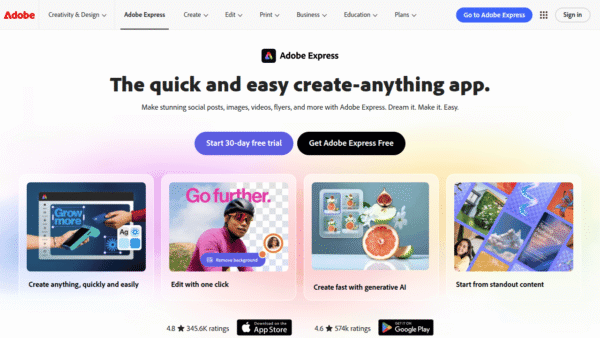
Adobe Express
Create standout content fast with AI
Image & Design AI - Credit-Based Premium
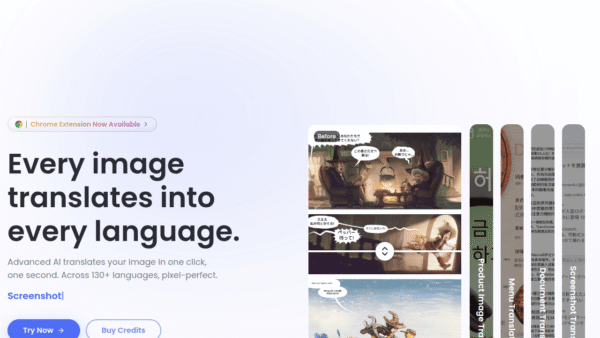
ImageTranslate.AI
Translate any image, keep the design intact
Image & Design AI - Your Ad Here
- One-Time
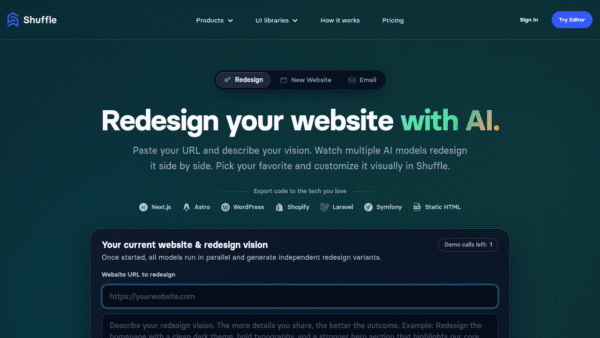
AI Website Redesign by Shuffle
Redesign your website in minutes with multi‑AI power.
UI/UX & Web Design Tools -
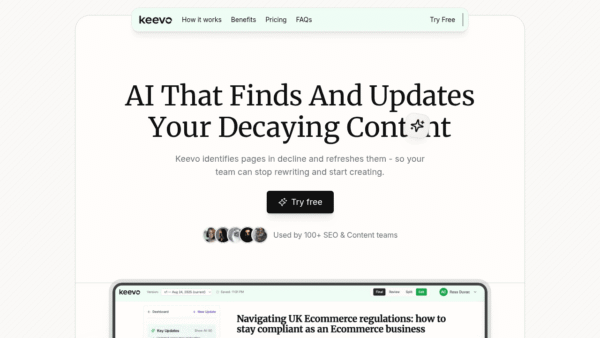
Keevo
Stop losing traffic to stale content with AI
SEO Writing & Optimization