
What Is Magic Eraser?
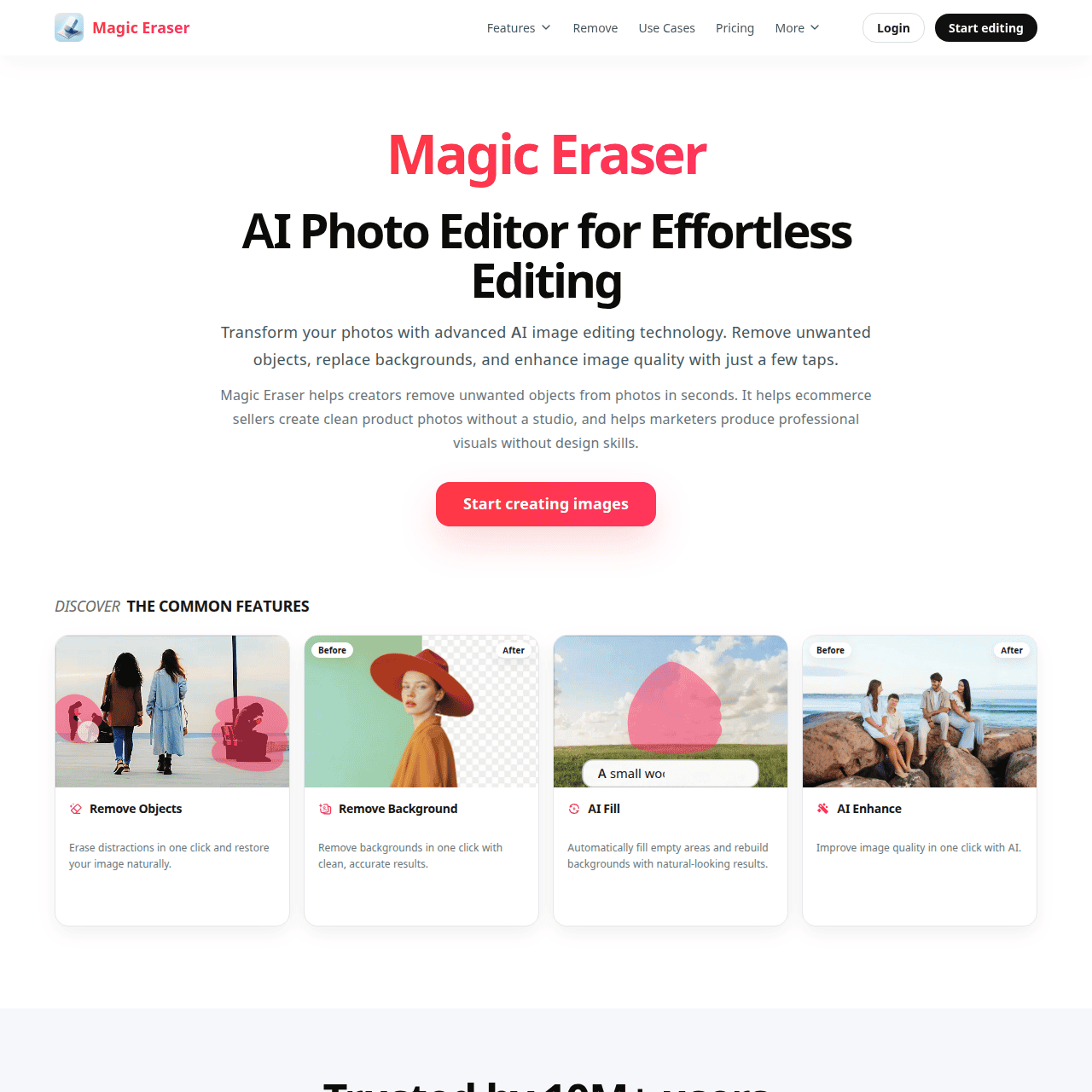
Magic Eraser is an AI photo editing platform built to make image cleanup and creation fast and accessible for non-designers. It offers object removal, background removal, AI fill, enhancement, expansion, and filters to repair or restyle photos without complex manual edits. The tool automatically detects key subjects, erases distractions, and regenerates missing details so images look natural and professional. Available on web and mobile, it fits workflows like product photo cleanup, social media content production, and quick retouching for campaigns. Users can start for free, then upgrade to unlock advanced tools, unlimited exports, high-resolution output, and ad-free editing.
Quick Snapshot
Magic Eraser automates complex photo editing tasks like object and background removal so you can turn everyday images into polished, ready-to-publish visuals in seconds. It reduces the need for advanced design skills while speeding up workflows for creators, marketers, and ecommerce teams.
- Works on
-
- Web
- iOS
- Android
- Pricing Model
- Freemium
Starting at $4.99/week — Magic Eraser offers a free plan with basic tools, AI filters, unlimited AI previews, mobile access, and ads. Premium plans start at $4.99 per week or $29.99 per year, unlocking advanced editing tools, unlimited filters and exports, high-resolution output, no ads, and priority support. - Fits on
- Affiliate Program
- We could not identify an affiliate program.
- API Availability
- We could not identify whether an API is available.
- Key Features
-
- Erase unwanted objects in just seconds
- Clean and restyle backgrounds with AI
- Create publish-ready visuals without design skills
- Audience
-
- ecommerce businesses
- online sellers
- social media marketers
- content creators
- photographers
- designers
- agencies
- startups
Screenshot

Key Features of Magic Eraser
AI object removal
Erase unwanted objects or distractions from photos in seconds while the AI intelligently regenerates the missing areas to look natural.
Background removal
Automatically detect subjects and remove or clean up backgrounds, ideal for product photos and social content.
AI fill and expansion
Use AI fill and image expansion to repair missing parts of an image or extend the canvas with coherent, natural-looking content.
Image enhancement
Enhance image quality, clarity, and overall appearance with AI-driven adjustments that improve visual impact quickly.
AI filters and restyling
Apply AI-powered filters and styling options to give photos a consistent, on-brand look for campaigns and social feeds.
Web and mobile apps
Access Magic Eraser on both web and mobile, enabling flexible editing workflows for creators and teams on the go.
Freemium access
Start for free with basic tools, then upgrade to premium for advanced features, high-resolution exports, and an ad-free experience.
Use Cases for Magic Eraser
Product photo cleanup
Remove distracting objects and messy backgrounds from product images so ecommerce listings look clean, consistent, and professional without hiring a photo editor.
Social media content
Quickly retouch and enhance photos for Instagram, TikTok, and other social platforms, helping creators ship more polished content on tight schedules.
Marketing campaigns
Enable marketing teams and agencies to refine visuals, erase unwanted elements, and apply filters so campaign assets look on-brand and ready to publish.
Photography retouching
Support photographers with fast object removal and background fixes, reducing time spent on repetitive editing tasks in traditional software.
Startup and small business visuals
Help startups and small teams design better visuals in-house, without advanced design skills, by automating complex edits with AI.
Frequently Asked Questions
What is Magic Eraser and how does it work?
Magic Eraser is an AI-powered photo editor that removes objects, cleans up backgrounds, and enhances images. It uses intelligent algorithms to detect subjects, erase distractions, and regenerate missing details so edited photos look natural.
Is Magic Eraser free to use?
Magic Eraser offers a free plan that includes basic editing tools, AI filters, unlimited AI previews, mobile access, and ads. You can upgrade to a premium plan for advanced tools, unlimited exports, high-resolution output, and an ad-free experience.
Who is Magic Eraser best suited for?
Magic Eraser is ideal for ecommerce businesses, online sellers, social media marketers, content creators, photographers, designers, agencies, and startups that need polished visuals without advanced editing skills.
What can I do with Magic Eraser besides object removal?
Beyond object removal, Magic Eraser supports background removal, AI fill, image enhancement, image expansion, and AI filters to repair, clean, or restyle photos for a variety of use cases.
Does Magic Eraser require advanced photo editing skills?
No, Magic Eraser is designed so that anyone can clean up and enhance images in a few clicks. Its AI automates complex editing steps that would normally require expert knowledge.
Can I use Magic Eraser on mobile devices?
Yes, Magic Eraser is available as both a web app and mobile apps, allowing you to edit and clean up images on the go.
Magic Eraser · Our Verdict
Magic Eraser focuses on doing a few high-impact editing tasks extremely well, which makes it practical for busy creators and ecommerce teams who just need clean, publish-ready images. The combination of object removal, background cleanup, and AI fill on both web and mobile turns what used to be specialist work into a quick, everyday workflow.
Magic Eraser ·
-
 Freemium
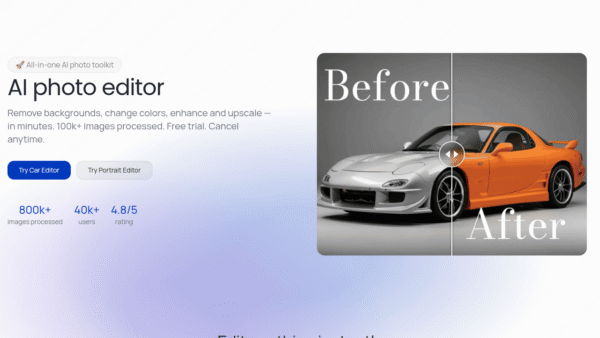
 Photodot AI
AI photo editing for polished visuals at scale
AI Photo Editors - Credit-Based
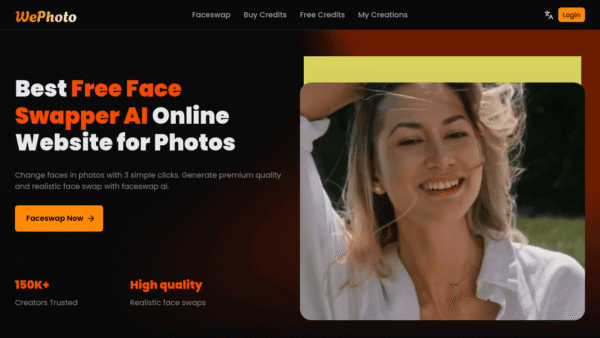
WePhoto FaceSwap AI
AI face swaps in your browser, instantly
AI Photo Editors - Freemium
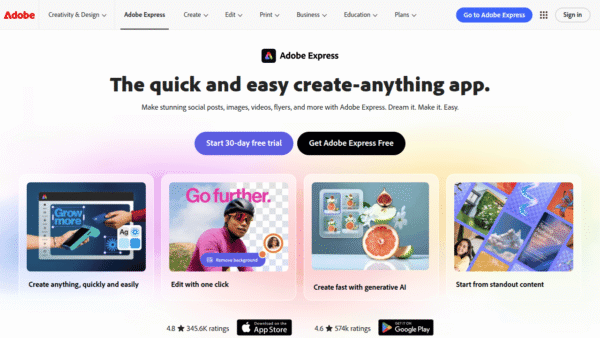
Adobe Express
Create standout content fast with AI
Image & Design AI - Credit-Based Premium
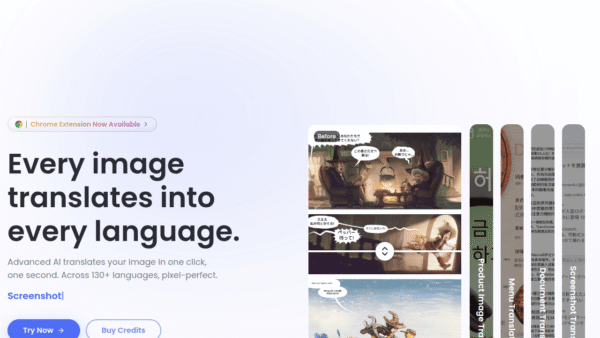
ImageTranslate.AI
Translate any image, keep the design intact
Image & Design AI -
AI Avatar
Turn one selfie into hundreds of avatars
AI Photo Editors - Your Ad Here
-
Perfectly Clear by EyeQ
AI photo correction built to scale for business
AI Photo Editors - Subscription
Comfy
The open standard for production-grade visual AI
AI Workflow Builders