


Practical Tradeoffs Worth Knowing
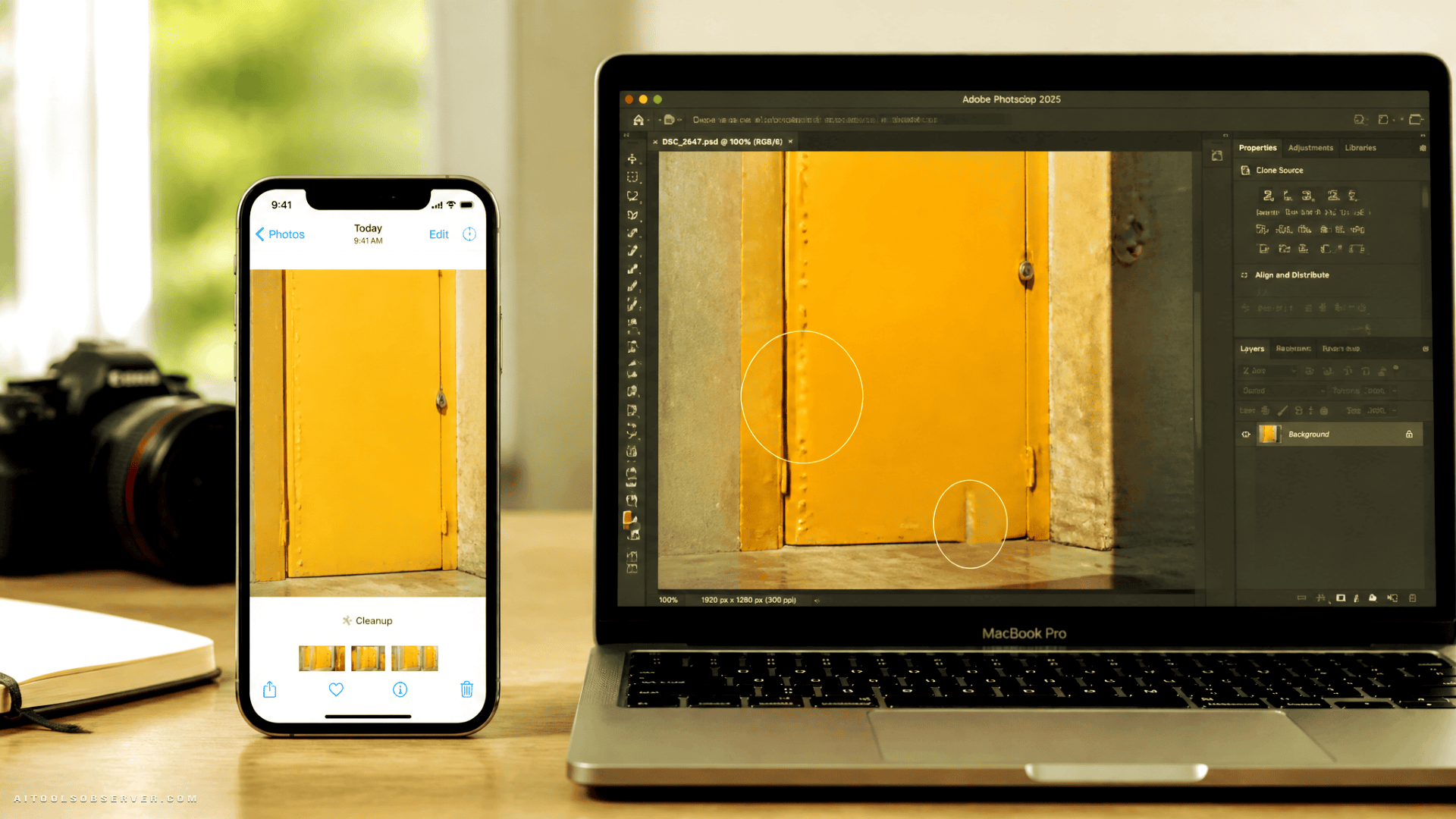
Neither tool is universally superior. The results shift depending on scene complexity, subject type, and the specific task at hand. A few structural differences are worth noting when deciding which tool fits a given workflow:
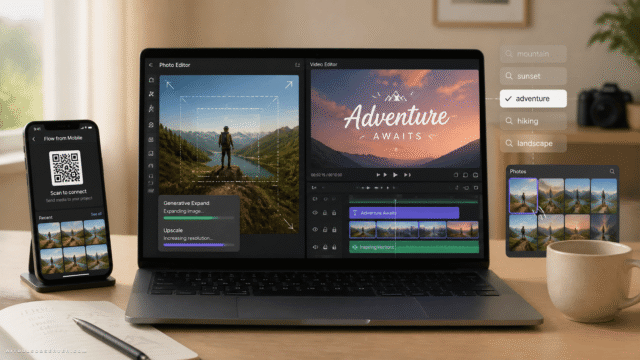
- Scope of extension: Photoshop can extend images significantly further than Apple’s Extend tool, which applies more conservative boundaries. For this benchmark, Photoshop was constrained to match Apple’s extension size for a fair comparison.
- Cost structure: Photoshop requires an active subscription. Generative Fill does not consume AI credits during use, which is a practical advantage for high-volume editing. Apple currently imposes no visible usage limits on Clean Up or Extend, though this may change.
- Workflow context: Photoshop operates within a full professional editing environment. iOS 27’s tools are embedded in the native Photos app — faster to access, but with fewer manual controls.
The Useful Takeaway
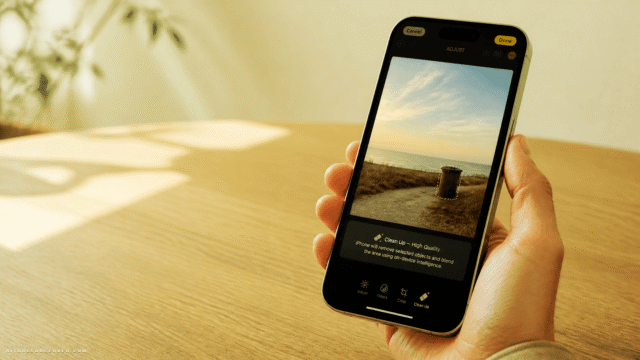
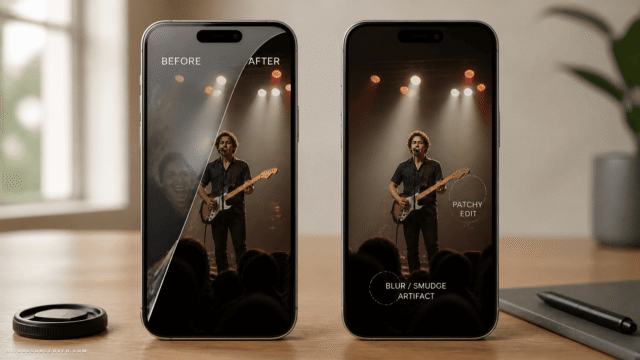
If you’re editing on an iPhone and need fast, clean results for common removal tasks — a chair, a plate, a stray object on a simple background — iOS 27‘s Clean Up performs at a level that will surprise anyone who hasn’t tested it recently. For extension tasks involving natural or mixed scenes, Extend holds its own against a professional desktop tool.
Where Photoshop retains a clear edge is in scenes with complex subjects, irregular edges, or situations where manual refinement matters. It remains the more capable environment for professional post-production work.
The more useful framing isn’t which tool is better overall — it’s recognizing that Apple has closed the gap enough that mobile-first editing is no longer a meaningful compromise for a significant range of real-world tasks.








Comments (0) No comments yet
Want to join this discussion? Login or Register.
No comments yet. Be the first to share your thoughts!