



What changed in the Windows 11 Photos app
The update brings two big shifts at once: better organization and more capable editing.
On the gallery side, Microsoft is folding multiple photo sources into one view. Local files, OneDrive content, and Apple’s iCloud photos can appear together, with filters for people and storage location.
On the editing side, the app is getting a more structured toolset. Editing options are grouped into categories like cropping, enhancing, repairing, and stylizing, which should make the interface feel less like a drawer full of loose cables.
AI search could be the most useful feature here
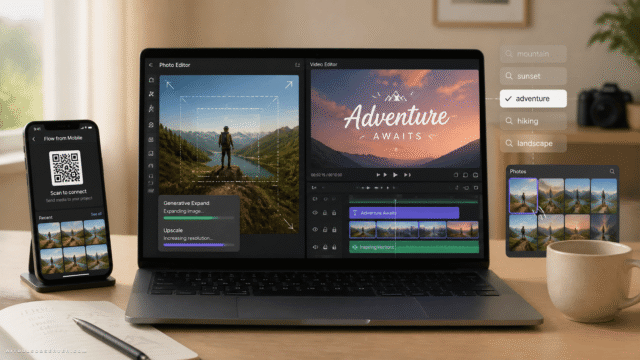
The standout addition is natural language search. Instead of remembering filenames or scrolling forever, users can search with phrases like “sunset on the beach” and, based on the description, the app should surface matching images.
That sounds simple, but it changes the job of the app. Search stops being technical and starts being human.
For everyday users, that means:
- Less dependence on manual folders
- Less pain when importing years of old photos
- A better chance of actually finding that one image you need right now
If you’ve ever searched for IMG_4839 and felt nothing, this is for you.
A unified gallery for local, cloud, and Apple photos
Microsoft is also smoothing over a mess many Windows users know well: photos scattered across devices and cloud services.
By combining local files with OneDrive and iCloud content, the Photos app is positioned as a single viewing layer across storage silos. That doesn’t make photo management magically tidy, but it does reduce the app-hopping.
The people and location-based filters add another practical layer. Instead of thinking, “Was this on my PC, in OneDrive, or synced from my iPhone?” the app can do more of that sorting work for you.
Editing gets smarter, not just busier
Plenty of photo apps add AI features and end up feeling like a tech demo. Microsoft seems to be taking a more grounded route here.
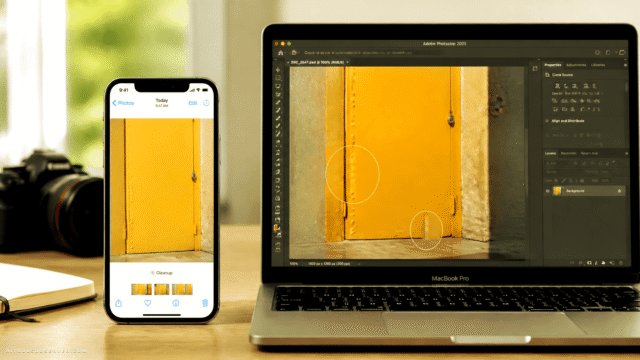
The repair tool can remove marked objects from an image, which is the sort of feature people use immediately because the use case is obvious: remove clutter, background distractions, or the accidental photobomber. Tools like AI Photo Object Eraser reflect the same practical appeal.
Then there’s Relight, which lets users add up to three virtual light sources and adjust color and intensity after the fact. In plain English: if the photo lighting is off, you get more control without needing a full pro editor.
HDR support is part of the package too, along with editing and saving HEIC and WebP files in their original formats. That’s a small detail with real value. Format friction is still friction.
The speed upgrade may matter more than the AI
AI features grab headlines. Faster load times usually deserve them more.
Microsoft says the new viewer should launch faster on average, with bigger gains for HEIC files, and the editor is also expected to load more quickly. If that holds up in regular use, it may be one of the most meaningful parts of the update.
Why? Because people abandon “smart” apps that feel sluggish. A photo tool that opens quickly, edits quickly, and saves in the format you already use is doing real work.
What this means for Windows users
This update suggests Microsoft wants Photos to be more than a default app you tolerate. It’s being shaped into a lightweight, everyday photo hub with AI doing the invisible work: finding images, cleaning them up, and making common edits easier.
For users comparing AI photo tools, this is also a reminder that useful AI doesn’t always arrive as a standalone app. Sometimes it shows up inside software people already have, solving annoyingly normal problems.
Availability looks close, but not universal yet
Based on the available context, the update is in the final stretch of Microsoft’s Insider testing process. Broader rollout timing is still unclear.
That means it’s worth watching, but not worth repeatedly smashing the update button just yet.
The practical takeaway
The real test isn’t whether Photos now has AI. It’s whether it helps you find, fix, and finish an image faster than before.
If Microsoft delivers on that mix of unified gallery, natural language search, object removal, Relight, and quicker loading, the Windows 11 Photos app could become one of those rare upgrades that saves time instead of asking for more of it.















Comments (0) No comments yet
Want to join this discussion? Login or Register.
No comments yet. Be the first to share your thoughts!