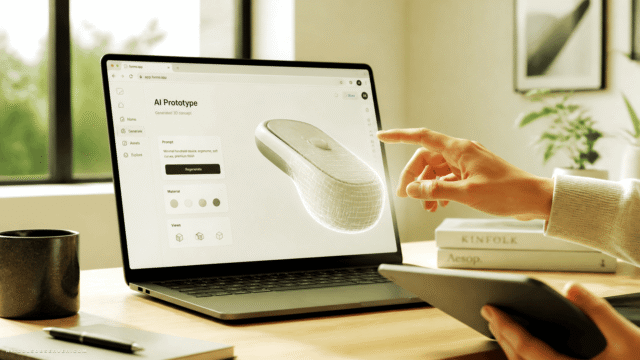
What Is OverScene?
OverScene is a visual AI layer for Windows that sits on top of any desktop or web application, from Photoshop and Blender to SketchUp and browser-based tools. By drawing a frame over your canvas, viewport, or code window, you can describe what you want and instantly generate new images, concepts, and variations without switching apps.
The tool bundles multiple generative AI models into one interface and offers curated presets for tasks like photoreal scenes, stylized characters, and other creative workflows. It is designed for artists, 2D/3D creators, designers, developers, and other makers who need faster moodboards, concept art, and asset exploration.
With a one-time license and lifetime access, OverScene aims to make advanced AI creativity fast, accessible, and fun across “every.single.app” on your desktop.
Quick Snapshot
OverScene brings multi‑model generative AI directly on top of any desktop app, so you can ideate, iterate, and create visuals without breaking your workflow. Keep your favorite tools while dramatically speeding up concepting, exploration, and asset creation.
- Works on
-
- Web
- Pricing Model
- One-Time
Starting at $19.99 one-time — OverScene offers a Home license for $19.99 and a Pro license for $49.99, both as one-time purchases with lifetime access. Plans differ in usage rights, included AI presets, support priority, and commercial allowances. - Fits on
- Affiliate Program
- Unknown
- API Availability
- We could not identify whether an API is available.
- Key Features
-
- Add AI generation to every desktop app
- Speed up concepting with frame-based overlays
- Access multiple AI models with lifetime license
- Audience
-
- artists
- designers
- 3D creators
- game developers
- product designers
- creative coders
- illustrators
- content creators
Screenshot

Key Features of OverScene
Desktop overlay AI
Sits as a visual AI layer over any Windows desktop or web application, so you can use generative AI directly on your existing tools.
Frame-based generation
Lets you draw a frame over part of your screen and transform what’s inside by generating images, concepts, or creative variations in place.
Multi-model support
Bundles multiple generative AI models into a single interface, giving users flexibility across different creative and visual tasks.
Curated AI presets
Provides ready-made presets tailored to tasks such as photoreal scenes, stylized characters, and other common creative workflows.
Workflow-friendly design
Designed to work with tools like Photoshop, Blender, SketchUp, and browser apps, reducing context switching and keeping you in your normal workflow.
One-time license access
Offers lifetime access via one-time purchases for Home and Pro licenses, avoiding ongoing subscription fees.
Use Cases for OverScene
Concept art exploration
Rapidly explore multiple visual directions for characters, environments, or props by overlaying AI generation directly on top of your canvas or 3D viewport.
Moodboards and lookdev
Generate photoreal or stylized reference visuals and variations without leaving your design, 3D, or browser-based tools, speeding up moodboard creation.
Design iteration
Quickly test alternative layouts, styles, or asset variations on top of existing designs, allowing faster iteration while staying inside your primary software.
Game and 3D asset ideas
Support game developers and 3D creators in brainstorming models, scenes, and textures by generating AI concepts directly over their modeling or level design tools.
Content and thumbnail visuals
Help content creators ideate and refine thumbnails, overlays, and supporting graphics over browser or editing tools without switching to separate AI sites.
Frequently Asked Questions
What is OverScene and how does it work?
OverScene is a Windows visual AI assistant that overlays any desktop or web app. You draw a frame over part of your screen and use generative AI models and presets to create images, concepts, or variations without leaving your current tool.
Which platforms and apps does OverScene support?
OverScene runs on Windows and is designed to sit on top of virtually any desktop or browser-based application, including tools like Photoshop, Blender, SketchUp, and other creative software.
Who is OverScene designed for?
OverScene is built for artists, designers, 2D and 3D creators, game developers, product designers, creative coders, illustrators, and content creators who want faster concepting and visual exploration.
How is OverScene priced?
OverScene offers a Home license for $19.99 and a Pro license for $49.99, both as one-time payments with lifetime access. The plans differ in usage rights, included presets, support priority, and commercial allowances.
Does OverScene have an API?
No, OverScene does not currently offer an API. It is focused on providing a visual AI layer directly on top of desktop applications.
Is there a free version of OverScene?
No, OverScene does not offer a free version. Access is provided through one-time paid Home or Pro licenses.
Can I use OverScene for commercial projects?
Commercial allowances vary between the Home and Pro licenses. Users should review the plan details to choose the option that fits their commercial use requirements.
OverScene · Our Verdict
OverScene stands out by integrating generative AI directly into existing desktop workflows instead of forcing creatives into yet another standalone app. Its overlay approach and curated presets make it particularly appealing for artists and designers who value speed during early ideation and concept exploration.
The one-time pricing model also lowers the barrier for creators who want ongoing access to AI capabilities without recurring subscriptions.
OverScene ·
-
 Free
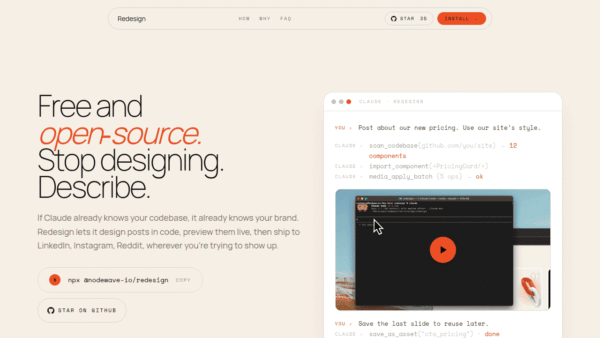
Free Redesign by Nodewave
Turn your codebase into on‑brand social posts
Social Media Content Creation - Freemium
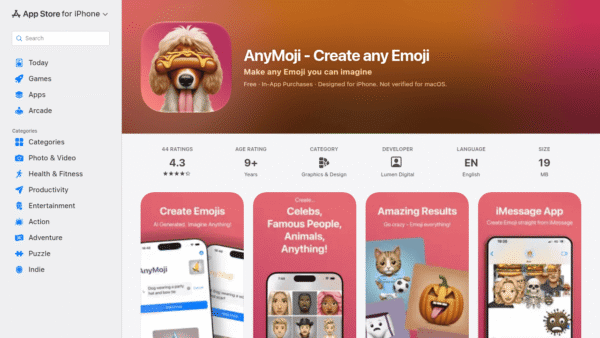
AnyMoji – Create any Emoji
Create any emoji you can imagine with AI
AI Image Generation - Credit-Based
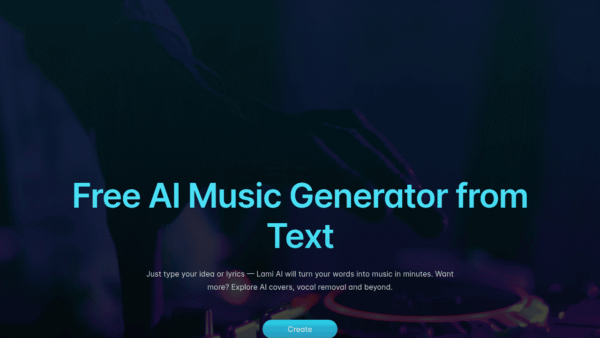
Lami AI Music Generator
Create royalty-free AI music and sound in minutes
AI Music Composition Tools - Freemium
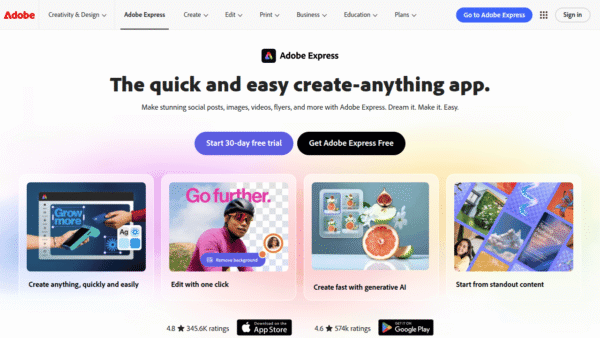
Adobe Express
Create standout content fast with AI
Image & Design AI - Credit-Based Premium
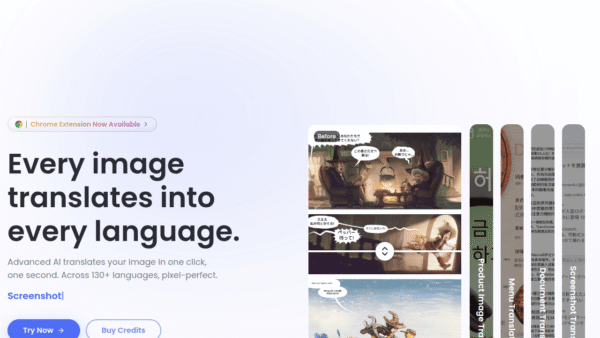
ImageTranslate.AI
Translate any image, keep the design intact
Image & Design AI - Your Ad Here
- One-Time
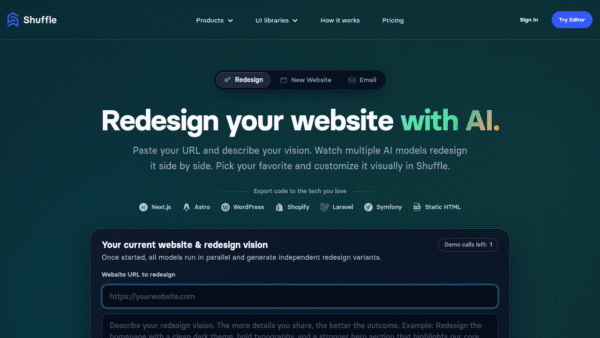
AI Website Redesign by Shuffle
Redesign your website in minutes with multi‑AI power.
UI/UX & Web Design Tools -
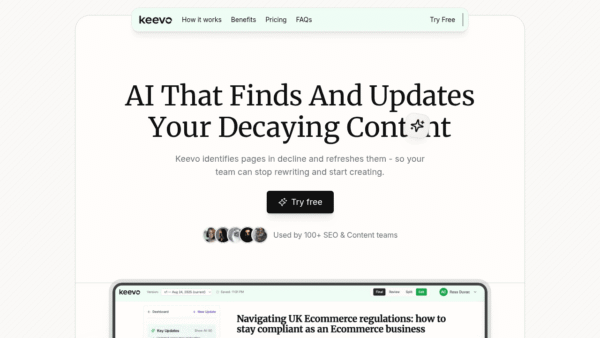
Keevo
Stop losing traffic to stale content with AI
SEO Writing & Optimization