


What’s Actually Being Tested
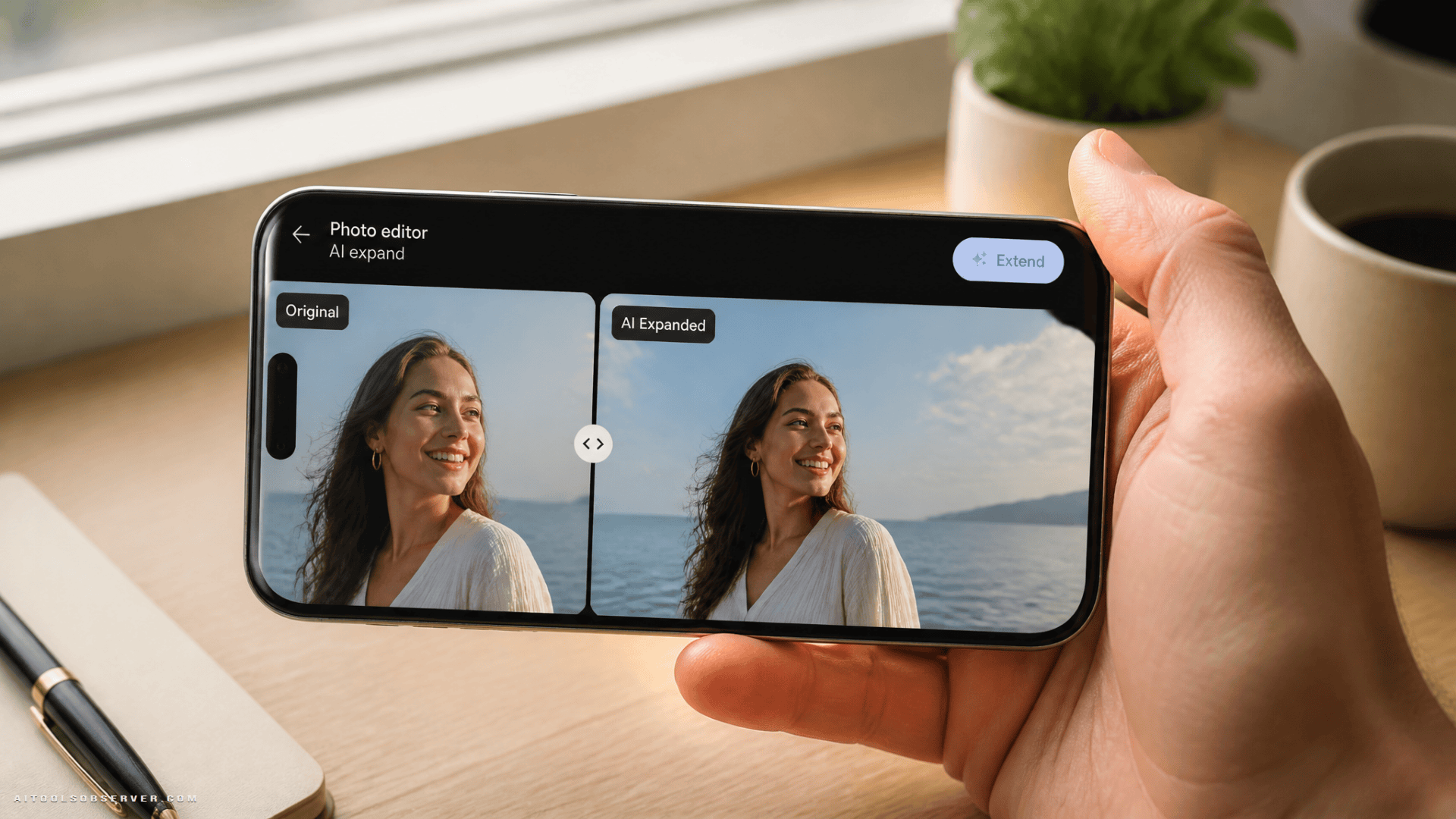
Select WhatsApp beta users on TestFlight and Android beta builds now have access to a Meta AI-powered image expansion tool. It lives inside the drawing editor — the same place you’d normally scribble arrows or add stickers before sending a photo.
The flow is straightforward:
- Open a photo in a chat or prepare one for a status update
- Enter the drawing editor
- Select the Extend option
- Wait a few seconds while Meta AI analyzes and expands the image
- Review the result, send it — or tap undo and try again
That last part matters. The undo-and-retry loop means you’re not stuck with a weird AI hallucination of someone’s extra arm.
Where It Works
The feature applies to both chat photos and status updates, which is a broader scope than you might expect for a first beta. Status updates in particular are a natural fit — they’re visual-first, and a slightly awkward crop can undercut an otherwise good shot.
How Close Is a Full Rollout?
Hard to say with certainty. WhatsApp beta features can linger for months or quietly disappear. That said, the fact that it’s already showing up across both iOS and Android beta channels — and even on some public iOS builds — suggests the internal confidence level is reasonably high.
Meta has been steadily embedding AI tools across its apps, and image editing is a logical extension of that push. Extend fits neatly into a pattern: small, useful, low-friction AI features that don’t require users to leave the app they’re already in.
The Practical Takeaway
If you’re on WhatsApp’s TestFlight beta, it’s worth checking your drawing editor the next time you send a photo. For everyone else, this is one to watch — not because it’s a dramatic shift, but because frictionless AI photo editing baked into a messaging app used by billions is quietly a bigger deal than it sounds.


















Comments (0) No comments yet
Want to join this discussion? Login or Register.
No comments yet. Be the first to share your thoughts!