


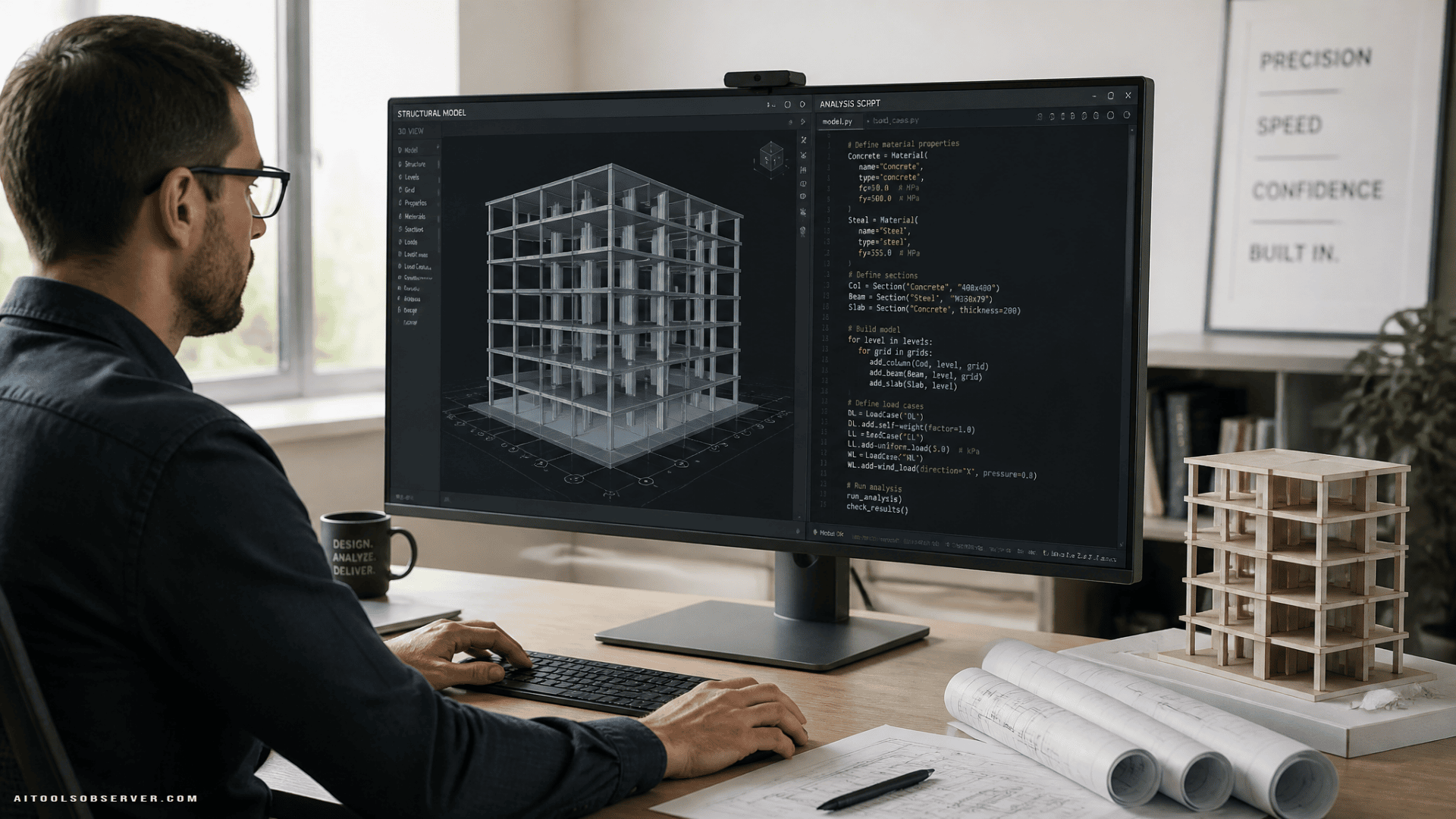
What CivilBot actually does
CivilBot is positioned as an AI tool for structural modeling. Instead of manually building a model inside analysis software, the engineer describes the structural system, including details like beam lengths, supports, and loads.
The tool then generates the code needed to create the structural analysis model. That code can be integrated into existing software workflows, including SAP2000, so the engineer can move faster from concept to computable model.
In simple terms, the workflow looks like this:
- Describe the structure
- Let CivilBot generate model code
- Import or use that code in structural analysis software
- Review, refine, and iterate
That matters because model creation is often repetitive, fragile, and easy to slow down with small changes.
The use case: designing buildings more efficiently
This is not a generic “AI for engineering” story. The use case is specific: speeding up the creation of analytical building models.
When architects and engineers develop a building design, structural engineers need to convert the design intent into a model that can be analyzed for forces, loads, and support behavior. That process often includes:
- Defining beams, columns, and other members
- Setting boundary conditions and supports
- Assigning loads
- Making repeated edits as the design changes
Those steps are necessary, but they are not where engineers create the most value. The value is in evaluating structural behavior, improving safety, resolving tradeoffs, and refining the design.
CivilBot appears to target the setup layer, which is exactly where many teams feel the most friction.
Why this matters for structural engineers
Manual modeling has two big costs.
First, it takes time. The context provided around CivilBot suggests model creation can take anywhere from days to much shorter cycles depending on project scope and revisions. Even when the work is straightforward, the setup process can drag.
Second, it creates iteration resistance. If changing column heights, member layouts, or loading assumptions means rebuilding chunks of a model, teams naturally become slower to test alternatives.
A tool like CivilBot can help in three practical ways:
1. Faster first-pass models
Engineers can move from a building description to an analysis-ready structure much faster than a fully manual workflow.
2. Less repetitive setup work
The repetitive clicking, defining, and re-entering details is reduced, which can lower fatigue and free up attention for higher-value tasks.
3. Easier design iteration
If the structural concept changes, generating updated code may be faster than manually reworking the full model again.
This is where AI becomes useful in practice. Not by replacing engineering expertise, but by compressing the setup work that slows it down.
A good fit for firms already using analysis software
One of the stronger signals in the description is compatibility with tools engineers already know, especially SAP2000.
That matters because most engineering teams do not want a completely separate workflow. They want something that fits into existing software, standards, and review habits.
If an AI tool outputs code that plugs into familiar analysis environments, adoption becomes more realistic. Engineers can keep their current stack while reducing manual effort upstream.
That makes CivilBot less about replacing traditional structural software and more about accelerating the path into it.
Where CivilBot seems strongest today
Based on the available context, CivilBot is especially useful when:
- The structural system can be clearly described
- The project requires frequent model setup or updates
- The engineer wants to reduce repetitive modeling tasks
- The team already works in software like SAP2000
- Students or junior engineers need a faster way to create initial models
This makes it a strong candidate for early-stage structural design workflows, educational settings, and iterative building design work.
It may also help standardize how teams translate design descriptions into computable models, which can reduce inconsistency in early setup.
In the broader landscape of construction ai, this kind of focused workflow support stands out.
A practical example of the workflow
Imagine a structural engineer working on a mixed-use building. The architect updates the floor layout, several beam spans shift, and column heights need adjustment.
In a traditional workflow, that can mean reopening the model, revising geometry member by member, rechecking support definitions, and making sure loads still align with the revised structure.
With a tool like CivilBot, the engineer could describe the revised structural conditions and generate fresh model code much more quickly. The result is not “no work.” The result is less mechanical work.
That difference is important. AI is most valuable when it removes the tedious layer without removing the need for expert review.
What this does not remove
CivilBot can speed up model generation, but it does not eliminate structural engineering responsibility.
Engineers still need to:
- Validate the model assumptions
- Confirm geometry and loading are correctly interpreted
- Review code output before relying on it
- Run analysis and interpret results
- Check safety, compliance, and constructability
This is the real tradeoff with AI in engineering workflows. Speed is useful, but only when paired with review discipline.
For structural teams, the question is not whether AI can generate a model faster. The question is whether the process around that model remains rigorous.
CivilBot vs. manual modeling
Here is the simplest comparison.
Manual modeling
- Familiar and fully controlled
- Slower for repetitive setup
- More vulnerable to time loss during revisions
- Heavy on click-by-click data entry
AI-assisted modeling with CivilBot
- Faster path from description to model code
- Better suited for iteration
- Useful for reducing repetitive tasks
- Still requires engineer oversight and validation
For many teams, this will not be an all-or-nothing shift. The more realistic path is using AI for first-pass generation, then reviewing and refining the output inside standard engineering software.
The education angle is important
One of the most interesting parts of the CivilBot story is how it has been used in student design work.
That matters because structural engineering students often spend significant time learning how to build and adjust models. Exposure to AI-assisted workflows can help them understand not only how models are created, but also where human review still matters.
For universities, tools like this can support a more modern engineering workflow:
- Faster model setup during design projects
- More time spent on structural reasoning
- Better preparation for AI-assisted professional environments
That does not make foundational engineering skills less important. If anything, it makes them more important, because engineers need to know when an AI-generated model is correct, incomplete, or misleading.
What to watch going forward
The context suggests CivilBot has evolved across versions and is moving beyond earlier 2D capability toward 3D building modeling.
That is a meaningful direction. Structural design workflows become far more valuable when they can support more realistic, spatially complex buildings.
For engineering teams evaluating tools in this category, the key questions are practical:
- How well does the tool interpret structural descriptions?
- How editable is the generated output?
- How cleanly does it fit into existing analysis software?
- How reliable is it across different building types?
- How much review time does it actually save?
Those are the questions that separate a useful AI assistant from a demo that only looks fast.
Should structural engineers pay attention?
Yes, especially if model setup is eating time that should be spent on design thinking.
CivilBot appears to be aimed at a narrow but painful workflow: converting structural intent into analysis-ready code. That focus is a strength. Instead of trying to do everything, it addresses a task engineers repeatedly deal with and rarely enjoy.
For firms, the opportunity is straightforward. If AI can shorten the path from description to analysis model, teams can evaluate options faster, respond to changes faster, and spend more time on the actual engineering.
The takeaway
If your structural workflow still depends on building analysis models manually from scratch, that setup step is probably costing more than it should. CivilBot shows what a better workflow can look like: describe the building, generate the code, move into analysis software, and focus your effort on decisions that actually need an engineer.
The smartest way to use a tool like this is not blind automation. It is using AI to remove repetitive modeling work while keeping human review exactly where it belongs.











Comments (0) No comments yet
Want to join this discussion? Login or Register.
No comments yet. Be the first to share your thoughts!