


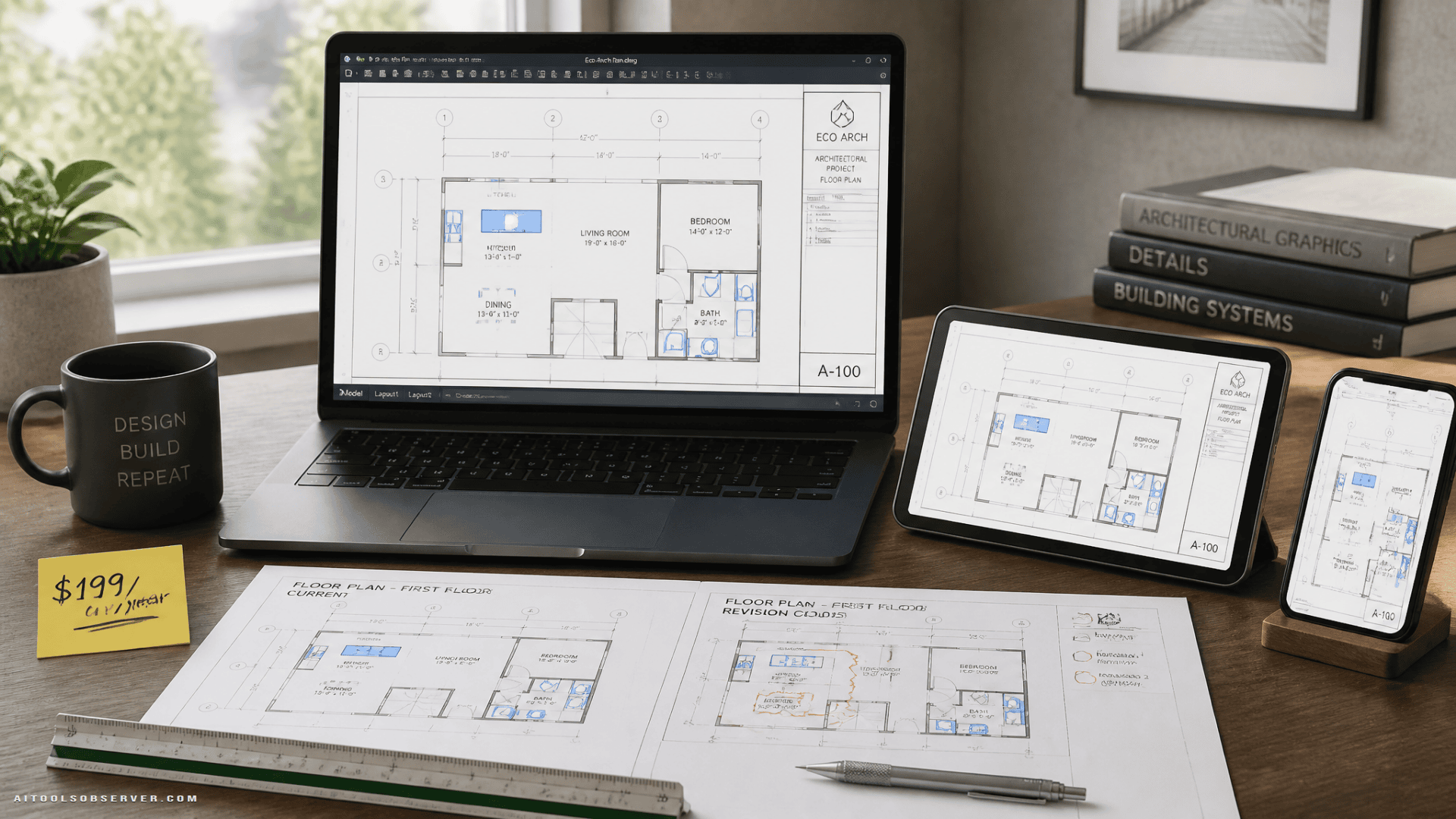
What Is Autodesk AutoCAD LT?
AutoCAD LT is Autodesk’s 2D-focused drafting software. It’s positioned as the lighter, more affordable sibling to full AutoCAD — without the 3D modeling features, but with everything you need for precise technical drawings and documentation.
It uses the industry-standard DWG file format, which means your files are compatible with virtually every other CAD tool in the market. That matters when you’re collaborating with clients, contractors, or engineers who use different software.
The platform runs across Windows, macOS, web, and mobile — so you’re not locked to a single workstation.
Smart Blocks
This is one of the more practical time-savers in AutoCAD LT. The smart blocks feature automatically detects repetitive objects in your drawing and converts them into reusable blocks.
If you’re drafting floor plans with recurring door or window types, or mechanical drawings with repeated components, this feature reduces manual work significantly. You define it once, reuse it everywhere.
AutoLISP Automation
AutoLISP lets you automate repetitive tasks and customize your drafting workflows through scripting. For professionals who do high-volume drafting work, this is where real time savings compound.
It’s not a beginner feature — but if you’re already comfortable with CAD workflows, AutoLISP gives you the ability to build custom commands and automate sequences that would otherwise require manual repetition. If you’re also interested in broader CAD automation approaches, Python automation is another workflow angle worth exploring.
DWG Compare
When you’re working across multiple drawing revisions, the DWG compare tool identifies additions, deletions, and modifications between two versions of a file.
This is particularly useful for architects and engineers managing design iterations, or anyone who needs a clear audit trail of what changed between drafts.
Trace and Markup Tools
The trace and markup tools let collaborators review designs and add feedback without touching the original DWG file. No accidental edits, no version confusion.
This is a practical feature for teams where multiple stakeholders — clients, project managers, or contractors — need to comment on drawings without having full editing access.
Who Actually Uses AutoCAD LT?
AutoCAD LT is built for professionals who work primarily in 2D. The most common use cases include:
- Architects drafting floor plans, elevations, and construction documents
- Mechanical engineers creating component drawings and assembly documentation
- Electrical designers producing wiring diagrams and panel layouts
- Drafting professionals handling technical documentation across industries
It’s not the right tool if you need 3D modeling, rendering, or parametric design — full AutoCAD or tools like Fusion 360 cover that territory. But for 2D precision work, AutoCAD LT is one of the most established options available. Teams working adjacent to structural engineering may also recognize how drafting and analysis workflows can connect.
The $199 Deal: What You’re Getting
The current offer is a 1-year subscription to Autodesk AutoCAD LT for $199, compared to the regular price of $540. That’s a $341 discount.
A few things to consider before purchasing:
- It’s a subscription, not a perpetual license. After the year ends, you’d renew at the standard rate unless another deal is available.
- It covers the full feature set of AutoCAD LT, including smart blocks, AutoLISP, DWG compare, and cross-platform access.
- Deal pricing and availability can change, so if you’re evaluating this, it’s worth checking current availability directly.
For freelancers, small studios, or professionals who need reliable 2D drafting software without committing to the full AutoCAD price point, this subscription tier makes the tool accessible at a much lower entry cost.
Is AutoCAD LT Worth It for Your Workflow?
The honest answer depends on how much 2D drafting you do and how much of that work is currently repetitive.
If you’re manually recreating the same blocks, spending time on version comparisons, or working across devices and needing consistent file compatibility — AutoCAD LT addresses all of those friction points directly.
If you’re an occasional user or primarily work in 3D, the value proposition is weaker. There are lighter, cheaper tools for casual drafting, and full AutoCAD makes more sense if 3D is part of your workflow.
For professionals who live in 2D technical drawings, the combination of DWG compatibility, automation features, and cross-platform access makes AutoCAD LT a defensible choice — especially at the $199 price point.
The smartest use of this deal is straightforward: if 2D drafting is a regular part of your work and you’re currently using a less capable tool or spending too much time on manual tasks, locking in a year at $199 is a low-risk way to test whether AutoCAD LT actually improves your output. The features are there. The question is whether your workflow will use them.











Comments (0) No comments yet
Want to join this discussion? Login or Register.
No comments yet. Be the first to share your thoughts!