


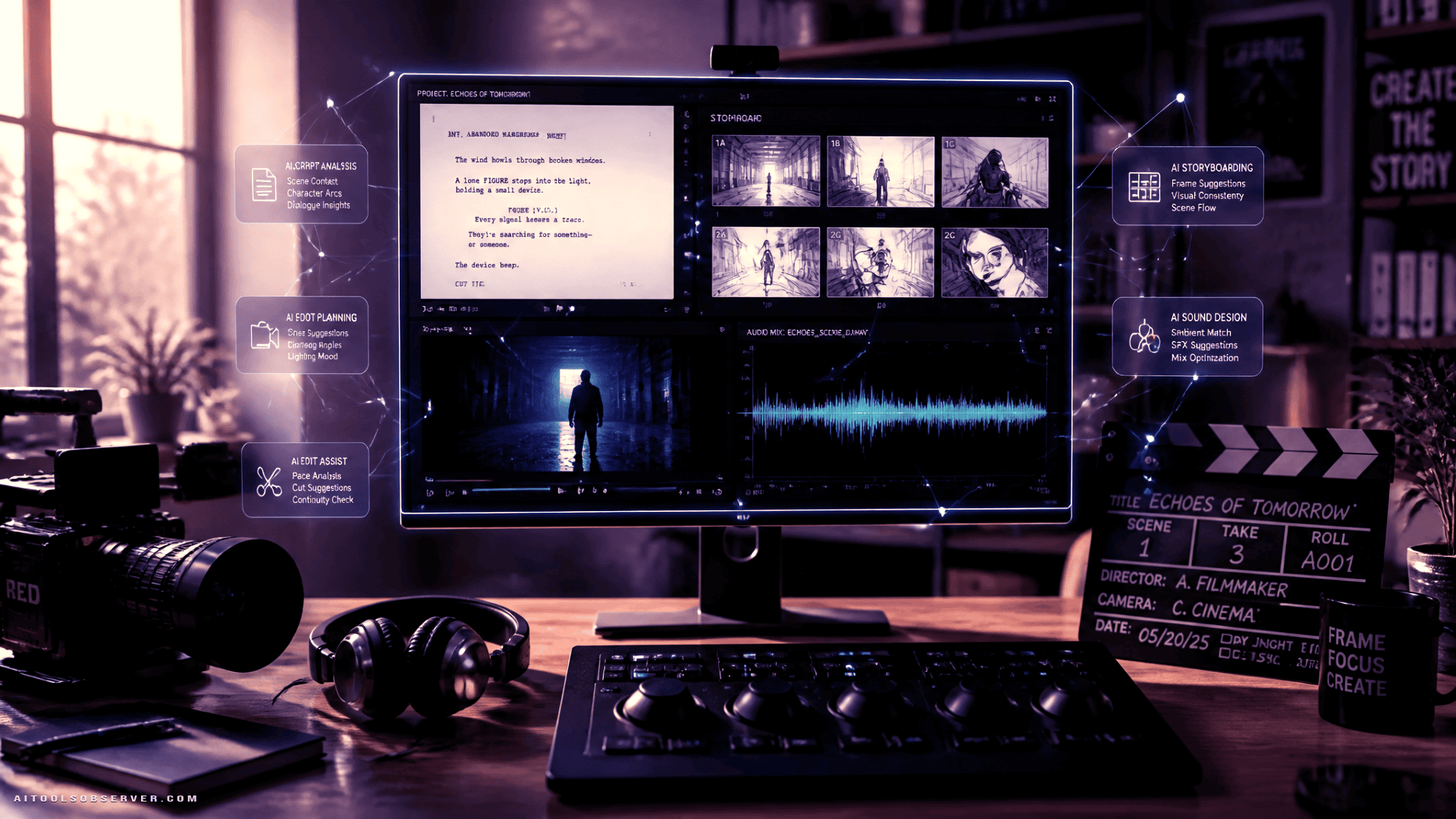
Why the Workflow Matters More Than Any Single Tool
A filmmaker who picks the best AI video generator but skips character reference work will likely end up with shots where the protagonist looks like a different person in every scene. A filmmaker who generates beautiful visuals but ignores audio will produce something that feels unfinished regardless of image quality.
The value of AI in filmmaking is cumulative. Each stage feeds the next. Getting the sequence right—story, script, scene breakdown, visual references, video, audio, music, assembly—is what separates a coherent short film from a demo reel of AI experiments.
The Full AI Filmmaking Pipeline
The workflow below reflects how professional AI-assisted productions are increasingly structured. Each stage has a distinct purpose and a distinct set of tool requirements.
Stage 1: Story Development and Scriptwriting
Every production starts with a story. AI language models can help with brainstorming concepts, developing characters, writing dialogue, structuring scenes, and refining a full screenplay.
The most useful LLMs for this stage—tools like ChatGPT, Claude, and Gemini—differ in their strengths. Some handle long-form narrative structure more reliably; others produce sharper dialogue or stronger scene descriptions. For serious script development, having access to more than one model is worth considering, since different scenes may benefit from different approaches.
What to look for at this stage: story structure support, character consistency across scenes, dialogue quality, and the ability to handle long documents without losing context.
Stage 2: Scene and Shot Breakdown
A finished screenplay is not yet a production plan. Before generating any visuals, the script needs to be decomposed into individual scenes and shots—each one specifying characters, locations, actions, props, camera angles, camera movements, lighting conditions, and visual style.
An AI LLM can perform much of this analysis automatically when given a structured prompt. The output becomes the foundation for every subsequent generation step. Skipping this stage is one of the most common reasons AI-generated films feel incoherent.
Stage 3: Character Design and Visual References
Character consistency is among the most technically demanding challenges in AI filmmaking. If a character’s face, clothing, or build shifts between shots, the film loses credibility regardless of how good the individual frames look.
AI image generators can establish visual references before any video is generated. Useful outputs at this stage include:
- Main and supporting character designs
- Costume and prop references
- Facial reference sheets from multiple angles
- Character pose libraries
- Environment and location concept art
These images then serve as input references for video generation, significantly improving consistency across scenes.
Stage 4: Location and Environment Visualization
Once characters are defined, the world of the film needs to be visualized. AI image tools can generate environments ranging from realistic interiors and urban streetscapes to fantasy landscapes and science-fiction settings.
These images function as concept art, storyboard frames, or direct visual references for video generation prompts. The more precisely a location is defined at this stage, the more consistent it will appear across multiple shots.
Stage 5: Video Generation
With characters, locations, and visual direction established, AI video generators can turn prompts and reference images into moving scenes. This is the most resource-intensive stage and the one where tool selection has the most visible impact on output quality.
Key factors to evaluate when comparing AI video models:
- Visual realism — how photographic or cinematic the output appears
- Motion quality — whether movement looks natural or artificial
- Camera control — support for specific camera movements and angles
- Character consistency — how reliably a character’s appearance holds across shots
- Image-to-video capability — whether the model can use a reference image as input
- Multi-shot generation — support for longer or connected sequences
- Resolution — output quality for final delivery
- Native audio — whether the model generates synchronized sound
- Prompt adherence — how accurately the output reflects the written description
Models like Kling AI, Veo, Vidu, and Seedance each have different strengths across these dimensions. Rather than selecting one model for an entire film, experienced AI filmmakers often choose different models for different scene types—using a more realistic model for dialogue scenes and a more stylized one for action or atmosphere.
Stage 6: Voice, Sound, and Music
Visuals without audio feel incomplete. This stage covers three distinct production needs:
Voice and dialogue: AI voice tools can generate character dialogue, narration, and voiceovers without recording equipment. Quality varies significantly across tools. Look for natural prosody, emotional range, and support for multiple languages if the production targets international audiences.
Sound effects and ambience: Ambient audio and scene-specific sound effects add depth to AI-generated visuals. Tools in this category range from simple sound effect generators to more sophisticated audio synthesis platforms.
Music: AI music generators can produce original, mood-matched soundtracks quickly. Useful features include mood and genre control, instrument selection, scene-specific composition, and support for longer pieces. The goal is a soundtrack that supports the story without drawing attention to itself.
Tools like Suno are positioned for music generation, while voice synthesis tools such as Qwen3 TTS appear in current all-in-one filmmaking platforms.
Stage 7: Assembly and Final Editing
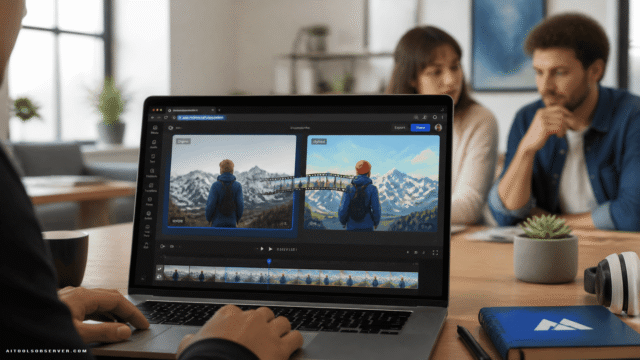
AI generates the components. The filmmaker assembles them into a film. This stage involves selecting the strongest shots from multiple generated versions, adjusting pacing, synchronizing dialogue and music to visuals, and reviewing the complete cut for narrative coherence.
No AI tool currently automates this stage in a way that produces professional results without human creative direction. The editing decisions—what to cut, what to keep, how long a scene breathes—remain the filmmaker’s responsibility.
Choosing Tools for Each Stage
Rather than searching for a single AI filmmaking tool that does everything well, the more practical approach is to evaluate tools by stage and match capabilities to requirements.
Scriptwriting and Story Development
Look for LLMs with strong long-form reasoning, reliable character voice consistency, and the ability to handle full screenplay length without degrading. Access to multiple models is useful because creative strengths vary.
Storyboarding and Visual Development
AI image generators that support detailed prompt control, style consistency, and reference image input are most useful here. The goal is not photographic perfection but visual coherence—establishing a clear look that can be replicated across shots.
Video Generation
Evaluate models against the criteria listed in Stage 5. No single model leads across all dimensions. Scene type, required camera movement, and character complexity should all influence model selection.
Voice and Audio
Prioritize natural prosody over technical novelty. A voice that sounds slightly less impressive but delivers dialogue with appropriate pacing and emotion will serve the film better than a technically advanced voice that sounds robotic in context.
Music
Shorter compositions with clear mood alignment are often more useful than longer, more complex pieces. Evaluate tools by how well their output sits under dialogue and action rather than how impressive it sounds in isolation.
All-in-One Platforms: When They Make Sense
For solo creators and small teams, managing separate accounts, prompting conventions, and output formats across six or seven specialized tools adds significant overhead. All-in-one AI filmmaking platforms address this by consolidating multiple model categories into a single workflow environment.
Crun AI is one platform positioned for this use case. Based on available context, it provides access to a broad range of AI models across video, image, audio, music, and LLM categories—including models like Seedance, Kling AI, Veo, Vidu for video, Seedream and GPT Image for image generation, and Suno for music—within a unified interface that includes a built-in prompt generator.
The practical advantage of this approach is reduced context-switching and a more connected pipeline. The tradeoff is that all-in-one platforms may not always offer the most current version of every specialized model. For productions where a specific model’s capabilities are critical, direct access to that model may still be preferable.
Practical Considerations Before Starting
A few points worth addressing before committing to a production workflow:
Character consistency requires upfront investment. The time spent creating detailed character references in Stage 3 pays dividends across every subsequent stage. Skipping this step to move faster to video generation typically results in more regeneration work later.
Prompt quality determines output quality. AI video and image generators respond to the specificity and structure of prompts. Vague prompts produce generic results. Scene breakdowns from Stage 2 should feed directly into prompt construction.
Licensing and commercial use terms vary. Before using AI-generated content in a commercially distributed film, verify the current licensing terms of each tool used. Terms change, and what is permitted for personal use may not be permitted for commercial release.
Free tiers have limits. Some platforms offer free trials or generation credits. These are useful for testing workflows but are rarely sufficient for completing a full short film. Budget for production costs accordingly.
A Realistic Assessment of What AI Can and Cannot Do
AI can generate scripts, character designs, storyboards, video shots, dialogue, sound effects, and music. It can do this faster and at lower cost than traditional production methods for many types of content.
What AI does not yet do reliably: maintain perfect character consistency across a full film, generate multi-shot sequences with continuous narrative logic, or make the editorial judgments that turn raw footage into a story with pacing and emotional impact.
The strongest AI-produced films in 2026 are those where a filmmaker uses AI to accelerate and expand their creative capacity rather than to replace creative judgment. The tools handle generation; the filmmaker handles direction.
Choosing Your Stack
The right AI filmmaking stack depends on what you are making, how much consistency you need, and whether you prefer specialized tools or a unified platform.
For a short film with a single creator and a tight timeline, an all-in-one platform that covers LLMs, image, video, voice, and music in one place is likely the most practical choice. For a more complex production where specific model capabilities matter at particular stages, a curated stack of specialized tools—connected by a clear workflow and consistent visual references—will typically produce stronger results.
Either way, the workflow itself is the foundation. Get the sequence right, invest in visual references early, and treat each stage as preparation for the next. The tools are capable. The question is whether the pipeline connecting them is.











Comments (0) No comments yet
Want to join this discussion? Login or Register.
No comments yet. Be the first to share your thoughts!