


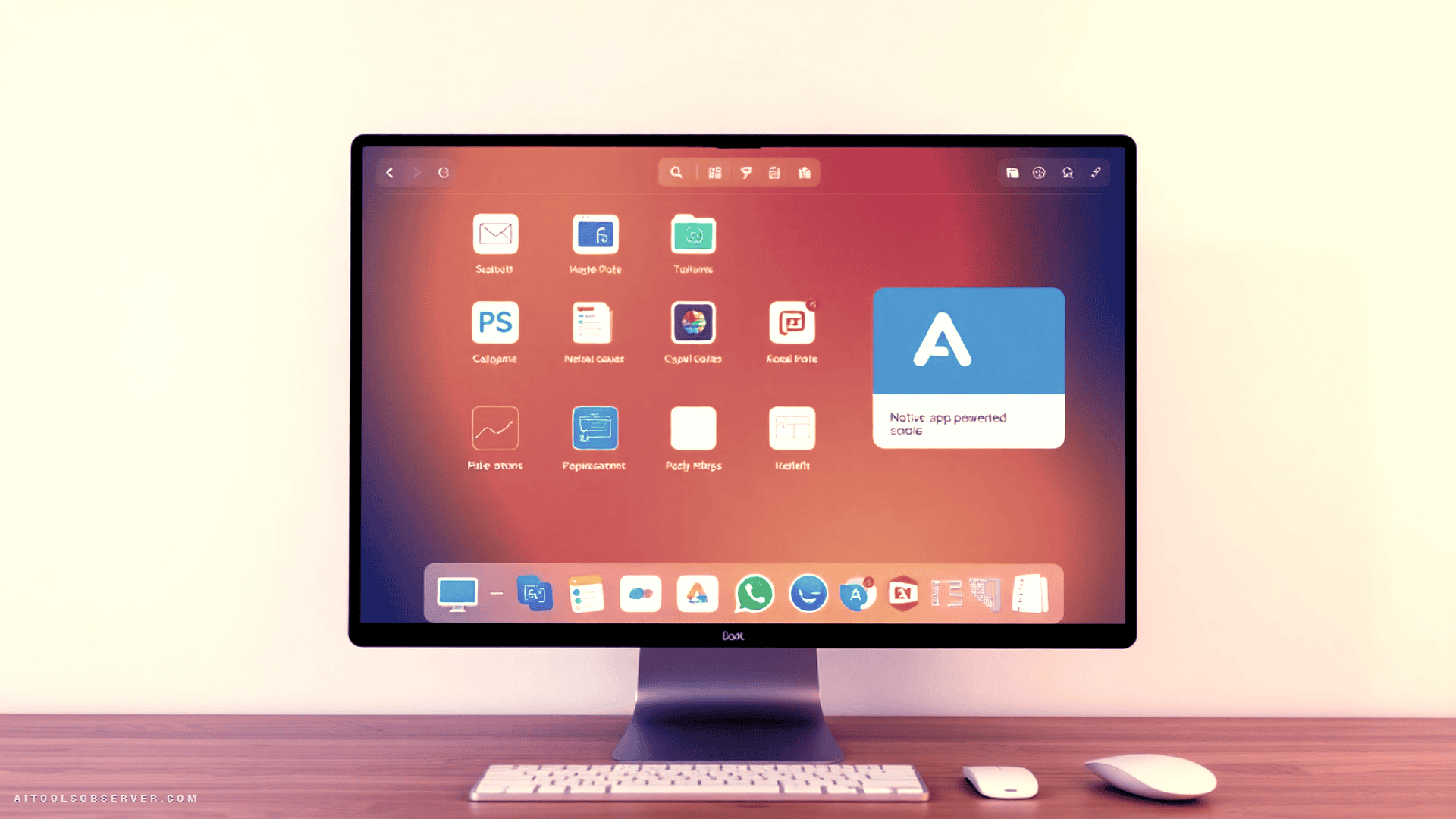
What Is Glaze?

Glaze is a Mac app that lets you build Mac apps. No code required. You describe what you want — a tool, a game, a utility — and Glaze builds it. Think of it as a coding-fluent collaborator who never gets tired of your “just one more tweak” requests.
It comes from the team behind Raycast, which is already a strong signal. If you’ve used Raycast, you know these people understand what thoughtful, fast, local-first software feels like.
The Core Difference: Local vs. Web

This is where Glaze earns its own category.
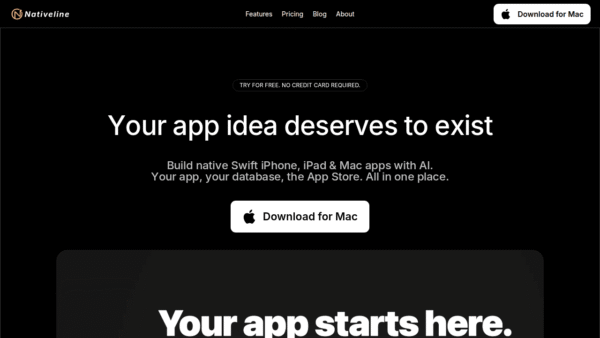
Tools like Lovable, Bolt, Claude Artifacts, and Gemini Canvas all generate web-based apps. Useful, shareable, browser-dependent. Glaze generates native Mac software — apps that run offline, store data on your machine, and tap into macOS features like keyboard shortcuts, menu bar integration, and background processes.
That’s not a minor footnote. That’s a fundamentally different product.
Who Is This For?
Glaze is built for people who want small, personal software that actually fits their workflow — not a SaaS subscription for something they’ll use twice a week.
Think: founders who want a custom internal tool without hiring a developer. Marketers who need a one-off utility. Curious builders who’ve always had an app idea but zero patience for Xcode.
Real Apps, Real Build Times

The best way to evaluate a vibe coding tool is to see what it actually produces. Here’s what one early user built:
Box Breath
A one-minute meditation break app. Built in 12 minutes. Simple, functional, no bloat.
Links App
A clipboard-friendly URL store for frequently used links. Built in 10 minutes. The kind of thing you’d normally hack together in Notion and hate forever.
QuotePop

Turns any text or quote into a styled image — customizable dimensions, gradient backgrounds, font choices. Built in about an hour. Genuinely useful for presentations and social content.
Twelve minutes to a working meditation app is a compelling pitch. An hour to a polished image-generation tool is even more so.
The Public App Store Is Worth Exploring

Glaze has a community store of free apps built by other users. A few standouts:
- macHealth — diagnoses why your Mac is running slow
- Pinfont — previews text across all your installed fonts
- Focus Soundboard — layered ambient sounds for deep work
- Word Connections — an offline clone of the NYT game
- PDF and Image Merger — does exactly what it says
The store doubles as a demo gallery. Browse it before you build anything — it calibrates your expectations in the best possible way.
Pricing
Glaze is free with usage limits, or $20/month for more credits. Complex apps and heavy iteration cycles burn credits faster, so if you’re building seriously, the subscription pays for itself quickly.
You can join the waitlist at glaze.app to get an invite.
How to Get Started (Without Wasting Credits)

The four-step flow — plan, create, refine, publish — sounds simple because it is. But a few habits separate efficient builders from credit-burners.
Plan before you build. Use Glaze’s planning mode to describe your app in detail before it writes a single line. The clearer your brief, the fewer revision cycles you’ll need. If you already pay for Claude or ChatGPT, plan there first and hand Glaze a tight summary. Save your credits for building.
Set your preferences once. Glaze’s settings let you define design preferences globally. Do it early. Your apps will feel more consistent without you having to repeat yourself every time.
Build in options. Instruct Glaze to give users choices — dimensions, colors, fonts, whatever’s relevant. It makes your apps feel polished rather than rigid.
Iterate in batches. After the first build, compile a list of fixes and send them all at once. One focused iteration beats five scattered ones.
Limitations Worth Knowing
Mac only. No Windows, no Linux, no timeline announced. If your team is cross-platform, Glaze isn’t your tool yet.
Local only. Your apps don’t sync across machines and won’t run on mobile. If you need something accessible from your phone or a colleague’s laptop, the web-based alternatives win here.
Credits add up. Complex apps with multiple refinement rounds can get expensive on the free tier. Budget accordingly if you’re building anything ambitious.
How It Compares to the Alternatives

| Tool | Output | Offline | Native OS Features |
|---|---|---|---|
| Glaze | Mac app | ✅ | ✅ |
| Lovable | Web app | ❌ | ❌ |
| Bolt | Web app | ❌ | ❌ |
| Claude Artifacts | Browser interactive | ❌ | ❌ |
| Gemini Canvas | Browser app | ❌ | ❌ |
The web-based tools aren’t bad — they’re just solving a different problem. Lovable and Bolt are excellent for landing pages and shareable web apps. Claude Artifacts is great for quick interactives like quizzes and calculators. Gemini Canvas handles dashboards and document-driven apps well.
But none of them give you something that lives in your Applications folder and works on a plane.
Verdict

Glaze occupies a genuinely underserved niche: personal, local, native Mac software built without code. It’s fast, it’s private, and it produces apps that feel like real software rather than browser experiments.
The Mac-only constraint is real, and the credit model requires some planning discipline. But for Mac users who’ve ever thought I wish I had a small tool that just did this one thing — Glaze is the most direct answer that’s ever existed.
The Raycast pedigree suggests this team knows how to build tools that developers and power users actually keep installed. That’s a harder bar to clear than it sounds, and Glaze clears it.
Offline. Private. Actually yours. That’s a rarer combination than it should be.












Comments (0) No comments yet
Want to join this discussion? Login or Register.
No comments yet. Be the first to share your thoughts!