


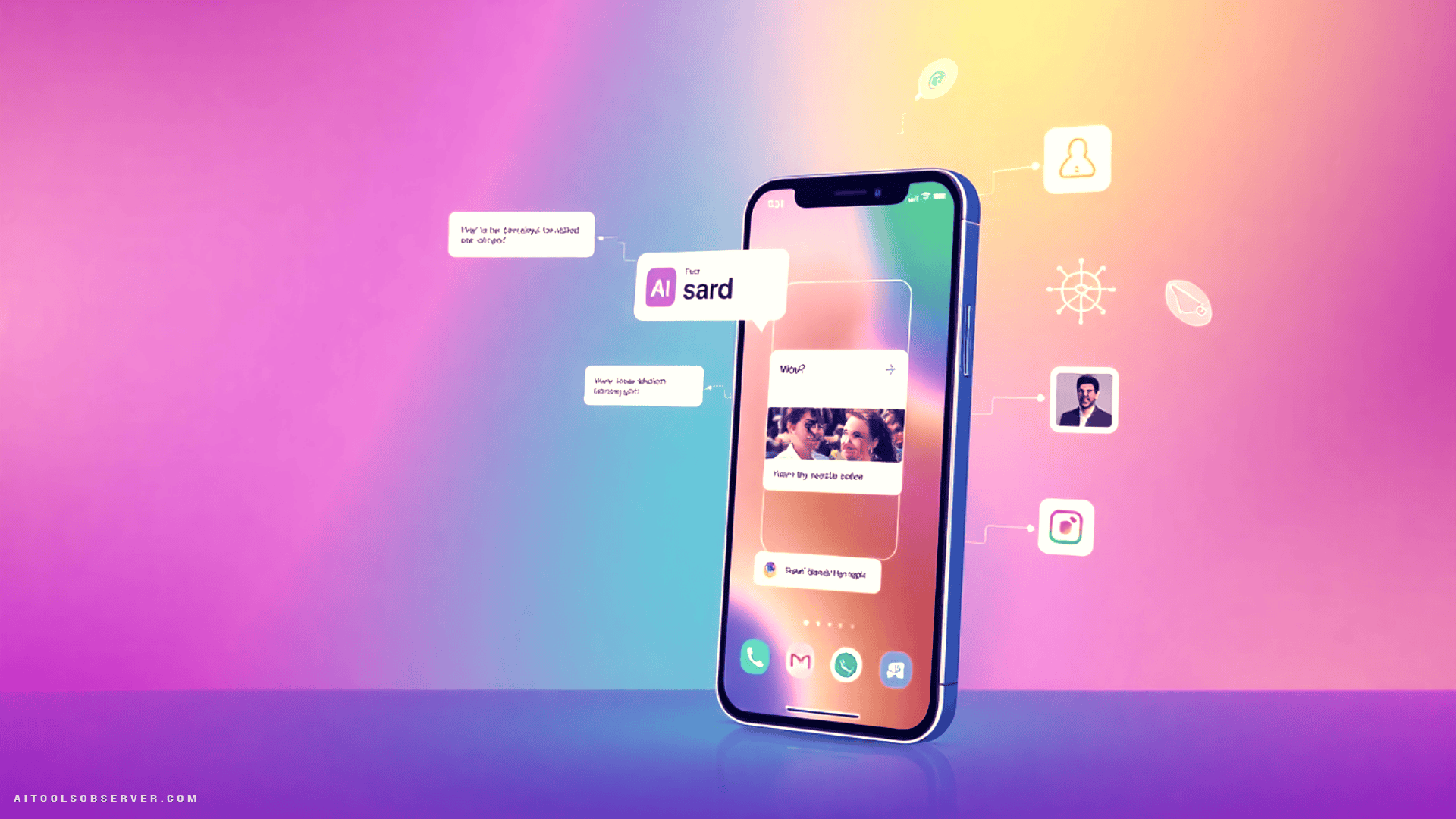
What Is Google AI Edge Gallery?

Google AI Edge Gallery is an experimental Android and iOS application that downloads open-source AI models directly onto the device. No cloud calls. No data uploads. No internet dependency once the model is installed.
The app launched roughly a year ago but attracted renewed attention when Google integrated Gemma 4 support. That update meaningfully raised the capability ceiling, particularly for multimodal tasks. The core premise remains straightforward: bring capable AI inference to the edge, using only what the device’s hardware can provide.
Test Setup and Devices

Testing was conducted across three devices to capture a representative hardware spread:
- Google Pixel 10 Pro — Tensor G5 chip, Google’s own silicon with a dedicated NPU
- Oppo Find X9 Ultra — Snapdragon 8 Elite Gen 5, Qualcomm’s current flagship SoC
- iPhone Air — Apple Silicon with GPU-accelerated inference via Core ML
This spread matters because AI Edge Gallery’s performance is not uniform across platforms. Hardware utilization — specifically whether the app routes inference through the CPU, GPU, or NPU — determines the experience more than the model itself.
AI Chat: Offline Chatbot Performance

The chatbot interface is functionally comparable to a lightweight Gemini or ChatGPT session. It accepts text, voice, and image inputs, processes them locally, and returns a response without any network activity.
Response quality on factual, bounded queries is genuinely useful. Asking for travel phrases, film recommendations based on titles, or general knowledge questions yields coherent, well-structured answers — provided the questions are framed with the understanding that the model has no live data access. The model is transparent about this limitation, which is the correct behavior.
Latency, however, varies dramatically by device and hardware path:
| Device | Processing Path | Approximate Latency |
|---|---|---|
| iPhone Air | GPU (Core ML) | Under 1 second |
| Oppo Find X9 Ultra | GPU (Snapdragon) | 2–4 seconds |
| Google Pixel 10 Pro | CPU (fallback) | 10+ seconds |
The Pixel 10 Pro result is the most consequential finding in this review. Google’s own device, running Google’s own app, on Google’s own chip, falls back to CPU processing because AICore-based NPU access is currently restricted to beta testers. The result is a latency gap that makes the experience feel sluggish compared to what the hardware should theoretically deliver.
Offline Translation: The Strongest Use Case

Audio transcription and translation is where AI Edge Gallery earns its most practical justification. The dedicated audio scribe tool captures spoken input, transcribes it, and translates it on the fly — entirely offline.
On devices that properly utilize GPU acceleration, the translation pipeline is fast enough to feel near-real-time. The Oppo Find X9 Ultra handled this well. The iPhone Air was the fastest of the three. The Pixel 10 Pro, again constrained to CPU inference, lagged noticeably.
The real-world value here is concrete. In areas with poor connectivity — rural regions, international travel, underground transit — a reliable offline translator that handles natural speech is genuinely useful. Dedicated translation apps like Google Translate offer offline packs, but they lack the contextual flexibility of a multimodal model that can handle ambiguous phrasing, follow-up questions, or image-based input in the same session.
Ask Image: Multimodal Q&A on Device

The image Q&A feature allows users to attach a photo and ask questions about its content. The model interprets the image locally and responds without uploading anything to a server.
Practical applications include translating text in photos — menus, signs, labels — and describing visual content in unfamiliar contexts. The accuracy is not on par with cloud-based vision models, but it is sufficient for common travel and accessibility scenarios.
The privacy advantage here is underappreciated. Images never leave the device. For users who are cautious about uploading personal or sensitive photos to third-party servers, this is a meaningful differentiator.
What Works Well
Privacy by design. All inference happens on-device. No images, audio, or text are transmitted externally. This is a structural advantage, not a marketing claim.
Genuine offline utility. The chatbot, translator, and image Q&A all function without any network dependency after model download. For travel, remote work, or connectivity-constrained environments, this is a real capability gap that AI Edge Gallery fills.
Gemma 4 quality. The model produces coherent, contextually appropriate responses for a wide range of bounded queries. It does not hallucinate wildly or fabricate internet-dependent information — it correctly defers to its training data and communicates that boundary clearly.
What Needs Fixing
No conversation persistence. Chats are not saved between sessions. There is no thread history, no ability to resume a previous conversation. For a tool positioned as a practical AI assistant, this is a significant usability gap. Even a local storage option with a configurable context limit would substantially improve the experience.
Inconsistent hardware utilization on Android. This is the most critical technical shortcoming. The app uses GPU acceleration on iOS and on Snapdragon-powered Android devices. On the Pixel 10 Pro, it falls back to CPU processing because NPU access via AICore is locked to beta testers. The resulting latency — over 10 seconds for audio tasks that take under one second on iPhone Air — is not a minor inconvenience. It is a functional regression that undermines the app’s core value proposition on Google’s own flagship hardware.
Niche discoverability. The app remains experimental and is not prominently surfaced in the Play Store or through Google’s standard product channels. Users who would benefit most from offline AI capabilities are unlikely to find it without deliberate searching.
Who Should Use This
Frequent travelers operating in low-connectivity environments will find the translation and image Q&A features immediately useful. The offline chatbot adds a layer of general-purpose assistance that no standard translation app provides.
Privacy-conscious users who want AI assistance without cloud data exposure have a credible option here — particularly for image-based queries where upload-based services are a concern.
Developers and AI practitioners evaluating on-device inference quality, latency characteristics, and Gemma 4 capabilities on consumer hardware will find the app a useful reference point.
Casual Android users on Pixel devices should temper expectations until Google resolves the NPU access limitation. The CPU fallback experience is functional but slow enough to feel unpolished.
Alternatives Worth Considering
| Tool | Offline Capable | Multimodal | Platform |
|---|---|---|---|
| Google Translate (offline packs) | Yes | Limited | Android / iOS |
| Microsoft Translator | Partial | No | Android / iOS |
| LM Studio (mobile) | Yes | Varies | Android / iOS |
| Apple Intelligence | Yes (on-device) | Yes | iOS only |
AI Edge Gallery’s differentiation is the combination of multimodal capability, full offline operation, and open-source model transparency. No direct competitor currently matches all three simultaneously on Android.
Verdict

Google AI Edge Gallery is a technically credible on-device AI application that delivers real utility in the right conditions. The translation feature is its strongest offering. The offline chatbot is genuinely useful when connectivity is absent. The image Q&A adds practical value for travel and accessibility scenarios.
The hardware utilization gap on Pixel devices is a serious problem that Google needs to address. Shipping an app that underperforms on its own flagship hardware — due to an internal beta restriction on NPU access — is an avoidable own goal. Until AICore integration is broadly available, Android users on non-Snapdragon devices will experience a materially inferior product.
That said, the underlying capability is real. Running a Gemma 4 model at 32,000 feet, without internet, and receiving useful answers is not a gimmick. It is a functional demonstration of where on-device AI is heading. Google AI Edge Gallery is worth installing, worth testing, and worth watching — particularly as hardware access restrictions are lifted and the model continues to improve.
Rating: 3.5 / 5 — Promising technology, uneven execution, clear upside pending hardware optimization.












Comments (0) No comments yet
Want to join this discussion? Login or Register.
No comments yet. Be the first to share your thoughts!