
What Is Canva?
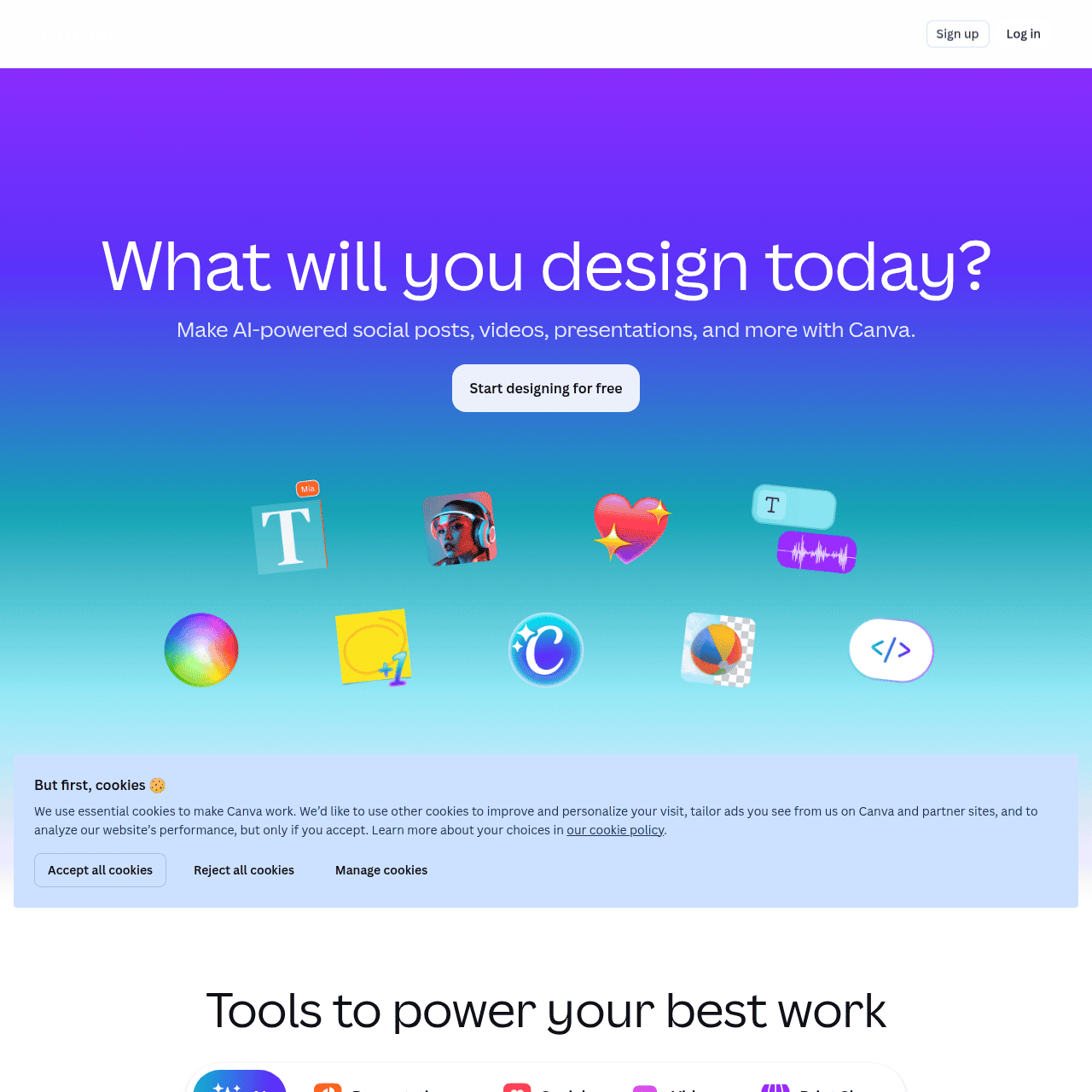
Canva is a visual communication platform that combines design, collaboration, and publishing tools in one place. Users can create social media posts, presentations, videos, documents, websites, logos, and more using an intuitive drag-and-drop editor and a large library of professionally designed templates.
Canva’s Visual Suite and AI features help turn ideas and conversations into polished content quickly, while brand management tools support consistent, on-brand visuals at scale. The platform also offers print services, an apps marketplace, and integrations with leading business tools to streamline workflows.
It is built for individuals, teams, classrooms, nonprofits, and enterprises that need to design, collaborate, and publish visual content efficiently.
Quick Snapshot
Canva lets anyone create professional, on-brand visual content fast using templates, AI-powered tools, and built-in collaboration. It reduces design bottlenecks and streamlines content production across teams and channels.
- Works on
-
- Web
- Mac
- iOS
- Android
- API
- Pricing Model
- Freemium
Starting at €110/year — Canva follows a freemium model, with a free plan that includes core design features and templates. Paid Pro, Business, and Enterprise plans start from around €110 per year and add advanced AI tools, brand controls, and team collaboration capabilities. - Fits on
- Affiliate Program
- Unknown
- API Availability
- Canva has an API available.
- Key Features
-
- Create professional designs in minutes
- Keep every visual perfectly on brand
- Collaborate and publish from one platform
- Audience
-
- marketers
- small businesses
- content creators
- educators
- students
- nonprofits
- corporate teams
- social media managers
- designers
Screenshot & Demo

Key Features of Canva
Drag-and-drop editor
Design visuals using an intuitive drag-and-drop interface that makes layout, image placement, and text editing approachable for non-designers.
Template library
Access a large library of professionally designed templates for social posts, presentations, videos, documents, websites, logos, and more.
Canva AI tools
Use Canva’s AI capabilities to help transform ideas into polished designs and speed up content creation across different formats.
Brand management
Store brand colors, fonts, logos, and templates to keep every design on-brand and make it easier for teams to produce consistent visuals.
Collaboration and sharing
Invite team members to edit, comment, and collaborate in real time, then share, publish, or download designs directly from the platform.
Integrations and apps
Connect Canva with popular business tools and explore its apps marketplace to streamline design workflows and publishing.
Print and publishing
Publish designs to digital channels or use Canva’s print services to produce physical materials like posters, flyers, and business cards.
Use Cases for Canva
Social media content
Create on-brand social media posts, stories, and ads quickly using ready-made templates and AI assistance, without needing a professional designer.
Marketing and sales collateral
Produce brochures, flyers, pitch decks, and sales one-pagers that stay on-brand with shared templates and brand assets, reducing back-and-forth with design teams.
Presentations and reports
Design polished presentations, reports, and documents that communicate ideas clearly using structured layouts, visuals, and collaborative editing.
Education and classroom materials
Teachers and students can create engaging lesson materials, worksheets, and projects that improve visual communication and classroom engagement.
Team collaboration at scale
Enable cross-functional teams to co-create, review, and publish visual content from a single platform, with brand tools that maintain consistency across all assets.
Frequently Asked Questions
What is Canva used for?
Canva is used to create visual content such as social media graphics, presentations, videos, documents, websites, logos, and marketing materials using templates and a drag-and-drop editor.
Is Canva free to use?
Yes, Canva offers a free plan with core design features and templates. Additional AI tools, brand controls, and advanced collaboration features are available on paid plans.
Who is Canva best suited for?
Canva is suited for marketers, small businesses, content creators, educators, students, nonprofits, corporate teams, social media managers, and designers who need to design and publish visual content quickly.
Does Canva support team collaboration?
Yes, Canva includes collaboration features that let teams co-create designs, comment, and manage brand assets, especially on its Business and Enterprise plans.
Does Canva offer an API or integrations?
Yes, Canva provides an API and integrates with leading business tools, allowing organizations to connect Canva into their existing workflows.
What are Canva's paid plans?
Canva offers Pro, Business, and Enterprise subscriptions that add AI tools, enhanced brand controls, and collaboration capabilities, with paid plans starting from around €110 per year based on the provided data.
Canva · Our Verdict
Canva has become a default choice for non-designers and teams that need to ship visual content fast without sacrificing basic design quality. Its combination of templates, AI assistance, and collaboration tools significantly lowers the barrier to producing consistent, on-brand assets across channels.
For most everyday business, education, and content workflows, it replaces the need for multiple separate design and publishing tools.
Canva ·
-
 Credit-Based
 PhotoScissors
Instant AI background removal for any image
Background Removal & Replacement -
nubrain
Turn simple prompts into content and visuals
Text & Writing AI -
AI Hay
Vietnam’s smart AI assistant for learning and creation
AI Assistants & Chatbots - Subscription
Pixwith.AI
Create cinematic AI videos and images in minutes.
AI Video Generation - Credit-Based
DigiBouquet AI
Digital flowers, real smiles—designed by you or AI
Image & Design AI - Your Ad Here
- One-Time
FacialHarmonyAI
Private AI facial harmony analysis from one photo
AI Photo Editors - Custom
mia
Turn every market signal into revenue decisions
Business & Finance AI