
What Is DryVocal?
DryVocal is a lightweight AI-driven voice processing tool for Windows that isolates clean vocals or instrumentals from virtually any audio source. It specializes in vocal removal, dialogue cleanup, speaker separation, and AI denoising to produce studio-quality stems from songs, multi-speaker recordings, and noisy environments.
Designed for musicians, DJs, producers, podcasters, video editors, and voiceover artists, DryVocal makes it easy to extract or remove vocals and instruments for remixing, practice, and post-production. Its intuitive workflow helps users enhance vocal clarity and reduce background noise without needing advanced audio engineering expertise. This makes it a practical solution for content creators and editors who want professional results with minimal setup and effort.
Quick Snapshot
DryVocal lets you instantly isolate or remove vocals and reduce noise from any track using AI, delivering clean, studio-style stems without complex audio engineering skills. It helps musicians, podcasters, and editors save hours of manual cleanup while improving overall clarity.
- Works on
-
- Web
- Pricing Model
- Cannot determine the price.
- Fits on
- Affiliate Program
- We could not identify an affiliate program.
- API Availability
- We could not identify whether an API is available.
- Key Features
-
- AI-powered clean vocal and stem isolation
- Professional noise reduction and dialogue cleanup
- Simple Windows workflow for non-engineers
- Audience
-
- musicians
- music producers
- DJs
- podcasters
- video editors
- voiceover artists
- audio engineers
- content creators
Screenshot

Key Features of DryVocal
AI vocal isolation
Isolate or remove lead vocals from mixed audio tracks, enabling the creation of acapellas, instrumentals, and karaoke versions.
Dialogue cleanup
Enhance spoken-word recordings by focusing on dialogue and reducing competing background elements in podcasts, videos, and voiceovers.
Speaker separation
Separate multiple speakers in a single recording so each voice can be processed and mixed independently in post-production.
AI noise reduction
Use AI denoising to reduce background noise and improve overall vocal clarity in noisy or imperfect recording environments.
Windows desktop app
Run locally on Windows, providing a lightweight and accessible workflow for creators who prefer desktop-based audio tools.
Use Cases for DryVocal
Song vocal removal
Remove or isolate vocals from any song to create karaoke tracks, practice stems, or instrumentals for remixing and live performance setups.
Podcast dialogue cleanup
Clean up host and guest voices by separating dialogue from background noise and music beds, resulting in clearer, more professional podcast audio.
Video post-production audio
Improve dialogue intelligibility in video projects by isolating speech from noisy environments, making post-production mixing faster and more controlled.
Multi-speaker separation
Separate different speakers in panel discussions, interviews, or conference recordings to edit each voice independently and balance the final mix.
Remixes and mashups
Extract clean acapellas or instrumentals from commercial tracks to build remixes, mashups, and DJ edits without needing official stems.
Frequently Asked Questions
What is DryVocal used for?
DryVocal is used to isolate or remove vocals, separate speakers, and reduce noise in mixed audio, making it ideal for music production, podcasts, and video post-production on Windows.
Does DryVocal work on Windows only?
Based on available information, DryVocal is described as a Windows vocal extraction and noise reduction tool, so its primary platform is Windows.
Can DryVocal remove vocals from any song?
DryVocal is designed to separate vocals and instrumentals from mixed audio, allowing you to remove or isolate vocals from most songs for practice, remixes, or karaoke.
Is there an API available for DryVocal?
No, DryVocal does not currently offer an API based on the available information.
Does DryVocal have a free version?
A clearly defined free version is not specified, though some third-party sources mention a free trial. Check the official DryVocal website for the latest details.
Who should use DryVocal?
DryVocal is aimed at musicians, music producers, DJs, podcasters, video editors, voiceover artists, audio engineers, and content creators who need cleaner vocals and better-separated stems.
DryVocal · Our Verdict
DryVocal focuses on doing a few core tasks extremely well: vocal isolation, noise reduction, and dialogue cleanup on Windows. Its appeal lies in bringing pro-grade stem separation and denoising to users who may not have access to complex DAWs or advanced audio engineering skills. For creators working with mixed or noisy audio on a regular basis, it can be a time-saving addition to the toolkit.
DryVocal ·
-
 Subscription
 Musicfy
Turn any idea into a finished track
AI Music Composition Tools - Freemium
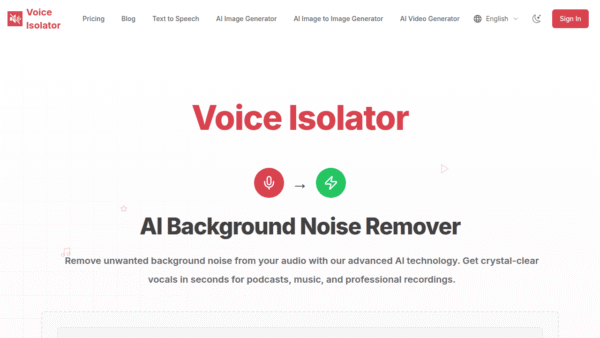
Voice Isolator
Instant AI voice cleanup for perfectly clear audio
Audio Cleanup & Enhancement Tools - Subscription
Y2Mate Video AI
AI-powered HDR video enhancement for home theaters
Video Upscaling & Enhancement - Freemium
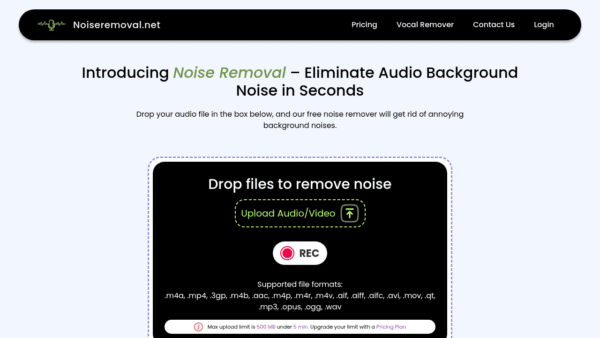
Noiseremoval.net
AI-powered background noise remover for crystal-clear audio
Audio Cleanup & Enhancement Tools - Freemium
Free Music Creator
Create royalty-free AI music and lyrics in seconds
AI Music Composition Tools - Your Ad Here
- Freemium
songmastr
AI mastering that matches your mix to any reference
Audio & Voice AI -
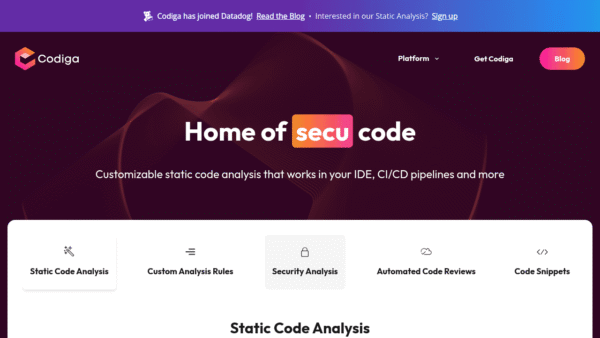
Codiga
Customizable static code analysis that follows you everywhere.
AI Developer Tools