What Is Everywhere?
Everywhere is a native desktop AI assistant that embeds directly into your operating system, so you can access powerful AI without living in a browser tab. It continuously understands what is on your screen—documents, interfaces, charts, and system states—and lets you trigger contextual help, summaries, and commands via a simple shortcut.
By supporting multiple model providers like Anthropic, OpenAI, Google, DeepSeek, Moonshot, and more, it gives you flexibility to choose the right model for each task. You can use it to summarize long pages in place, pull real-time market or research insights, automate UI actions with natural language, or diagnose on-screen errors without copying and pasting.
This on-screen awareness helps knowledge workers, analysts, developers, and students maintain deep focus, reduce context switching, and streamline everyday workflows.
Quick Snapshot
Everywhere turns your entire desktop into a context-aware workspace, bringing AI directly to whatever is on your screen. It helps you move faster, automate repetitive actions, and stay focused without constant app switching.
- Works on
-
- Mac
- Pricing Model
- Subscription
Starting at $8/month — Everywhere offers a free Community plan with core local features, bring-your-own-key support, and limited free credits. Paid subscription tiers start at $8/month and add more credits, higher usage caps, web search, cloud sync, additional models, and priority support. - Fits on
- Affiliate Program
- We could not identify an affiliate program.
- API Availability
- We could not identify whether an API is available.
- Key Features
-
- Turn any screen into a smart workspace
- Invoke multiple AI models without context switching
- Automate desktop workflows with natural language
- Audience
-
- knowledge workers
- developers
- financial analysts
- productivity enthusiasts
- remote professionals
- students
- researchers
Screenshot

Key Features of Everywhere
On-screen awareness
Understands what is currently displayed on your screen—including interfaces, documents, and charts—to deliver highly contextual AI responses.
Desktop-native assistant
Runs as a native desktop tool so you can invoke it via a shortcut and get help within any app without moving your work into a browser.
Multi-model support
Connects to leading AI providers such as Anthropic, OpenAI, Google, DeepSeek, and Moonshot, allowing you to choose the right model per task.
Contextual summaries
Generates in-place summaries of pages, documents, and on-screen content so you can extract key insights in seconds.
UI and workflow automation
Transforms natural language instructions into actions that can interact with your system and applications to streamline repetitive workflows.
Focus-first experience
Minimizes context switching by bringing AI to your existing windows, helping you stay in deep focus while still getting on-demand assistance.
Use Cases for Everywhere
On-screen content summarization
Summarize long articles, documents, and pages directly on your screen so you can grasp key points quickly without switching tabs or copying text.
Research and market insights
Pull real-time market signals, references, and contextual explanations while you browse data dashboards, reports, or news feeds.
Developer assistance
Diagnose errors, interpret logs, and get code explanations in the context of your editor or terminal without jumping to a separate AI chat window.
Workflow and UI automation
Use natural language commands to automate routine UI interactions, reducing clicks and repetitive steps across different applications.
Student and research productivity
Generate study notes, highlight key concepts, and clarify complex material directly on academic papers or course platforms to speed up learning.
Frequently Asked Questions
What is Everywhere and how does it work?
Everywhere is a native desktop AI assistant with on-screen awareness that reads your current context—like documents, interfaces, and charts—and then uses connected AI models to provide summaries, insights, and automation directly where you work.
Which AI models does Everywhere support?
Everywhere supports multiple AI providers, including Anthropic, OpenAI, Google, DeepSeek, Moonshot, and others, so you can select different models for different tasks.
Do I need to switch apps to use Everywhere?
No. Everywhere is designed to eliminate context switching by letting you invoke AI with a shortcut on top of whatever is already open on your screen.
Does Everywhere offer a free plan?
Yes. Everywhere has a free Community plan that includes core local features, bring-your-own-key support, and limited free credits.
How much does the paid version of Everywhere cost?
Paid subscription tiers for Everywhere start at $8 per month and add higher credit limits, web search, increased usage caps, cloud sync, more models, and priority support.
Who is Everywhere best suited for?
Everywhere is ideal for knowledge workers, developers, financial analysts, productivity enthusiasts, remote professionals, students, and researchers who work across many apps and want AI to meet them where they are.
Does Everywhere provide an API?
No. Everywhere does not currently offer an API; it is focused on being a desktop assistant for end users.
Everywhere · Our Verdict
Everywhere stands out by bringing serious on-screen awareness to the desktop, which makes AI feel less like a separate destination and more like a built-in capability. The multi-model support is particularly valuable for power users who want to match different tasks with the best available model while keeping their focus on the work in front of them.
Everywhere ·
-
 Subscription
Skej
AI scheduling assistants for every busy team
Scheduling & Task Bots - Freemium
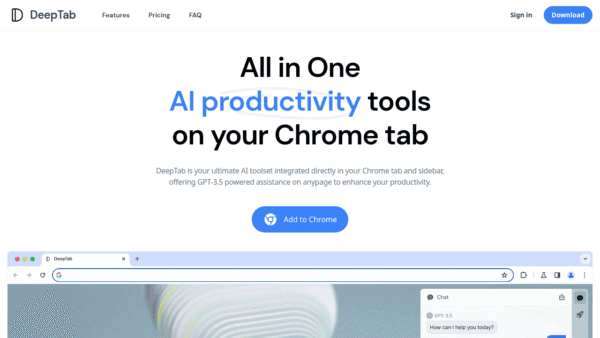
DeepTab
All-in-one AI workspace in every Chrome tab
Productivity & Automation AI -
ParrotPrep
Your whole job search in one workspace
Personal Productivity Assistants - Freemium
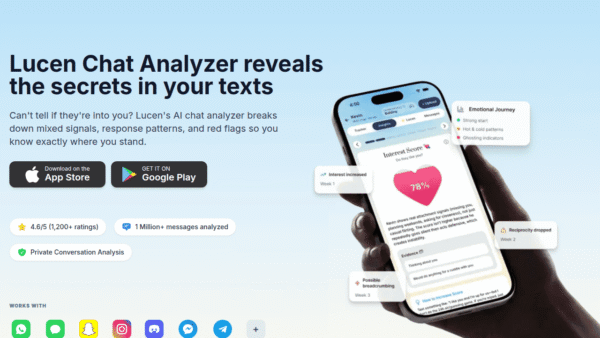
Lucen Chat Analyzer
Decode your chats, understand your relationships.
Personal Productivity Assistants -
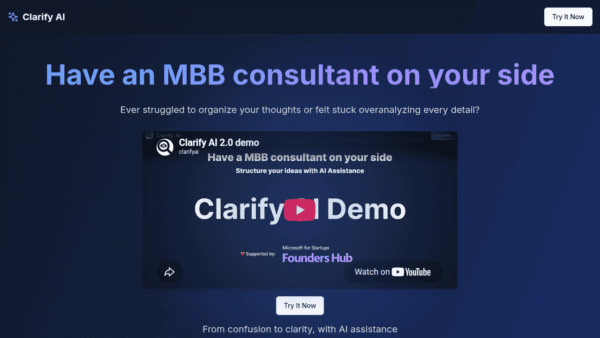
Clarify AI
Turn ambiguity into consultant-grade clarity
Knowledge Management - Your Ad Here
-
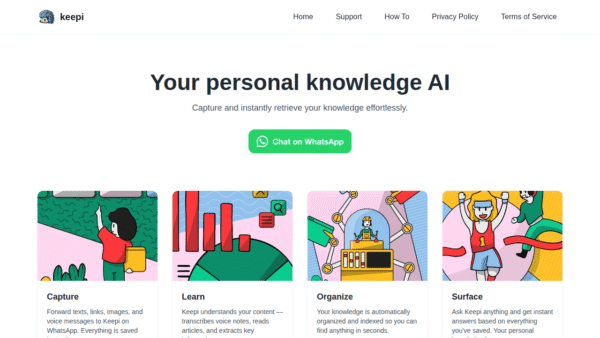
Keepi
Your personal knowledge AI inside WhatsApp
Knowledge Management -
Ask Muslim AI
Get everyday answers backed by the Qur'an
Industry-Specific Advisors