Powerdrill Bloom
Turn raw data into clear, AI-driven insight

What Is Powerdrill Bloom?
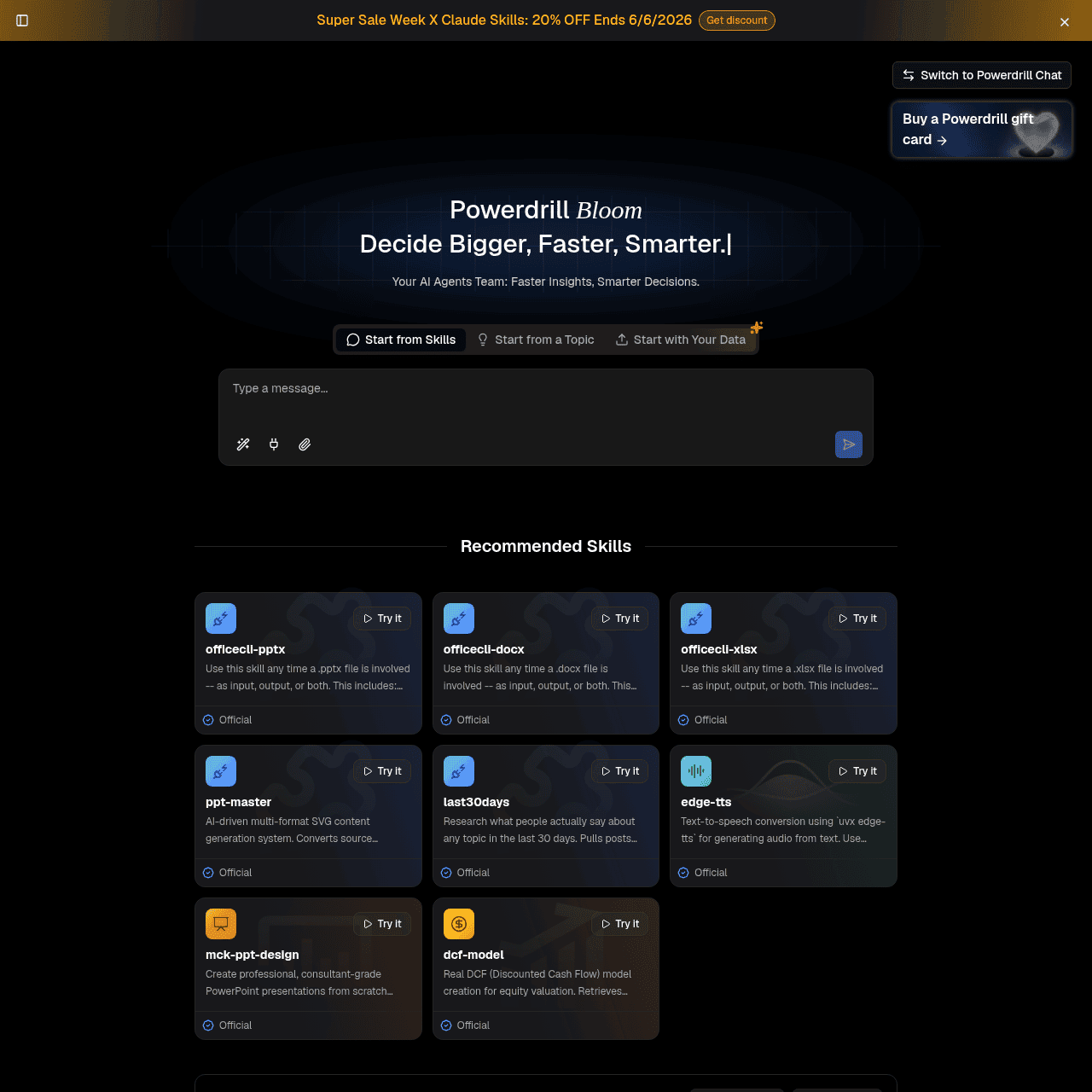
Powerdrill Bloom is an AI agents platform designed to help individuals and teams quickly explore, analyze, and visualize data from spreadsheets, documents, and databases. Users can upload Excel, CSV, and PDF files or connect data sources, then interact with their data through natural language, built-in skills, and specialized agents.
The platform offers a catalog of AI tools including summarizers, report generators, SQL chatbots, graph makers, and chatbots for ongoing analysis and collaboration. It supports BI-style querying, AI-powered data cleaning, and automated recurring reports, enabling faster, more consistent analysis without manual spreadsheet work.
Powerdrill Bloom is built for both personal and business use, helping analysts, operators, and non-technical teams convert raw information into clear, shareable insights and presentations.
Quick Snapshot
Powerdrill Bloom lets you analyze, visualize, and report on data simply by asking questions in natural language. It centralizes AI agents, skills, and automations so teams can move from messy spreadsheets or documents to decision-ready insights in minutes.
- Works on
-
- Web
- API
- Pricing Model
- Subscription
Starting at $13.27/month — Powerdrill Bloom offers a free tier plus paid individual and business plans. Annual plans currently start at $13.27/month for Pro, with higher tiers such as Plus, Premium, and Team Pro priced above that on promotional first-year rates. - Fits on
- Affiliate Program
- Unknown
- API Availability
- Powerdrill Bloom has an API available.
- Key Features
-
- Chat with your data using natural language
- Automate recurring analytics and reporting workflows
- Turn spreadsheets and PDFs into visual insights
- Audience
-
- data analysts
- business professionals
- startups
- consultants
- researchers
- marketing teams
- finance teams
- product managers
Screenshot

Key Features of Powerdrill Bloom
Chat with your data
Use natural language to query spreadsheets, documents, and databases, letting AI translate questions into analysis without code or formulas.
AI agents and skills catalog
Access a wide catalog of AI tools, including summarizers, report generators, SQL chatbots, graph makers, and specialized skills for different data tasks.
Data import and connections
Upload Excel, CSV, and PDF files or connect external data sources to centralize information in one analysis workspace.
Data visualization tools
Generate charts, graphs, and dashboards from your data to communicate trends, comparisons, and performance metrics clearly.
AI data cleaning
Leverage AI to clean and structure messy datasets, reducing manual preprocessing and making downstream analysis more reliable.
BI-style querying
Run business intelligence–style queries over structured datasets to answer detailed operational and strategic questions.
Automated workflows
Set up automations for recurring reports, analytics jobs, and expense reporting to eliminate repetitive manual work.
Collaboration and sharing
Share datasets, conversations, and generated outputs with teammates to keep everyone aligned on the same insights.
Use Cases for Powerdrill Bloom
Ad hoc data analysis
Ask questions in natural language to quickly explore spreadsheets, documents, and databases without writing formulas or SQL, turning raw data into clear answers.
Automated reporting
Automate recurring reports and dashboards so teams get consistent, up-to-date views of KPIs without manual spreadsheet updates or slide creation.
Business intelligence
Use BI-style querying and visualization tools to build charts, graphs, and insights that support strategic and operational decision-making across the organization.
Expense and finance analytics
Clean and analyze expense or finance datasets with AI data cleaning and agents, generating summaries, anomaly detection, and clear visual reports for stakeholders.
Research and document summarization
Upload PDFs and long-form documents, then use AI summarization and chatbots to extract key insights, generate summaries, and prepare research-ready briefs.
Team collaboration on data
Share datasets, conversations, and AI-generated reports so analysts, managers, and non-technical stakeholders can work from the same live source of truth.
Frequently Asked Questions
What is Powerdrill Bloom used for?
Powerdrill Bloom is used for exploring, analyzing, and visualizing data from spreadsheets, documents, and databases using AI. It helps teams generate reports, charts, and automated analytics workflows without coding.
Do I need coding skills to use Powerdrill Bloom?
No, Powerdrill Bloom is designed to be used with natural language, AI agents, and prebuilt skills, so you can analyze and visualize data without SQL or programming knowledge.
What types of files can I upload to Powerdrill Bloom?
You can upload Excel, CSV, and PDF files, and you can also connect other data sources to analyze and visualize them within the platform.
Does Powerdrill Bloom offer a free plan?
Yes, Powerdrill Bloom provides a free tier so you can try its AI-powered analytics and reporting features before upgrading to a paid plan.
How much does Powerdrill Bloom cost?
Paid plans for Powerdrill Bloom start from $13.27 per month on annual billing for the Pro tier, with higher-level plans like Plus, Premium, and Team Pro available at higher prices.
Can multiple team members collaborate in Powerdrill Bloom?
Yes, Powerdrill Bloom includes collaboration features that let teams share datasets, conversations, and AI-generated reports for aligned decision-making.
Does Powerdrill Bloom support automated reporting?
Yes, the platform supports automation for recurring reports and analytics workflows, helping you schedule and repeat routine reporting tasks with minimal manual effort.
Is there an API available for Powerdrill Bloom?
Yes, Powerdrill Bloom offers an API, enabling you to integrate its AI analytics and reporting capabilities into your own applications or workflows.
Powerdrill Bloom · Our Verdict
Powerdrill Bloom stands out by combining chat-with-your-data simplicity with a broad catalog of AI agents and skills in a single workspace. Its focus on automation, BI-style querying, and collaboration makes it particularly appealing for teams that routinely work with spreadsheets, documents, and databases and want to reduce manual reporting overhead.
Powerdrill Bloom ·
-
 Freemium
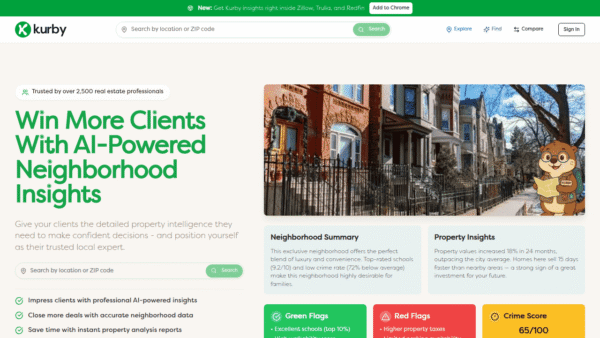
 Kurby
AI-powered neighborhood intelligence for real estate
Market Research & Analysis - Custom
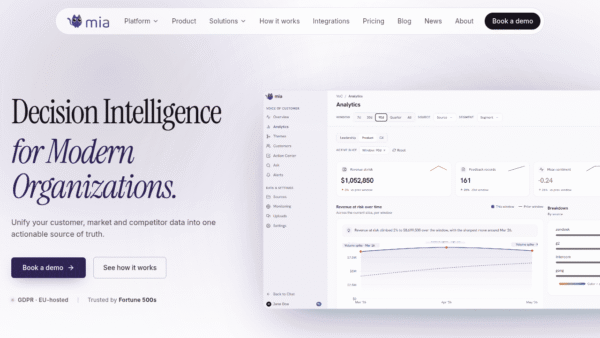
mia
Turn every market signal into revenue decisions
Business & Finance AI - Free Premium
PDF Summarizer
Free AI PDF summaries in seconds, no signup
Summarization & Paraphrasing -
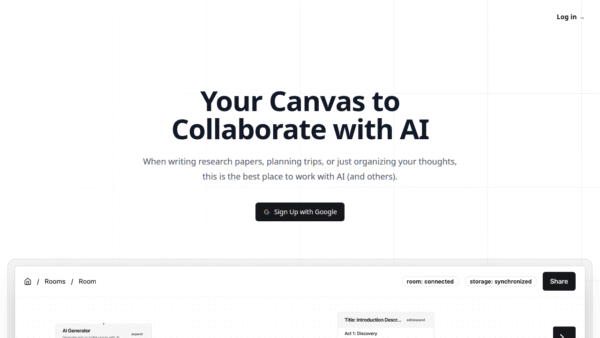
Lxi.ai
A collaborative canvas to work better with AI.
Knowledge Management - Freemium Featured
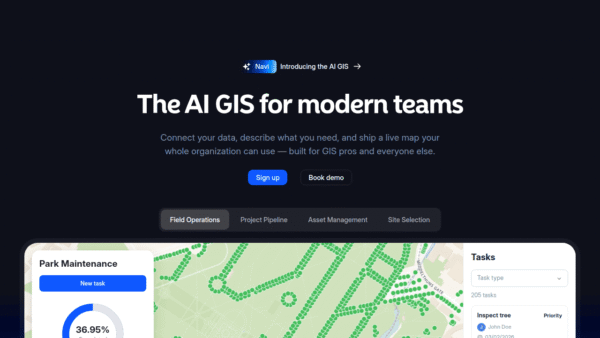
Atlas
The AI GIS where modern teams bring maps to life
Data Visualization - Your Ad Here
- Freemium
Labophase
Ask once, get answers from multiple AIs
AI Assistants & Chatbots - Subscription
GPTHumanizer AI
Transform AI text into natural, human writing
Text & Writing AI