


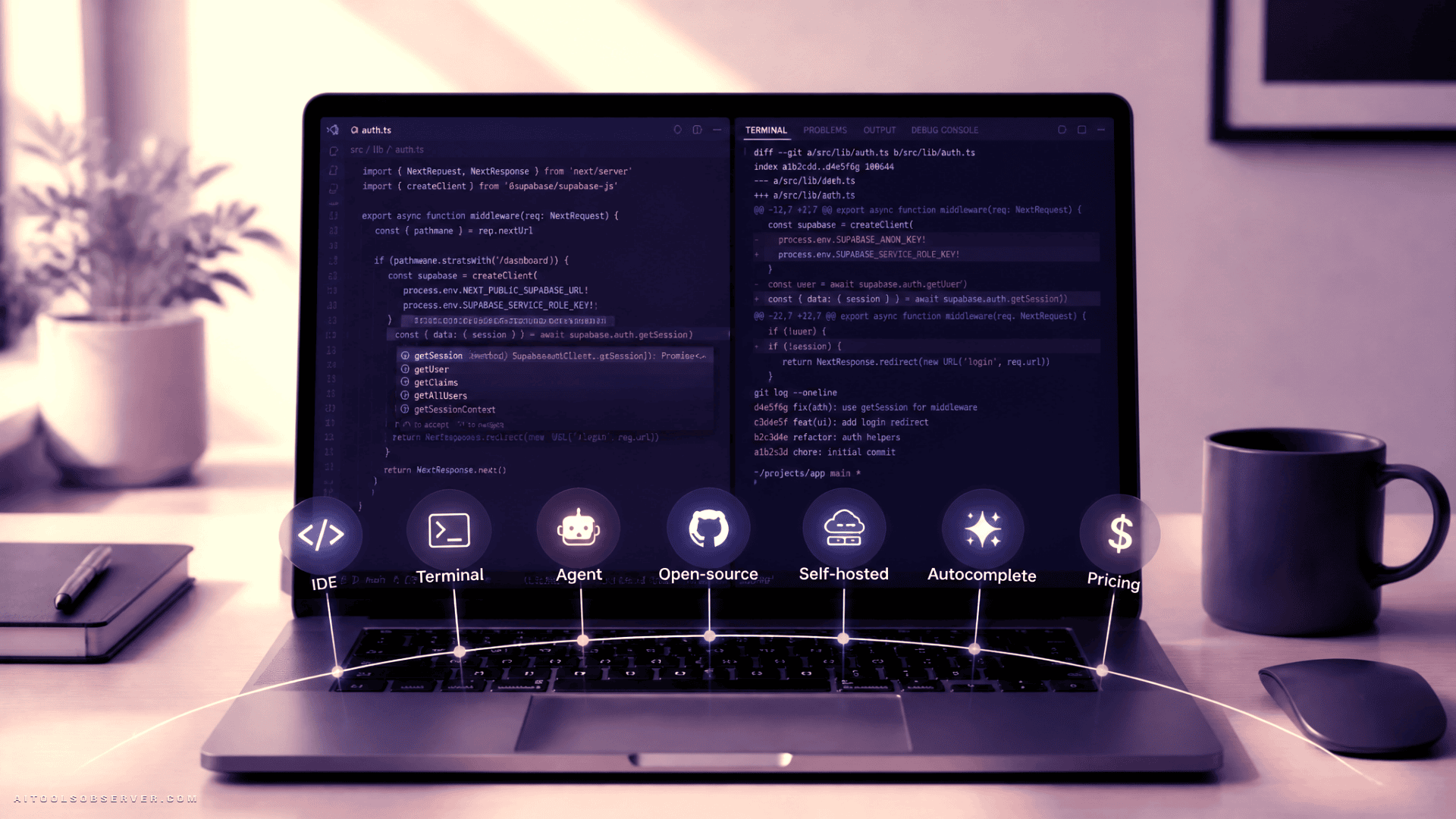
The quick ranking
- Cursor — best overall for most professional developers
- GitHub Copilot — best for autocomplete and enterprise fit
- Windsurf — best value among AI-native IDEs
- Claude Code — best terminal-first coding agent
- Cline — best open-source VS Code agent
- Aider — best git-aware terminal pair programmer
- Continue.dev — best for self-hosted and controlled environments
There isn’t a universal winner. There is a wrong choice for your workflow, though, and it usually starts with picking a terminal agent when you want inline speed, or picking an autocomplete-first tool when your real pain is multi-file refactoring.
Why this category changed so fast
Three shifts reshaped AI coding assistants.
First, agent mode became the product, not the side feature. The old pattern was “AI suggests, you accept.” The new pattern is “you assign, the agent executes, you inspect the diff.”
Second, terminal tools stopped being niche. Claude Code and Aider made a serious case that if your real work already happens in shell, git, and tests, then the editor doesn’t need to be the center of the AI experience.
Third, open-source stopped looking like a compromise. Tools like Cline, Aider, and Continue.dev are positioned for teams that need model choice, self-hosting, or tighter control over where code goes. For some buyers, that isn’t a preference. It’s the only acceptable setup.
Pricing also got simpler. The paid ceiling for individual plans sits around the cost of a few coffees per month, while bring-your-own-key tools shift the cost question from subscription to model usage.
How we ranked these tools
This ranking combines six practical factors:
- Agent-mode depth
- Autocomplete quality
- IDE and platform reach
- Model choice and transparency
- Open-source or self-hosting flexibility
- Total cost of ownership
We also weigh adoption and workflow fit. A tool can be technically impressive and still be a bad daily driver if it asks you to change too much about how you work.
1. Cursor
Cursor takes the top spot because it feels like the clearest answer for developers who want AI woven into the editor, not taped onto the side.
It is positioned as an AI-native IDE built around codebase awareness and multi-file execution. In practice, that means it handles the modern coding-assistant job description well: read the repo, make changes across files, explain itself, and keep the editing loop reasonably tight.
Because it is based on the VS Code ecosystem, the switching pain appears lower than adopting a fully unfamiliar editor. That matters more than benchmark bragging rights. Developers do not switch tools for leaderboard screenshots. They switch when the new tool removes enough friction to justify the move.
Where Cursor wins
- Strong balance between agent mode and everyday editing
- Good fit for repo-wide changes and refactors
- Familiar extension ecosystem
- Bundled access model is simpler than managing separate API bills
Tradeoffs
- It still asks you to adopt a new primary editor
- If you mostly want autocomplete, the gain over lighter tools may feel smaller
- Developers who care deeply about open-source or self-hosting will likely look elsewhere
Best for
Developers who want one AI-first environment as their main daily setup.
2. GitHub Copilot
Copilot is still the safest recommendation when you care more about fit than novelty.
Its big advantage is reach. It lives in the editors many teams already use, which means adoption is less about retraining habits and more about turning on capabilities. That matters in actual companies, where “works where we already work” beats “slightly smarter but requires migration” more often than enthusiasts like to admit.
Copilot also remains especially strong at inline completions. If your ideal assistant behaves like a fast, mostly reliable second brain while you type, Copilot keeps its edge.
Where Copilot wins
- Broad IDE support
- Strong autocomplete experience
- Comfortable enterprise default
- Easy team-wide adoption without editor switching
Tradeoffs
- Model routing appears less transparent than some alternatives
- Agent mode is stronger than before, but not always the deepest option for longer autonomous tasks
- Less appealing for developers who want to pick and control the underlying model
Best for
Teams standardizing across multiple editors, and developers who care most about autocomplete quality.
3. Windsurf
Windsurf sits in the sweet spot for price-conscious developers who still want the AI-native IDE approach.
It is positioned as a standalone editor with strong agent workflows and a lower entry cost than some direct rivals. That pricing difference sounds small until you multiply it across a team or compare it to how little patience developers have for paying more without feeling more.
Its value is straightforward: if you want agentic editing, background task flavor, and a modern AI-first setup without paying top-tier editor pricing, Windsurf makes a strong case.
Where Windsurf wins
- Lower-cost AI-native IDE option
- Good balance of agent capability and usability
- More approachable for developers who want AI-first without paying the highest monthly rate
Tradeoffs
- Still requires adopting a standalone editor workflow
- Autocomplete is competitive, but not the category’s defining reason to choose it
- For some users, Cursor may still feel more mature as the all-around package
Best for
Developers who want an AI-native editor but keep one eye on budget.
4. Claude Code
Claude Code is the tool that makes editor-centric developers briefly question their life choices.
It is a terminal-first agent, and that distinction matters. This is not about ghost text or small suggestions. It is about assigning a task, letting the tool inspect the codebase, edit multiple files, run commands, and iterate.
Based on the available context, it leads on SWE-bench Verified at roughly 80.8%, which reinforces what terminal-first users already like about it: strong reasoning on multi-step work. That does not automatically make it the best overall coding assistant. It makes it the strongest fit for a particular type of developer. For more context, see Claude Code vs Copilot vs Gemini.
Where Claude Code wins
- Strong autonomous task execution
- Excellent fit for terminal-heavy workflows
- Clear value for debugging, refactoring, and multi-step implementation work
Tradeoffs
- No inline autocomplete in the usual editor sense
- Claude-only model path
- Better as a primary tool for terminal-native developers than for editor-first users
Best for
Senior engineers, infrastructure-heavy developers, and anyone already living in tmux, shell, and git.
5. Cline
Cline is the open-source answer for developers who want agentic capability inside VS Code without giving up control.
Its appeal is not just that it’s free to install. It’s that it appears designed for people who want to understand what the agent is doing, decide which model it uses, and keep options open for local or compatible endpoints.
That makes Cline feel less like a polished consumer product and more like a flexible toolkit. For the right user, that’s a compliment.
Where Cline wins
- Open-source and model-agnostic
- Strong fit for developers who want approval control over actions
- Works well for teams exploring local or self-managed inference paths
Tradeoffs
- More setup and prompt tuning than closed bundled tools
- Total cost depends on model usage
- Not the easiest “install and forget” option
Best for
VS Code users who want open-source flexibility without abandoning agent workflows.
6. Aider
Aider remains one of the most respected terminal-first options, especially for developers who think in commits instead of chat messages.
Its git-aware workflow is the hook. Changes land in a way that aligns naturally with review culture, which makes it attractive for maintainers, careful teams, and anyone who wants AI output to stay auditable rather than magical.
It also helps that Aider has long appealed to people who prefer composable tools over integrated platforms. If IDE-native assistants feel a bit too glossy, Aider feels refreshingly blunt.
Where Aider wins
- Terminal-first workflow with strong git integration
- Open-source and model-flexible
- Good fit for careful review and contribution workflows
Tradeoffs
- No traditional IDE autocomplete experience
- Less visual than editor-native tools
- Better for developers who already like terminal-centric work
Best for
Open-source maintainers, terminal-heavy engineers, and teams that want AI changes to remain easy to review and revert.
7. Continue.dev
Continue.dev ranks seventh not because it lacks value, but because its value is narrower and more operational.
It is the pick for teams that care deeply about self-hosting, controlled data flow, or strict compliance boundaries. In those environments, polish sometimes matters less than architecture. A smoother closed tool is irrelevant if policy says the code cannot leave your network.
Continue.dev appears strongest when treated as infrastructure for AI-assisted development, not as the most instantly delightful individual product.
Where Continue.dev wins
- Self-hosting and privacy-oriented flexibility
- Support across major editor environments
- Strong fit for regulated or restricted teams
Tradeoffs
- Requires more setup than turnkey tools
- Out-of-box experience may feel less refined
- Better for teams solving governance problems than individuals chasing convenience
Best for
Organizations that need control first and convenience second.
Benchmarks: useful, but not the whole story
Benchmark numbers are helpful. They are also extremely easy to misuse.
SWE-bench Verified is relevant when you care about autonomous multi-step completion. By that measure, Claude Code stands out based on the available context. HumanEval is more about function-level coding ability, which helps explain why tools like Aider remain respected in technical circles.
But benchmarks don’t code your feature branch. Or rather, they do, and then you have to clean up the parts where the benchmark didn’t mention your team’s lint rules, naming standards, weird legacy utility layer, or cursed build process from 2018.
Use benchmarks as directional signals:
- Claude Code looks strongest for autonomous task execution
- Aider remains credible for function-level and terminal-heavy workflows
- Cursor and Windsurf matter more in end-to-end editor experience than in raw benchmark framing
- Copilot shines where latency and inline flow matter more than autonomous completion scores
Pricing: the real cost isn’t always the sticker price
The cheapest tool on paper is not always the cheapest tool in practice.
Bundled tools like Copilot, Cursor, Windsurf, and Claude Code make budgeting easier. You pay monthly, use the product, and spend less time thinking about token accounting. For many developers, that convenience is part of the value.
Bring-your-own-key tools such as Cline, Aider, and Continue.dev are free to install, but usage costs depend on model choice and volume. That can be economical for light usage, local inference, or tightly managed workflows. It can also turn into a surprisingly expensive hobby if you spend all day calling frontier models with long contexts. That broader dynamic shows up in the enterprise cost trap.
Practical pricing rule
- Choose a flat monthly tool if you use AI every workday
- Choose BYOK if you need control, use cheaper models, or have a local inference setup
- Don’t assume open-source automatically means lower total cost
Autocomplete vs agent mode: decide what matters before you buy
This is the fork in the road.
If AI mostly helps you finish code you were already writing, autocomplete matters most. In that case, Copilot is still the safest recommendation, with Cursor close behind for users who also want stronger codebase-level intelligence.
If AI mostly helps you execute larger tasks across files, agent mode matters more. That shifts the conversation toward Cursor and Claude Code, with Windsurf also in the mix.
A quick way to decide:
- If you say, “I want faster typing,” start with Copilot
- If you say, “I want it to handle the annoying parts of implementation,” start with Cursor
- If you say, “I want to assign a task and let it work in the shell,” start with Claude Code
Best for most developers: Cursor
Cursor wins because it handles the broadest set of real developer needs without leaning too far into one niche. It feels like the current center of gravity for AI-first coding.
Best for enterprise teams: GitHub Copilot
Copilot is the practical pick when standardization, editor compatibility, and rollout simplicity matter as much as raw capability.
Best budget AI-native IDE: Windsurf
Windsurf is the right call for developers who want the AI-native editor experience at a lower monthly cost.
Best terminal coding agent: Claude Code
Claude Code is the strongest option for developers who already work primarily in terminal-based workflows and want deeper autonomous execution.
Best open-source VS Code option: Cline
Cline is the best match for developers who want serious AI help in VS Code while keeping control over models and approval flow.
Best for git-centric terminal workflows: Aider
Aider stands out when reviewability, commit hygiene, and terminal-native use matter more than IDE convenience.
Best for compliance and self-hosting: Continue.dev
Continue.dev is the best fit when architecture, privacy, and deployment control outweigh out-of-box polish.
Final takeaway
The fastest way to choose the wrong AI coding assistant is to compare features before you compare habits.
Start with one question: where do you want AI to live? Inside your current editor, inside a new AI-native IDE, or inside the terminal where the real work already happens?
If you want the safest all-around answer, pick Cursor. If you want the easiest rollout, pick GitHub Copilot. If you want the strongest terminal agent, pick Claude Code. If you need control more than convenience, look hard at Cline, Aider, or Continue.dev.
In other words: don’t shop for the smartest assistant. Shop for the one you’ll still trust after a week of actual work.






Comments (0) No comments yet
Want to join this discussion? Login or Register.
No comments yet. Be the first to share your thoughts!