


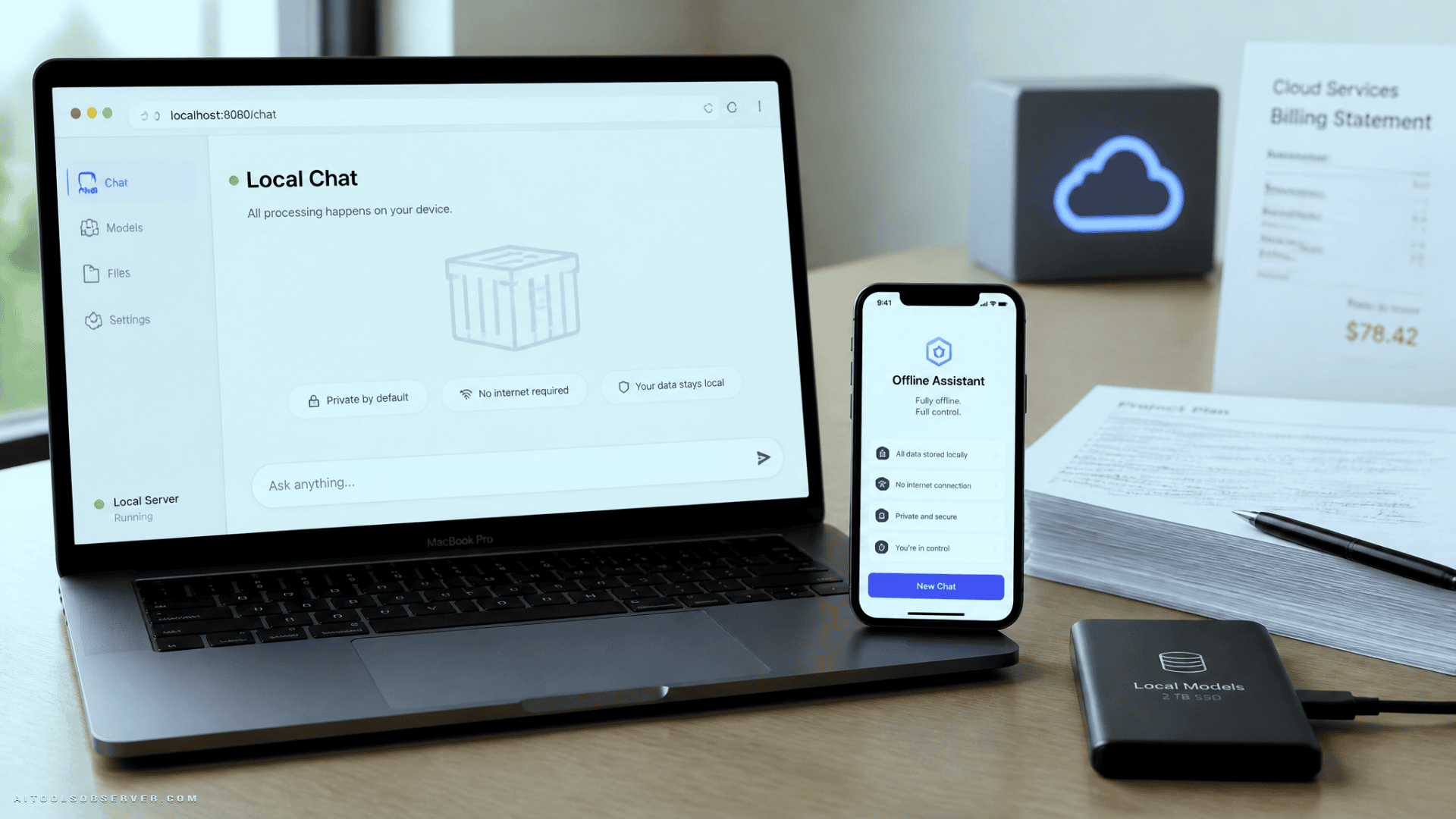
Open WebUI — The ChatGPT Replacement for Your Browser
If you want a ChatGPT-style interface without the subscription, Open WebUI is the closest match available.
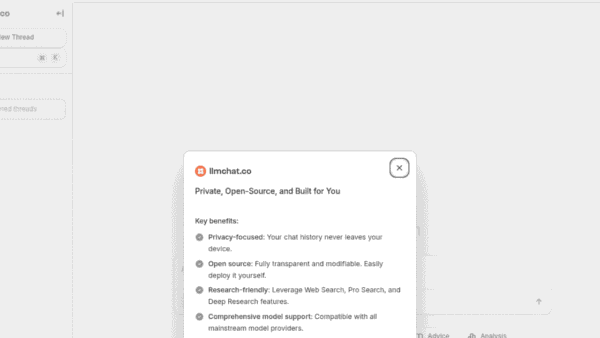
It runs in Docker and gives you a full browser-based chat interface that connects to locally running models via Ollama, or to any OpenAI-compatible API endpoint. The interface is clean, responsive, and works properly on mobile—you can add it to your Android home screen and it opens like a native app, with your full chat history intact.
What makes it stand out:
- Switch models mid-conversation without starting over
- Attach document collections to a chat so the model answers from your files
- Works on local hardware or routes to a remote API depending on your setup
The tradeoff to know: Open WebUI’s license requires you to keep its branding visible in the interface. For personal and home use this doesn’t matter, but it’s why some in the open source community debate whether it fully qualifies. If that distinction matters to your use case, it’s worth reading the license before deploying it in a team or commercial context.
PocketPal AI — The Claude Replacement for Your Phone
Claude’s main appeal for a lot of people is having a capable AI assistant available anywhere. PocketPal AI covers that use case entirely on-device.
It’s an MIT-licensed Android app that downloads models directly from Hugging Face and runs them locally. No account, no server, no data leaving your phone. For anyone on a metered data plan or working in environments where privacy matters, that’s a meaningful difference.
Practical use cases it handles well:
- Brainstorming and idea development
- Generating boilerplate code
- Working through problems when you’re away from your desk
The app includes a built-in benchmark tool that measures tokens per second on your specific device, which is a practical way to figure out what model size your phone can realistically run before committing to a large download.
The honest tradeoffs: Phones can only run smaller models—typically in the 1B to 4B parameter range. That’s enough for conversational tasks and light coding help, but it drifts on anything that requires sustained reasoning or complex multi-step logic. Continuous generation also warms the device and draws down the battery faster than normal use.
AnythingLLM — The NotebookLM Replacement for Private Documents
NotebookLM is useful for document Q&A, but it sends your files to Google’s servers and doesn’t give you much control over how sources are organized. AnythingLLM solves both problems.
It’s an MIT-licensed desktop app from Mintplex Labs that indexes PDFs, Word documents, plain text files, and web pages into queryable workspaces. Each workspace stays isolated, so research for different projects never bleeds together.
Where it pulls ahead of NotebookLM:
- Answers include citations that link back to the source document
- Workspaces keep different projects cleanly separated
- The desktop version installs in one click and ships with its own model engine
- You can connect it to Ollama to run a larger, more capable model instead of the bundled default
- An Android app lets you access your workspaces remotely over your local network
For anyone managing research across multiple projects, the workspace isolation alone makes this worth the setup time.
Vane — The Perplexity Replacement for Web Search
Vane is the project formerly known as Perplexica, renamed by its maintainer. It ships as a single Docker image that bundles its own SearXNG metasearch engine, which means there’s very little to configure before it’s usable.
The core behavior mirrors Perplexity: it searches the live web, synthesizes an answer, and returns numbered citations you can click through. In practice, the citations feel more accessible than Perplexity’s, which makes it easier to build the habit of actually verifying what you’re reading.
Useful features for research workflows:
- Three modes—speed, balance, and quality—so you can dial up depth only when you need it
- Source filters for the open web, discussion forums, or academic sources
- Can be set as a custom search engine in Chrome on Android, so queries from the address bar route to your instance instead of a search engine
Where it falls short: Like any self-hosted search tool, the quality of results depends on the model you’re running behind it. Heavier reasoning tasks still benefit from a more capable model, which may mean routing to an API rather than running fully local.
What Open Source AI Still Can’t Replace
These tools cover a lot of ground, but it’s worth being direct about the gaps.
Heavy reasoning, long-form analysis, and complex multi-step coding tasks still push past what smaller local models handle well. Speed is also a real constraint—without a dedicated GPU, text generation is noticeably slower than a hosted service. A machine with a proper GPU or an API key pointed at a capable model closes that gap significantly.
Setup requires some comfort with Docker and basic configuration. Each tool is roughly a Docker command and a settings screen, which is comparable to the effort of switching to open source software in any other category. It’s not difficult, but it’s not zero effort either.
The Bottom Line
If your goal is to reduce subscription costs, keep your data private, and work offline when needed, these four tools map directly onto what ChatGPT, Claude, NotebookLLM, and Perplexity do:
| Paid Tool | Open Source Replacement | Primary Strength |
|---|---|---|
| ChatGPT | Open WebUI | Browser-based chat, multi-model access |
| Claude | PocketPal AI | On-device, fully offline, no account needed |
| NotebookLM | AnythingLLM | Private document Q&A with workspace isolation |
| Perplexity | Vane | Live web search with clickable citations |
None of these are perfect substitutes for every use case. But for the majority of everyday AI tasks—chat, document Q&A, web research, and mobile assistance—they’re capable enough to justify replacing the paid versions, especially if data ownership and cost control matter to you.
Start with the one that replaces your most-used tool. Get it running. Then decide whether you need the others.













Comments (0) No comments yet
Want to join this discussion? Login or Register.
No comments yet. Be the first to share your thoughts!