


1. Bill Splitting That Actually Works

Splitting a restaurant bill is one of those tasks that sounds simple and somehow always ends in a group chat argument. iOS 27 fixes this with an Apple Intelligence-powered receipt scanner built into Apple Cash.
Photograph the receipt, and the feature extracts items, quantities, tip, and tax automatically. Everyone in the group chat selects what they ordered — down to half portions — and pays their share with a double-click. No third-party app required. No awkward Venmo math.
The smart part isn’t the AI. It’s that the feature only appears when it’s relevant, inside apps people already use.
2. Passwords That Update Themselves
Strong passwords aren’t enough anymore. Data breaches have made that painfully clear — your credentials can be compromised through zero fault of your own.
Apple’s new password-updating feature identifies weak or breached passwords and then does something about it. It navigates to the relevant websites, signs in, and upgrades your passwords to new, secure versions — agentically, on your behalf.
Think of it as a security audit that runs itself. If you’ve been putting off that password hygiene task for six months, iOS 27 just removed your excuse.
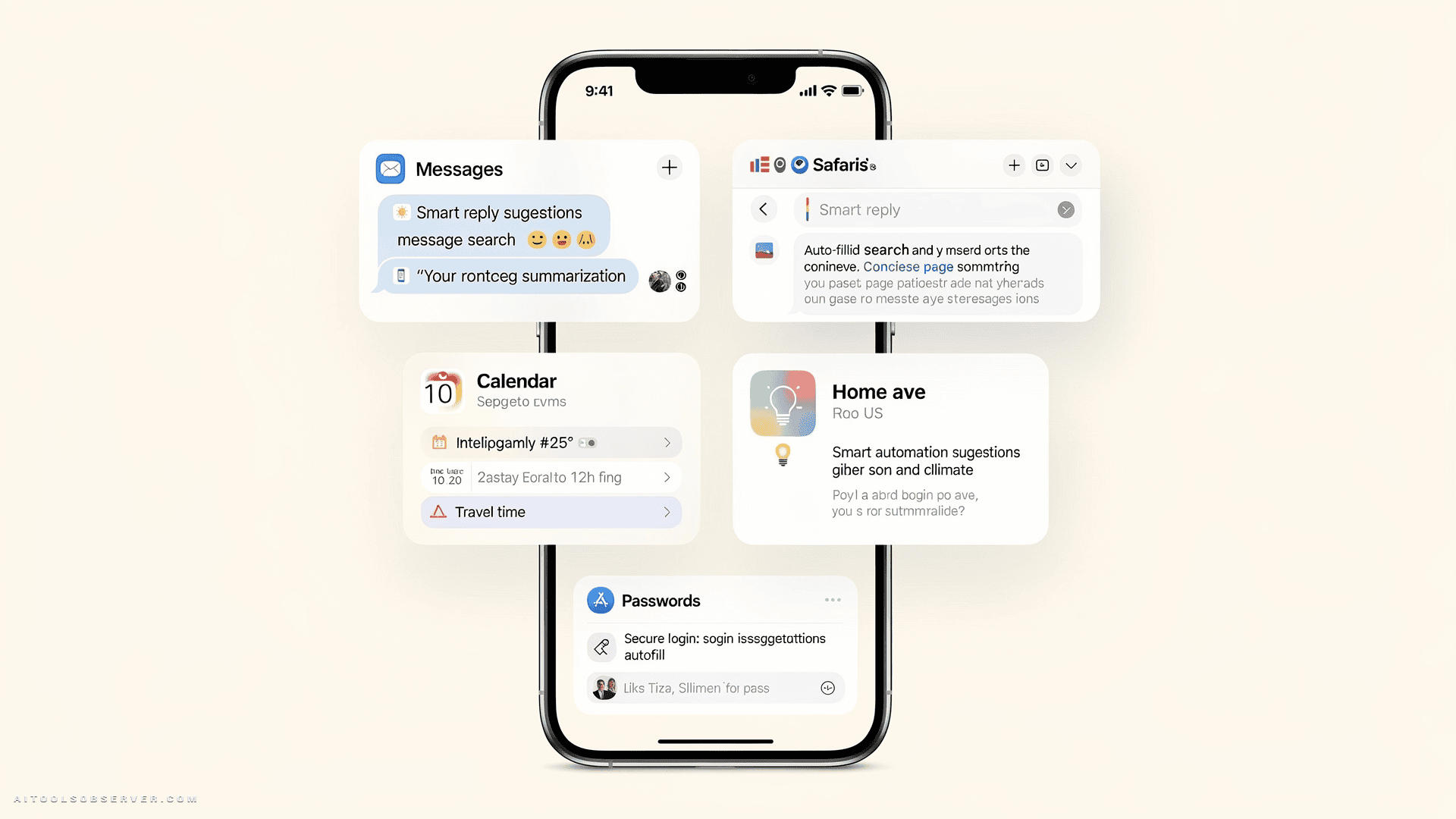
3. One-Tap Suggestions in Messages
You know that moment when your iPhone automatically surfaces the SMS verification code above the keyboard? iOS 27 brings that same “how did it know?” energy to Messages.
Apple Intelligence reads the context of your conversations and surfaces relevant one-tap actions. Friend asks you to grab something on the way over? A prompt to add it to Reminders appears. Someone wants photos from last weekend? It suggests the right ones from your library. Planning dinner? Calendar gets a nudge.
None of this looks like AI. It looks like your Messages app got significantly smarter overnight.
4. Call Context: Your Confirmation Code, Already on Screen
Customer service calls are stressful enough without scrambling through your inbox for a booking reference while hold music plays.
Call Context pulls relevant information — like a flight confirmation code — directly from your Mail app and displays it on the call screen before you even need it. It runs entirely on-device, so your emails stay private. And crucially, you don’t have to ask for it. It just appears.
This is the kind of AI feature that makes you wonder why it took this long.
5. Natural Language Calendar Events
Fantastical users have enjoyed this for years. Now it’s native to Apple Calendar.
Describe an event in plain language — time, location, people — and Apple Intelligence parses it, fills in the fields, and creates the event. No more deciding whether “Friday at 3” goes in the title or the time field. You just say what you mean, and the calendar figures out the rest.
Small feature. Surprisingly satisfying.
6. Vibe-Coding Your Shortcuts

Shortcuts is one of the most powerful apps on iPhone. It’s also one of the most underused, because building automations has always required a certain tolerance for technical friction.
iOS 27 removes that barrier. Describe what you want your iPhone to do in plain English, and Shortcuts builds it. Text your partner your ETA when you leave work. Set tomorrow’s alarm based on your calendar. Open your productivity apps in a specific layout when you connect a keyboard.
The power users will still go deep. But now everyone else can actually get started.
7. Smarter Home App Notifications
Smart home setups are great until your phone buzzes five times because your partner walked from the driveway to the front door.
Apple Intelligence in the Home app now groups related events into a single, coherent notification. Garage opened, mail checked, door closed — that’s one notification: Lydia arrived home. Clean, contextual, and far less annoying.
The Home app also gains AI-powered clip search and surfaces noteworthy footage at the top of the screen. Less noise. More signal.
8. Safari Tab Organizer
If your Safari looks anything like a researcher’s browser mid-project, you know the tab chaos is real.
Apple Intelligence now reads what you’re browsing across open tabs and quietly groups them by topic. Planning a trip? Those tabs become a travel group. Researching a purchase? Grouped. It happens automatically, and your browsing data stays on-device — Apple doesn’t see it.
It’s a small UX improvement with an outsized impact on focus.
9. The Bigger Picture: AI That Disappears Into the Product
Each of these features is modest on its own. None of them will make headlines the way a new Siri capability might.
But that’s precisely the point. Apple’s vision for AI in iOS 27 isn’t a chatbot layer on top of your phone — it’s intelligence woven into the software itself. The best AI feature is the one you don’t notice using.
The Takeaway
iOS 27 won’t make you feel like you’re living in a sci-fi film. It’ll just make your Tuesday slightly less annoying — and your Friday dinner bill a lot less awkward.
That’s the quiet promise of ambient AI done well: not a dramatic transformation, but a steady accumulation of moments where your tools just work. And honestly? That’s more useful than a chatbot that can write poetry.
















Comments (0) No comments yet
Want to join this discussion? Login or Register.
No comments yet. Be the first to share your thoughts!