
What Is Chippy?
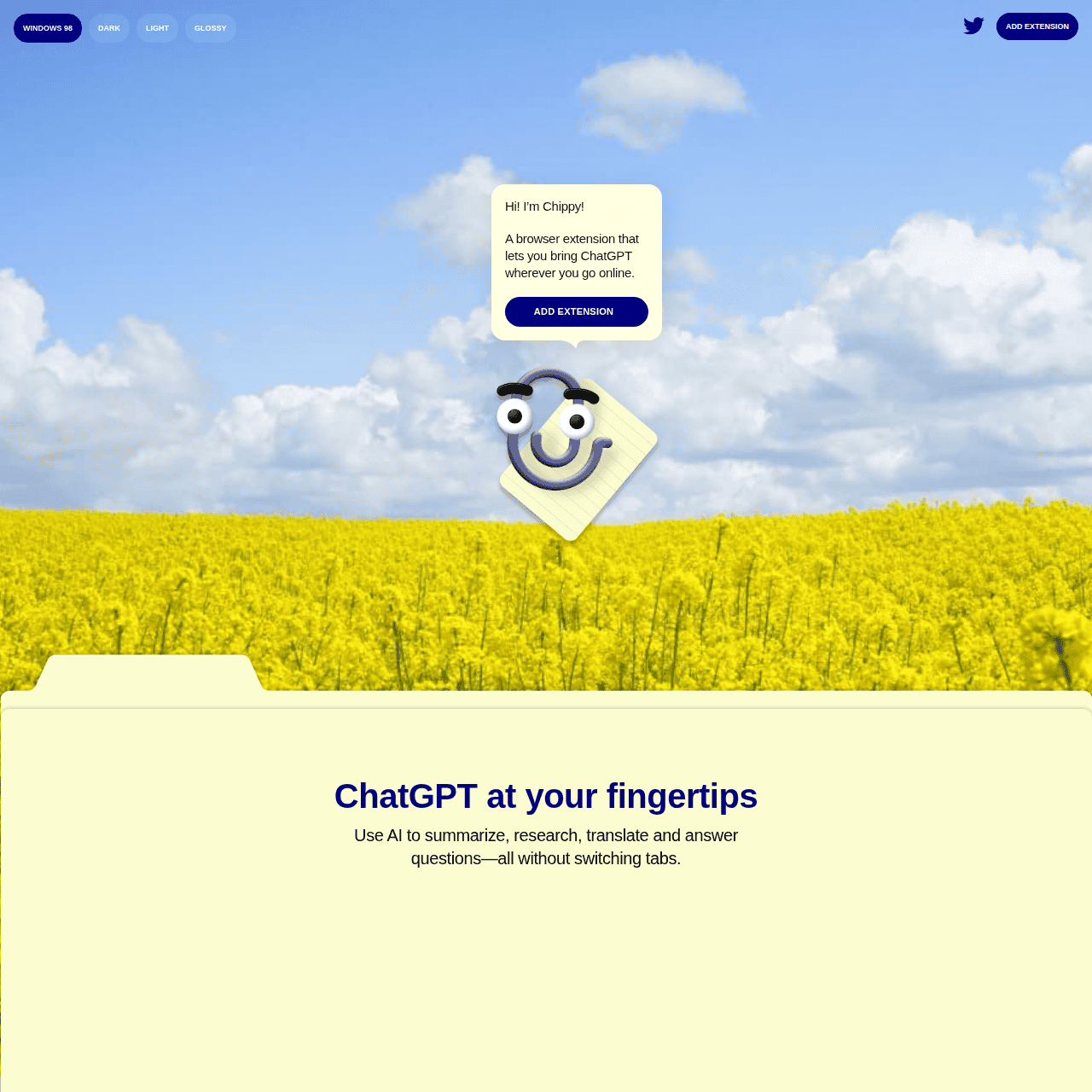
Chippy is a browser-based AI assistant for Chrome and other Chromium browsers that integrates ChatGPT-style capabilities directly into each tab. After installation, you can highlight text on any webpage to instantly generate summaries, explanations, translations, or direct answers in a side panel, without leaving what you are reading.
The extension offers suggested prompts for common workflows like drafting emails, clarifying complex concepts, or exploring related ideas, helping you get started quickly. Chippy focuses its AI assistance on the current page, making it easier to surface relevant information for research and reading.
It is designed to run locally with your own OpenAI API key and does not require an account or store your browsing history, providing a more privacy-conscious way to use powerful language models.
Quick Snapshot
Chippy embeds ChatGPT-style assistance directly in your browser so you can read, research, and write faster without constant tab-switching. It runs locally with your own OpenAI API key, giving you flexible AI power while keeping control of your data.
- Works on
-
- Browser Extension
- Chrome Extension
- Web
- AI Agent
- Other
- Pricing Model
- Cannot determine the price.
- Fits on
- Affiliate Program
- We could not identify an affiliate program.
- API Availability
- We could not identify whether an API is available.
- Key Features
-
- Summarize and explain any webpage instantly
- ChatGPT-style help without leaving your tab
- Use your own OpenAI key with more privacy
- Audience
-
- knowledge workers
- students
- researchers
- content creators
- marketers
- remote workers
- productivity enthusiasts
- developers
Screenshot

Key Features of Chippy
In-browser AI panel
Opens a side panel inside Chrome or other Chromium browsers so you can interact with AI without switching tabs or apps.
Highlight-based prompts
Lets you highlight any text on a webpage and instantly request summaries, explanations, translations, or answers based on that selection.
Suggested workflows
Provides suggested prompts for common tasks like email drafting, concept clarification, and idea exploration to help you get started quickly.
Page-focused context
Optimizes responses around the content on your current page, making it easier to surface relevant information for reading and research.
Local OpenAI key usage
Runs locally in your browser using your own OpenAI API key, so you maintain control over how you access language models.
Privacy-conscious design
Does not create an account or store your browsing history, reducing data exposure compared to cloud-based assistants.
Use Cases for Chippy
Academic research
Highlight dense articles or papers to get instant summaries and explanations, helping students and researchers digest complex material faster without leaving the page.
Content drafting
Use suggested prompts to draft emails, outlines, or short copy based on what you are reading, reducing context-switching for content creators and marketers.
On-page fact checking
Ask Chippy questions about the current page to clarify claims, definitions, or data points while keeping the source in view.
Language learning
Translate highlighted passages and request simple explanations of unfamiliar phrases, supporting learners reading foreign-language content.
Knowledge work productivity
Turn any webpage into an interactive workspace for summarizing reports, extracting key insights, and exploring related ideas in one tab.
Frequently Asked Questions
What is Chippy and how does it work?
Chippy is a Chrome extension that brings ChatGPT-style AI into your browser. After you connect your own OpenAI API key, you can highlight text on any webpage and use the side panel to generate summaries, explanations, translations, and answers based on what you are viewing.
Does Chippy store my browsing data or require an account?
Chippy is designed to run locally in your browser and does not require you to create an account. It does not store your browsing history, making it a more privacy-conscious way to use AI while you surf the web.
Do I need an OpenAI API key to use Chippy?
Yes. Chippy uses your own OpenAI API key to access language models, giving you flexibility over which models you use and how your usage is billed directly through OpenAI.
Which browsers are compatible with Chippy?
Chippy is built for Google Chrome and other Chromium-based browsers that support Chrome extensions, enabling in-browser AI assistance across common desktop setups.
Can Chippy help with email drafting and writing tasks?
Yes. Chippy includes suggested prompts for common writing workflows, such as drafting emails or clarifying concepts, and can generate text based on the content you are viewing in your current tab.
Is Chippy free to use?
The website does not clearly specify overall pricing for Chippy. However, you will incur any usage costs associated with your own OpenAI API key, billed separately by OpenAI.
Chippy · Our Verdict
Chippy takes a practical approach to AI assistance by meeting users where they already work: inside the browser. Its focus on on-page context, simple highlighting workflows, and local use of your own OpenAI API key makes it especially appealing for privacy-conscious knowledge workers who want faster research and reading without adopting a full new platform.
Chippy ·
-

Acti
Turn every keystroke into instant action
Productivity & Automation AI - Freemium Featured
Poke
Your proactive AI assistant that lives where you text.
Personal Productivity Assistants -
Travelities
Plan smarter trips with your AI travel assistant
Industry-Specific Advisors - One-Time Premium
FlashAI
ChatGPT assistance on every website, instantly
Productivity & Automation AI - Subscription
Duet Mail
Your AI chief of staff for email
Email & Inbox Automation - Your Ad Here
-
Heynds
Instant pocket AI for your Mac, anywhere
Personal Productivity Assistants -
Keevo
Stop losing traffic to stale content with AI
SEO Writing & Optimization